
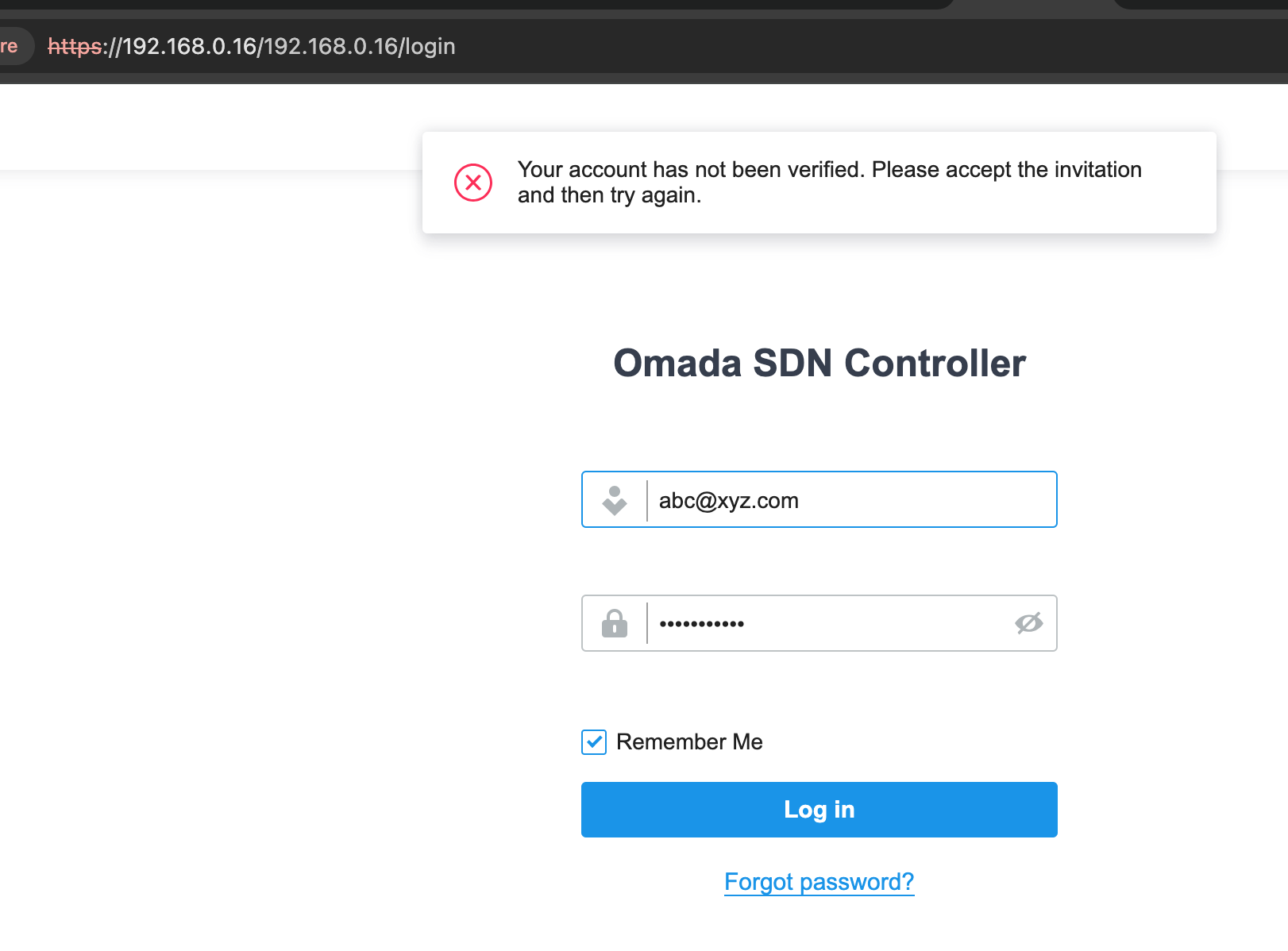
Your account has not been verified. Please accept the invitation and then try again.

Your account has not been verified. Please accept the invitation and then try again.
Tags:
#Controller
It all starts with: when I log in to Omada Cloud with my email address, the site and device list is not correct.
I then log in locally with 192.168.0.xx with this email address (I forgot my OC200 local username).
I thought I unbind and then bind again may fix the issue of Omada Cloud not showing the correct devices.
After I unbind, I cannot log in back to OC200 locally!!!
it said: Your account has not been verified. Please accept the invitation and then try again.
here the email is not real, but same format/pattern as my my actual email.
I didn't receive any email.
How do I log back in?
Thanks,
Miles
1 Accepted Solution

