
SFP+ Flow Control Beta Firmware".
SFP+ Flow Control Beta Firmware".

Hi, I have an upload problem, my internet is 8Gb down and up, but upload does not exceed 2Gb. After research, it appears that I have SFP+ Flow Control. If not, I could get a Beta Firmware".
- Copy Link
- Subscribe
- Bookmark
- Report Inappropriate Content
- Copy Link
- Report Inappropriate Content


- Copy Link
- Report Inappropriate Content
@Joseph-TP Hi, this is the American version, not the European version, which may cause problems and is covered by the warranty
- Copy Link
- Report Inappropriate Content
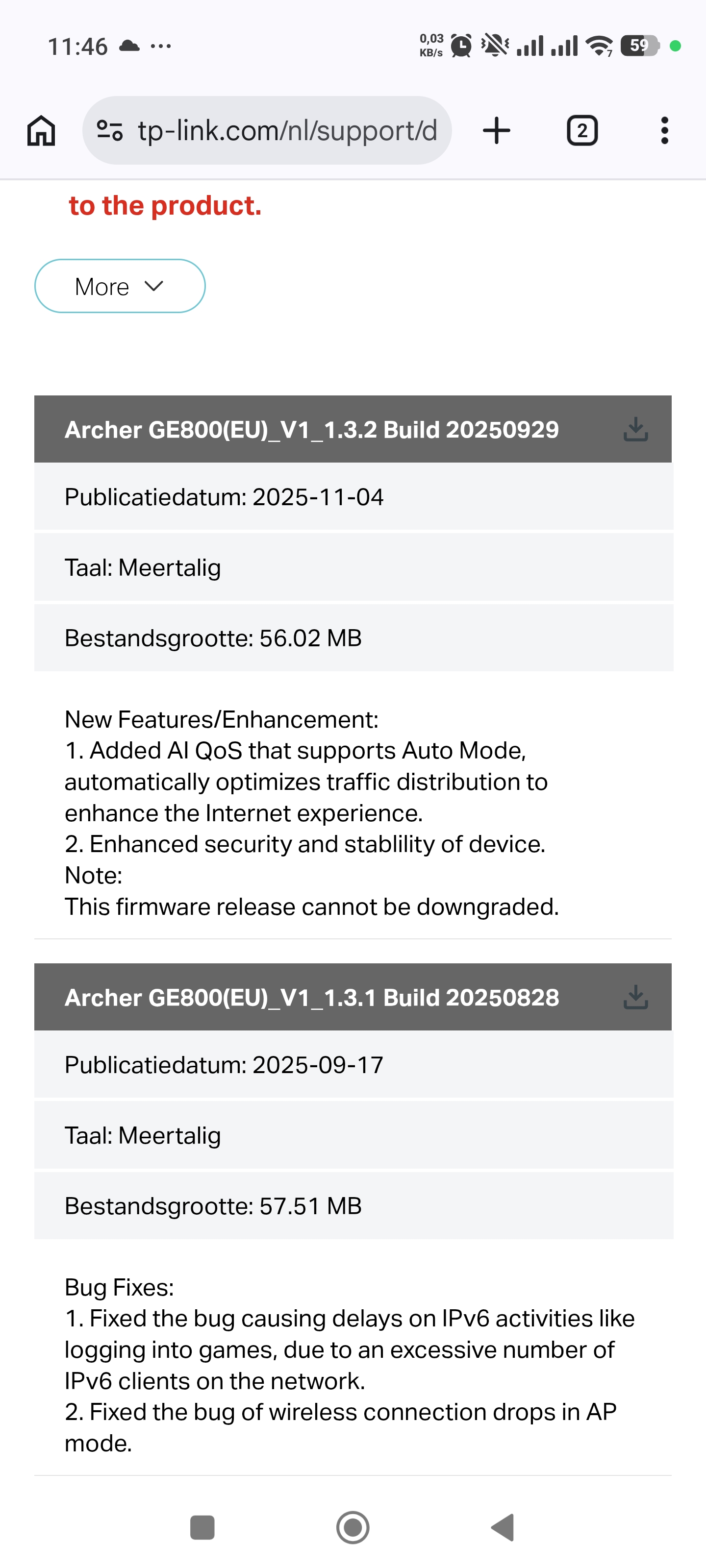
tp-link technical services when are you going to learn your mistakes please tell me already qos works so poorly I have 8.gb internet without qos my wireless internet is almost 4gb when i turn on qos 1.5 gb that's the difference now let bandwidth internet limit back from 1.3.1 al qos is stupid he can't calculate then let me install 10gb
- Copy Link
- Report Inappropriate Content
Hello @Pro-gamer ,
It seems the new firmware changes have presented some challenges for you. Rest assured, we will follow up on your case as soon as possible. We also hope you will cooperate by providing some important information for further analysis.
Have you updated to version 1.3.3? Has your upload speed improved? Please provide screenshots of your Speedtest results:
1. Screenshots of the actual speed test results for Wireless and Wired connections without QoS enabled.
2. Screenshots of the actual speed test results for the same connection method with QoS enabled.
You mentioned wanting to downgrade back to version 1.3.1. Is this because QoS is working correctly in that version? And is the upload speed normal?
To help you efficiently, I've forwarded your case to the TP-Link support engineers, who will reach out to you using your registered email address later. Please keep an eye on your email inbox for follow-up.
- Copy Link
- Report Inappropriate Content
Information
Helpful: 0
Views: 825
Replies: 15
Voters 0
No one has voted for it yet.