
Early Access Get the Ongoing Pre-release Firmware for Wi-Fi Routers Here— Subscribe for Updates!
 This thread has been locked for further replies. You can start a new thread to share your ideas or ask questions.

About This Post
This official announcement post is intended to share the ongoing pre-firmware releases. If you’d like to receive timely notifications about new firmware releases for Wi-Fi routers, feel free to subscribe to this thread!
Ongoing Pre-release firmware for Wi-Fi Routers
△New Firmware for Archer GE550/GE650 V1 Introduces AI-QoS, EasyMesh IoT Expansion, and More!
△New Firmware for Archer BE800 V1 to Support VPN Merge, EasyMesh Guest/IoT Extend, and More
△New Firmware Releases for Archer BE805 V1/BE450 V1 to Support VPN Merge, New ECO Mode, and More!
△New Firmware for Archer BE400 V1 to Support IPv6 VPN, Wake On LAN, and More
△Enhanced EasyMesh Support with Extended Guest/IoT/MLO Networking and Advanced Features for BE550 V2
To prevent irrelevant information from disrupting your experience, this thread has been locked. If you have any feedback on the new firmware, please leave a comment in the relevant firmware thread or click here to Start a New Thread. For better assistance from the community, please refer to the following guidelines:
How to Subscribe to a Thread?
Click “Options” in the top-right corner of the original post and select “Subscribe”.
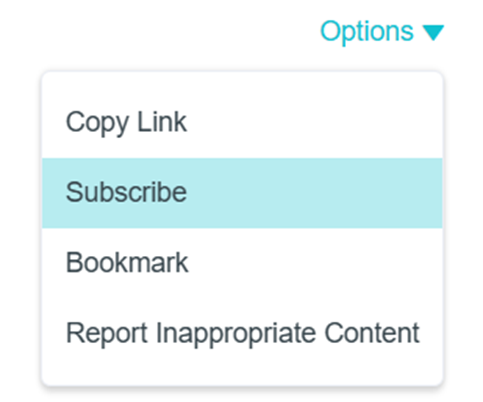
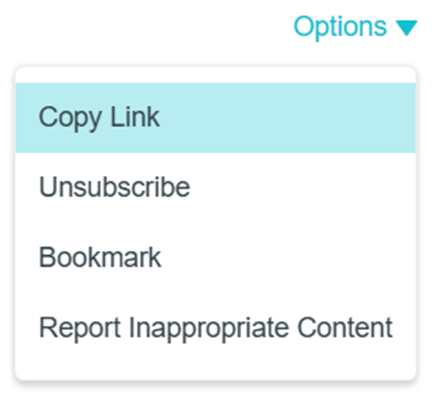
If you no longer wish to receive notifications about this topic, you can also select “Unsubscribe” under “Options”.
Looking for Previously Released Pre-release Firmware?
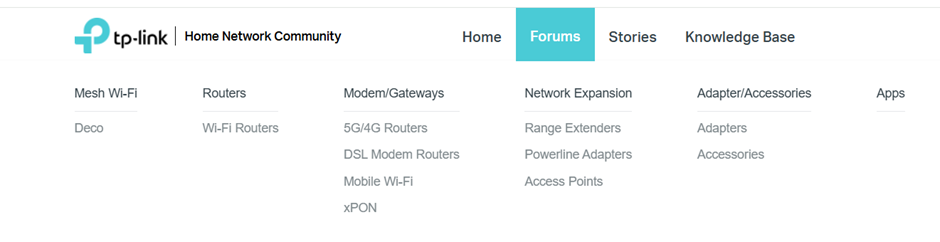
1. Visit the Wi-Fi Routers section of Home Network:
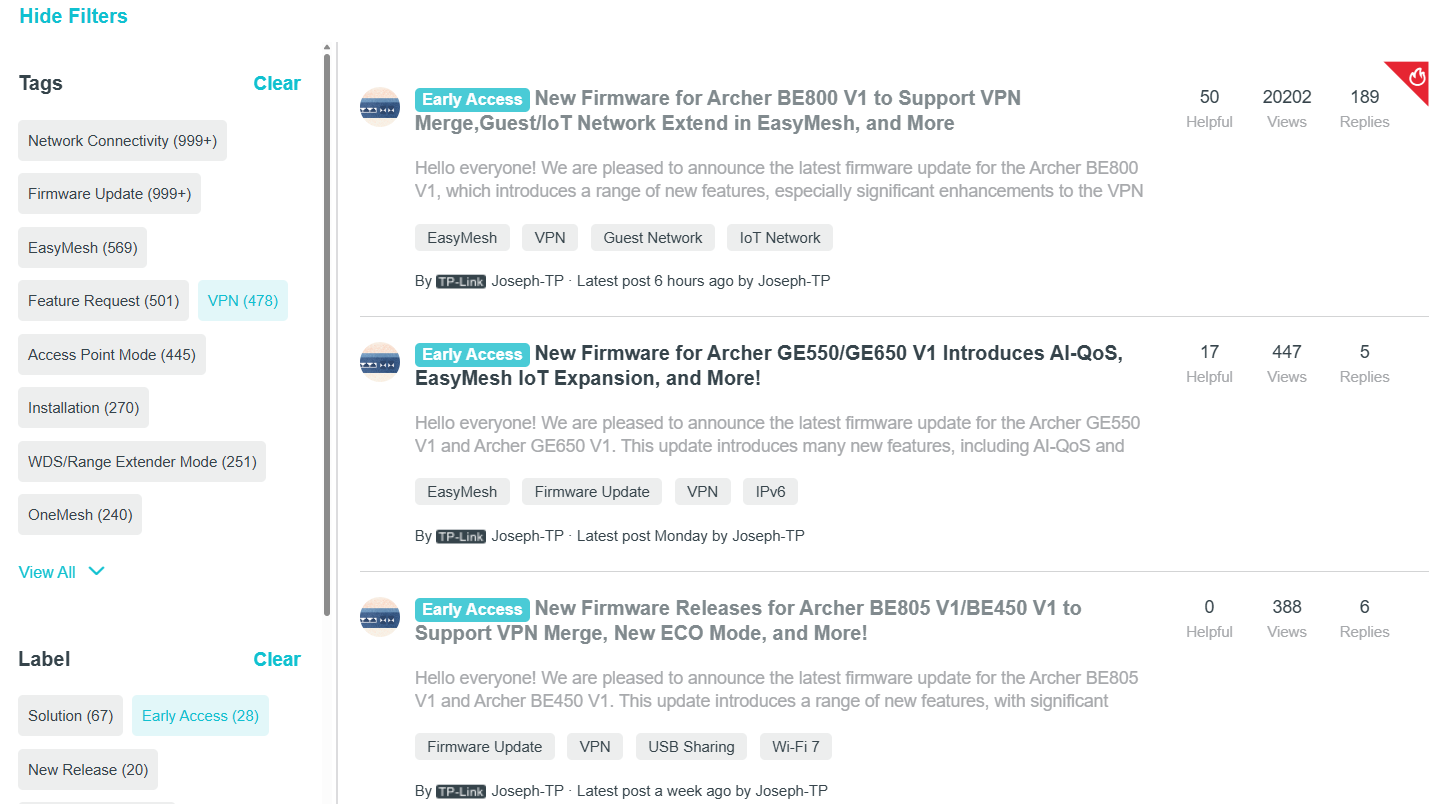
2. In the left-hand panel of the forum, filter posts by Tag or Label:
1) Select the “Early Access” label to view the pre-release firmware currently available:
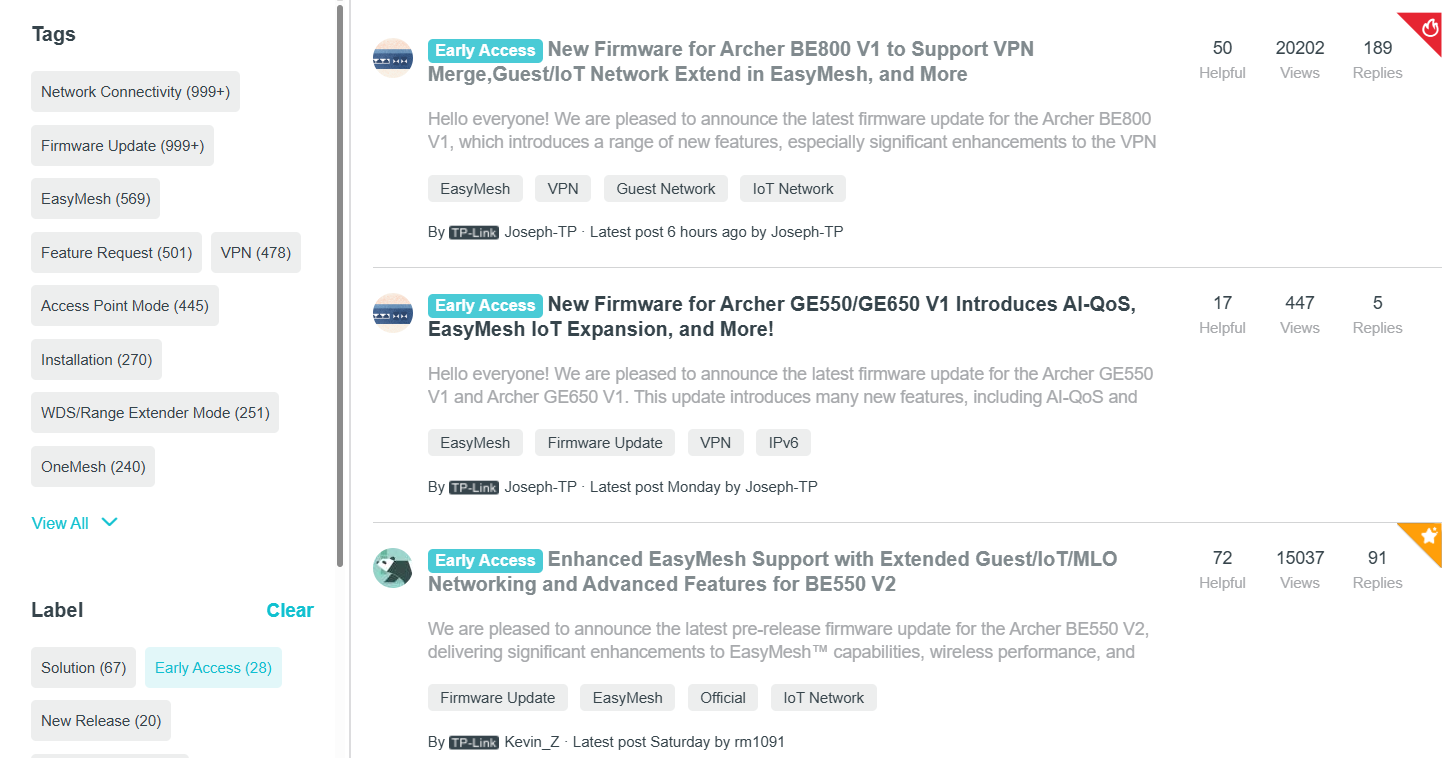
2) Select keywords like"VPN" under Tags to get a general overview of related pre-release firmware posts.
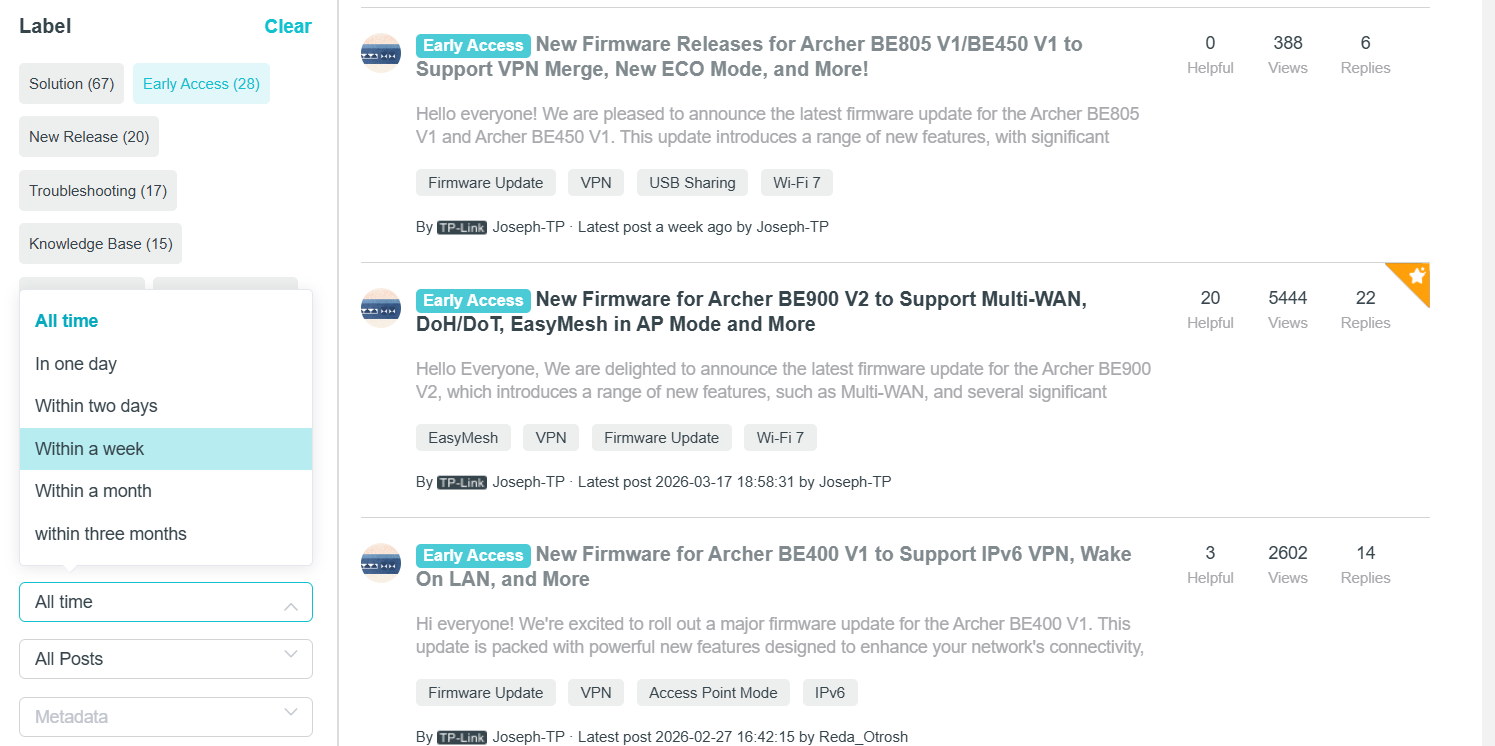
3) You can filter by date range to see which models have recently been released with pre-release firmware.
Please upgrade your Wi-Fi routers by following the guidelines: How to Update Firmware on TP-Link Wi-Fi Routers?
Note: To ensure device stability, most pre-release firmware versions typically cannot be downgraded. To be on the safe side, we recommend that you always save a backup copy of your configuration file before upgrading: How to create and restore from a backup file on your TP-Link Router
Additional Information
If you have any questions about a model currently in the pre-release firmware, you can reply directly to the relevant pre-release firmware thread. Alternatively, you can click “Start a New Thread” in the Home Network Community.
When contacting our community, please provide the following information. This helps us investigate quickly:
- Wi-Fi Router versions (previous and current)
- Device model, hardware, and firmware versions
- (if possible) Save log files and backup configuration files:
How to view and save the System Log of TP-Link wireless router
How to create and restore from a backup file on your TP-Link Router
If you save the log files and backup file, please send them to support.forum@tp-link.com, attaching [Forum +ID] + details in the subject line, and we will have a dedicated person to assist with analysis and follow-up.