Negotiated speed and error rate verification between Mikrotik SFP+ and EAP773

Negotiated speed and error rate verification between Mikrotik SFP+ and EAP773

Negotiated speed and error rate verification between Mikrotik SFP+ and EAP773
Yesterday - last edited Yesterday
Model: EAP773  
Hardware Version: V1
Firmware Version: 1.2.0

Hello,

How can I verify that the EAP773 is negotiating the correct 10 Gbps speed with the Mikrotik SFP+ module and that there are no communication errors? The EAP773 is powered by a 12V 2.5A power adapter.

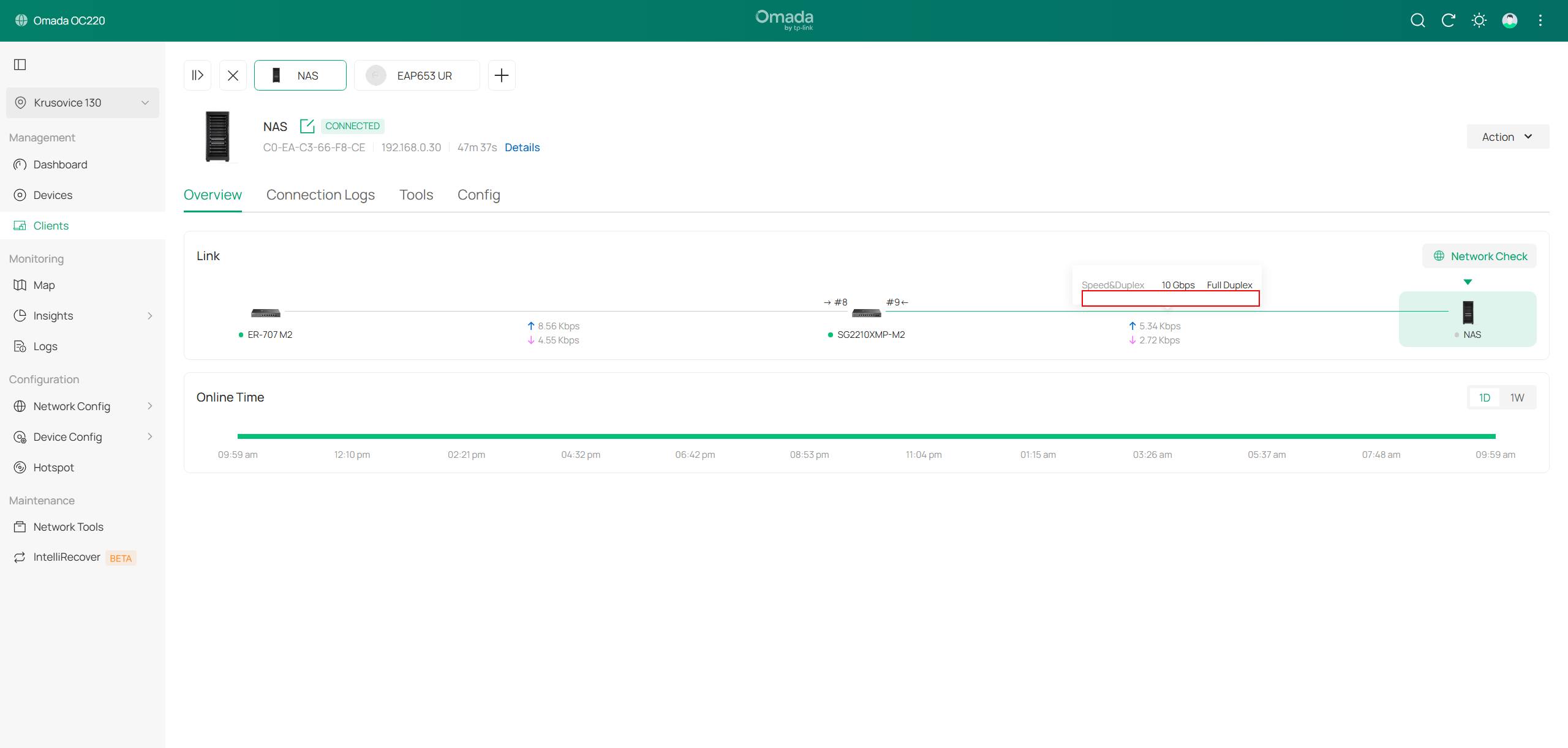
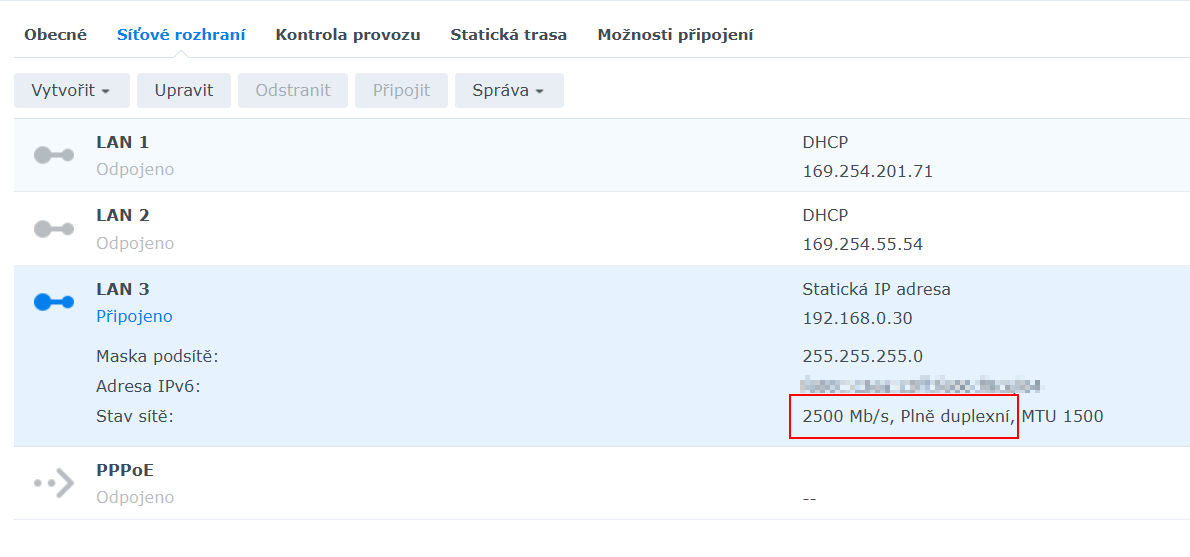
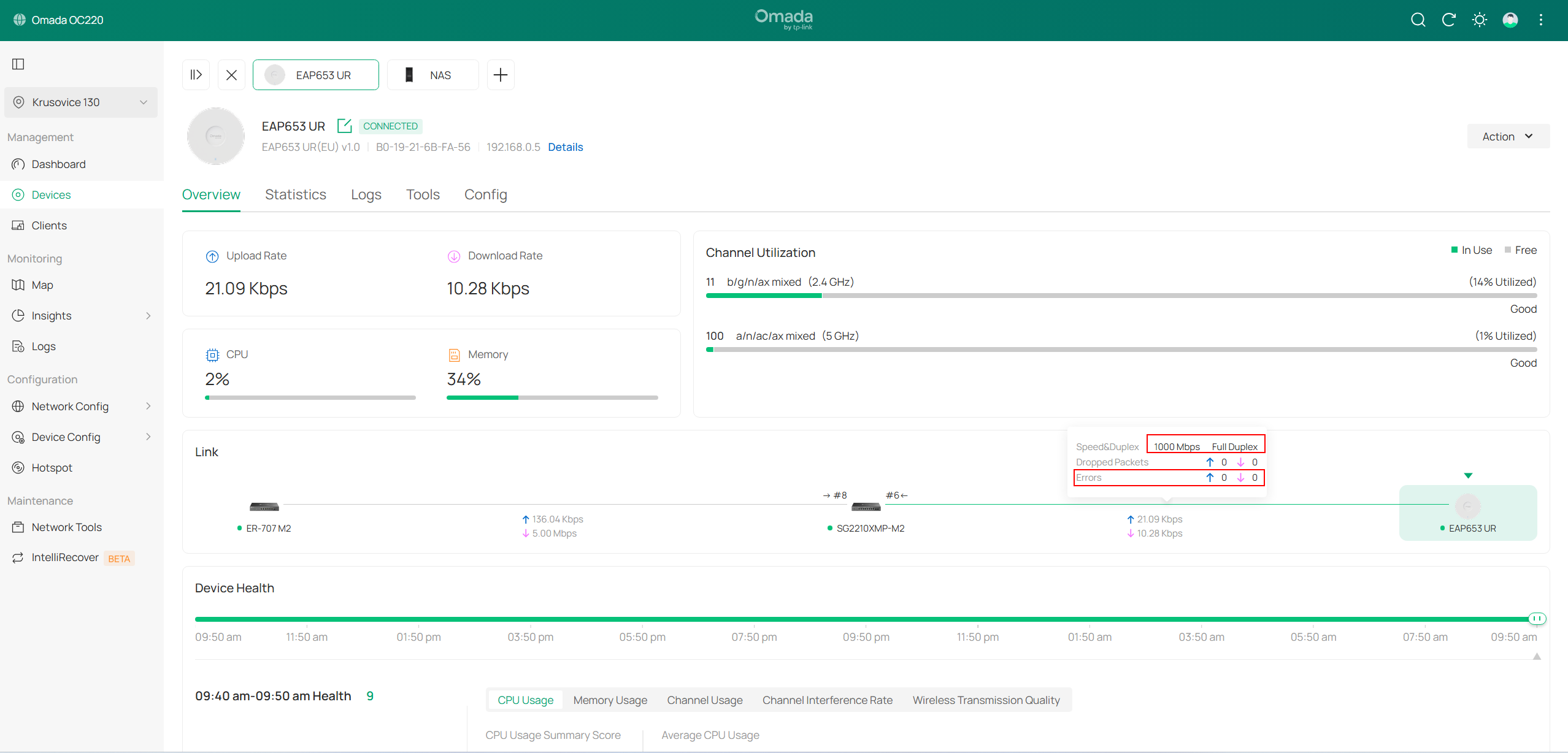
When connecting other EAPs to a standard PoE switch port, the link status is clearly visible. However, when using the SFP+ port, it only shows a 10 Gbps connection. I am currently testing the connection with a NAS, and the EAP arrives early next week. To check the link speed for the NAS, I can simply view it in the NAS administration interface. However, for the EAP773, there is no interface or status page in the controller where I can verify the PHY link speed for the SFP+ interface.


Hardware:

Switch: SG2210XMP-M2 v1

Controller: Omada OC220 v1

AP: EAP773 (presumably EU v1)

Firmware: Latest versions on all devices.


Thank you very much for your help.

Pavel


  0      
  0      
#1
Options
2 Reply
Re:Negotiated speed and error rate verification between Mikrotik SFP+ and EAP773
20 hours ago - last edited 20 hours ago

  @PavelV 


You cannot - RJ45 to SFP+ modules are inherently like this.  They all are a fixed 10g on the SFP+ side, and the internal chip negotiates and does the speed conversion to the RJ45 side.  Its kind of like a 2 port switch (one port SFP side, 1 port RJ45 side) . So your switch wont know what the speed is on the other side of that module.


Currently EAPs do not report their own direct link speed to Controller 6, 6.1 and 6.2 - i have reported this already.  However, it is extremely likely that you are getting the 10gig connection, unless there is a cable issue.  You may be able to see the link speed if you factory reset the EAP and log into it in standalone mode, before you readopt it again - at least then you will know.

  0  
  0  
#2
Options
Re:Negotiated speed and error rate verification between Mikrotik SFP+ and EAP773
9 hours ago

Hello @GRL 

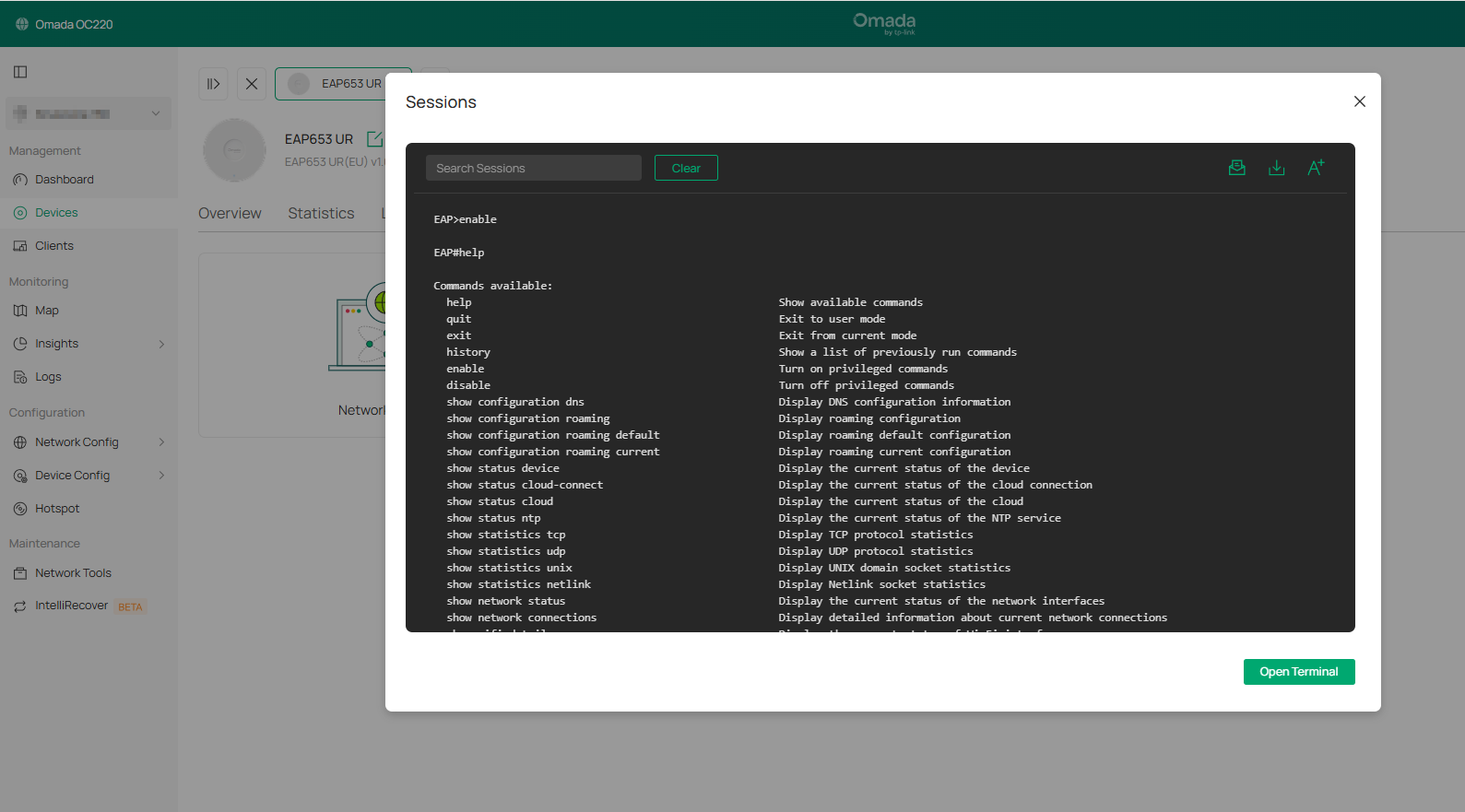
thank you for your response. My main concern is how to easily check if the cabling is causing any issues. 10 Gbps is a significant transfer speed that places much higher demands on cabling than standard 1 Gbps. I also tried using the terminal (see screenshot), where I expected to find this basic metric, but it is not possible to check the speed there either. Checking in standalone mode is technically possible, but highly impractical.

Unfortunately, I have had a very poor experience with the previous EAP723, which was unable to maintain even 2.5 Gbps and kept dropping to 1 Gbps. That is why I am worried that the EAP773 might suffer from the same flaw.

Pavel


  0  
  0  
#3
Options