
Migration from Cloud Essentials to a Software Controller

Hello dear community,
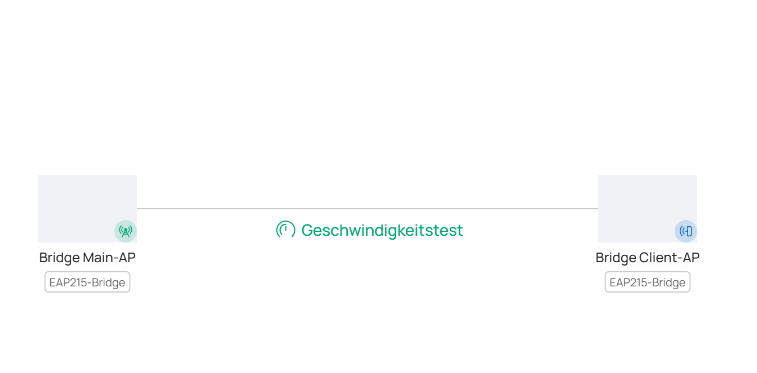
I recently performed a migration from Cloud Essentials to a Software Controller (version 6.2.0.17). There are only 5 devices (3 EAPs and a Bridge Kit), and the migration itself was successful, but when I try to test the speed between the bridge devices (Main AP to Client AP), nothing is displayed. However, the logs show “Test successful.”
The question therefore is: Is this a software bug or did I overlook something?
This text was translated from German to English.
- Copy Link
- Subscribe
- Bookmark
- Report Inappropriate Content
Hello everyone,
the TP-Link team was able to identify the problem and has planned a solution for the future.
Trigger Condition:
Running a speed test after modifying the MAC address format to a non-default format (e.g., changing AA-BB-CC-DD-EE-FF to AA:BB:CC:DD:EE:FF).
Root Cause:
The return values from the interface were not processed through the macFormatter, resulting in data being returned in the default MAC format. Since the UI uses the modified MAC format, the results cannot be matched to the corresponding device.
We will fix it in the next firmware update.
I would like to thank you for the support and for your effort.
Thank you, TP-Link!
- Copy Link
- Report Inappropriate Content

Linux - Omada Software Controller
- Copy Link
- Report Inappropriate Content


@PiOmada When connnected to the Main AP, are you able to ping the Client AP? Just checking to see if there is connectivity between the bridges.
- Copy Link
- Report Inappropriate Content
Thank you for your feedback!
As I already mentioned, the migration was successful, meaning all devices are reachable, including all devices behind the client bridge. The issue is only that after pressing the “Run Test” button, no results of the test are displayed, even though it is running in the background. All devices can be pinged, and the network is therefore functioning.
Expected:
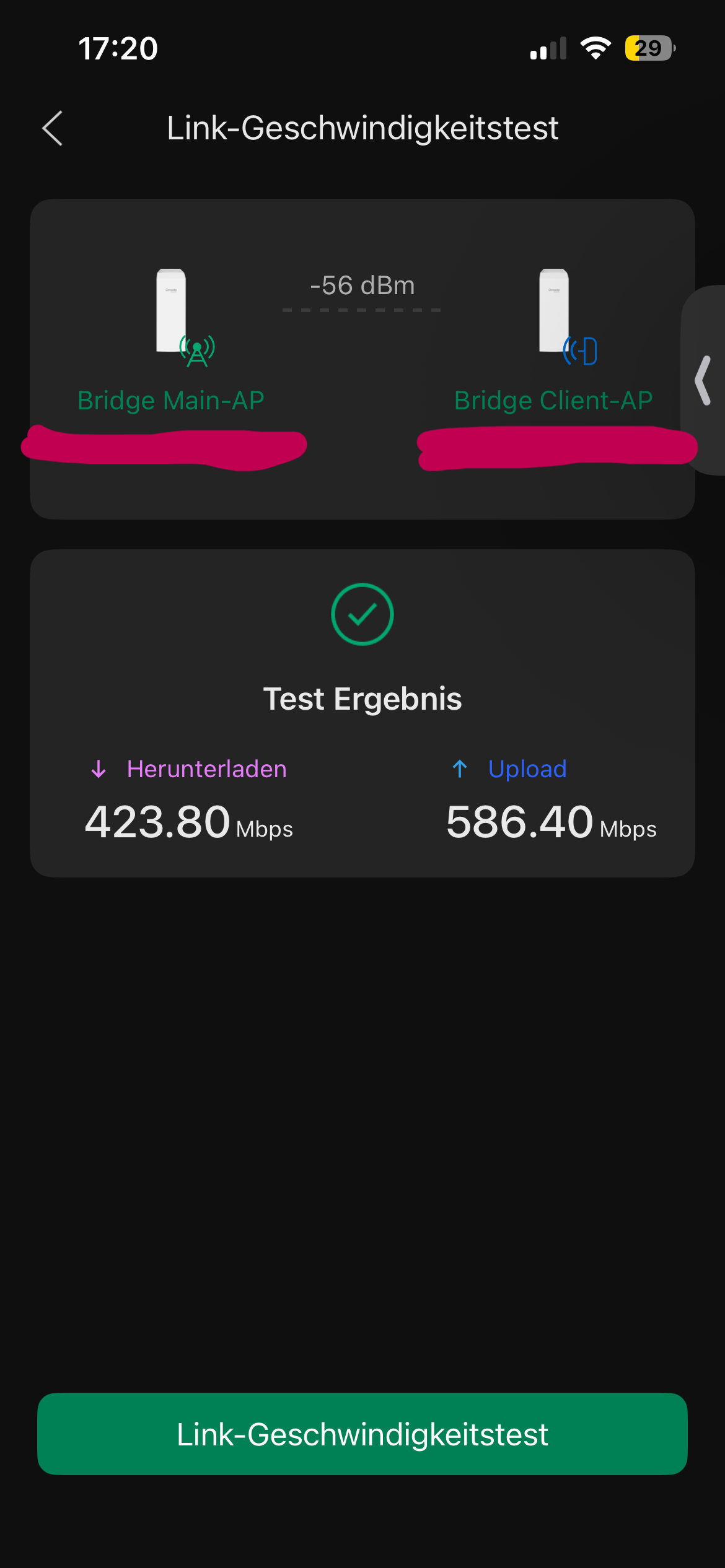
Result:
Test is starting..
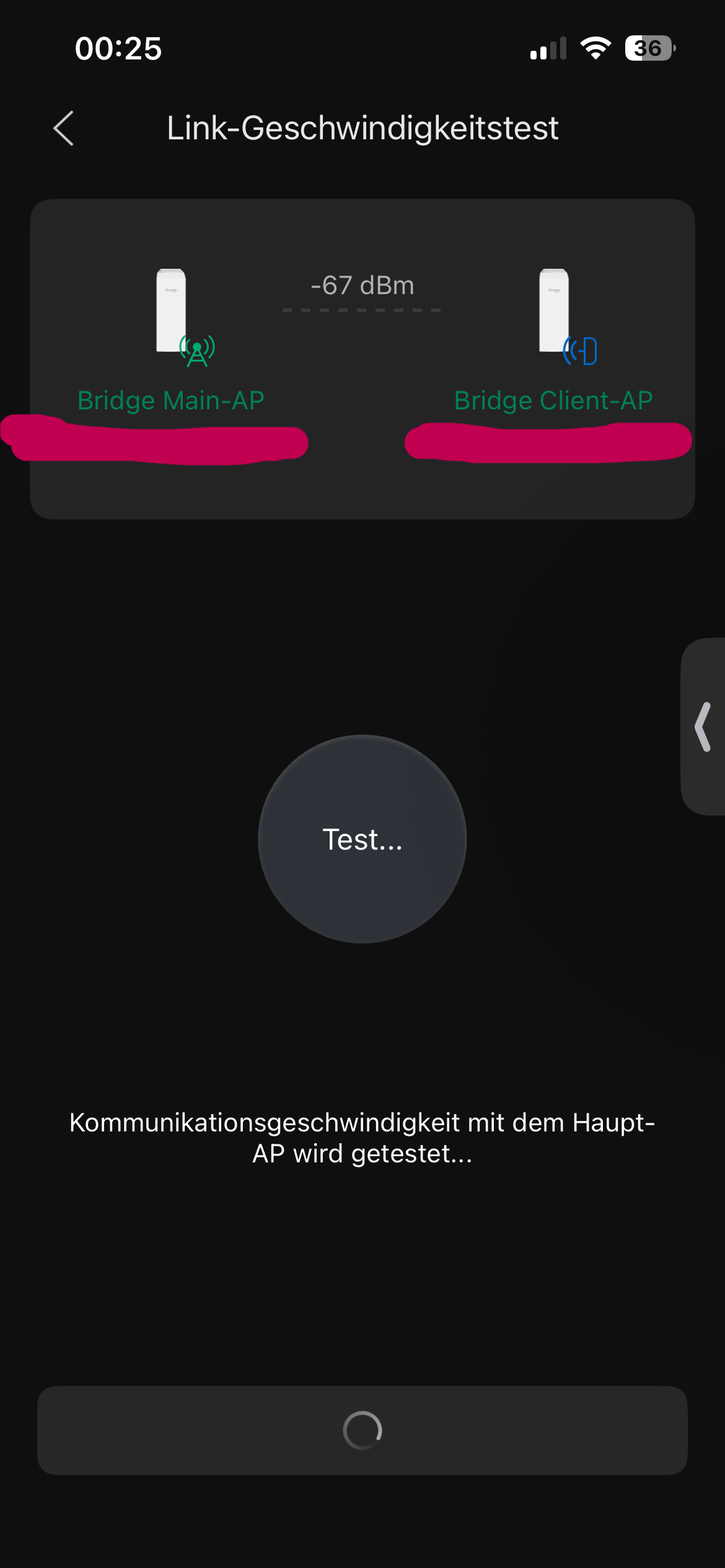
But afterwards nothing happens:
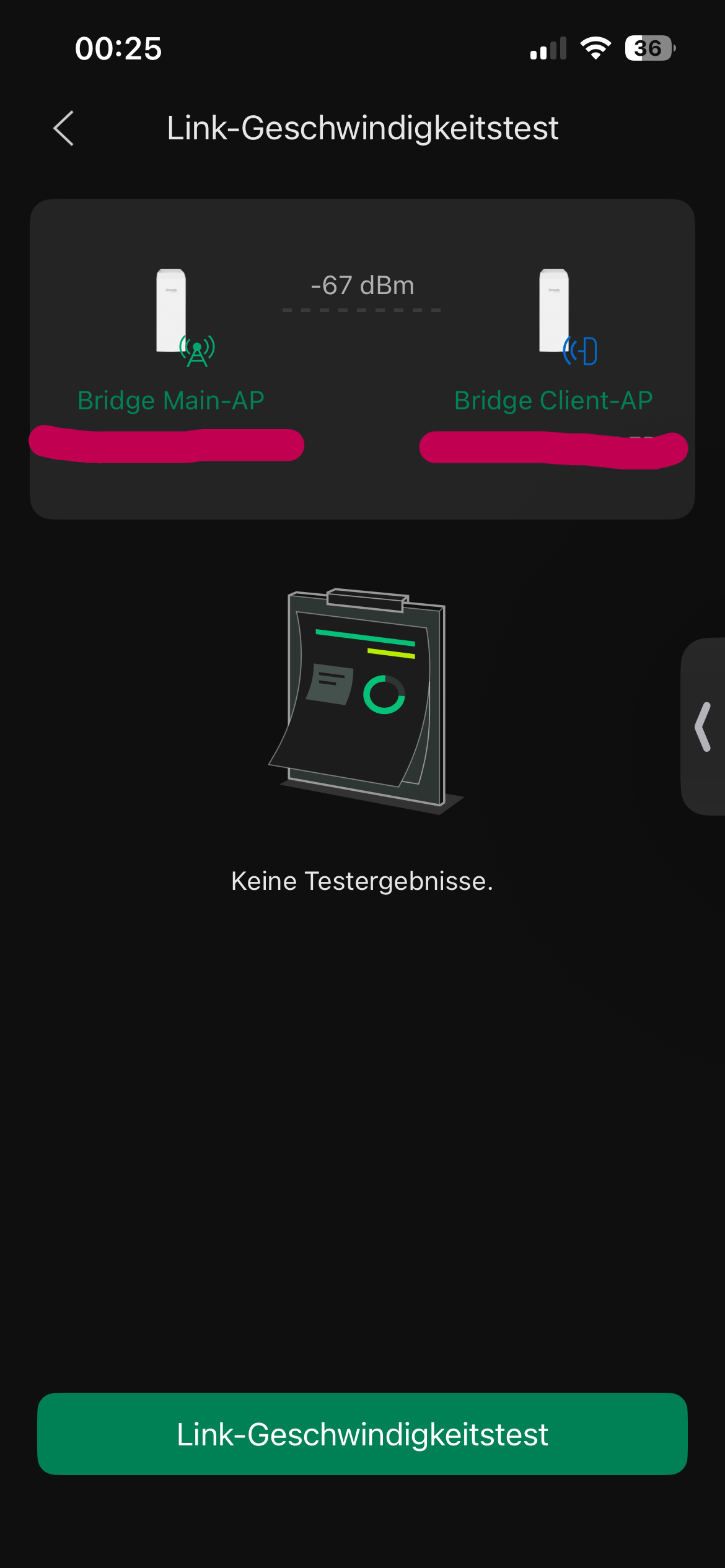
An example from the mobile view, but in the browser nothing happens after pressing the button. It only shows a message that the test is already running if you press it again immediately afterwards.
- Copy Link
- Report Inappropriate Content

Hi @PiOmada
Thanks for posting here.
For the speed test screenshots on the Omada APP, when you test it, are the EAP215-bridge managed by the controller already? Or they were under standalone mode?
To better assist you, I've created a support ticket via your registered email address and escalated it to our support engineer to look into the issue. The ticket ID is TKID260429821. Please check your inbox and confirm that the support email was received. Thanks!
Once the issue is resolved, please update this thread with your solution to help others who may encounter the same problem.
Many thanks for your excellent cooperation and patience!
- Copy Link
- Report Inappropriate Content
Thank you for your support. The screenshot from the app with the test results was taken when all devices were still in Cloud Essentials, as well as those without results after the migration in the Software Controller (version 6.2.0.17 Linux).
I recently updated the bridge devices to firmware version 1.1.7, but unfortunately nothing has changed.
I suspect that this is most likely a bug in the Software Controller.
I will reply to the support email. Thanks again for your support.
- Copy Link
- Report Inappropriate Content
Hello everyone,
the TP-Link team was able to identify the problem and has planned a solution for the future.
Trigger Condition:
Running a speed test after modifying the MAC address format to a non-default format (e.g., changing AA-BB-CC-DD-EE-FF to AA:BB:CC:DD:EE:FF).
Root Cause:
The return values from the interface were not processed through the macFormatter, resulting in data being returned in the default MAC format. Since the UI uses the modified MAC format, the results cannot be matched to the corresponding device.
We will fix it in the next firmware update.
I would like to thank you for the support and for your effort.
Thank you, TP-Link!
- Copy Link
- Report Inappropriate Content

Thanks. Can you tell me one thing did the data you were migrating also contain any email messages? If you have you considered using SysTools IMAP Migration tool for moving all that data.
- Copy Link
- Report Inappropriate Content
Information
Helpful: 0
Views: 457
Replies: 7
Voters 0
No one has voted for it yet.