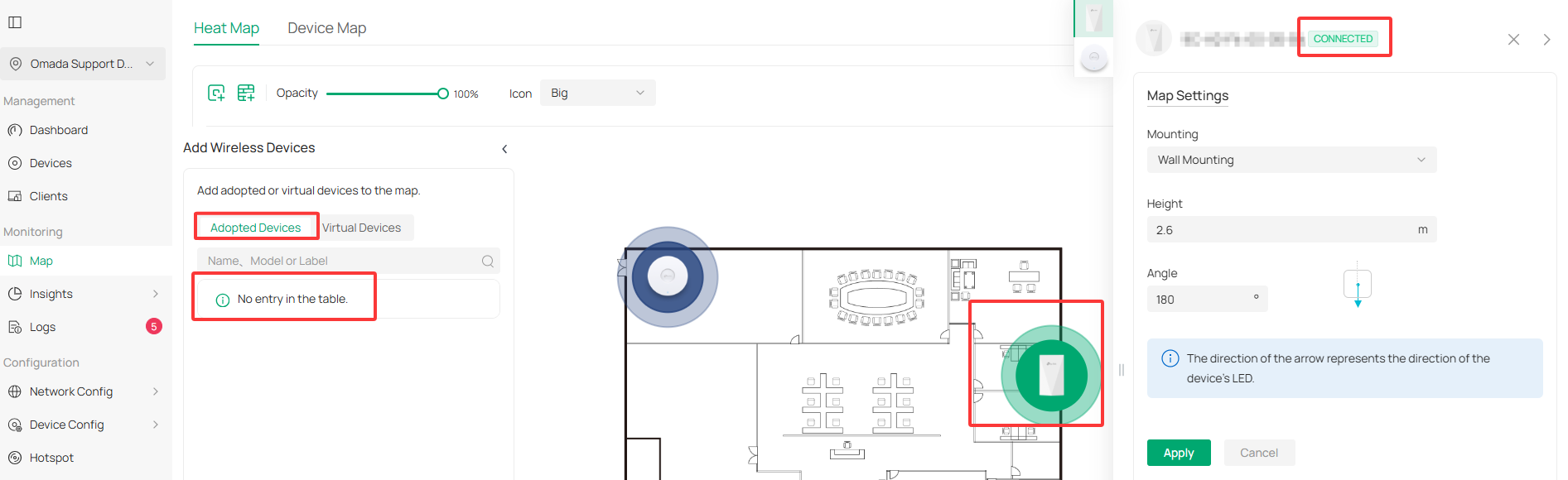
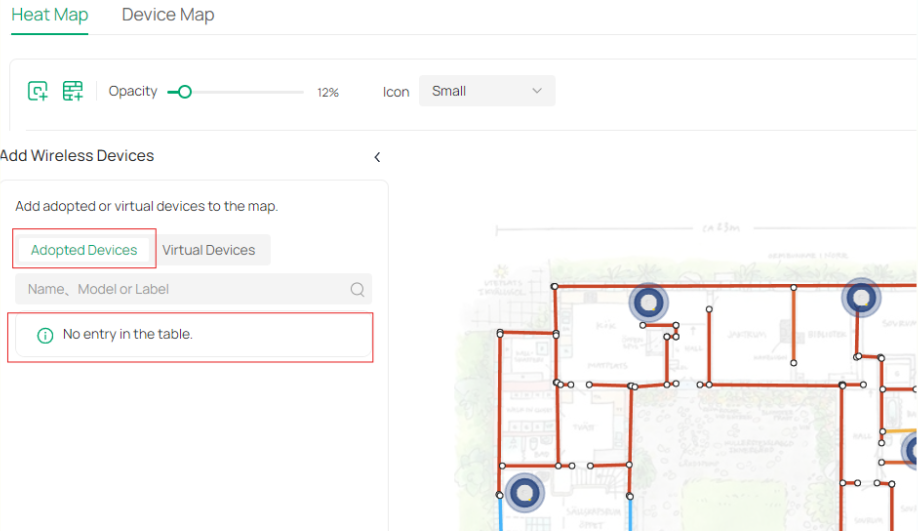
Unable to add adopted devices to heat map.

Unable to add adopted devices to heat map.

Unable to add adopted devices to heat map.
17 hours ago
Model: OC200  
Hardware Version: V1
Firmware Version: 6.2.0.17

I want to add adopted devices to the heat map.
Just says "No entry in the table."

Tried with nul, all possible names, models, addresses etc


I can add virtual devices to the map, no problem, but I would like to add my real access points (EAP653) to the map.

They (4 of them) are all connected devices according to OC200 and working fine, but somehow the heat map application does not recognize them?


I have tried rebooting the OC200, switch and access points.

The problem persists.



  0      
  0      
#1
Options
2 Reply
Re:Unable to add adopted devices to heat map.
4 hours ago

Hi @Commodus 


May I confirm if you have already added the adopted devices to the map?

What's the hardware and firmware version of your EAP653?

Please always remember upgrading your devices to the latest firmware version to ensure the best performance.

You can also refer to this Wi-Fi Heat Map Simulation with the Map Function of Omada SDN Controller | TP-Link

  0  
  0  
#2
Options
Re:Unable to add adopted devices to heat map.
3 hours ago

  @Gabriel-TP  No, I have not been able to add any connected units.

Only virtual units.


EAP653(EU) V1.0 hardware, Firmware Version1.3.7 Build 20260306 Rel. 21567

Bought them one week ago and updated to the latest release as requested during install.

OC200 V1.0 Ver 6.2.0.17


  0  
  0  
#3
Options