
Port forvarding
 This thread has been locked for further replies. You can start a new thread to share your ideas or ask questions.
Port forvarding
This thread has been locked for further replies. You can start a new thread to share your ideas or ask questions.
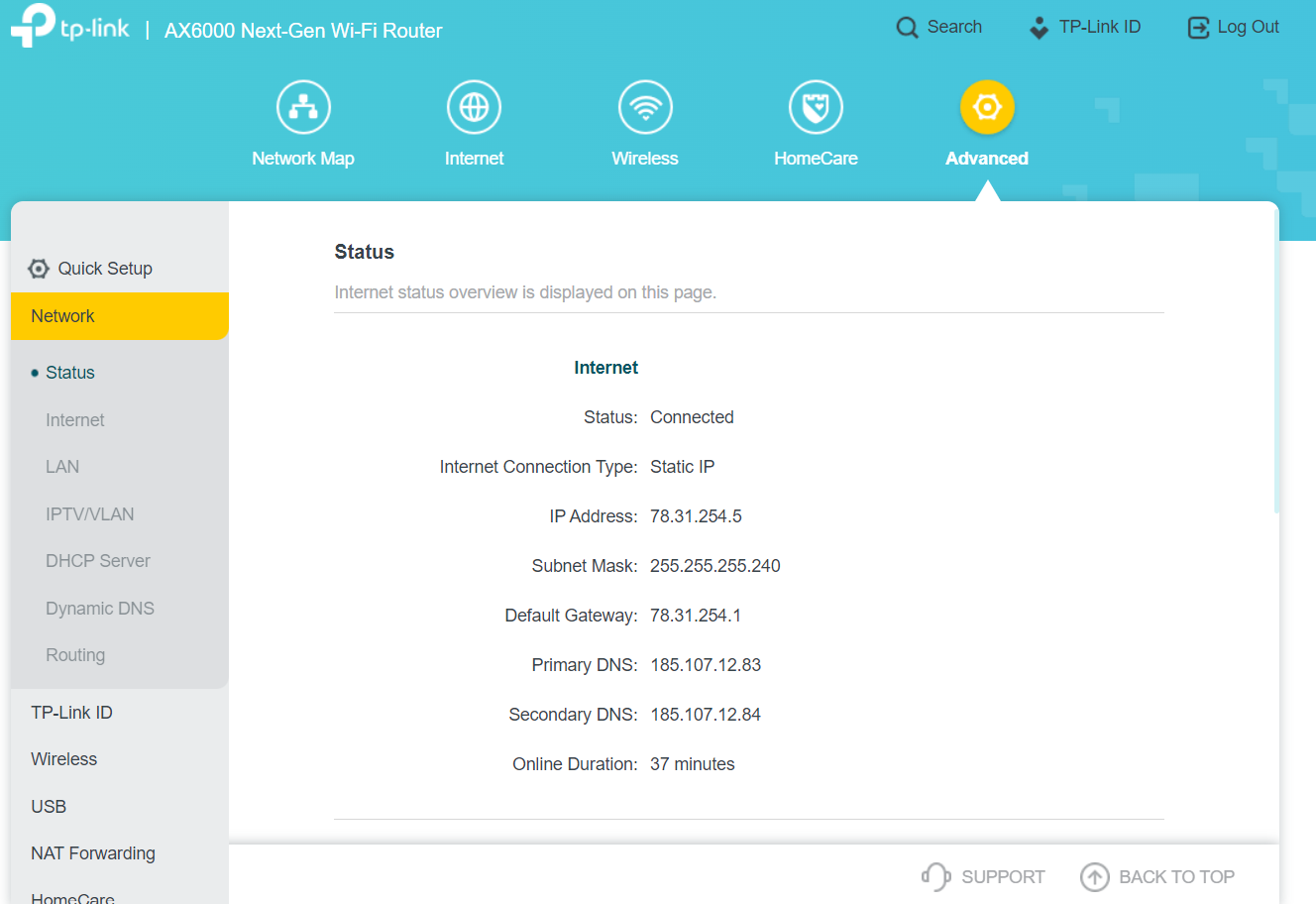
hello i have a problem with opening ports...I have watched a lot of videos on how to do it, but my ports are always closed...what could be the problem there...maybe there is a problem with NAT, he is on for me by default, but when I turn him off, I have no internet...
- Copy Link
- Subscribe
- Bookmark
- Report Inappropriate Content

Hi,
The settings you've made on the AX6000 all look good.
Is the service that listens on port 7000 ("ark") on the machine with the IP address 192.168.0.64 actually running?
In case the machine with the IP address 192.168.0.64 has a firewall turned on, have you made sure that ports 7000 UDP and 7000 TCP are opened in that firewall?
- Copy Link
- Report Inappropriate Content
@woozle all ok ports open all work but when i chek wich anibady port cheker ...portchecker co/.... hi sowing ports hawe close i dount no whay but real ports hawe open and all working
- Copy Link
- Report Inappropriate Content
Hi,
I am not sure I understand you correctly. Are you saying that whatever you wanted to achieve with the port forwarding is working fine, you are just wondering why the online port checkers say the port is closed?
Well, if that was the case, then just ignore what the port checker says.
It is not uncommon that these port checkers show a port "closed" even though it is actually "open".
For example, on my own Archer router I have the OpenVPN Server enabled using the default settings and even though I can successfully establish VPN connections to my Archer router, those online port checkers still say port 1194 is closed.
- Copy Link
- Report Inappropriate Content
Information
Helpful: 0
Views: 1316
Replies: 13
Voters 0
No one has voted for it yet.