
no port forwarding

This thread has been locked for further replies. You can start a new thread to share your ideas or ask questions.

no port forwarding

This thread has been locked for further replies. You can start a new thread to share your ideas or ask questions.
no port forwarding
no port forwarding
2023-06-09 17:56:32 - last edited 2023-06-12 00:52:07
Model: TL-WPA7617 KIT  
Hardware Version: V3
Firmware Version: 3

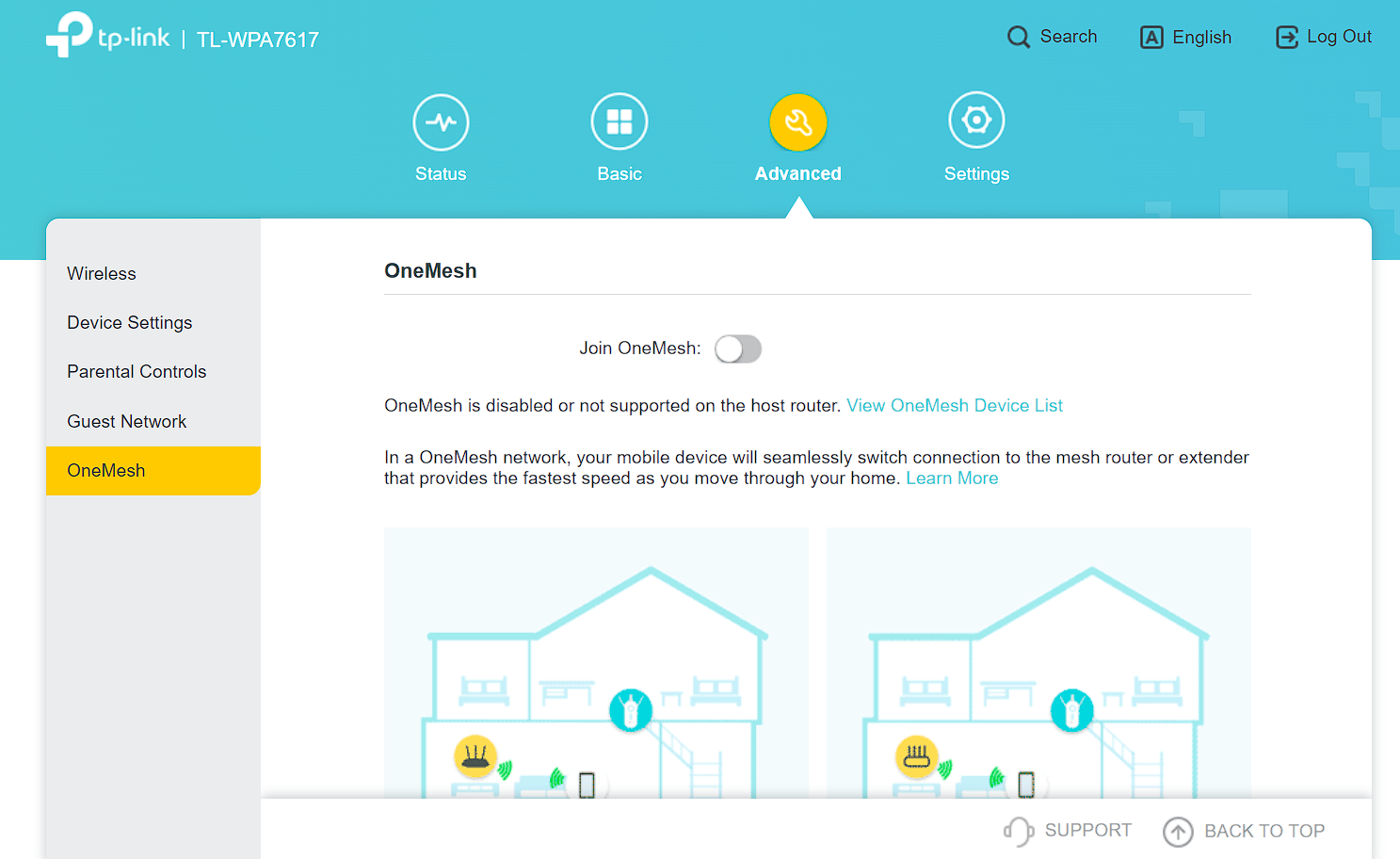
Hello, i've tried to set up a port forwarding and followed some guides which all led me to find my ipV4 and paste it into internet to access to my router's settings which was successful, the problem is that i can't find the port forwarding option in the settings, here is what i see:screenshot
  0      
  0      
#1
Options
1 Reply
Re:no port forwarding
2023-06-12 09:02:39

  @Endro 


Hello, port forwarding is a function of router product because port forwarding is due to the existence of NAT on router product, but the powerline extender is not a NAT product, thus no port forwarding function.


If necessary, please login your router to look for the port forwarding.

Nice to Meet You in Our TP-Link Community. Check Out the Latest Posts: Archer GE550 - BE9300 Tri-Band Wi-Fi 7 Gaming Router EasyMesh Is Available When Wi-Fi Routers Work in AP Mode as A Controller. Archer BE550 New Software Enhances System Stability and Optimizes MLO Network Stability. TL-WA3001 Supports EasyMesh, Speed Limit, Guest Network in AP Mode and/or Multi-SSID Mode. If you found the post or response helpful, please click Helpful. If an answer solves your problem, click "Recommended Solution" so that others can benefit from it.
  0  
  0  
#2
Options
