
ER707-M2 v1.2.0 / 1.2.1 has not fixed the [Referer check failed] login interface bug problem.
 This thread has been locked for further replies. You can start a new thread to share your ideas or ask questions.
Dear @Clive_A
Quote the original bug ↓
https://community.tp-link.com/en/business/forum/topic/624204?replyId=1274430

I used [Incognito Mode] throughout the whole process and still had the problem.
However, seeing the release of the 1.2.0 / 1.2.1 firmware update, there is still no fix. When will this issue be fixed?
Many Thanks
- Copy Link
- Subscribe
- Bookmark
- Report Inappropriate Content


Hi @Pink_Waters
Thanks for posting in our business forum.
Pink_Waters wrote
I have ER706W v1.0 with firmware 1.1.3 Build 20240830 Rel.54942(5553) and suffering from the same problem. I never used DDNS, so i tried to create a custom DDNS like instructed in this thread to temporary resolve the issue. and it just now redirects me to a tplink login page. I tried disabling and removing the DDNS and the effect still presistent. Tried rebooting the gateway and same issue. now i am stuck with that tplink login page whenever I go to the fqdn to my synology. previously i was just getting referer check failed. unless i use ip address to get to the portal. any solution? just got into the omada platform 2 days ago and so far I am having nothing but problems or lack of basic features.
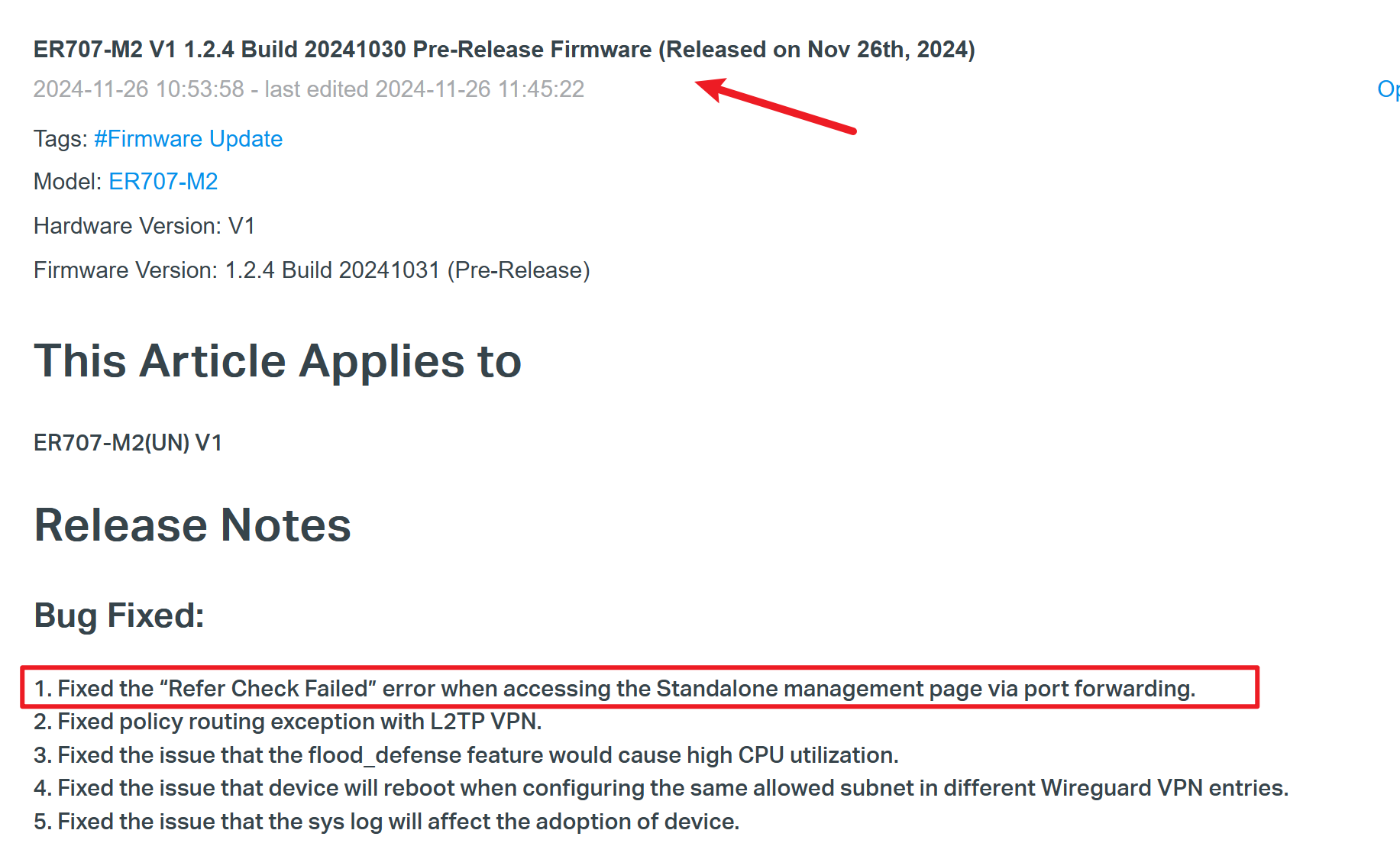
Start a new thread regarding this issue. This case is closed. The latest firmware(PR) has been optimized to resolve this issue.
Based on what you described, more like a browser cache issue.
- Copy Link
- Report Inappropriate Content
Information
Helpful: 0
Views: 10926
Replies: 31
Voters 0
No one has voted for it yet.