
WPA2 Problem
 This thread has been locked for further replies. You can start a new thread to share your ideas or ask questions.
Since the WPA-2 option WPA-PSK/WPA2-PSK AES options appear together in the interface of the M7350 model 4g modem, our tool sees this network as insecure and refuses to connect. Can you help with publishing WPA2 as a separate option?
- Copy Link
- Subscribe
- Bookmark
- Report Inappropriate Content
I would like to extend my sincere thanks to Customer Support Manager Adam and support staff Maxwell for addressing my issue and providing a prompt solution. The firmware you sent works exactly as I needed. Thank you. 
- Copy Link
- Report Inappropriate Content


Hi @aedrgt,
Thank you for posting on the TP-Link community, and we certainly appreciate all your feedback and feature request(s) here.
While we don't have any specific details that I can share around, I'll make sure to log this feature request and pass it along to the team.
I'm moving this conversation into the ‘Feature Request' area for better visibility.
Feel free to let us know of any other feature requests you may have, we’d be happy to send them up for you.
- Copy Link
- Report Inappropriate Content
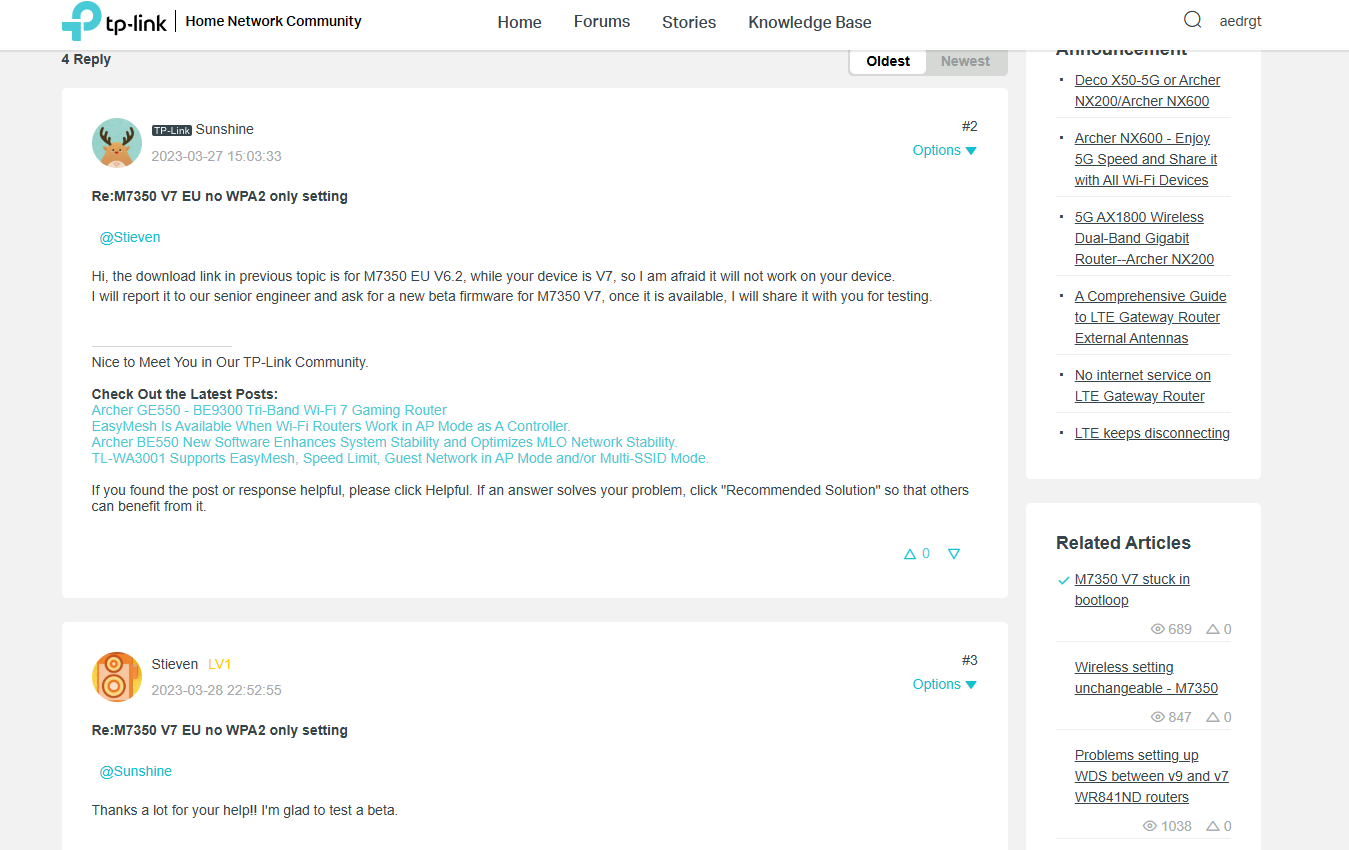
Thank you Joseph, The same topic has been answered in a different version as in the image. I would be happy if you could help me too.
https://community.tp-link.com/en/business/forum/topic/604050
- Copy Link
- Report Inappropriate Content
Hi@aedrgt,
May I know what clients do you want to use? Please take screenshots with error message showing the error message. Like 'unsecure'.
- Copy Link
- Report Inappropriate Content
Hi @Joseph-TP
Buying an error like WPA network is not secure to connect to our Volvo XC90. To solve this it just changes according to the SSID that gives the WPA2 side.

- Copy Link
- Report Inappropriate Content
Hi@aedrgt ,
Thank you for your reply.
To assist you efficiently, I've forwarded your case to the TP-Link support engineers, who will contact you with your registered email address later. Please pay attention to your email box for follow-up.
- Copy Link
- Report Inappropriate Content
1Thank you @Joseph-TP
- Copy Link
- Report Inappropriate Content
I would like to extend my sincere thanks to Customer Support Manager Adam and support staff Maxwell for addressing my issue and providing a prompt solution. The firmware you sent works exactly as I needed. Thank you.
- Copy Link
- Report Inappropriate Content
Information
Helpful: 0
Views: 1557
Replies: 7
Voters 0
No one has voted for it yet.