
Be550 no option to select nord vpn
 This thread has been locked for further replies. You can start a new thread to share your ideas or ask questions.
Im trying to setup nord vpn wireguard.when i click vpn client there is no pop up or option to select nord vpn.only manual options are available like open vp.wireguard etc
- Copy Link
- Subscribe
- Bookmark
- Report Inappropriate Content


Hi @Sujeth,
Thank you for your reply.
After confirming with relevant technical personnel, the NordVPN option is temporarily unavailable in some regions. We will report this to the relevant departments and hope to apply this option to all regions as soon as possible in the future.
Thank you again for your feedback and cooperation.
- Copy Link
- Report Inappropriate Content
Hi@Sujeth,
Thank you for contacting our community.
Please refresh the management page of the router, then refer to How to set the NordVPN WireGuard on TP-Link Wireless Router
If you cannot see the NordVPN option, please take screenshot with error message if you can see.
Best Regards~
- Copy Link
- Report Inappropriate Content
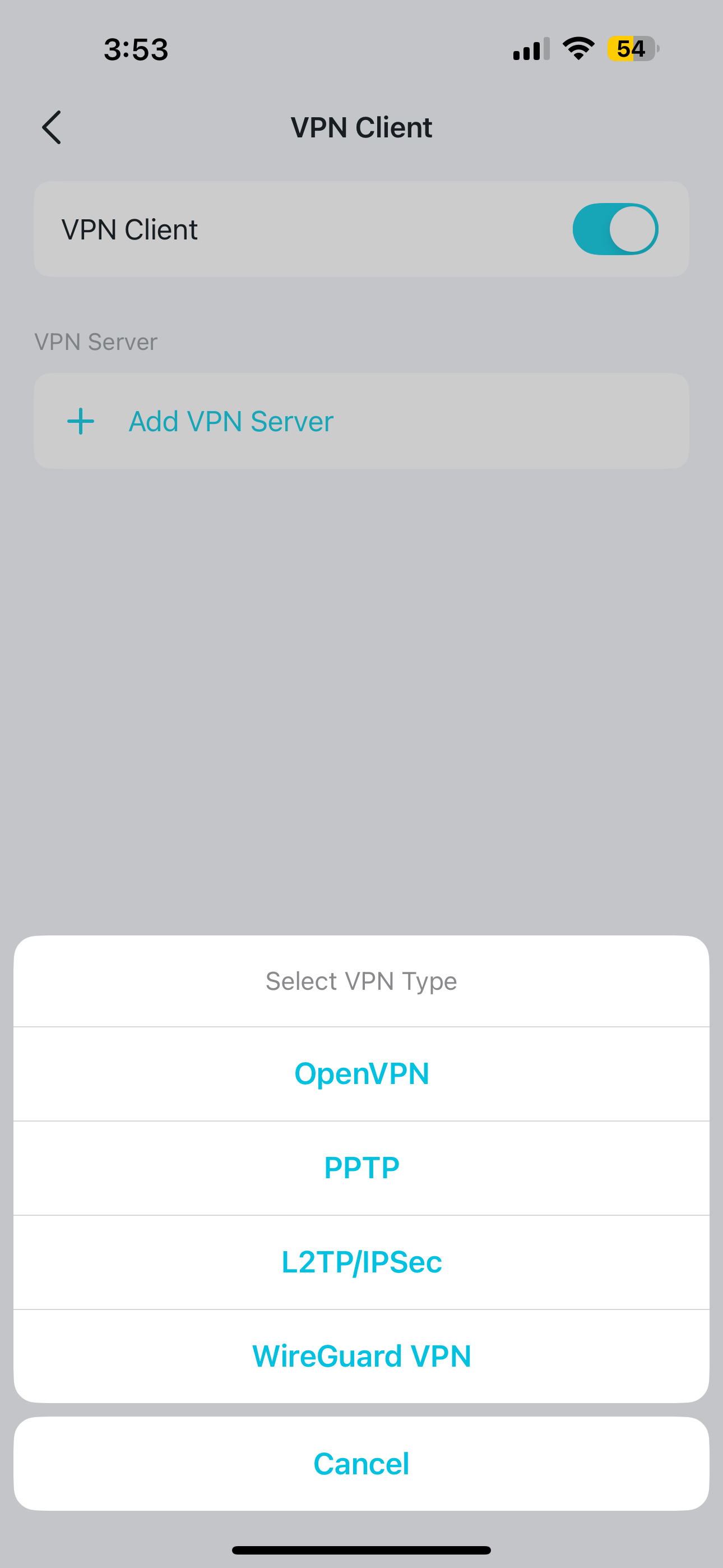 @Joseph-TP there is no direct nord vpn prompt to select.only manual wireguard option is there.nord vpn doesnt provide necessary config file for wireguard
- Copy Link
- Report Inappropriate Content
Hi @Sujeth,
Thank you for your reply.
After confirming with relevant technical personnel, the NordVPN option is temporarily unavailable in some regions. We will report this to the relevant departments and hope to apply this option to all regions as soon as possible in the future.
Thank you again for your feedback and cooperation.
- Copy Link
- Report Inappropriate Content
Information
Helpful: 1
Views: 599
Replies: 3
Voters 1