Firmware buggy on archer c6 v2

This thread has been locked for further replies. You can start a new thread to share your ideas or ask questions.

Firmware buggy on archer c6 v2

This thread has been locked for further replies. You can start a new thread to share your ideas or ask questions.

Firmware buggy on archer c6 v2
2025-07-19 08:04:51 - last edited 2025-08-08 08:12:34
Model: Archer C6  
Hardware Version: V2
Firmware Version: 1.3.7 Build 20220613

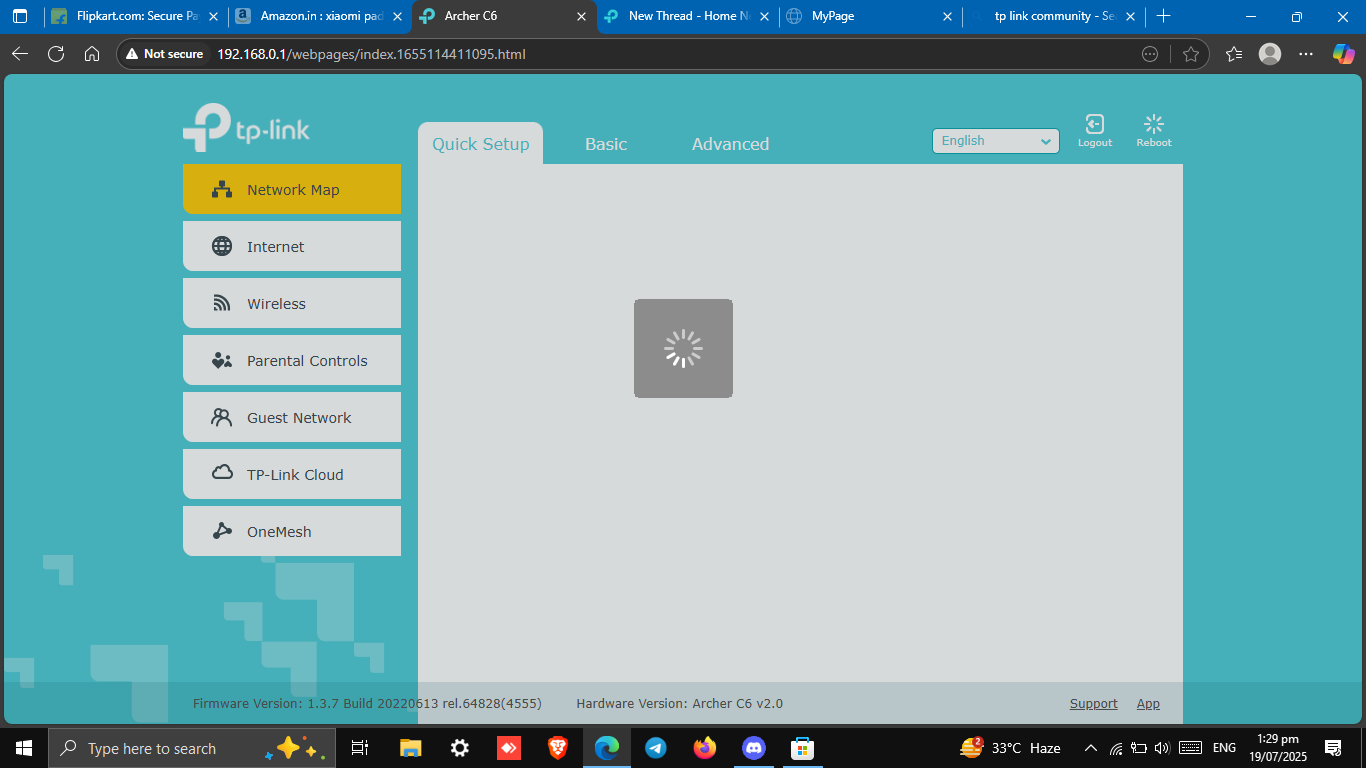
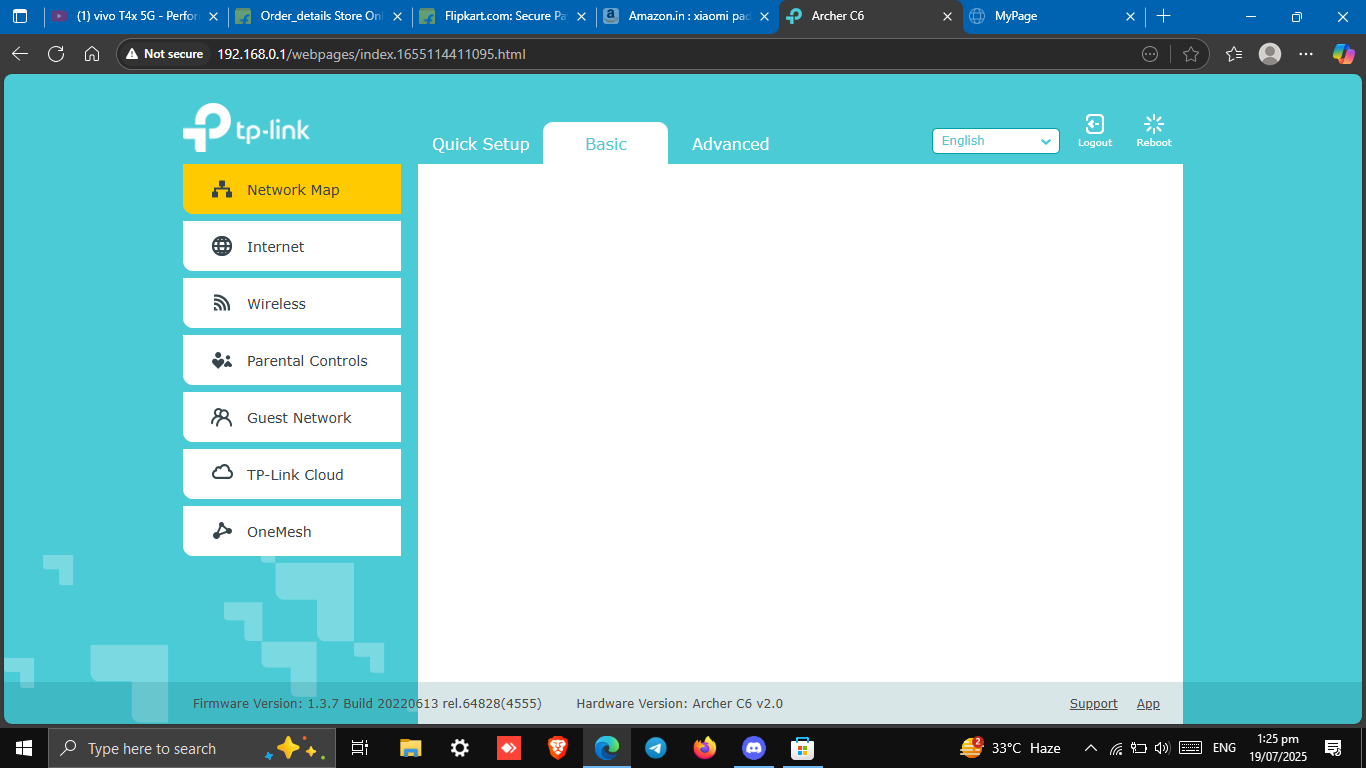
Hi, don't know why TP Link is not providing a stable firmware for this router. I've tried rebooting but the page doesn't seem to load and several of my known people are facing this issue in this firmware version. Kindly look into it. The 'quick setup' page keeps loading and if i rollback to stock firmware using tftp, i can't use onemesh feature :/


0
0
#1
1 Accepted Solution
Re:Firmware buggy on archer c6 v2-Solution
2025-07-23 08:40:45 - last edited 2025-08-08 08:12:34

Hello  @rajat26 ,

Thank you for getting back to me.

We have not received any relevant feedback. We suggest you reset the router: Press and hold the Reset button for more than 2 seconds to reset the router to its factory default settings.

If it still doesn't work, please contact local support for further help.

Welcome to Community! Get the latest posts: △New Firmware for Archer GE550/GE650 V1 Introduces AI-QoS, EasyMesh IoT Expansion, and More! △New Firmware Releases for Archer BE805 V1/BE450 V1 to Support VPN Merge, New ECO Mode, and More! More posts, please see: △ Get the Ongoing Pre-release Firmware for Wi-Fi Routers Here— Subscribe for Updates! Urgent problems with your Wi-Fi Router, Range Extender, or DSL Modem? Please reach out via private Messages or @Joesph-TP in your new thread directly. Click Or ☆Recommended Solution if the post/answer helps.
Recommended Solution
0
0
#4
6 Reply
Re:Firmware buggy on archer c6 v2
2025-07-21 11:43:38

Hello @rajat26 ,

Welcome to our community.


Have you tried using a different browser to log in to the router's Web UI? 

Please clear your browser's cache.

Please try the Tether App to see if you can log in.


Welcome to Community! Get the latest posts: △New Firmware for Archer GE550/GE650 V1 Introduces AI-QoS, EasyMesh IoT Expansion, and More! △New Firmware Releases for Archer BE805 V1/BE450 V1 to Support VPN Merge, New ECO Mode, and More! More posts, please see: △ Get the Ongoing Pre-release Firmware for Wi-Fi Routers Here— Subscribe for Updates! Urgent problems with your Wi-Fi Router, Range Extender, or DSL Modem? Please reach out via private Messages or @Joesph-TP in your new thread directly. Click Or ☆Recommended Solution if the post/answer helps.
0
0
#2
Re:Firmware buggy on archer c6 v2
2025-07-21 14:07:33

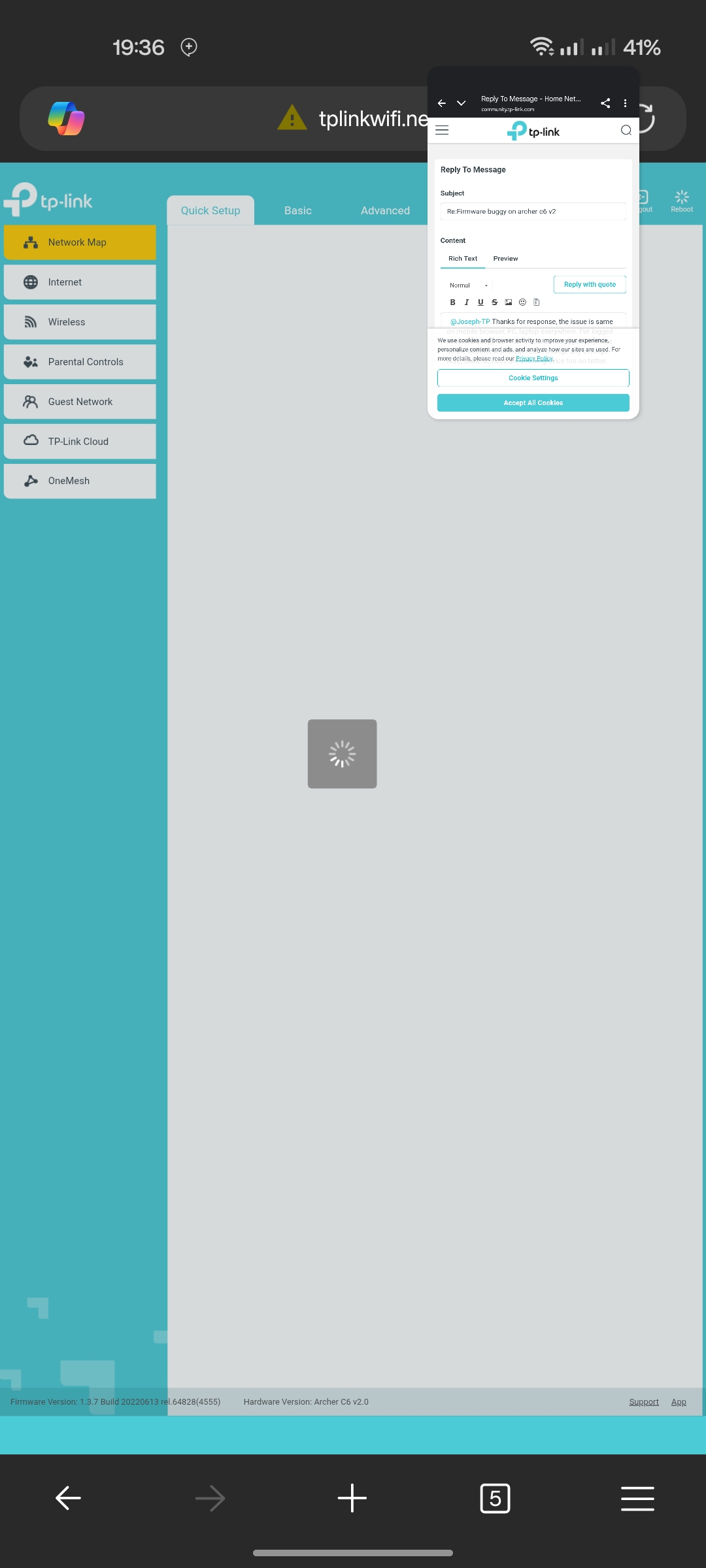
  @Joseph-TP Thanks for response, the issue is same on mobile browser, PC, laptop everywhere. I've logged in on tether app but i can't access the pppoe anymore so the internet works but i can't change any settings. Also, some devices are showing twice too on tether. Here is a screenshot on different browser on mobile.
0
0
#3
Re:Firmware buggy on archer c6 v2-Solution
2025-07-23 08:40:45 - last edited 2025-08-08 08:12:34

Hello  @rajat26 ,

Thank you for getting back to me.

We have not received any relevant feedback. We suggest you reset the router: Press and hold the Reset button for more than 2 seconds to reset the router to its factory default settings.

If it still doesn't work, please contact local support for further help.

Welcome to Community! Get the latest posts: △New Firmware for Archer GE550/GE650 V1 Introduces AI-QoS, EasyMesh IoT Expansion, and More! △New Firmware Releases for Archer BE805 V1/BE450 V1 to Support VPN Merge, New ECO Mode, and More! More posts, please see: △ Get the Ongoing Pre-release Firmware for Wi-Fi Routers Here— Subscribe for Updates! Urgent problems with your Wi-Fi Router, Range Extender, or DSL Modem? Please reach out via private Messages or @Joesph-TP in your new thread directly. Click Or ☆Recommended Solution if the post/answer helps.
Recommended Solution
0
0
#4
Re:Firmware buggy on archer c6 v2
2025-07-23 15:21:30

  @Joseph-TP Thanks for responding.

After reset this is what happened 😭 had to use tftp recovery again.

0
0
#5
Re:Firmware buggy on archer c6 v2
2025-07-24 02:10:53

Hello@rajat26 ,

As recommended yesterday, please contact local support for further help.

Welcome to Community! Get the latest posts: △New Firmware for Archer GE550/GE650 V1 Introduces AI-QoS, EasyMesh IoT Expansion, and More! △New Firmware Releases for Archer BE805 V1/BE450 V1 to Support VPN Merge, New ECO Mode, and More! More posts, please see: △ Get the Ongoing Pre-release Firmware for Wi-Fi Routers Here— Subscribe for Updates! Urgent problems with your Wi-Fi Router, Range Extender, or DSL Modem? Please reach out via private Messages or @Joesph-TP in your new thread directly. Click Or ☆Recommended Solution if the post/answer helps.
0
0
#6
Re:Firmware buggy on archer c6 v2
2025-07-24 03:48:26

  @Joseph-TP Yes, I've mailed them for warranty though product is 3+ years old so nothing could be done on warranty part ig

0
0
#7