
RE500X not reconnecting after it has been scheduled off overnight
RE500X not reconnecting after it has been scheduled off overnight

Hi All,
I have an RE500X as a WIFI extender to my Archer BE3600 Wifi 7 router. I scheduled the RE500X to power off using the tether app. After one scheduled power off cycle the RE500x doesn't reconnect and the Tether app says cannot login. Any ideas?
- Copy Link
- Subscribe
- Bookmark
- Report Inappropriate Content


Hello @Saracen666 ,
Thanks for getting back.
What is the firmware and hardware version of your Archer BE3600? Please confirm that it is up to date.
Please tell me your complete topology. For example, ISP modem—router )))((( client devices
(Note: — stands for wired connection,)))((( stands for wireless connection )
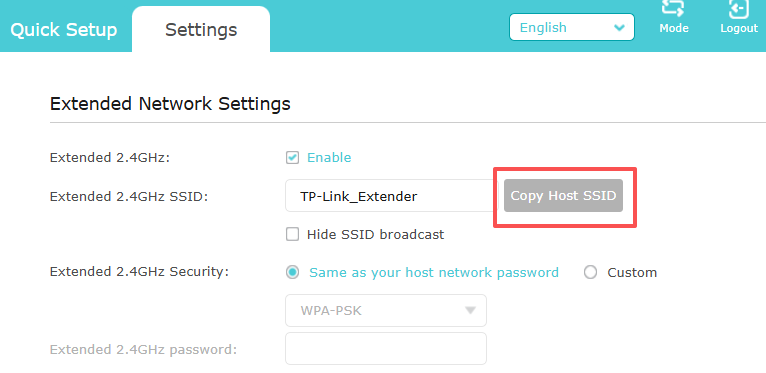
If possible, please Copy Host SSID for the Extended Networks for a try:
- Copy Link
- Report Inappropriate Content
Firmware Version:
1.2.1 Build 20250804 rel.79639(4555)
Hardware Version:
Archer BE3600 v1.0
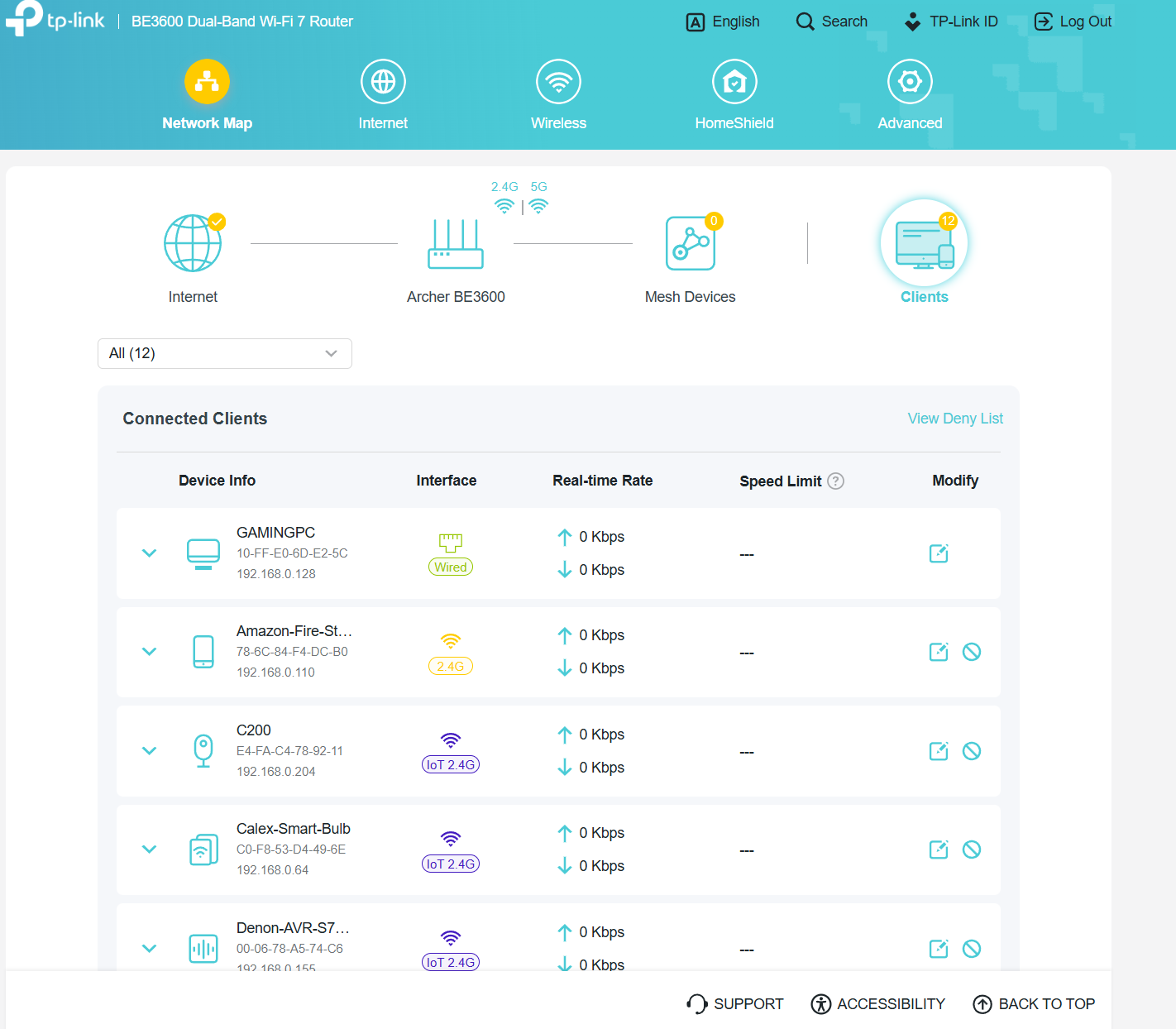
Vodafone Full Fibre - > Archer BE3600 (All devices connected to this except Xbox) -> RE500X (Xbox connected via ethernet)
Archer BE3600 Wifi is called "TalkTalkLokiThor"
RE500X Wifi is called "TalkTalkLokiThor_EXT" and "TalkTalkLokiThor_2.4_EXT"
- Copy Link
- Report Inappropriate Content
- Copy Link
- Report Inappropriate Content
- Copy Link
- Report Inappropriate Content
Information
Helpful: 0
Views: 854
Replies: 14
Voters 0
No one has voted for it yet.