TP-Link Cloud timeout

TP-Link Cloud timeout

TP-Link Cloud timeout
2 weeks ago
Tags: #RE305, TP-Link Cloud, Time out
Model: RE305  
Hardware Version: V3
Firmware Version:

Hello.


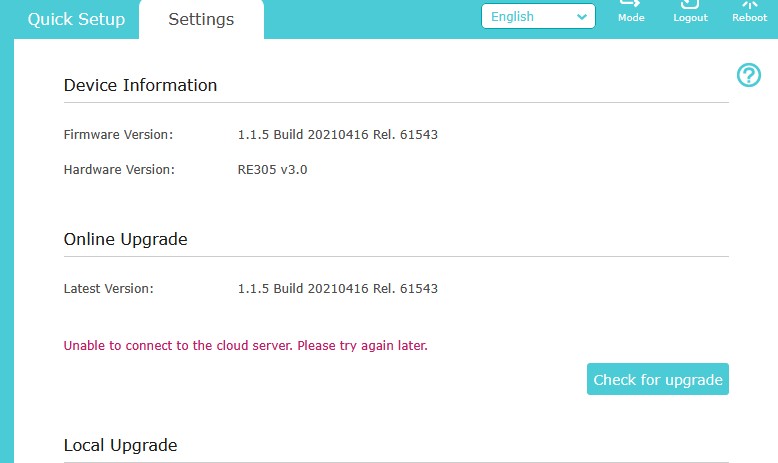
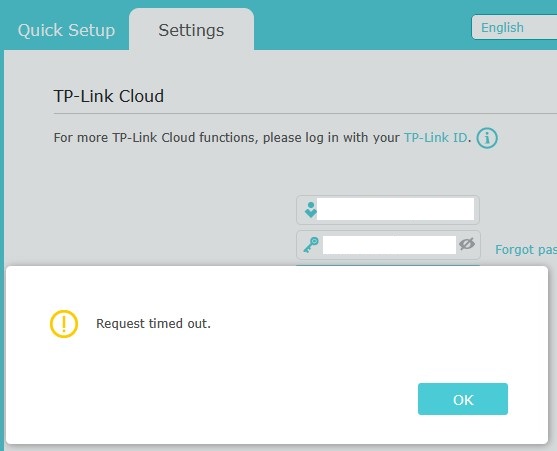
I have the above extender, in access point mode, receiving network via ethernet cable. The access point is working fine, without problems. All clients operate flawlessly when connected to this device. However, I am unable to bind the extender in my TP-Link Cloud account and of course I cannot administrate the extender remotely via the tether app. This happens because the cloud connection attempts constantly time out. Same thing happens when I check for a new firmware version. Unable to connect to cloud server, possibly because of these timeouts. I have tried every web available recommendation so far, nothing helps. I have even resetted the device multiple times but the problem remains. 

What needs to be done for the problem to go away?

Thanks.


  0      
  0      
#1
Options
4 Reply
Re:TP-Link Cloud timeout
2 weeks ago

  @candlebox71 


Hi,


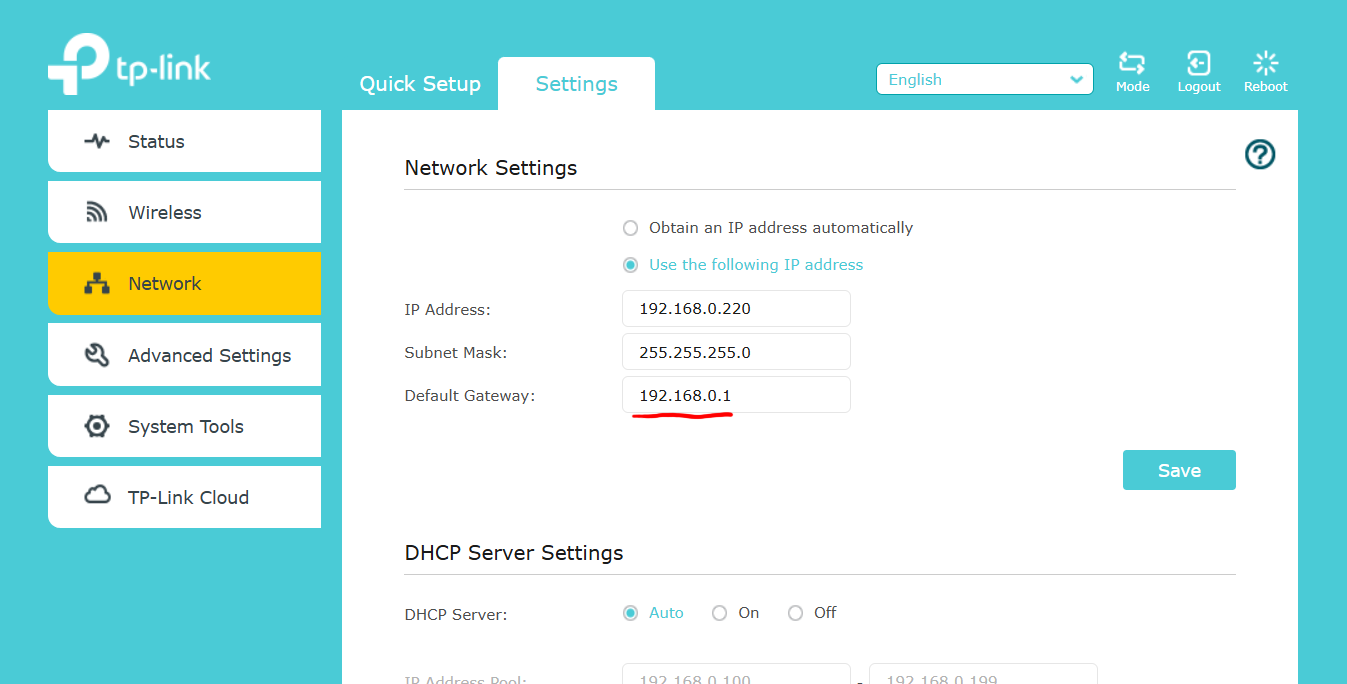
Please verify the Default Gateway of the RE305 is set to the correct IP address. (i.e. the LAN IP address of the router that provides the Internet connection) 


  0  
  0  
#2
Options
Re:TP-Link Cloud timeout
2 weeks ago - last edited 2 weeks ago

  @woozle The gateway is correct, so are the other network settings. If the gateway was wrong, all clients would not have internet access. This is not the case here. All clients work well. The problem is solely the TP-Link Cloud access that timeouts. 

I also have a second RE305 v.4.0, which does not have the same problem.

  0  
  0  
#3
Options
Re:TP-Link Cloud timeout
2 weeks ago

  @candlebox71 


Normally, if the extender has the correct IP address information, then its features that require Internet access should work. 


So, this must be a bug that is particular to the RE305 V3 then.


By the way, if the clients connected to the extender received their IP address and Gateway IP address via the DHCP server of the main router, while the extender itself had been manually configured with a wrong Gateway address, then the clients would still have Internet access, but the extender itself not. That's why I mentioned it.
 

  1  
  1  
#4
Options
Re:TP-Link Cloud timeout
2 weeks ago

  @woozle 

I have checked again, the gateway is correct. All configuration is manual.
Yes, the clients receive ip addresses from an upstream dhcp server. It is another access point next to the stock isp gateway. By the way, my gateway does not do DHCP, it only acts as a gateway router. The RE305 v3 extender is also an access point, which feeds clients in a remote room. The RE305 v3 reports valid internet connection in its WebUI. 
The second RE305 v4, does not have the same problem, although it also follows the same network structure and it shares the same network settings, except of course its own IP address.

  0  
  0  
#5
Options