
Deco BE65 2.4ghz MLO
 This thread has been locked for further replies. You can start a new thread to share your ideas or ask questions.
Deco BE65 2.4ghz MLO
This thread has been locked for further replies. You can start a new thread to share your ideas or ask questions.
I just recently got a BE65 and I was shocked to see that 2.4ghz MLO is not supported (even though the hardware allows it). I have spots in my house that drop to 2.4ghz only and if I use the MLO network my connection completely drops out when I go to these places. Since then I'm just using the regular network instead. I heard BE85 got an update to enable this and BE65 could easily do it too.
- Copy Link
- Subscribe
- Bookmark
- Report Inappropriate Content

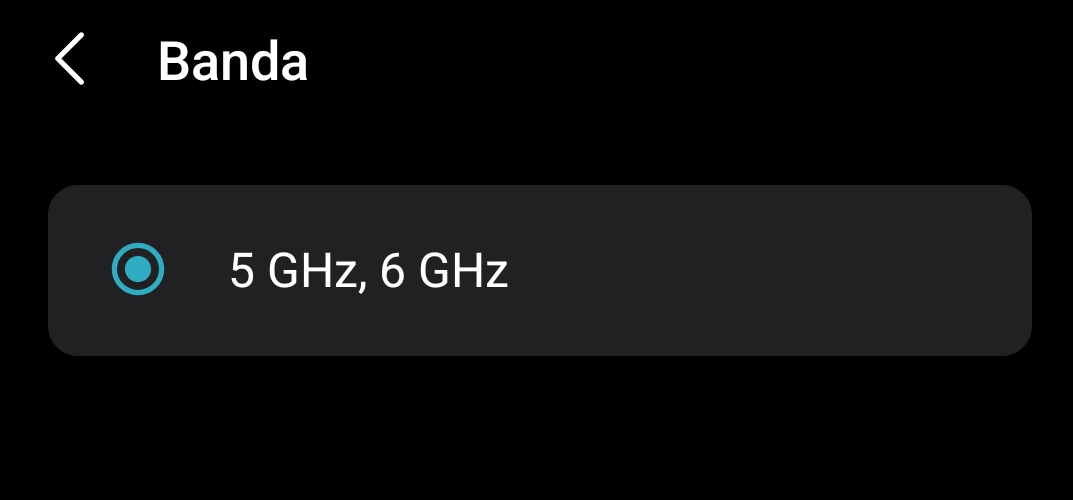
It is supported. Default is 5 and 6ghz, but in the settings, you can use 2.4, 5 and 6ghz.
- Copy Link
- Report Inappropriate Content
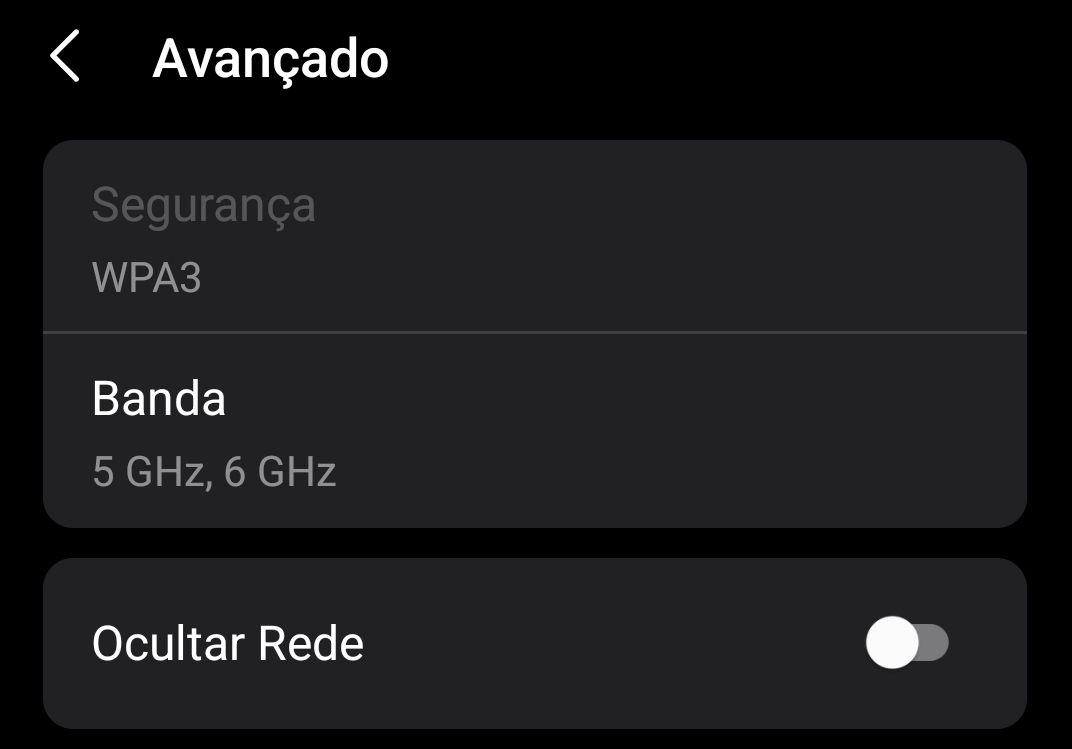
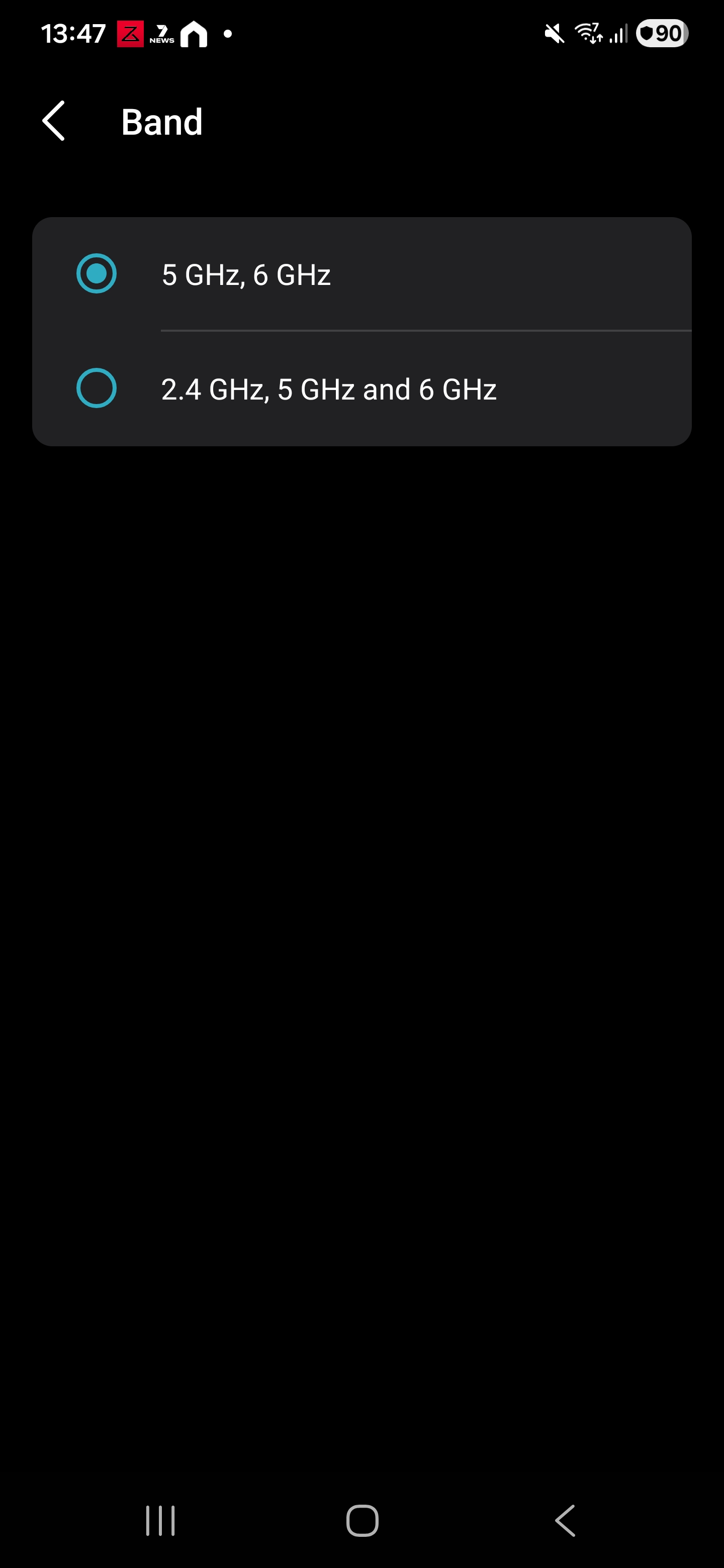
@BPCS unfortunately 2.4ghz is not available for MLO on BE65. Only option that is available is "5ghz, 6ghz".
- Copy Link
- Report Inappropriate Content
- Copy Link
- Report Inappropriate Content
@BPCS in my previous post I attached a screenshot of that exact menu and you can see the 2.4ghz option is not available. What's the firmware version of yours?
- Copy Link
- Report Inappropriate Content
I am on 1.2.1 but I had that option for 2.4ghz even on 1.2.0 like you are... its odd that you can't see the same option.
- Copy Link
- Report Inappropriate Content
@BPCS is yours the V1 or V2 model? How are the other settings configured? I would like to mimic what you have if possible to see if I can get that option to show up. 1.2.1 is the beta firmware, right?
- Copy Link
- Report Inappropriate Content
Mine are V2.
FW 1.2.1 was put up in the Deco forums with a link to it... irs not strictly a Beta i don't think.
- Copy Link
- Report Inappropriate Content
Have u looked under the "Advanced" tab in the WiFi Settings menu?
- Copy Link
- Report Inappropriate Content
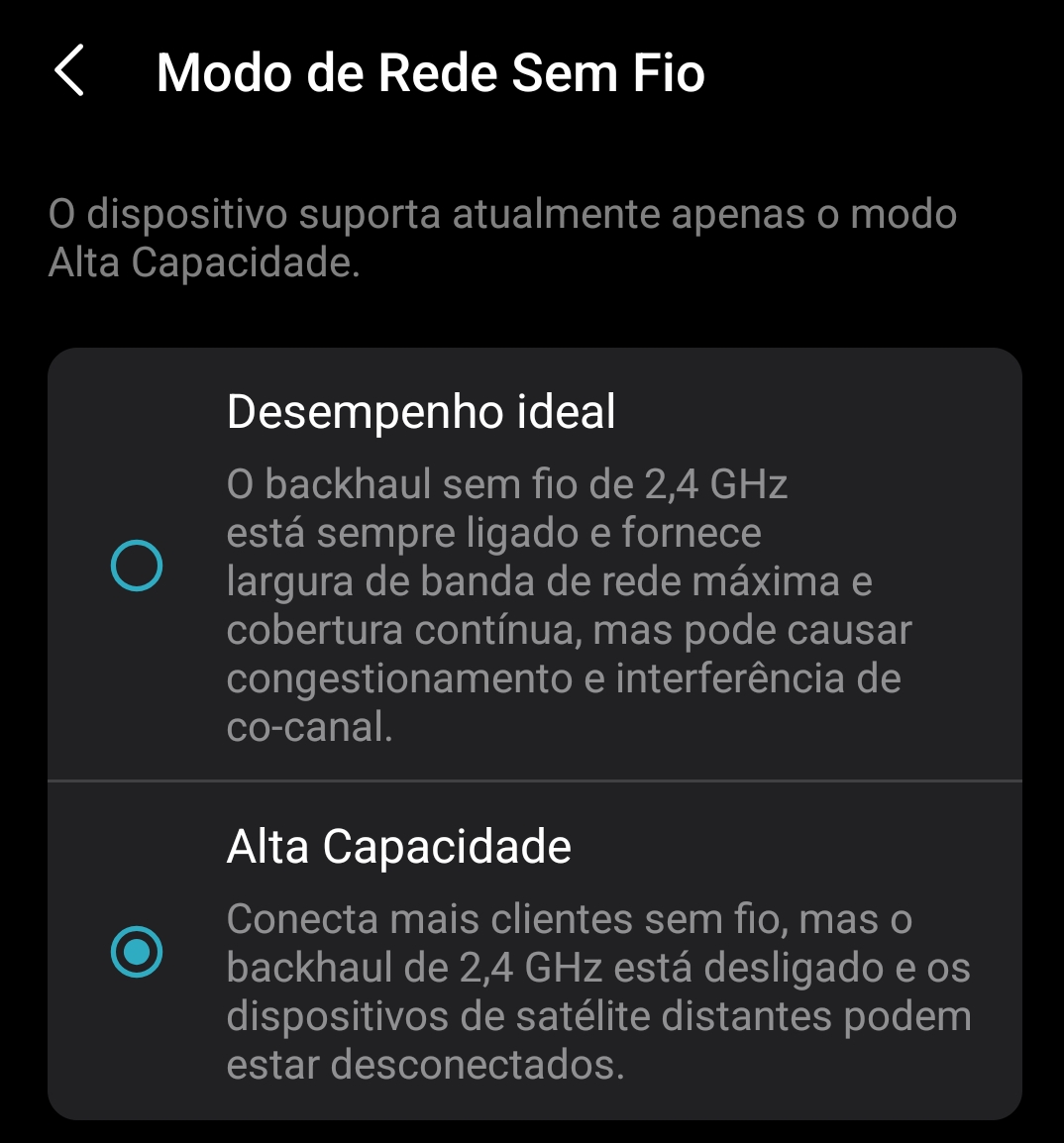
@BPCS yes, only interesting option is the Wifi Backhaul part which has two options: Optimal Performance and High Capacity. It is currently set to High Capacity and it does not let me switch to Optimal Performance.
- Copy Link
- Report Inappropriate Content
That's not the correct "Advanced" tab... its the "Advanced" tab found under if you click on the MLO network section of WiFi settings and after Advanced, click on "Band".
- Copy Link
- Report Inappropriate Content
Information
Helpful: 1
Views: 1539
Replies: 12
Voters 1
