
Hello, our Archer C50 router resets itself to factory settings every day.

Hello, our Archer C50 router resets itself to factory settings every day.

Hello, our Archer C50 router resets itself to factory settings every day.
2026-02-26 16:49:42 - last edited 2026-03-30 15:09:45
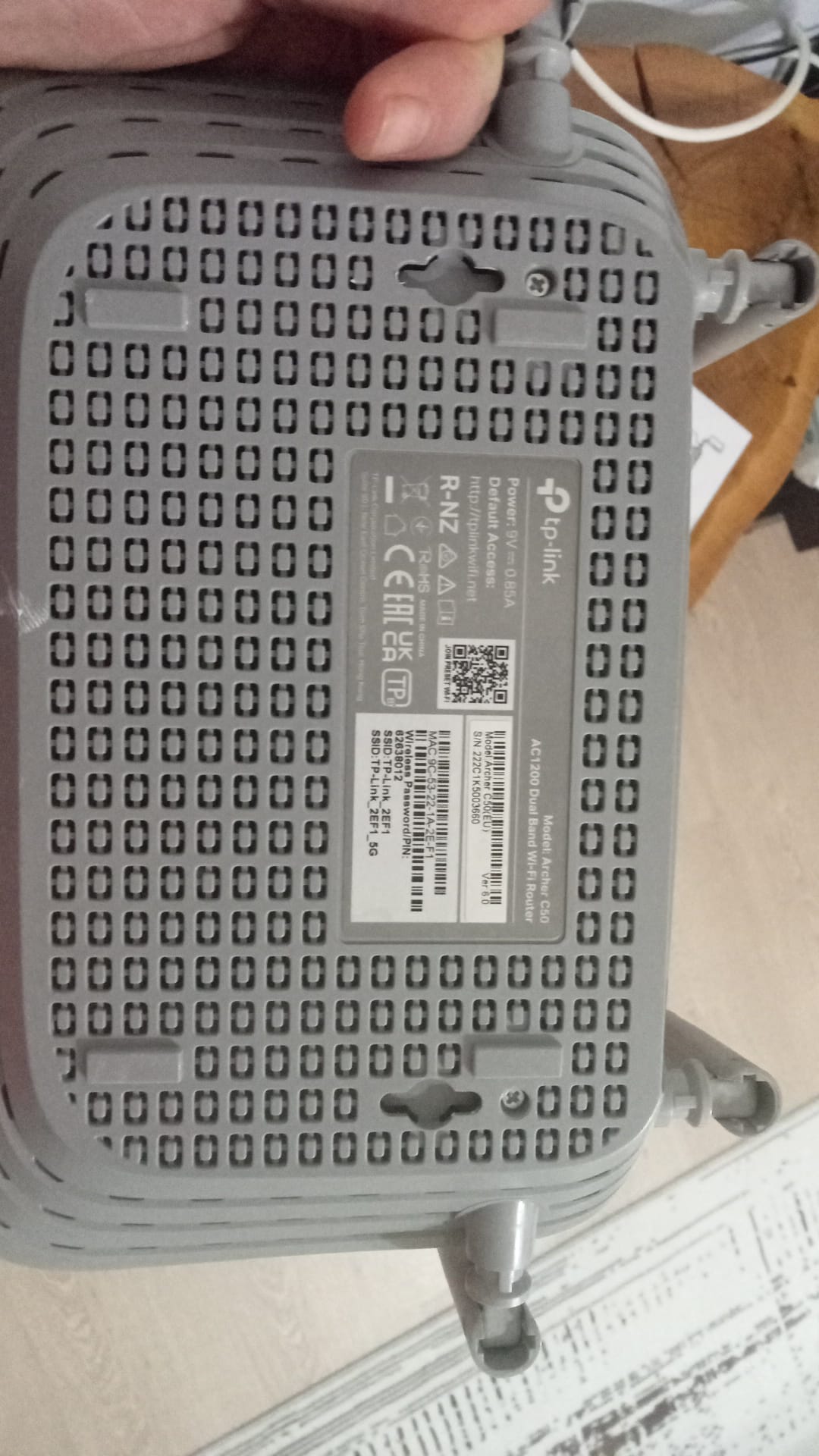
Model: Archer C50  
Hardware Version: V6
Firmware Version: Archer C50(EU)_V6_250119

Merhaba archer c50 router cihazımız her gün kendini fabrika ayarlarına alıyor siteden son yazılım güncellemesi yaptım fakat durum aynı ne yapmamız gerekli 


Archer C50(EU)_V6_250119 son güncelleme bu yüklü 
0
0
#1
1 Accepted Solution
Re: Hello, our Archer C50 router resets itself to factory settings every day.-Solution
2026-02-28 11:09:18 - last edited 2026-03-30 15:09:45

Hello @ozgurrsenn ,

According to Google Translate, you encounter that the Archer C50 auto-resets itself. If there is any discrepancy, please describe it in English.

Please confirm that you are using the original power adapter. No one else can manage your router. 

Your problem of daily factory resets is unusual. It is recommended to contact Local Support for further help.


Welcome to Our Community! Get the latest posts: △New Firmware for Archer GE550/GE650 V1 Introduces AI-QoS, EasyMesh IoT Expansion, and More! △New Firmware Releases for Archer BE805 V1/BE450 V1 to Support VPN Merge, New ECO Mode, and More! More posts, please see: △ Get the Ongoing Pre-release Firmware for Wi-Fi Routers Here— Subscribe for Updates! Urgent problems with your Wi-Fi Router, Range Extender, or DSL Modem? Please reach out via private Messages or @Joesph-TP in your new thread directly. Click Or ☆Recommended Solution if the post/answer helps.
Recommended Solution
0
0
#2
1 Reply
Re: Hello, our Archer C50 router resets itself to factory settings every day.-Solution
2026-02-28 11:09:18 - last edited 2026-03-30 15:09:45

Hello @ozgurrsenn ,

According to Google Translate, you encounter that the Archer C50 auto-resets itself. If there is any discrepancy, please describe it in English.

Please confirm that you are using the original power adapter. No one else can manage your router. 

Your problem of daily factory resets is unusual. It is recommended to contact Local Support for further help.


Welcome to Our Community! Get the latest posts: △New Firmware for Archer GE550/GE650 V1 Introduces AI-QoS, EasyMesh IoT Expansion, and More! △New Firmware Releases for Archer BE805 V1/BE450 V1 to Support VPN Merge, New ECO Mode, and More! More posts, please see: △ Get the Ongoing Pre-release Firmware for Wi-Fi Routers Here— Subscribe for Updates! Urgent problems with your Wi-Fi Router, Range Extender, or DSL Modem? Please reach out via private Messages or @Joesph-TP in your new thread directly. Click Or ☆Recommended Solution if the post/answer helps.
Recommended Solution
0
0
#2
