
No communication between VLAN's

Hello everyone,
I made a VLAN setup with a ER605 v2.0 gateway and three switches:
- SG2210MP v5.0
- T1500G-10PS v2.0
- SG2008 v4.20
and 2 access points:
- EAP772 v2.0
- EAP770 v2.0.
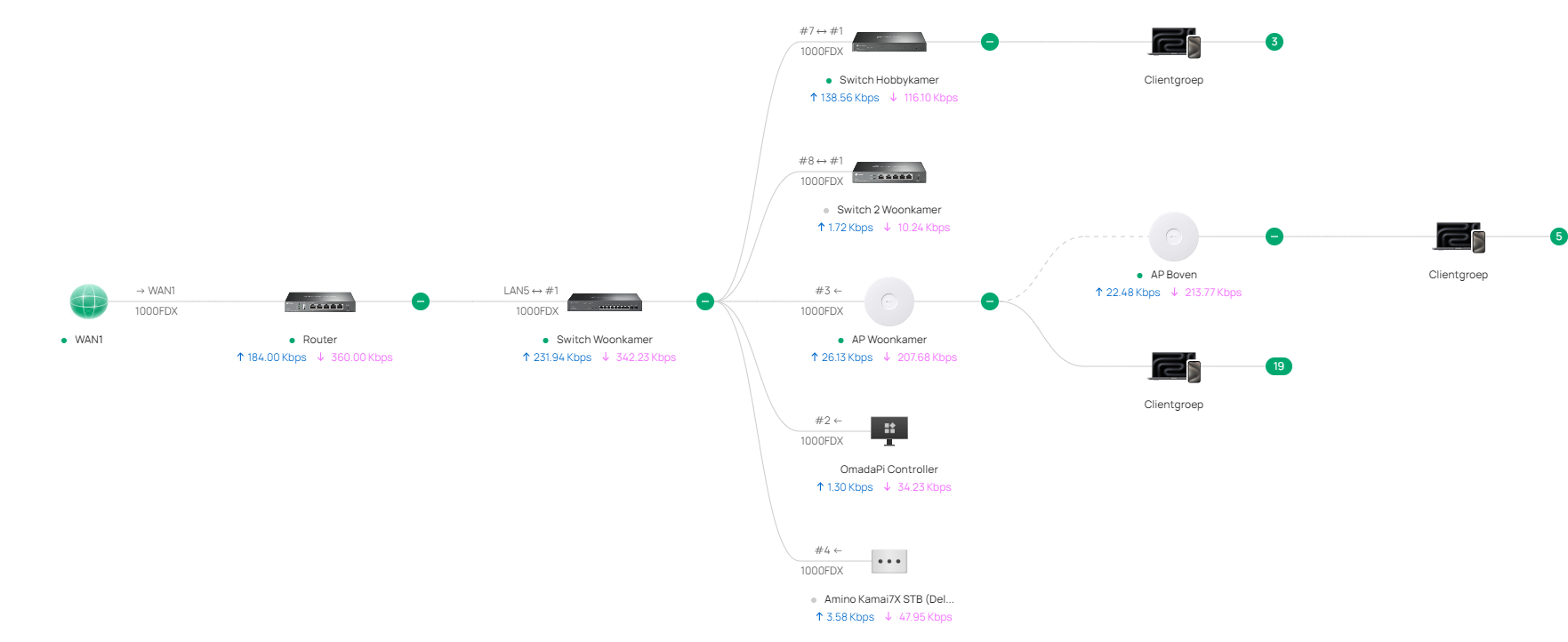
I use omada software controller 6.1.0.19 I installed on a raspberry pi 5 with 8GB. The ER605 is connected in a DMZ behind an internet modem. The SG2210MP is connected with the ER605. The T1500G, SG2008 and EAP772 are connected with the SG2210MP. EAP770 is via mesh connected with EAP772.
I made five VLAN's: VLAN 10, VLAN 2, VLAN 3, VLAN 12 and VLAN 13. VLAN 2 an VLAN 12 are for PC's etc. VLAN 3 and VLAN 13 are for IoT devices. VLAN 10 is the mgmt VLAN. VLAN 2 and VLAN 3 are set-up with the controller on the T1500G. VLAN 12 and VLAN 13 are set-up on the SG2008. On the T1500G i connected a Synology NAS with LACP. It has two tagged VLAN's: VLAN 2 and VLAN 3. It has to be found on the LAN network and the IoT network. On a port which is assigned as native VLAN 3 on the T1500G is also a home automation controller connected. Both have static ip-addresses.
In VLAN 10 the ER605 is the DHCP-server. In the other VLAN's the SG2210MP is the DHCP-server. The ER605 has a static route to 192.186.0.0/16 with the SG2210MP as next hop. The SG2210MP has a static route to 0.0.0.0/0 with the ER605 as next hop. It also has two static routes: VLAN 2 and VLAN 3 to next hop the T1500G. VLAN 12 and VLAN 13 to next hop the SG2008. In VLAN 10 I have a PC wich connects to the internet and the Omada controller. But it can't communicate with the other VLAN's Another PC on a port assigned to native VLAN 2 can't communicate with internet. Also the other VLAN's except VLAN 10 can't communicate with internet.
What am I doing wrong? Will someone please help me?
Thanks in advance.



