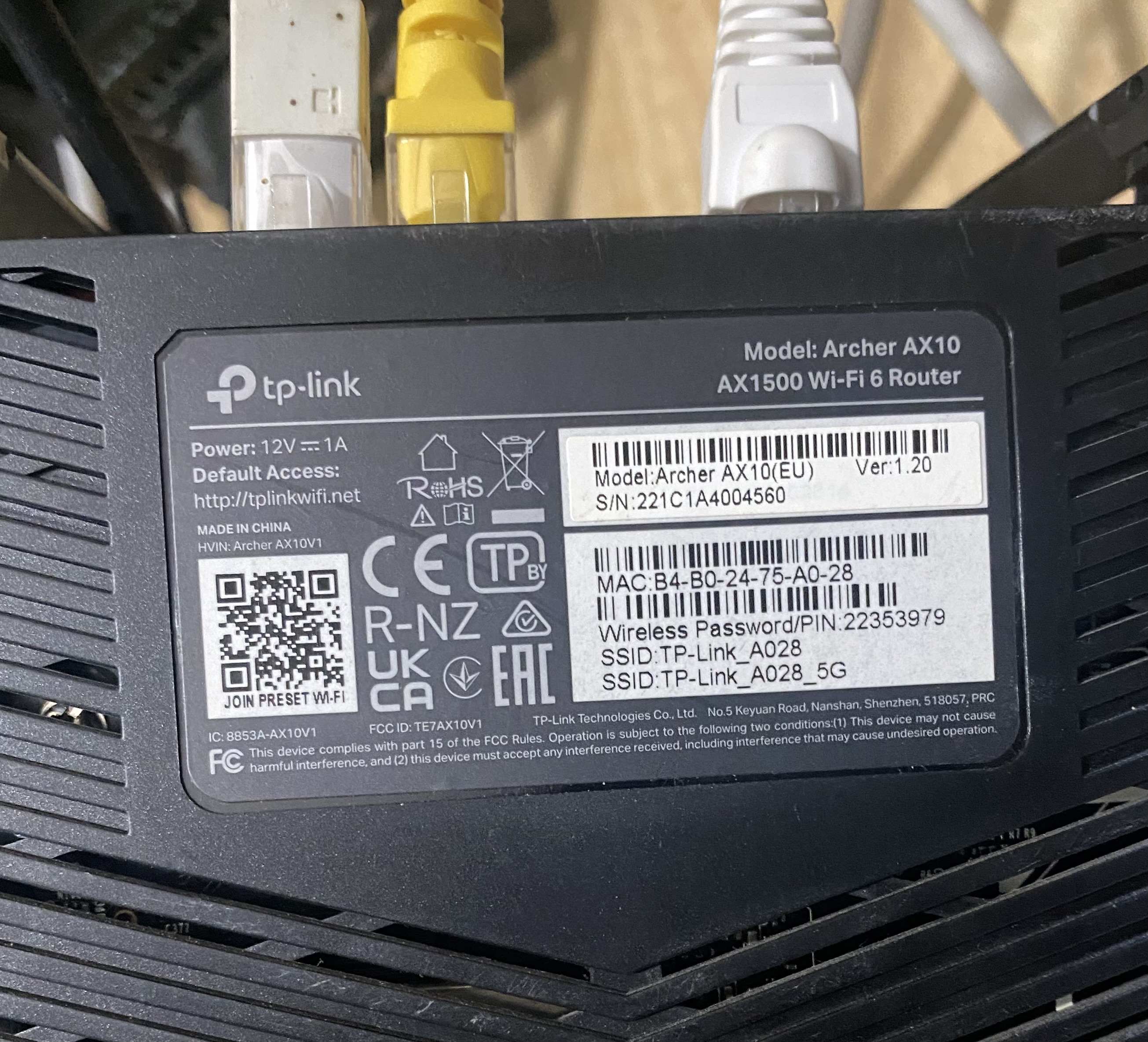
Archer AX10 V1.20 Stuck in CFE Bootloop - "Linux kernel CRC error" & Kernel Partition Write-Locked

Hardware Specs:
-
Device: Archer AX1500 / AX10
-
Hardware Version: V1 / V1.20
-
Board ID:
TP6750_AX1500V1 -
Chipset: Broadcom BCM6750_A2 (Triple Core 1500MHz)
-
Flash Chip: SPI Flash
EN25P128(16MB)
Description of the Issue:
My router got bricked after an interrupted firmware update. The device is now stuck in a solid yellow light status and loops continuously into the Broadcom CFE bootloader prompt. I have connected to the router via Serial UART (TTL) at 115200 baud to diagnose and recover the firmware, but I have hit a dead end due to a write lock on the kernel partition.
Here is the boot log showing the core issue:
Plaintext
Initalizing switch low level hardware.
Software Resetting Switch ... Done.
*** Press any key to stop auto run (1 seconds) ***
Auto run second count down: 0
Booting from only image (0x00040000) ...
Code Address: 0x00018000, Entry Address: 0x00018000
Linux kernel CRC error.  Corrupted image?
Power on All PHY
web info: Waiting for connection on socket 0.
CFE>
What I Have Attempted So Far:
1. Using the Web Rescue Interface: The secondary CFE successfully boots and opens the Web Rescue server (http://192.168.0.1/cgi-bin/upgrade). When uploading an official stock EU firmware image via curl, the web interface returns {"success": true, "errorcode": "0", "msg": "image check ok"} and flashes successfully. It even managed to update the secondary CFE ram build date to 2024/2025.
However, after a reboot, the primary CFE still boots from 0x00040000 and throws the exact same Linux kernel CRC error. It seems the Web Rescue interface only writes to the secondary/backup partition, but fails to overwrite the corrupted kernel image on the main partition.
2. Flashing via CFE CLI Commands: I tried using the CFE command-line utilities via PuTTY, but this stripped-down CFE version has severe restrictions:
-
Running
f(Flash via TFTP) with the stock image or stripped header image results in:Firmware tag version [0] is not compatible with the current Tag version [7]. *** command status = -1 -
Attempting raw flashing via
wsorwcommands gets rejected withIllegal whole flash image. -
The
nvram erasecommand is unavailable/locked. I had to reconstruct the NVRAM parameters manually using the internal boot config environment after a flash wipe (e n), which successfully restored theBoard Id: 20and MAC addresses, but the kernel partition remains corrupted.
The Core Obstacle:
It appears the primary CFE bootloader has a hard Write-Protection lock on the kernel space at address 0x00040000. The Web Rescue interface cannot bypass this lock to repair the corrupted primary image, and the CLI refuses any raw write commands for security reasons.
Questions for the Community & Engineers:
-
Is there any specific CFE boot argument, flag, or command string sequence to force a switch to the backup partition image?
-
Is there a special "recovery-tailored" firmware image format from TP-Link that contains the Broadcom Tag Version 7 header to satisfy the CFE
fcommand? -
Or is desoldering the SPI Flash chip and using an external programmer (like CH341A) to flash a full dump image the only way left to resurrect this board?
Any help or insights from advanced users or TP-Link engineers would be highly appreciated!