
extender problem

hi all, i'm not the most technical, i'm hoping someone can help me.
my setup is
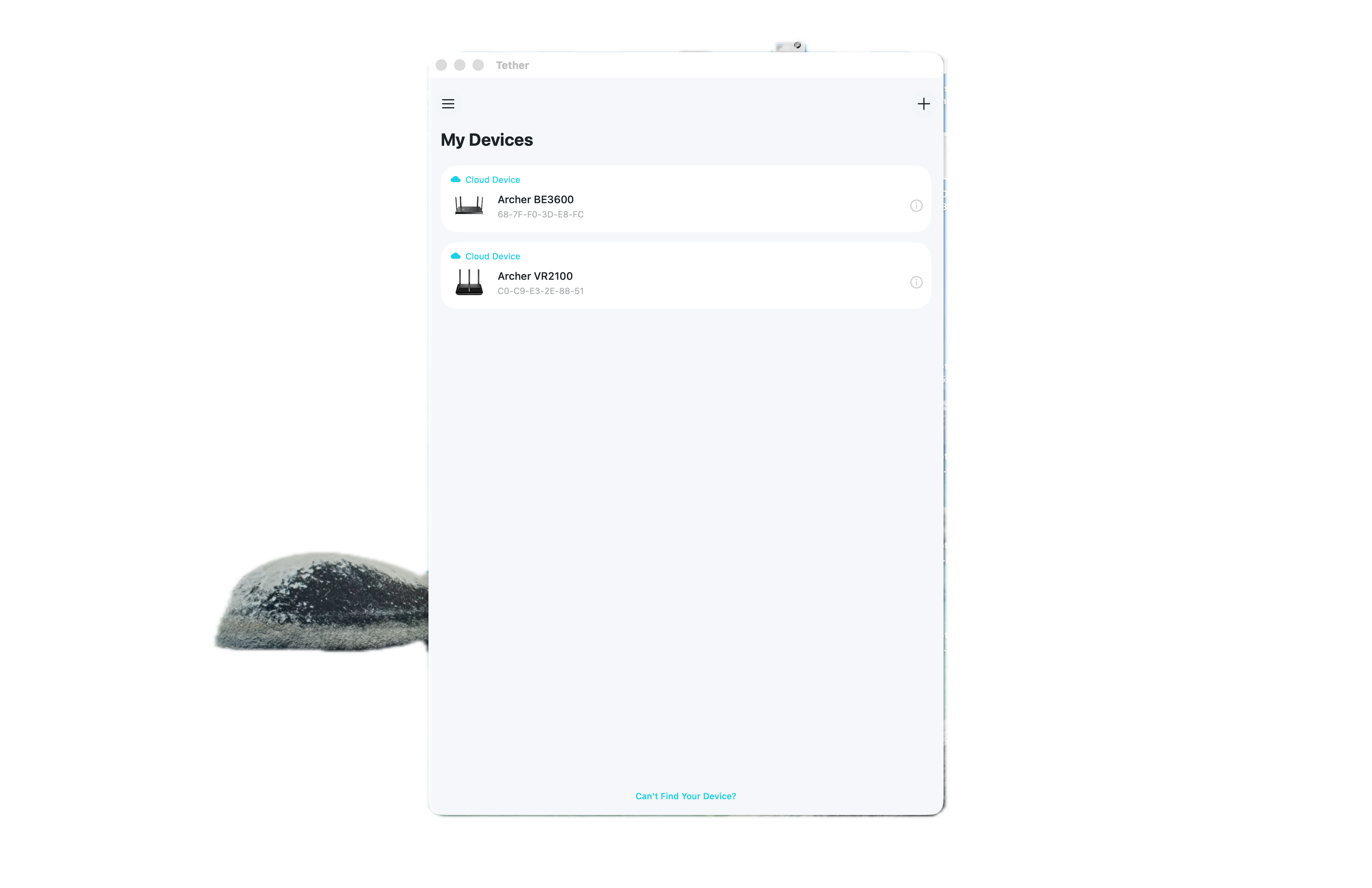
an old archer modem/router acting as a modem only. with the archer be3600 plugged in and using as a router. everything is fine, everything is all connected and showing in the tether app.
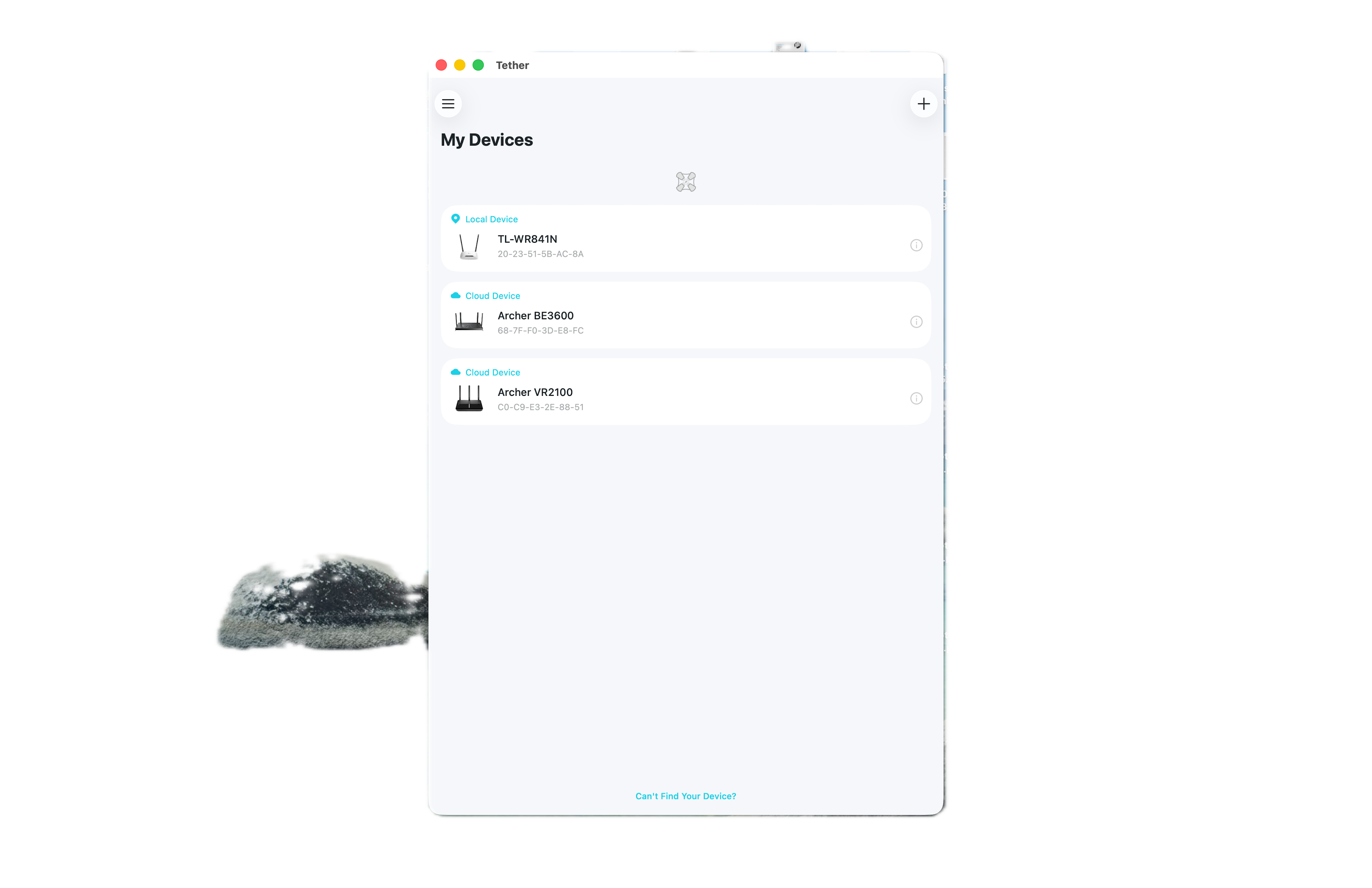
the range on the router isn't brilliant so i bought another router to act as an extender. i configured that as an extender in the menu and that is now connected to my network and shows up in the tether app.
how the hell do i use that extender?
my iphone and other devices can't see it when searching for wifi, so i can't connect
any help much app
- Copy Link
- Subscribe
- Bookmark
- Report Inappropriate Content

- Copy Link
- Report Inappropriate Content
@woozle hi, no it's a tplink tp- wr841n
- Copy Link
- Report Inappropriate Content
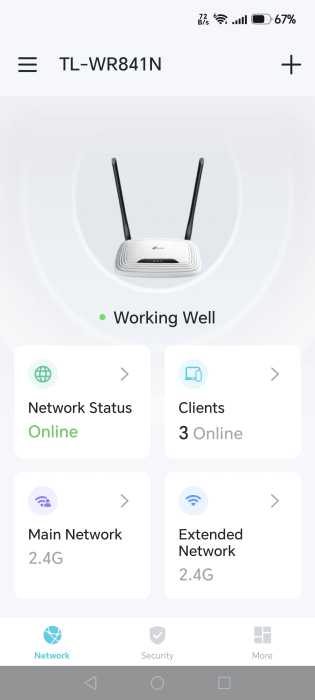
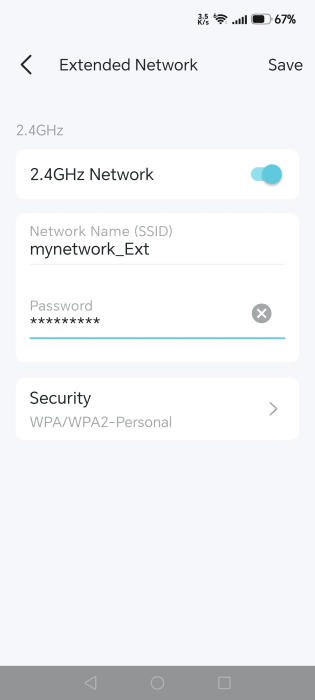
Since you mentioned you can see the WR841N in the Tether app, I suggest you open the Tether app and verify the network name of the WR841N is actually different than the network name of the Archer BE3600. (because if the two routers used the same SSID, then they would show up as one network on client devices)
To do that tap on "Extended Network". In case "Network Name (SSID)" was identical to the network name of the Archer BE3600, then change it to something else, for example, add an "_Ext" ending to it.
- Copy Link
- Report Inappropriate Content

- Copy Link
- Report Inappropriate Content
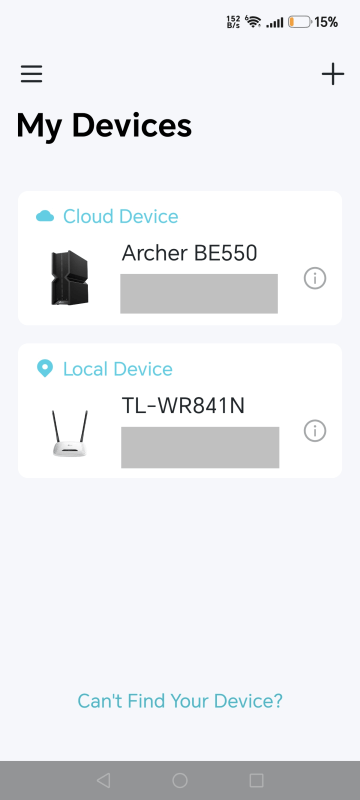
Your screenshot shows you are logged into the Archer BE3600.
To manage the Extended Network of the TL-WR841N you need to log into the TL-WR841N.
If you cannot see the TL-WR841N in the Tether app while your phone is connected to the Wi-Fi network of the Archer BE3600 (i.e. not a cellular connection and not connected remotely), then the setup of the TL-WR841N was most likely not successful.
- Copy Link
- Report Inappropriate Content
@woozle thank you for your help. the problem still persists
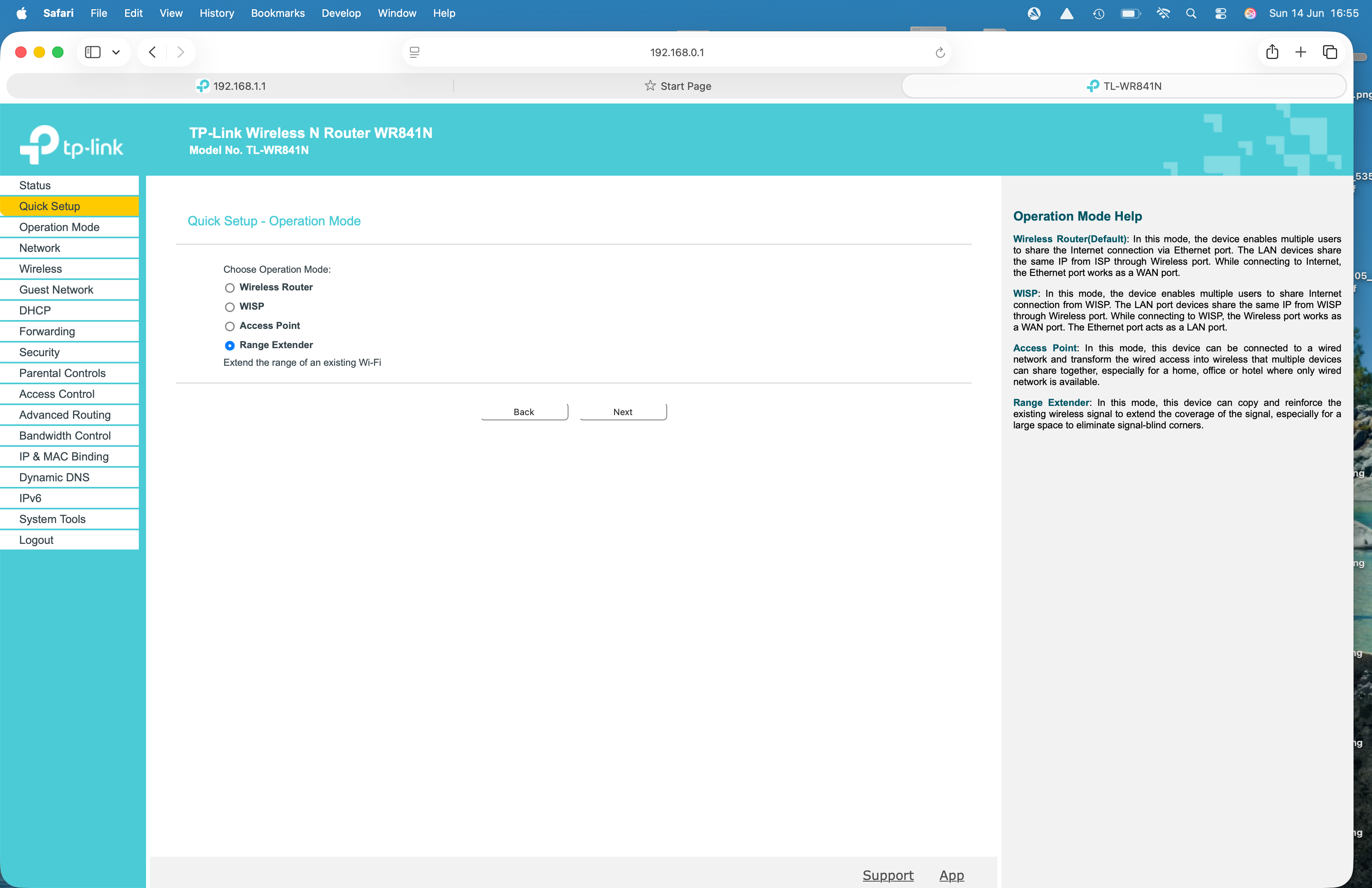
this what i have done
the last one is showing no internet in the new extender
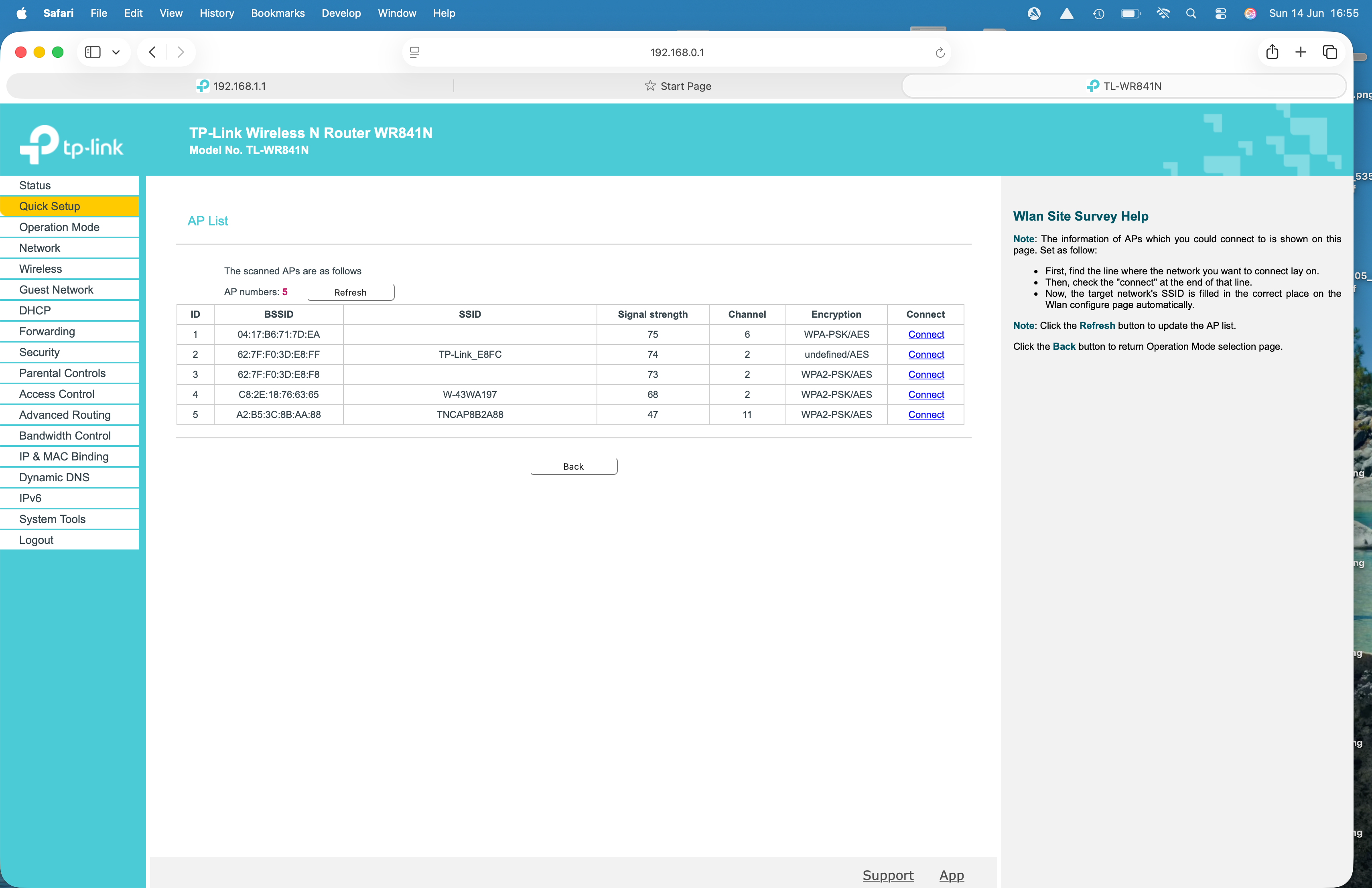
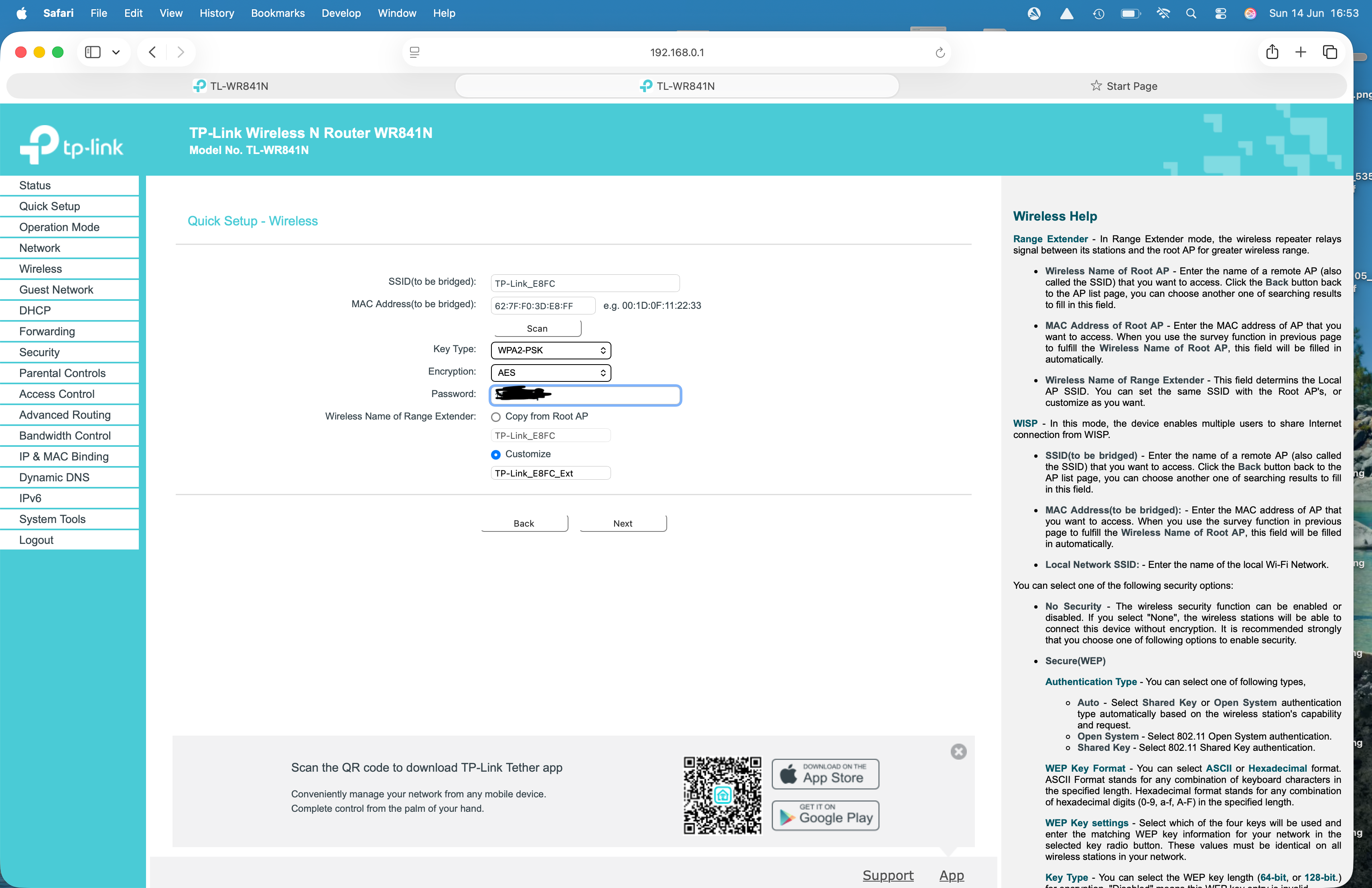
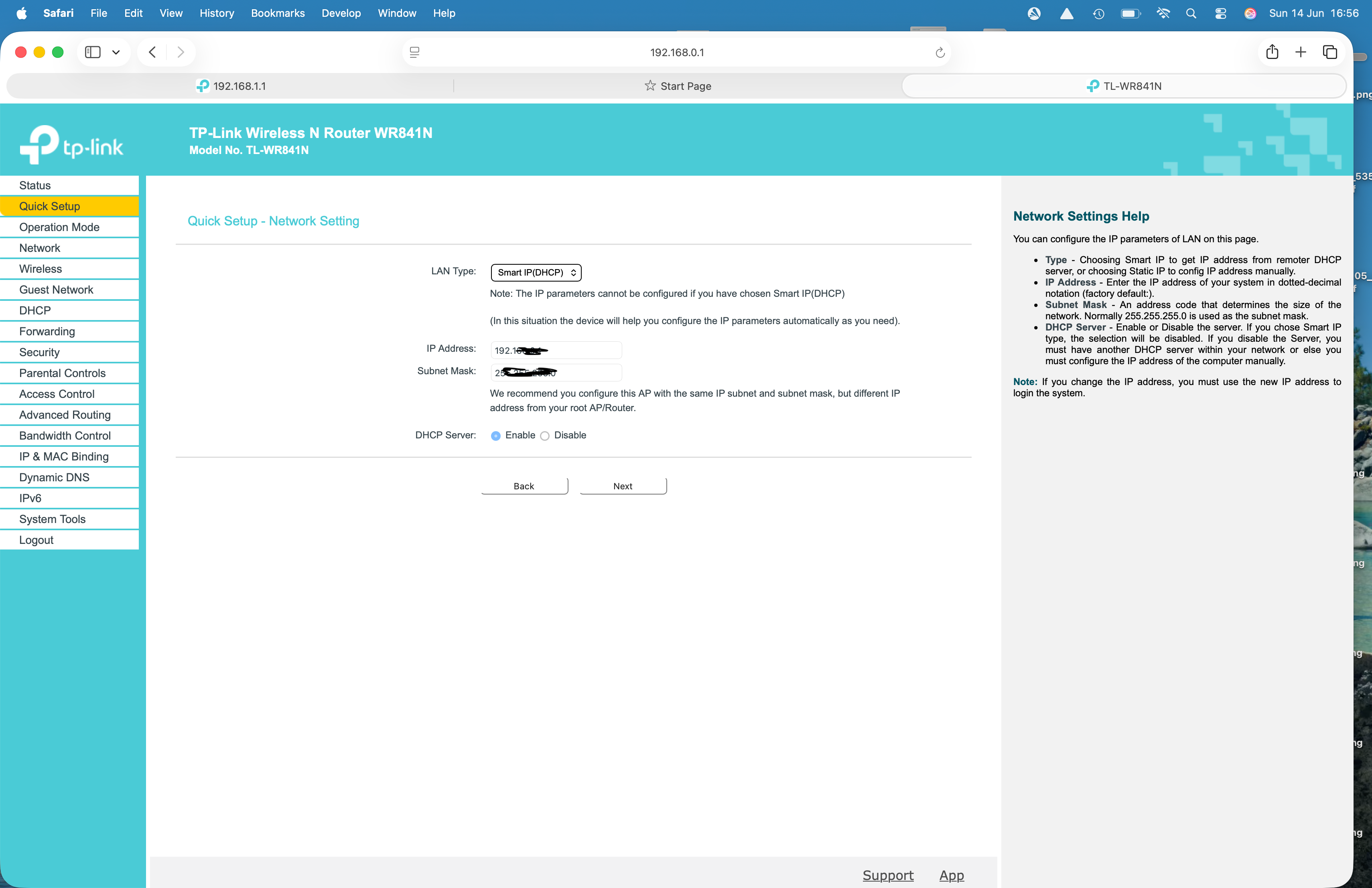
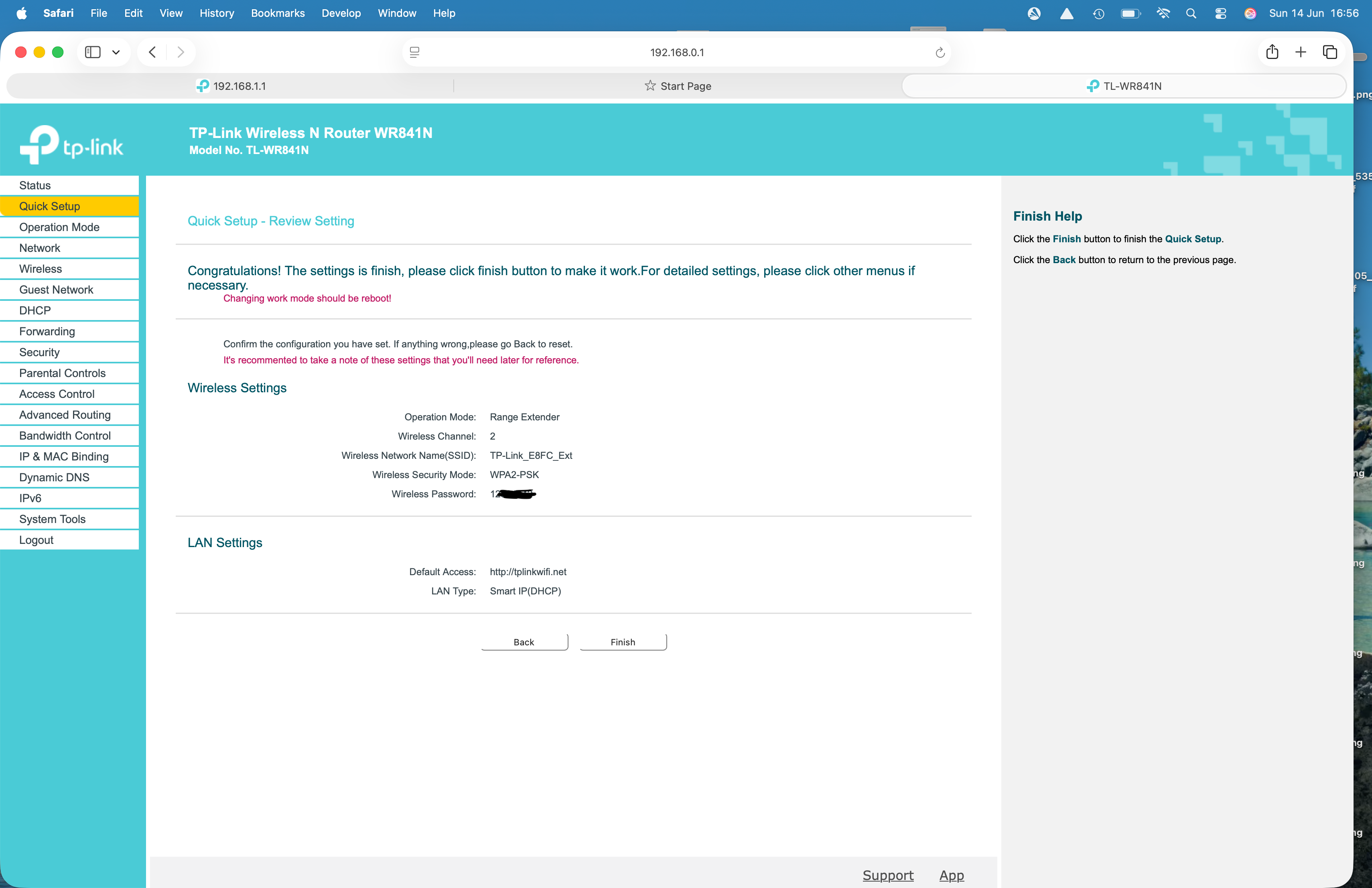
- Copy Link
- Report Inappropriate Content
- Copy Link
- Report Inappropriate Content
So, if you connect a phone or computer to "TP-Link_E8FC_Ext", then they show some sort of "No Internet" message, right?
If that's the case, then maybe the technique used by the TL-WR841N to perform as a Range Extender is not compatible with the Archer BE3600.
What you could do as a workaround is to connect the TL-WR841N to the Archer BE3600 by using the "WISP" operation mode (second option in the first screenshot of your last post). This mode should always work. However, in WISP mode, client devices connected to the Archer BE3600 will not be able to communicate with client devices connected to the TL-WR841N.
- Copy Link
- Report Inappropriate Content
@woozle thank you for all your help,this is turning into a bit of a ball ache, i think i may just buy a dedicated extender
- Copy Link
- Report Inappropriate Content
Information
Helpful: 0
Views: 283
Replies: 9
Voters 0
No one has voted for it yet.