
[Bug Report] Mercusys MR90X Bug: Device Type Assignment Resets to Default in Mobile App

Issue Summary
The Device Type assignment feature available in the Mercusys mobile app does not work correctly on the Mercusys MR90X router, even though the same feature works perfectly on my other Mercusys routers and extender.
When assigning a device type to a connected client via the mobile app, the selection is not saved on the MR90X and automatically resets to the default device type.
Feature Description
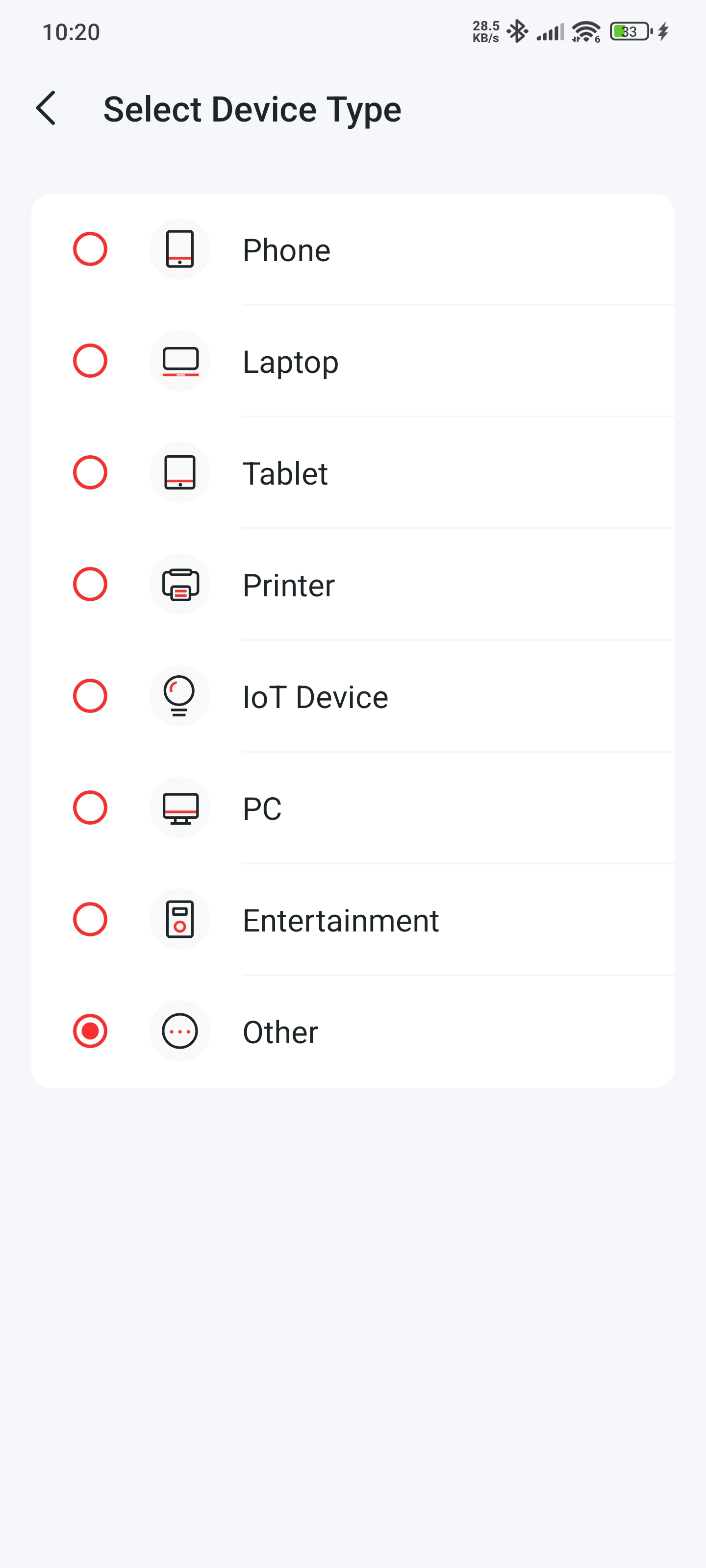
Mercusys provides a feature in its mobile app that allows users to manually assign a Device Type to any connected client.
- There are 8 available device type categories
-
This feature:
-
Works only in the mobile app
-
Is not available in the web UI (which is fine)
-
-
The feature works correctly on:
-
Other Mercusys routers
-
Mercusys extender
-
-
The issue occurs only on MR90X, which is my main router
Steps to Reproduce the Issue
-
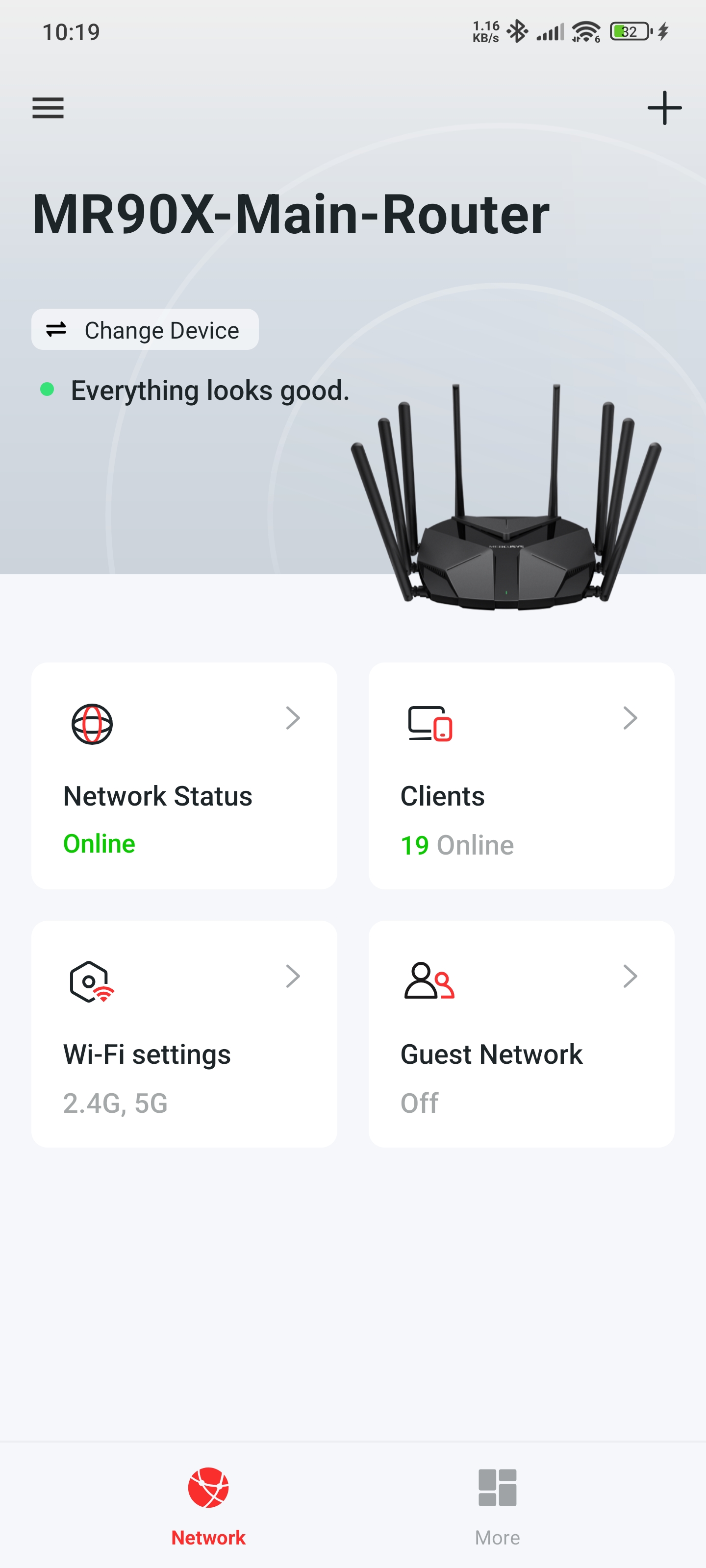
Open the Mercusys Mobile App and Open MR90X router page.
-
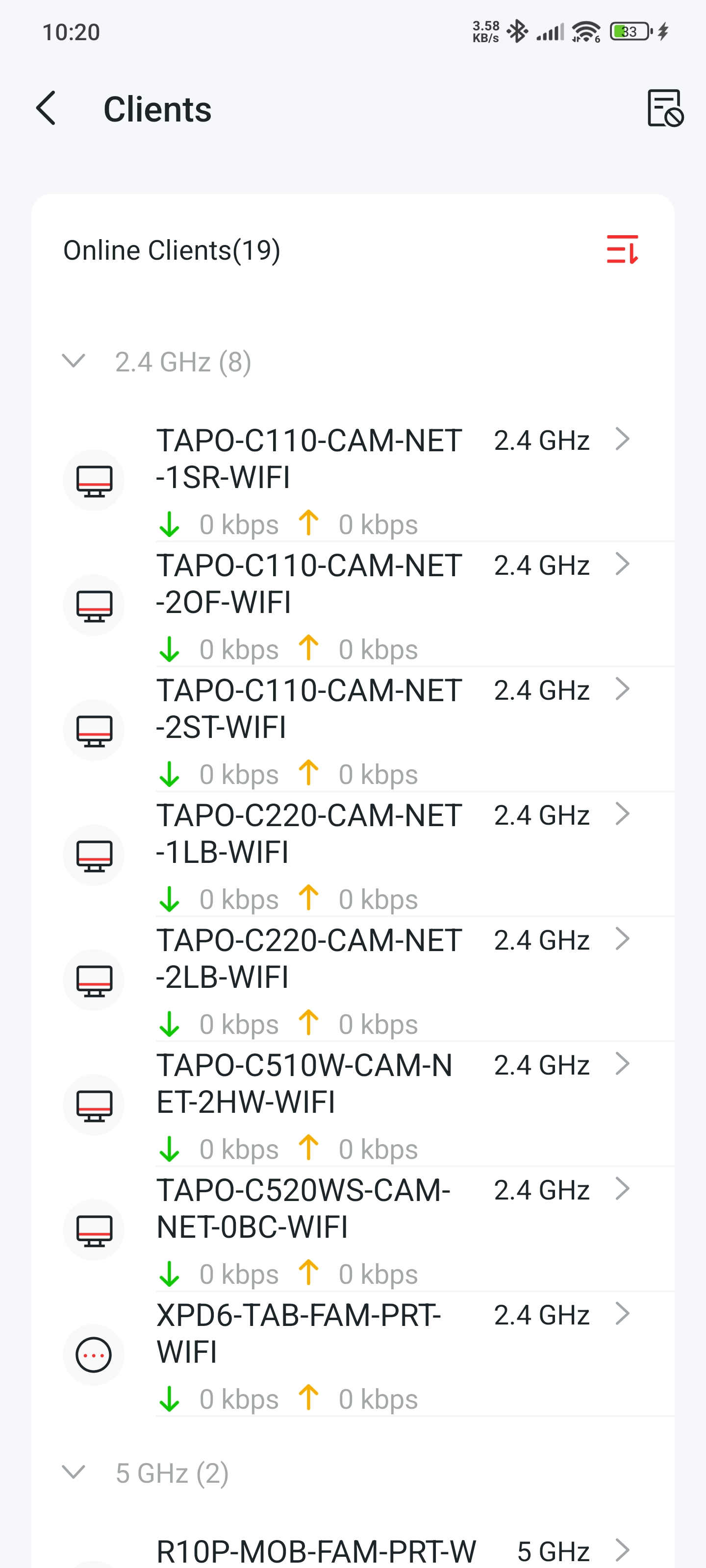
Open Clients option by clicking on it.
-
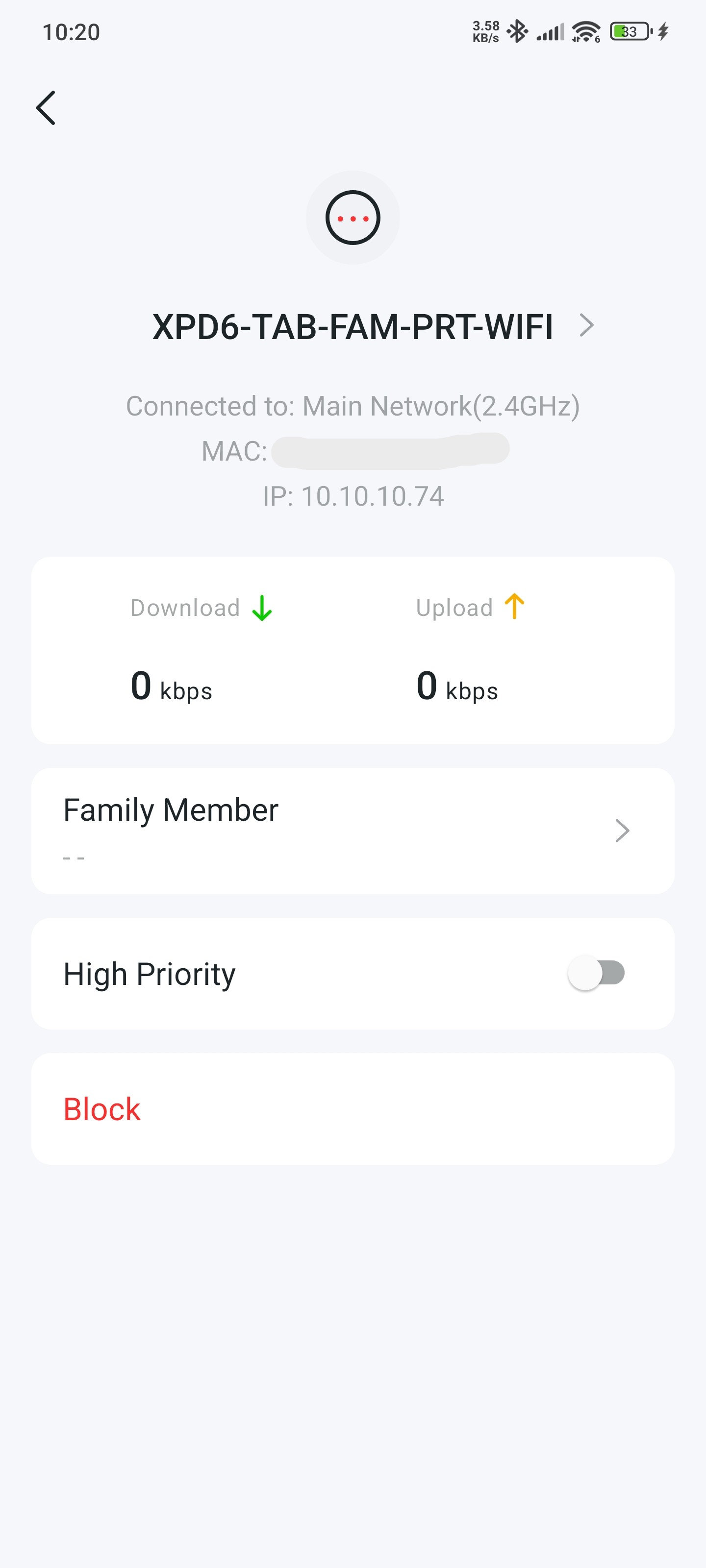
Select any connected network device
-
Tap on the device name
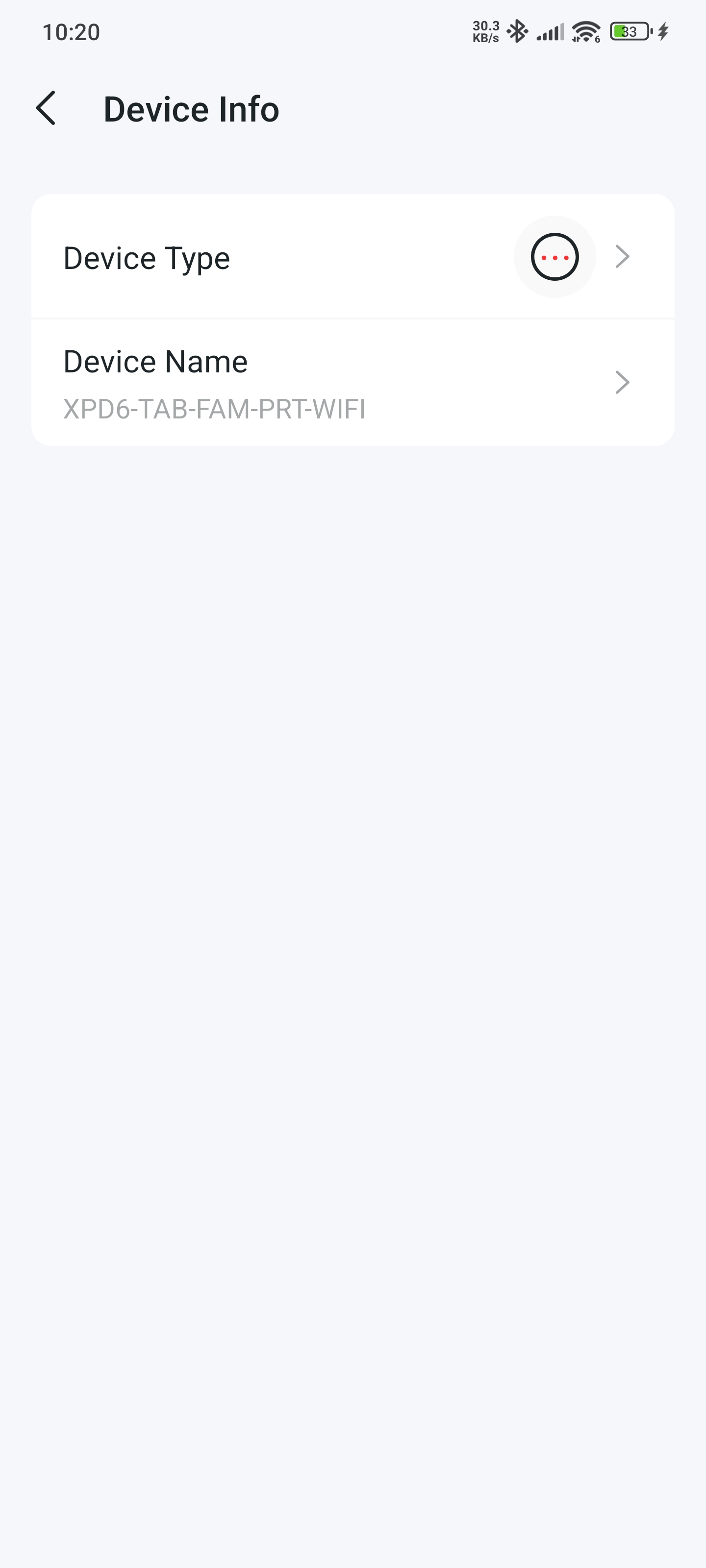
-
Open Device Type
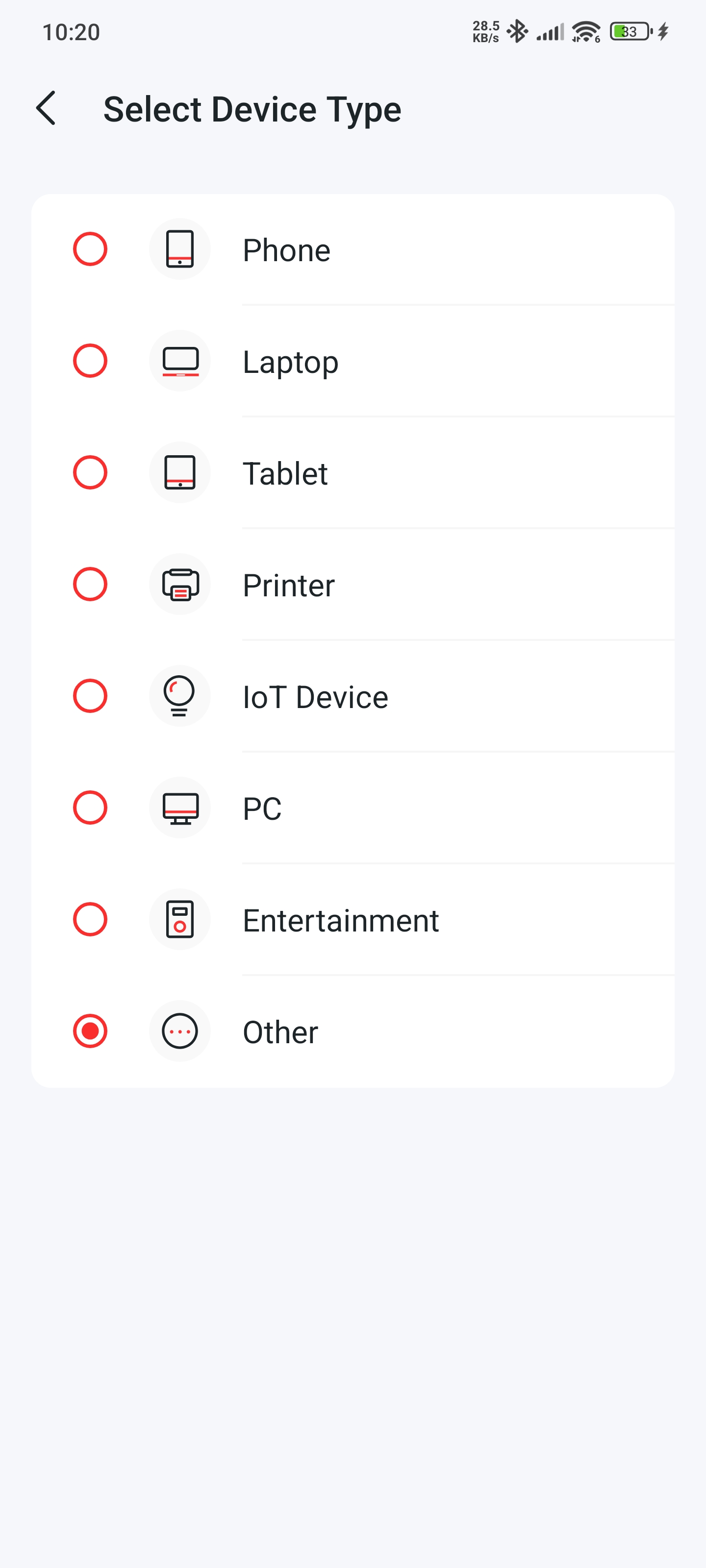
-
Choose a device type from the available list (out of 8 categories)
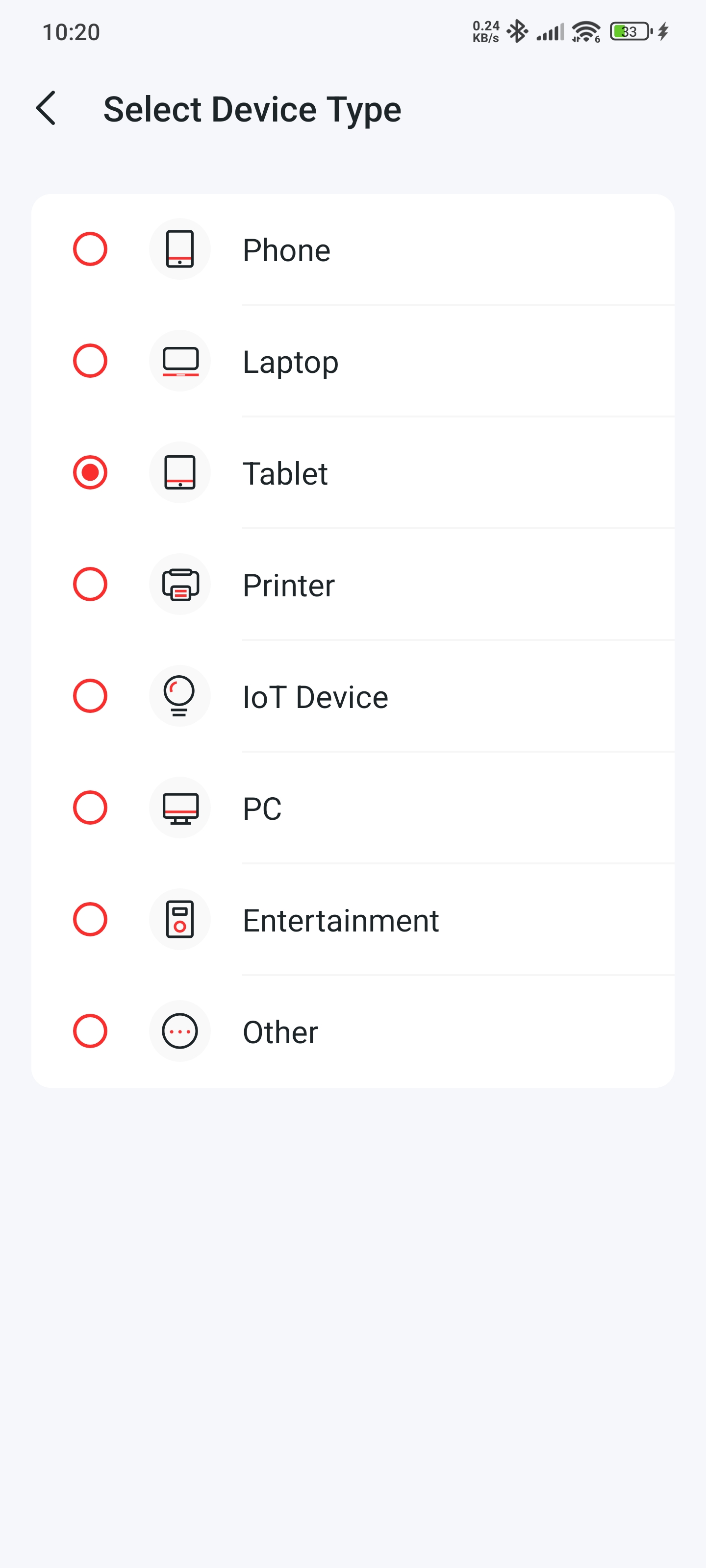
-
Go back to save the selection
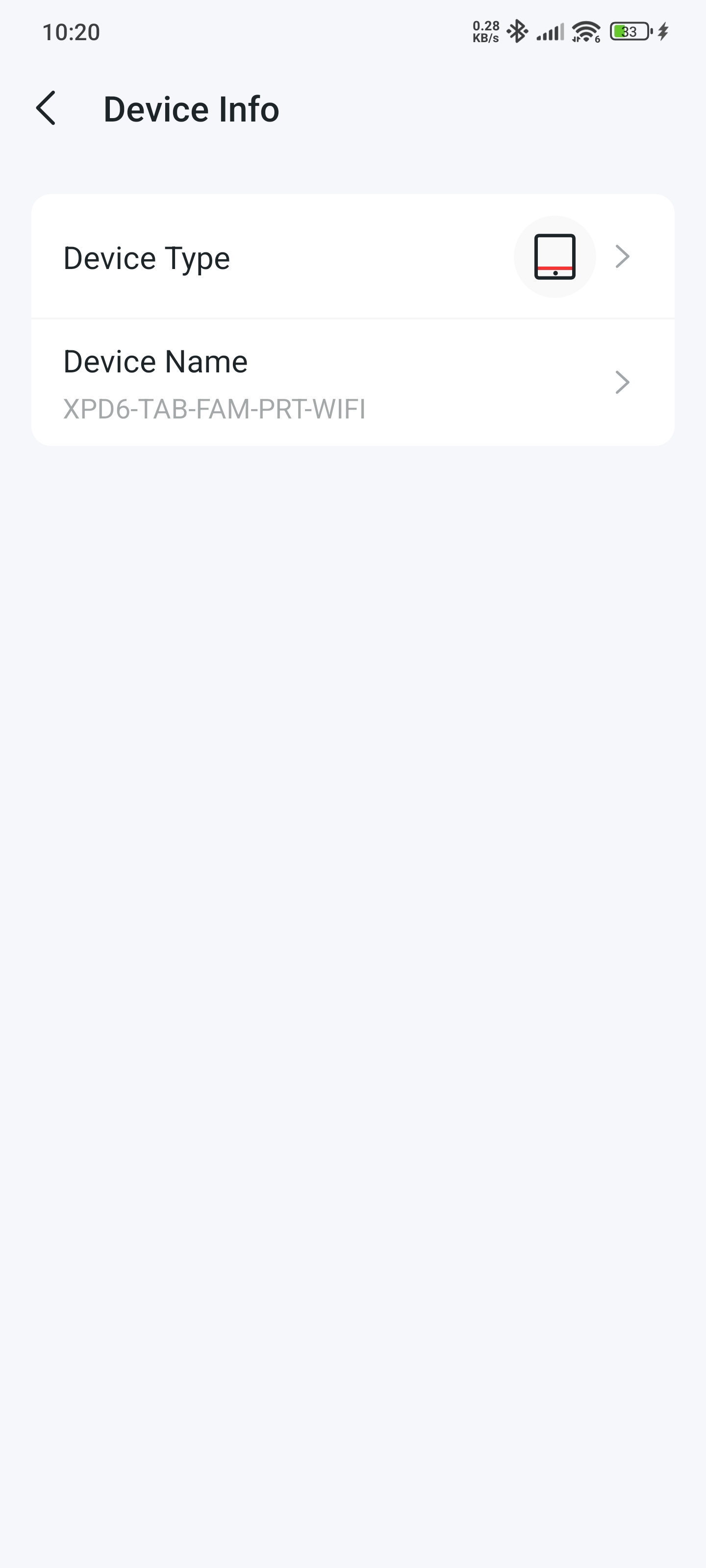
-
The selected device type gets reset to the default once goes back to device info screen.
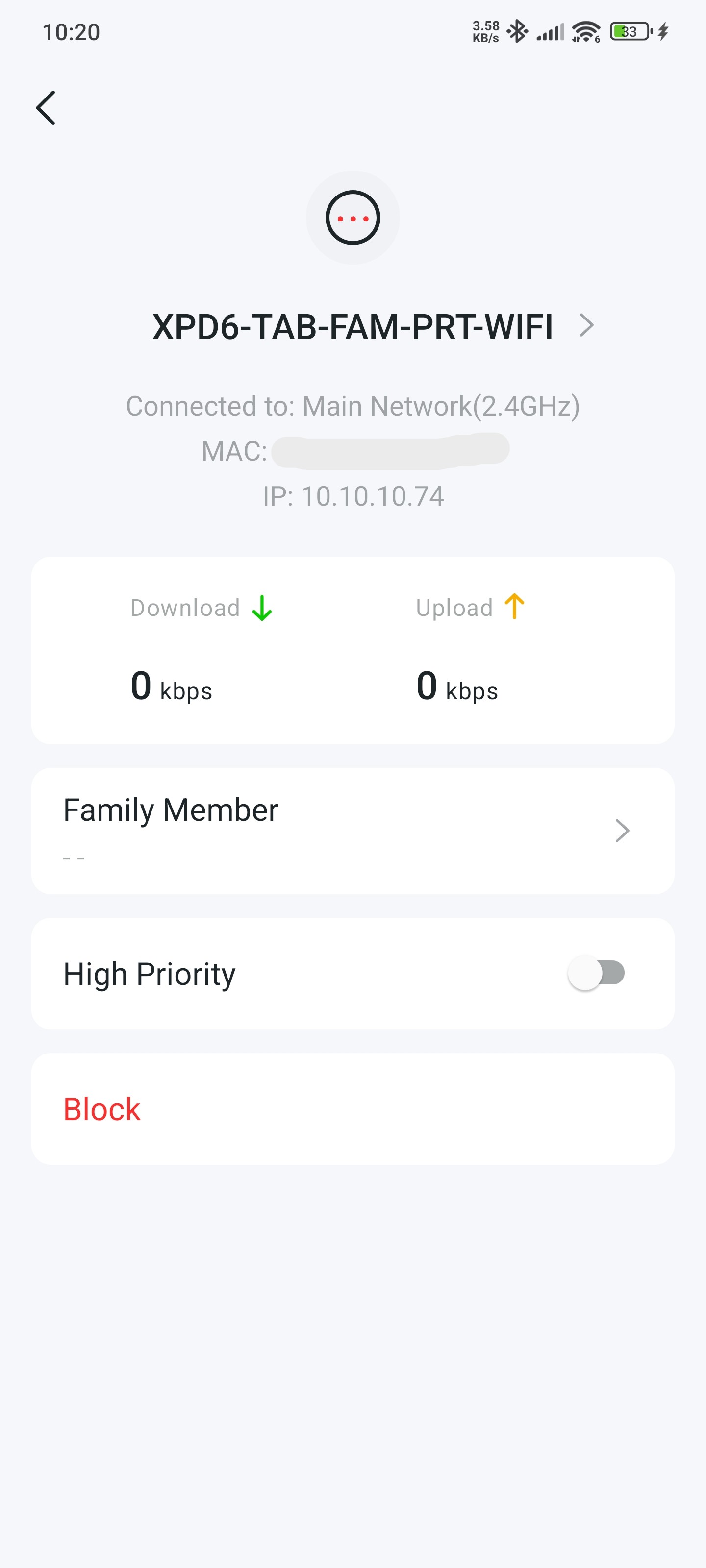
Expected Behavior
-
The selected Device Type should remain assigned to the device
-
The selection should persist after:
-
Navigating back
-
Refreshing the client list
-
Reopening the app
-
Actual Behavior (MR90X Only)
-
After going back, the Device Type immediately resets
-
It reverts to the default type that was automatically assigned when the device first connected
-
The selection never persists, regardless of how many times it is changed
Additional Notes
-
This issue affects network organization and management
-
Device Type labeling is especially important for:
-
Parental controls
-
QoS rules
-
Identifying IoT vs personal devices
-
-
Since MR90X is the main router, this bug significantly reduces usability
Request to Mercusys/TP-Link Team
-
Please confirm whether this is a known MR90X firmware issue
-
If possible:
-
Provide a firmware fix
-
Or confirm if an app update is required
-
-
Let users know if there is any temporary workaround