
vr2100 remote management problem

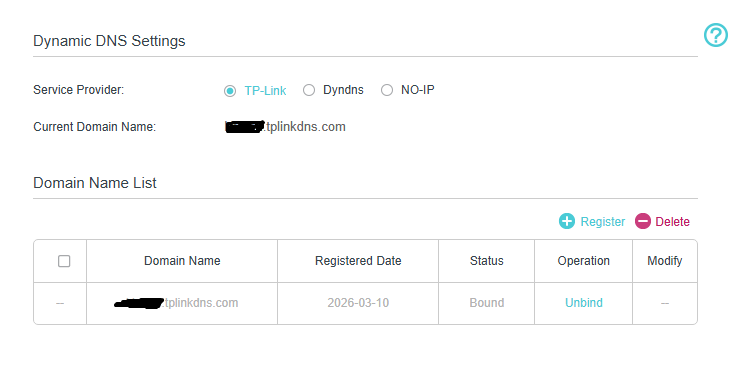
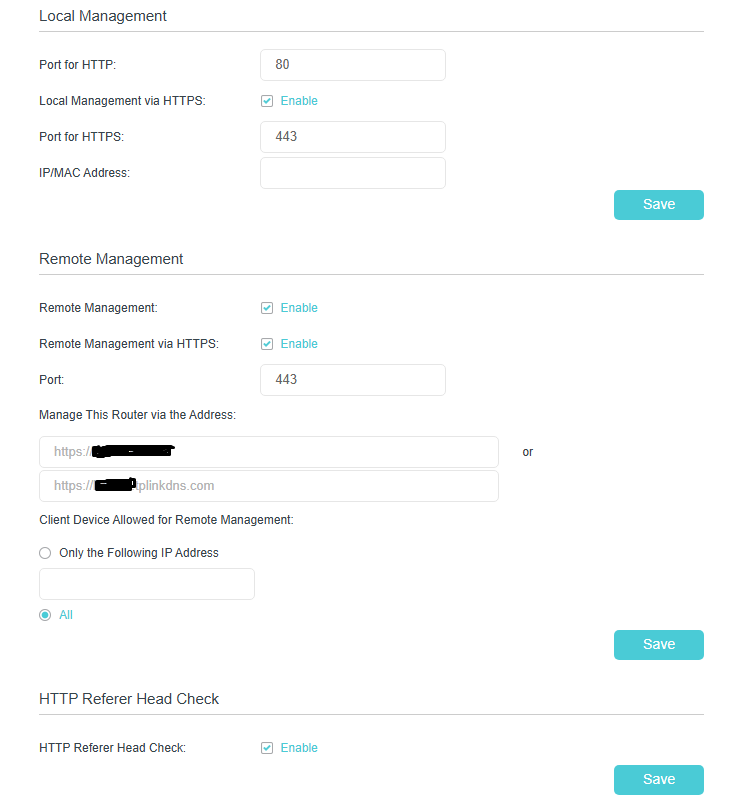
so i'm trying to setup remote management so i can access my router from my phone but it doesn't work if i tried to access iit through the ip given in administration page it works fine but setting a Dynamic DNS address doesn't work although i checked if i have a private ip and i don't
every time i try to access through Dynamic DNS address it shows this error " dns_probe_finished_nxdomain"
- Copy Link
- Subscribe
- Bookmark
- Report Inappropriate Content
i finally did it  and got it to work, i registered an account on no-ip using there free services and now it's working fine so the problem was tplinkdns.com no idea why it didn't work using it, i just hope that the free no-ip services stays free
- Copy Link
- Report Inappropriate Content

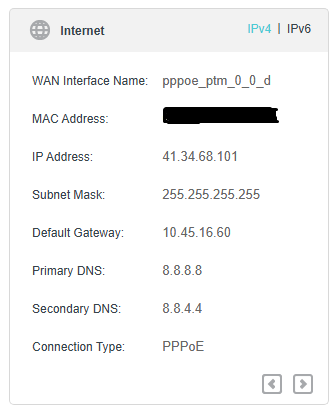
Did you check if pinging <name>.tplinkdns.com resolves to the IP address of your PPPoE session 41.34.68.101.
1. If it doesn't, change your VR2100 DNS servers to public DNS (e.g., Google's 8.8.8.8 and 8.8.4.4) in your network settings:
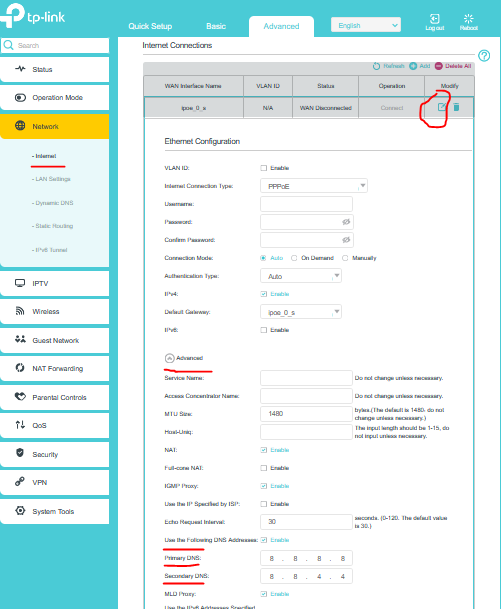
Hit Save button and check if the TP-Link DDNS name resolve to the PPPoE session IP address.
Then proceed with Remote Management access test.
2.If it does then disable:

Then proceed with Remote Management access test.
- Copy Link
- Report Inappropriate Content
1- yes i did check if <name>.tplinkdns.com resolves to the IP address of my PPPoE session 41.34.68.101 and yes it does from the pc that is connected to the router but not any other pc on different ethernet
2- my network dns servers is already google 8.8.8.8
3- disableing HTTP Referer Head Check didn't change anything
- Copy Link
- Report Inappropriate Content
- Copy Link
- Report Inappropriate Content
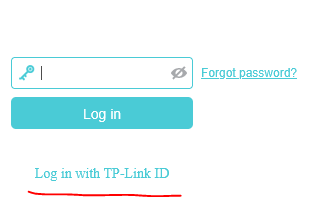
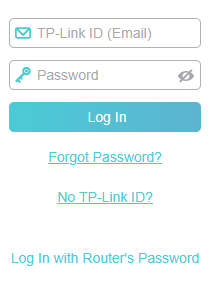
i did Log in with my TP-Link ID and still didn't work ,i did use case 3 in the troubleshooting guide and the ip address can be resolved and it's correct
do i need to create a virtual server to be able to remote manage my router ?
- Copy Link
- Report Inappropriate Content
Actually no, the Remote Management feature opens the necessary ports automatically when it is enabled.
There's no obvious reason Remote Management won't work, if the TP-Link DDNS name has been resolved correctly to your router public IP address.
How do you test the Remote Management access - from your local network ? If that's the case try from an external network like a mobile Internet.
Is your public IP address dynamic ? Because if it's a static, you can use it directly instead of the TP-Link DDNS name.
Another approach would be to register with noip<dot>com instead and choose a name at your preference.
- Copy Link
- Report Inappropriate Content
i did test the remote access from local and mobile networks and it does work ,but TP-Link DDNS address doesn't work from mobile network at all only local
- Copy Link
- Report Inappropriate Content
i finally did it and got it to work, i registered an account on no-ip using there free services and now it's working fine so the problem was tplinkdns.com no idea why it didn't work using it, i just hope that the free no-ip services stays free
- Copy Link
- Report Inappropriate Content
Don't worry, I am using noip services for 15 years already. I don't know why tplinkdns.com service didn't work for you, but after all you got what you wanted.
- Copy Link
- Report Inappropriate Content
Information
Helpful: 0
Views: 438
Replies: 8
Voters 0
No one has voted for it yet.