Device Management

OC300
I've already written to no avail about the erratic behavior of Wi-Fi clients. The latest update to version 1.33.10 hasn't changed anything.
It's interesting that the problems occur internally within the company and not between Omada and a third-party device.
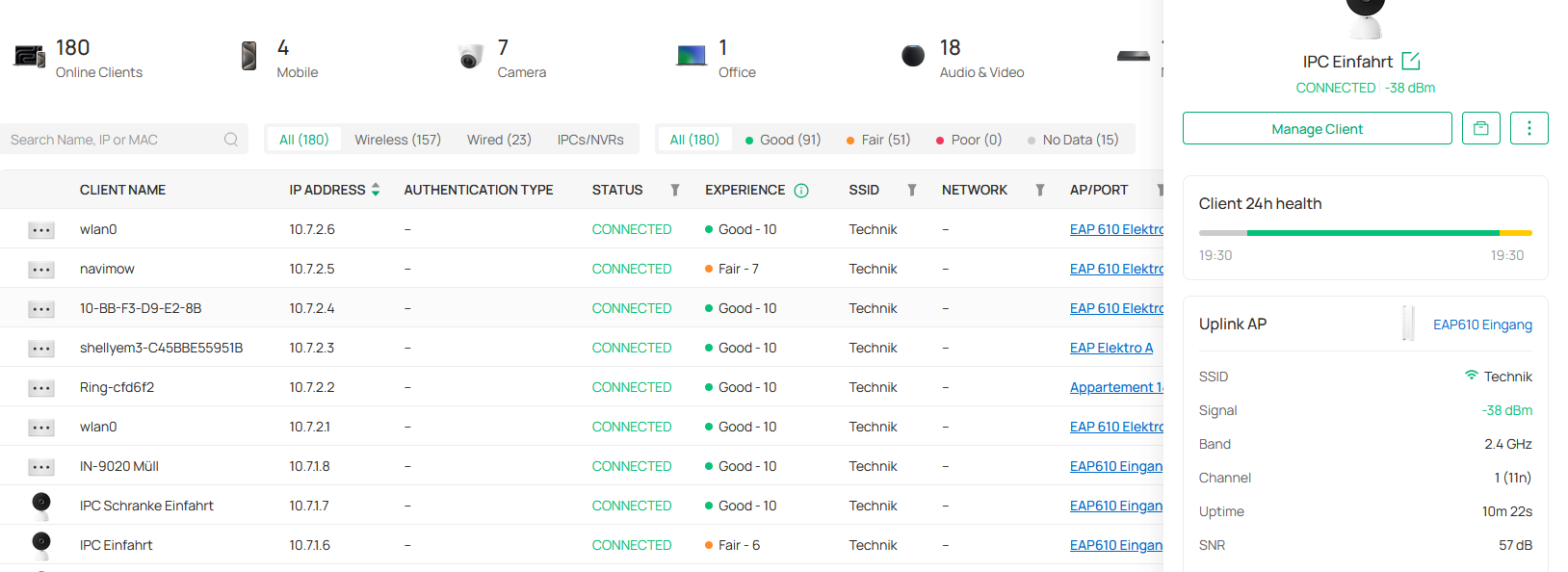
Furthermore, my camera won't connect to the assigned and best access point. This results in dropouts due to poor signal quality. The camera searches the horizon, trying to pick up a Wi-Fi signal from an access point, while ignoring the assigned access point right next to it.
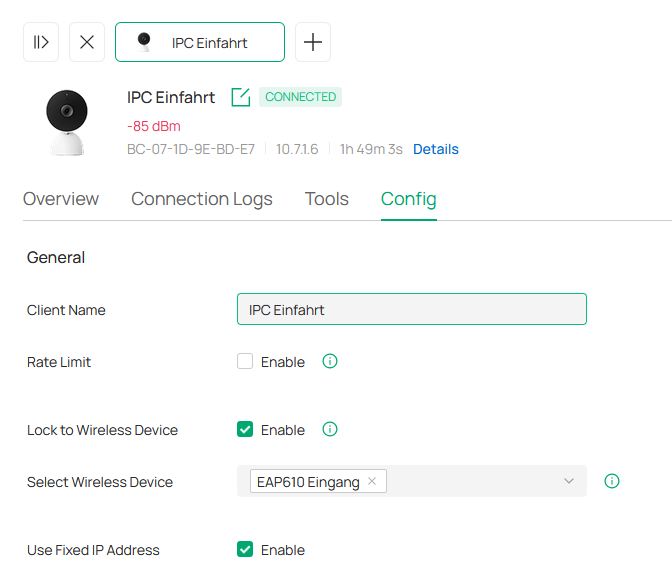

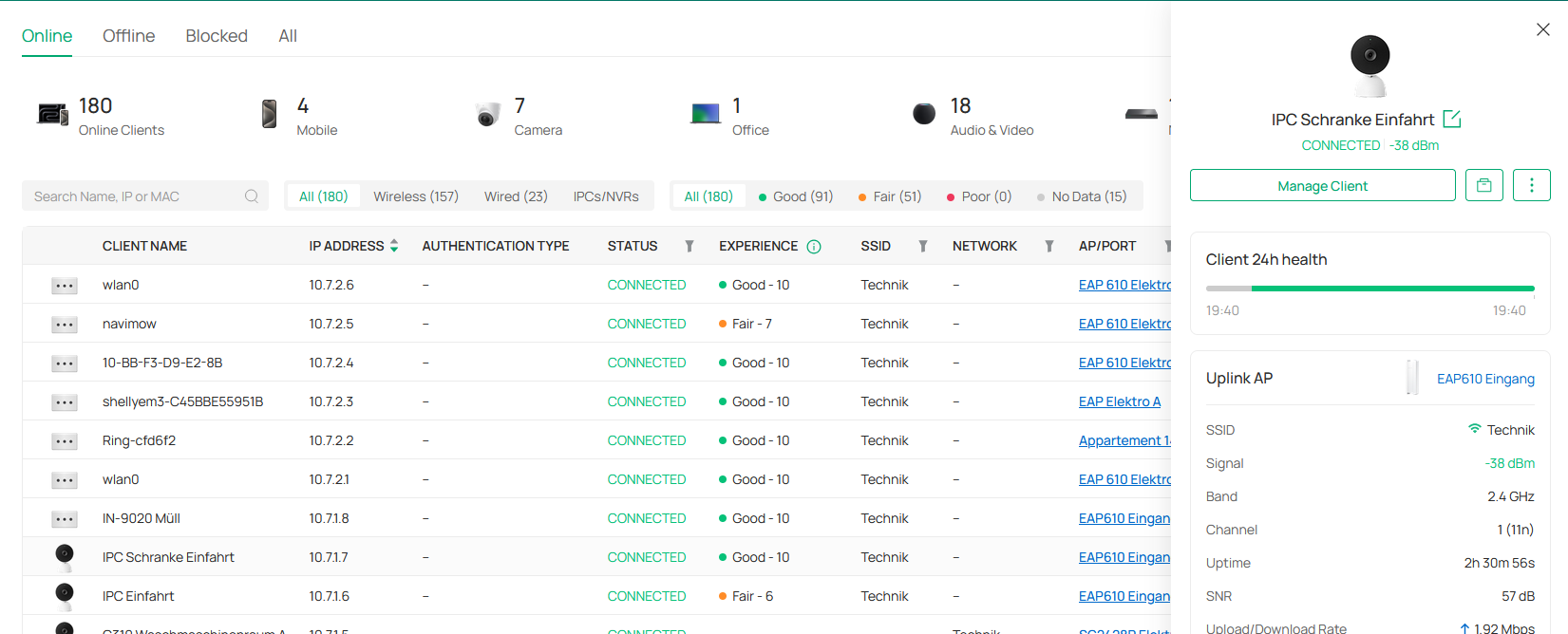
The camera searches for an access point with 85 dBm instead of connecting to the assigned one whose signal strength is 38 dBm.
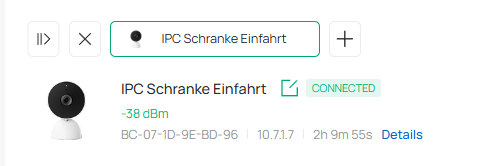
Perhaps the signal strength measurement isn't working.
38dBm could be fair, but it could also be good.