iOS Devices disconnects and complete network down with some occasions

Hey everyone,
For several months now I've been dealing with a persistent issue with my Apple devices in combination with a Deco mesh network. I'm hoping someone might recognize this or have a solution. The problem is that the Wi-Fi connection regularly drops or becomes unstable, and sometimes the whole Wi-Fi networks drops completely. This seems to happen mostly during the evening.
These are the symptoms I’m noticing:
-
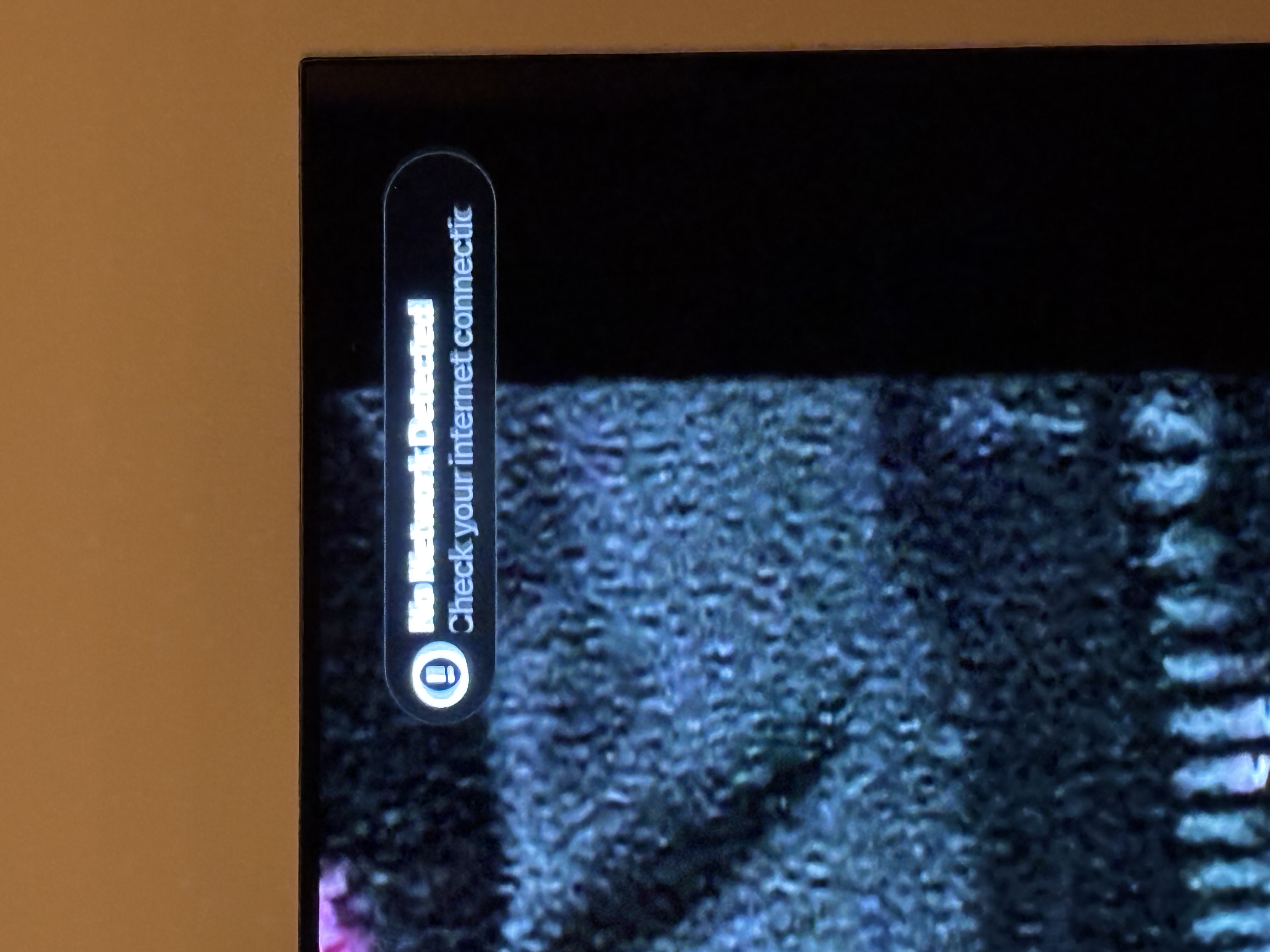
Apple TV WiFi connection becomes unstable. I repeatedly see “network connection lost” on the screen, after which it immediately reconnects. This can happen continuously for 30–60 seconds.
-
iPhone 15 devices regularly lose their Wi-Fi connection (disconnects). Sometimes I need to reconnect manually
-
Occasionally my entire Wi-Fi network drops out, all my devices disconnect. As far as I can tell, even my wired devices (IP cameras which are wired) lose connection.
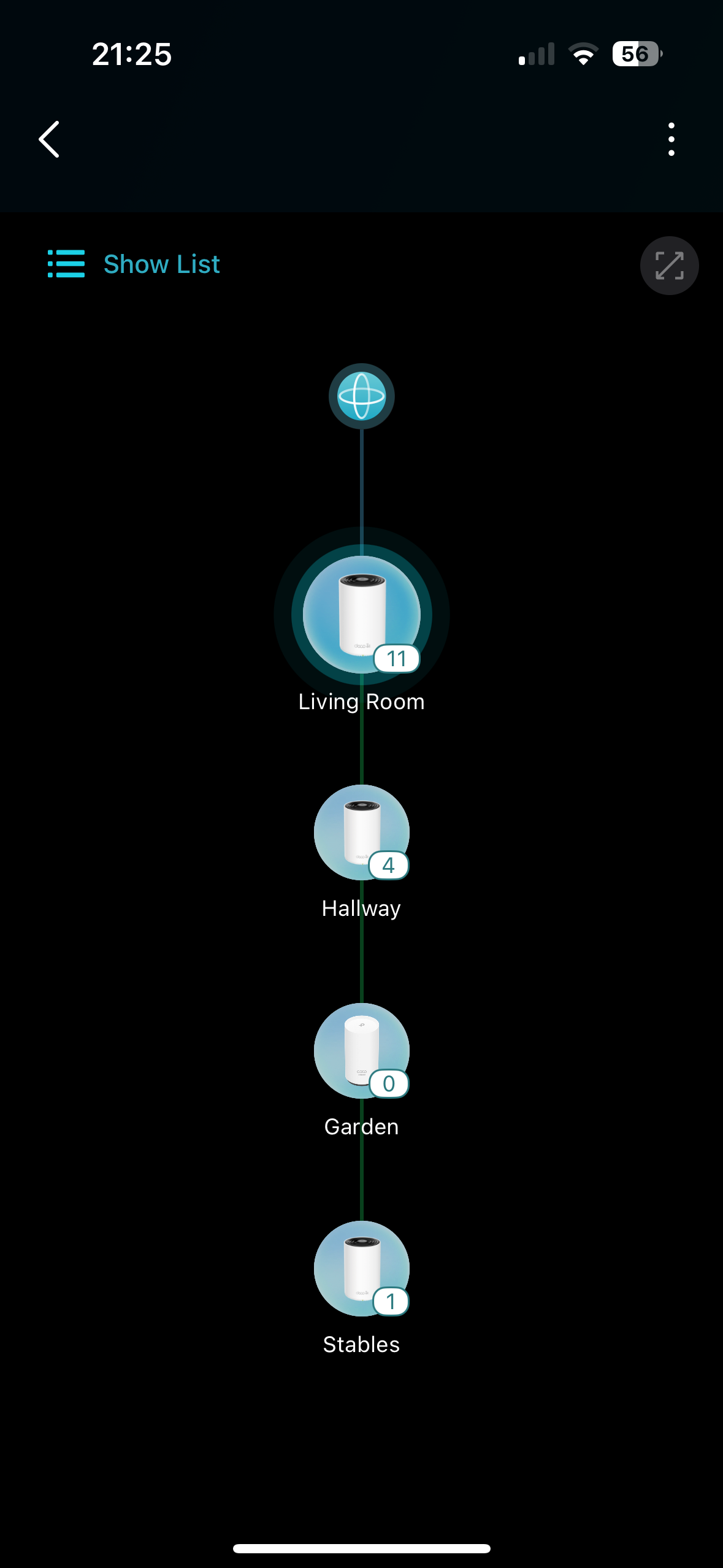
My current Deco setup is arranged as follows—every unit is connected via Ethernet. Distances are negligible, around 25 meters between nodes. Wi-Fi signal is great everywhere.
Modem (fiber) -> Deco XE75 Pro (main) -> 2nd Deco Xe75 Pro -> Switch (TP-Link TL-SG1005P) -> 3rd Deco X50 outdoor (PoE) -> 4th Deco XE75 Pro
What I've already tried:
-
Setting the modem in (some form of) bridge mode, disabling DHCP on it and using router mode on Deco. Overall Performance was bad
-
My Deco units are now running in AP mode. Performance is much better compared to Router mode, especially for my IP cameras (live view loads much faster).
-
Firmware upgrades (latest) and downgrades on the Deco units. iOS devices are on the latest versions and fully supported.
-
Disabled fast roaming and/or beamforming. Fast roaming is currently off.
-
Fixed IP on my Apple TV
-
Disabled rotating MAC addresses on the iPhones
-
Scheduled reboots of all Deco units
-
Experimented with keeping the Apple TV connected to just one Deco node with fixed 5 GHz or 2.4 GHz
-
Rebooting the network occasionally helps, but sometimes the issue comes back an hour later
-
Played around with the 5 GHz channel width — 80 MHz / 160 MHz. Sometimes Deco forces to 80 MHz
-
Set WPA2 as the default encryption
-
Resetting all units and rebuilding the network, with two different ISP's and modems. Same issue appears on both