
BE800 best MLO settings

Hi new to this and I am looking for some good advices on how to set up Wifi7 MLO on the GE800 using with iPhone 17 pro max. 3 questions:
1) Shall I set all 2.4/5/6 bands to the same SSID and password? Shall I set the MLO SSID and password the same too?
2) Shall Imturn on smart connect when using MLO
3) In the IPhone WiFi settings, there is a option call 'WiFi 6E mode' Auto/off.... which shall I choose when using wifi7 MLO
One more problem I am getting is that when my iPhone 17pro max reconnects to the MLO. SSID whenever I got back home, it does not seems to connect to all 2.4/5/6 GHz bands, it looks like it only connect to 2/3 bands (pic below). I have to play around the iPhone 'WiFi 6E mode" option in order to make it connect to all three bands...
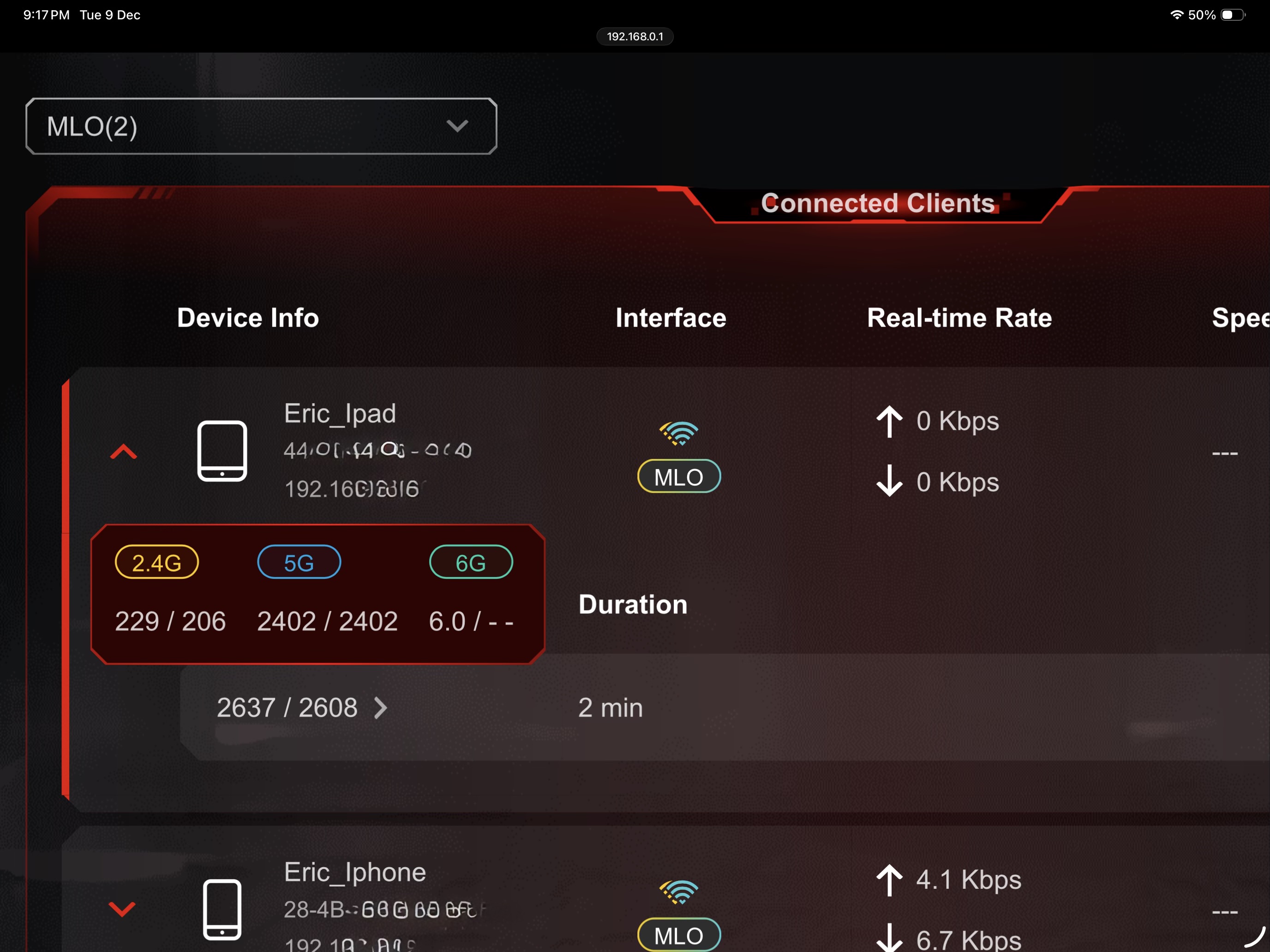
pls help me😅😅😅😅😅many thx
- Copy Link
- Subscribe
- Bookmark
- Report Inappropriate Content


Hello @Eric-Lung
Thank you for posting on the TP-Link Community.
To ensure an optimal Wi-Fi experience on your iPhone 17 Pro Max, Apple does offer some basic suggestions for the Wi-Fi settings on the router. Please have a check:
Recommended settings for Wi-Fi routers and access points
On the GE800, you can enable Smart Connect, which allows the router to automatically assign connected devices to the Wi-Fi band that provides the fastest speed.
Regarding the 'WiFi 6E Mode', you can check Apple's explanation here.
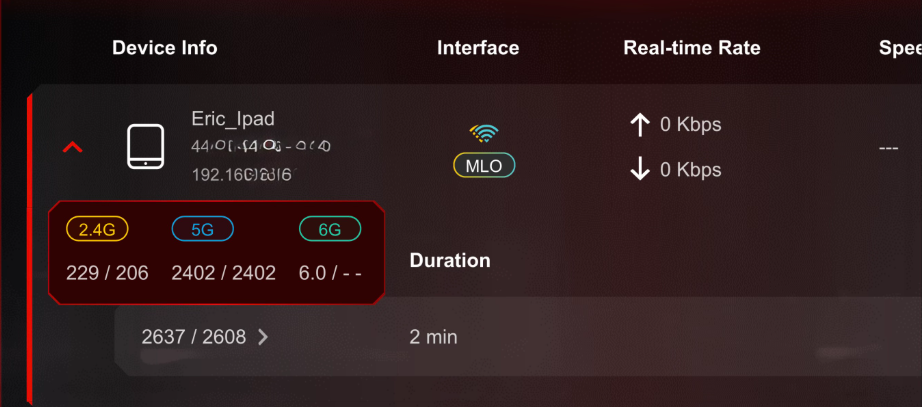
Are you saying choosing WiFi 6E Mode Auto/off multiple times on the iPhone 17 Pro Max will allow it to connect to 3-band MLO? Could you please also show me a similar picture as displayed below?
- Copy Link
- Report Inappropriate Content
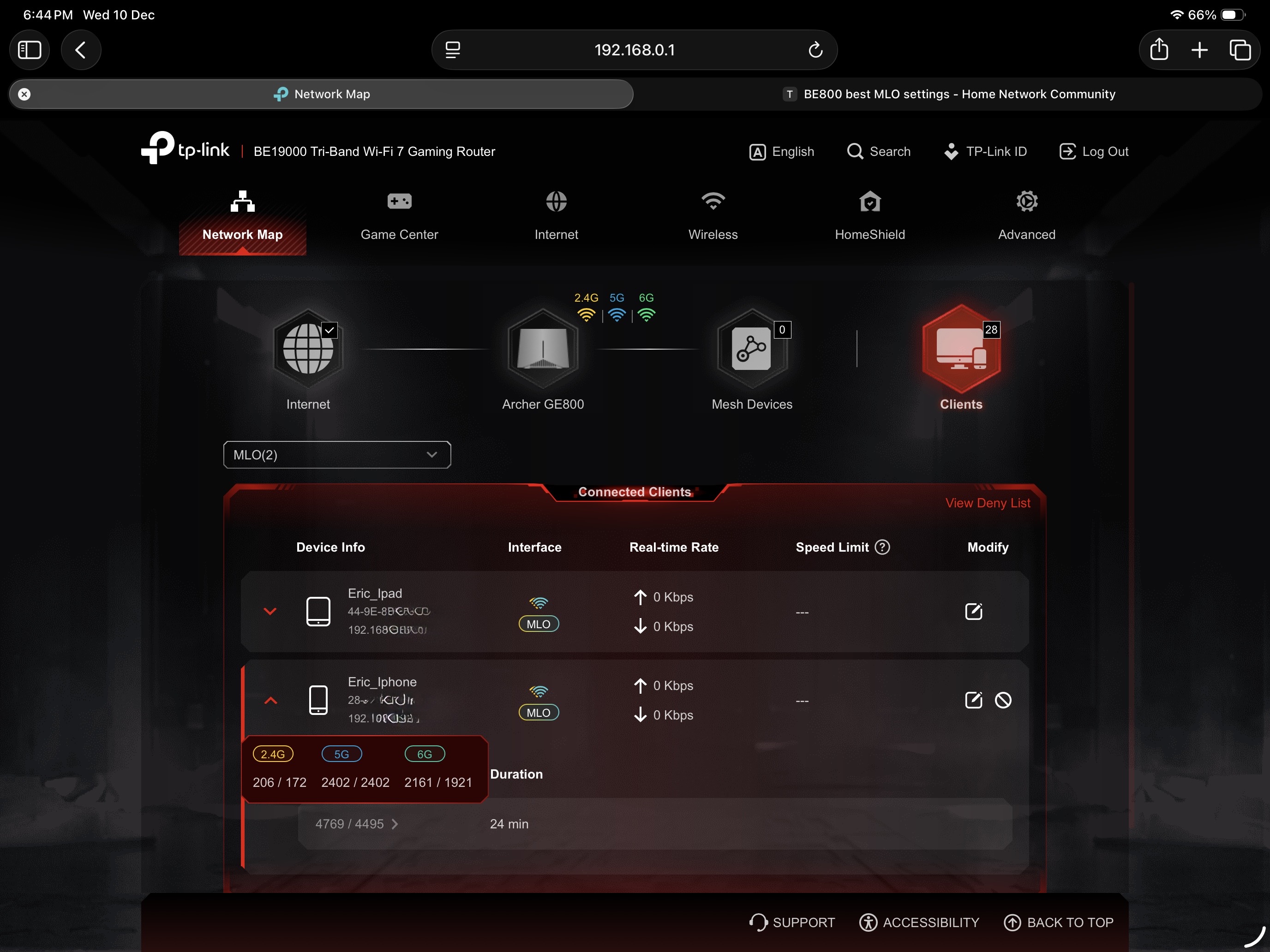
Thankyou so much for the reply!!!! Yes every time I reconnect to MLO, not all three bands are connected...... I have to play around with the iphone "wifi 6E mode" (usally just switching it to auto then switch back to off and vice versa, all bands seems conected (pic below)
- Copy Link
- Report Inappropriate Content
Got you.
Have you been able to contact Apple support? From what you describe, I wonder if it might be related to the iPhone 17 Pro Max but not the router. I'm not sure whether the iPhone 17 Pro Max supports a 3-band MLO network or if there is an issue with it.
Please try contacting Apple support to get that verified.
- Copy Link
- Report Inappropriate Content
Well note, and one more questiuon, where I can get some info of Wifi mode a device is connected to eg.. wifi 6 is AX Wifi 7 is BE. No info is shown in iphones.
- Copy Link
- Report Inappropriate Content
One more interesting finding.... I brought one of those 2.5G usbc Ethernet adapter and did a LAN speed test with my iPad Pro. When the iPad is connected directly to my ISP modem, the UL/DL speed is perfect at around 2.3G + up/down consistently (2.5G up/down ISP). I installed the archer GE800 in between the iPad and modem connection, the speed of the upload is the same but the download speed drops to below 2G consistent. All QOS and gaming features disabled, same cables. Any one can help me fix this thx ..... 😩
Speed with iPad connected to Archer GE800 - modem

Speed when iPad connected directly to modem

- Copy Link
- Report Inappropriate Content

Its a very close speed. Need tplink to fix on their end. Usually speed will reduce alittle due to hardware capability of ur router. And the cables also might affect the quality. Whereas modem is more direct.
- Copy Link
- Report Inappropriate Content
Information
Helpful: 0
Views: 2115
Replies: 6
Voters 0
No one has voted for it yet.