convert to AP

convert to AP
Tags:
#Access Point Mode
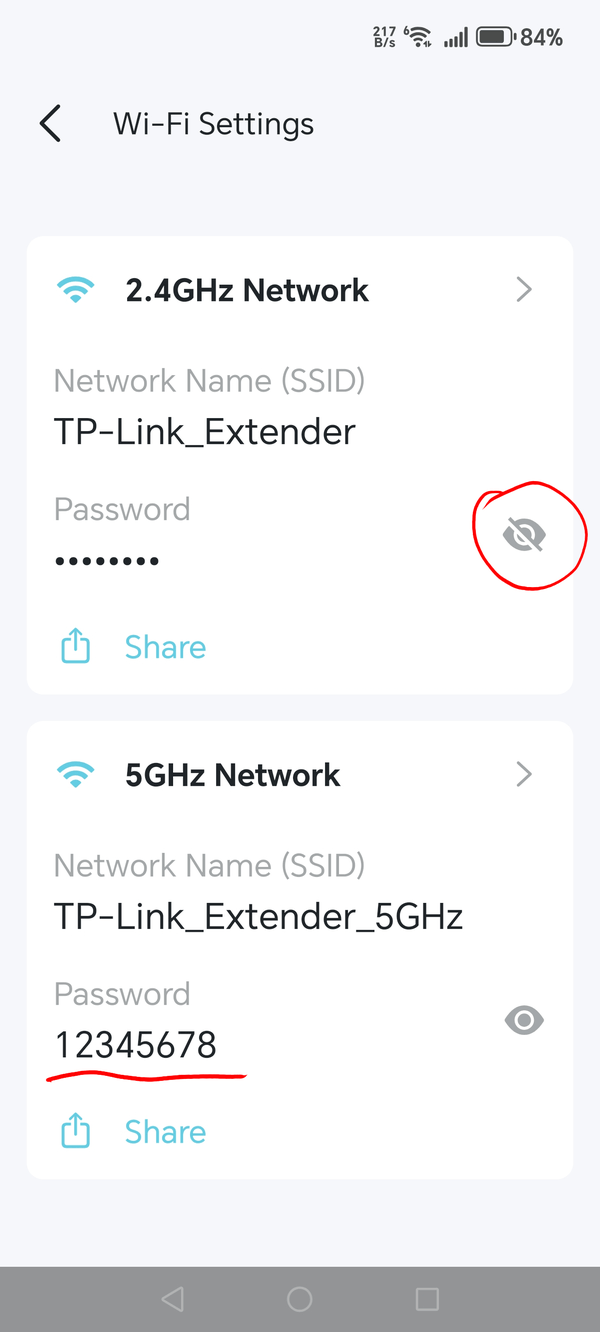
I have converted the extender to AP using the TP Link App and connected to my router via a CAT cable to LAN point on my router. The RE505X shows 3 lights (Solid) Power, 2.4g and 5g. When i go to available networks it is visible and requires a password. I have tried using the router password, but it does not accept. Any idea which password it requires , the unit only has a MAC address and S/N on the rear of the device.