
Can't log in to Wi-fi router

I am trying to connect the Tether app to my router because I want manage the 5GHz band. I am successfully connected to the 2.4 GHz Wi-fi and the app will find my device, but it won't let me access it. Is it an app related issue or router? Please help me!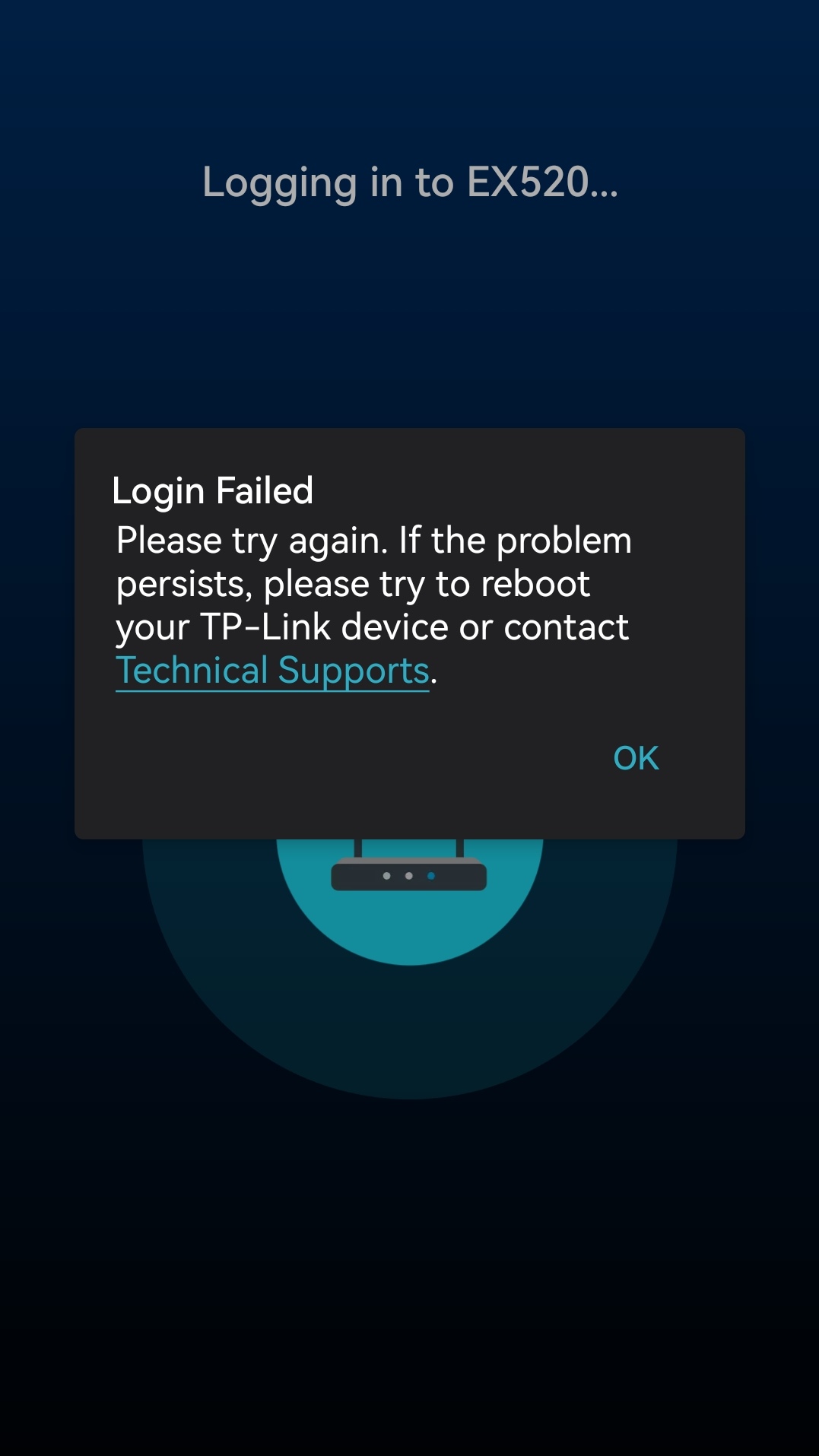
- Copy Link
- Subscribe
- Bookmark
- Report Inappropriate Content


As Terziyski said, 'EX520 is distributed as an ISP provided router'.
So you need to use the Aginet App to manage it: EX520 Setup Guide
terziyski wrote
Normally EX520 is distributed as an ISP provided router. It may be supplied with a customized firmware (if that's the case) and this could be the reason why you can't gain access via the Tether app.
Have you tried to access the router via its WebGUI using a computer broser pointed to its LAN IP address ?
- Copy Link
- Report Inappropriate Content

Normally EX520 is distributed as an ISP provided router. It may be supplied with a customized firmware (if that's the case) and this could be the reason why you can't gain access via the Tether app.
Have you tried to access the router via its WebGUI using a computer broser pointed to its LAN IP address ?
- Copy Link
- Report Inappropriate Content
As Terziyski said, 'EX520 is distributed as an ISP provided router'.
So you need to use the Aginet App to manage it: EX520 Setup Guide
terziyski wrote
Normally EX520 is distributed as an ISP provided router. It may be supplied with a customized firmware (if that's the case) and this could be the reason why you can't gain access via the Tether app.
Have you tried to access the router via its WebGUI using a computer broser pointed to its LAN IP address ?
- Copy Link
- Report Inappropriate Content
Information
Helpful: 0
Views: 322
Replies: 2
Voters 0
No one has voted for it yet.