required information on the device key QR on ER605 V2.2 model label

required information on the device key QR on ER605 V2.2 model label

required information on the device key QR on ER605 V2.2 model label
Monday
Model: ER605 (TL-R605)  
Hardware Version: V2
Firmware Version:

required information on the device key QR on ER605 V2.2 model label

What is the use?
How to enable / disable it?
what is the default option in new router if we don't configure?

is it possible to get the routers without the Device key QR on label?

is there any additional certification TP Link has that is required for using this feature (network related certificates)?

0
0
#1
1 Reply
Re:required information on the device key QR on ER605 V2.2 model label
Tuesday

Hi @HELP_ER605 


Thanks for reaching out to TP-Link Business Forums.


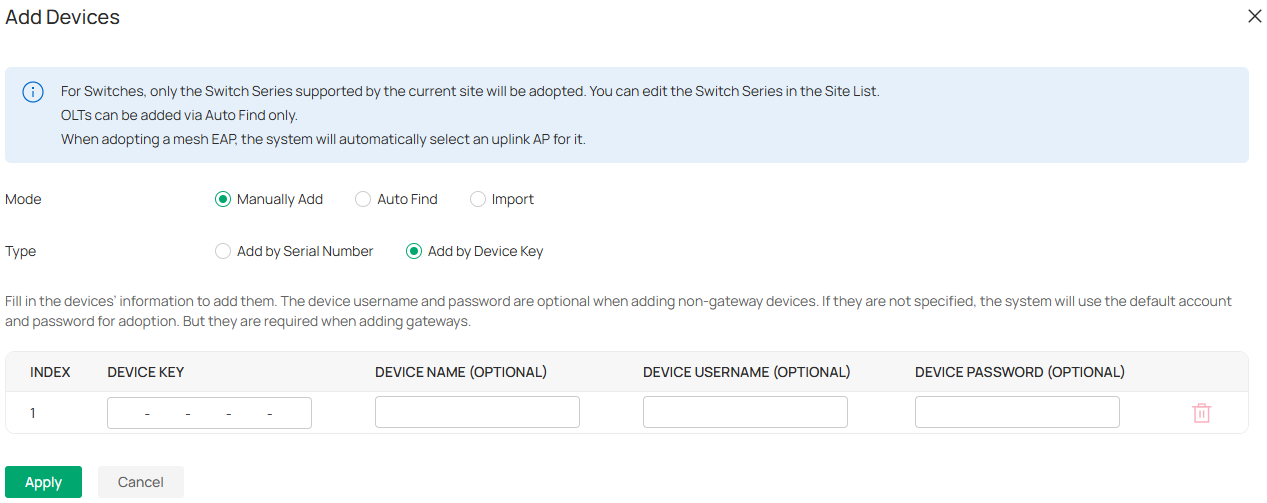
As a method of adoption, you can use the Device Key to adopt the device to Omada controller.

You don't need to enable or disable it. The Device Key just sits there. If you don't want to manage it in controller mode, you can just ignore it.

It does not affect your usage.

If you want to check the default options, you can access ER605 emulator: ER605 | Omada Gigabit VPN Gateway | Omada Network Support

0
0
#2