oc300: online update failure

oc300: online update failure

oc300: online update failure
Monday - last edited 22 hours ago
Model: OC300  
Hardware Version: V1
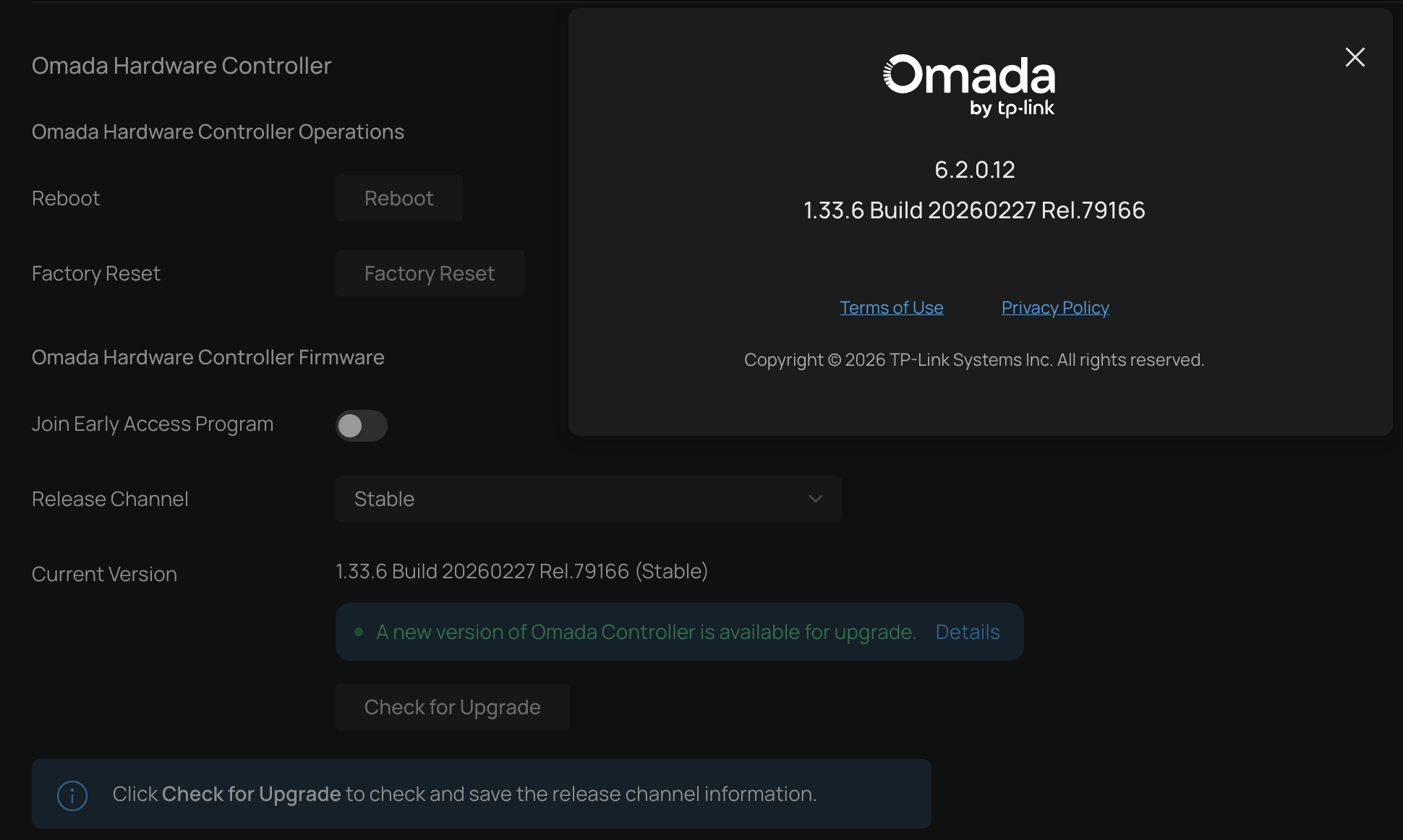
Firmware Version: 6.2.0.12

Hello,

I run on OC300 this version:


When I try to run upgrade get:



And in syslog I see "operation:Failed to online upgrade"

The double checked network connection to ec2-a-b-c-d.<region>.compute.amazonaws.com:443 from where oc300 tries to download the firmware image from and it is fine.


When I look at the tplink.com firmware page for oc300 there is no 1.33.6 version. There is a 1.31.11 and a 1.33.10 version but no 1.33.6.

Am I running a firmware version from which there is no upgrade possible or available ?
 

0
0
#1
1 Accepted Solution
Re:oc300: online update failure-Solution
Tuesday - last edited 22 hours ago

Hi @relvy 


Thanks for reaching out to TP-Link Business Forums.


May I know if you were on-site that time when trying to upgrade its firmware? Or were you accessing the OC300 remotely?

If you connect a PC directly to the OC300, can you access network or ping 8.8.8.8?

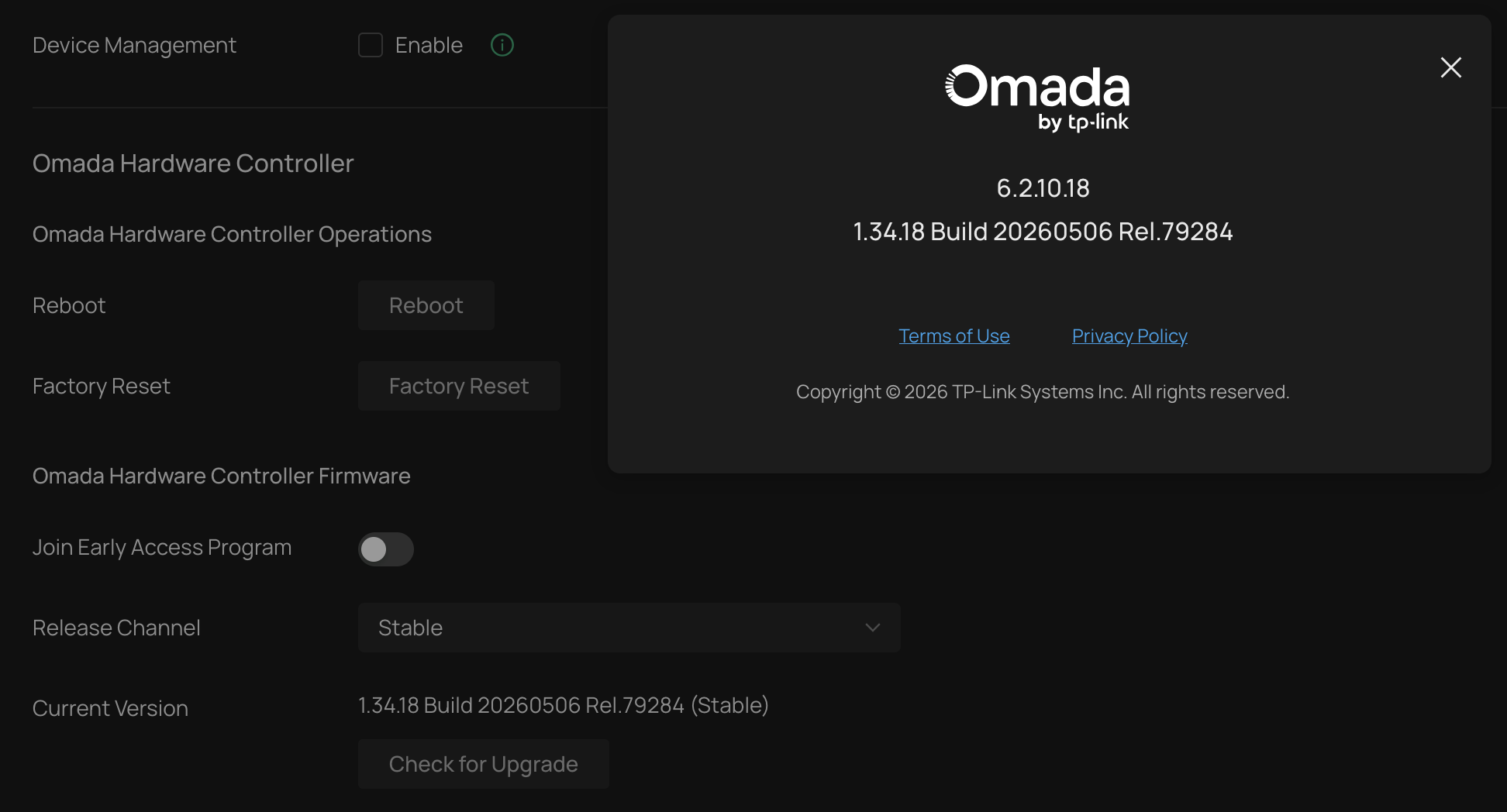
The latest firmware for this OC300 V1.0 is V1.34.18.

You may click on the link to download the latest firmware file on your PC then upgrade it manually. OC300 | Omada Hardware Controller | Omada Network Support

Upgrade guidace: How to upgrade or downgrade the firmware of Omada Controller | Omada Network Support

Precautions before upgrade: Guidance and precautions for the upgrade and data migration of Omada Controller/OC200 | TP-Link

Recommended Solution
0
0
#2
3 Reply
Re:oc300: online update failure-Solution
Tuesday - last edited 22 hours ago

Hi @relvy 


Thanks for reaching out to TP-Link Business Forums.


May I know if you were on-site that time when trying to upgrade its firmware? Or were you accessing the OC300 remotely?

If you connect a PC directly to the OC300, can you access network or ping 8.8.8.8?

The latest firmware for this OC300 V1.0 is V1.34.18.

You may click on the link to download the latest firmware file on your PC then upgrade it manually. OC300 | Omada Hardware Controller | Omada Network Support

Upgrade guidace: How to upgrade or downgrade the firmware of Omada Controller | Omada Network Support

Precautions before upgrade: Guidance and precautions for the upgrade and data migration of Omada Controller/OC200 | TP-Link

Recommended Solution
0
0
#2
Re:oc300: online update failure
Yesterday

  @Gabriel-TP 

> May I know if you were on-site that time when trying to upgrade its firmware? Or were you accessing the OC300 remotely?


I have tried both with same result.
 

> If you connect a PC directly to the OC300, can you access network or ping 8.8.8.8?

yes.


> You may click on the link to download the latest firmware file on your PC then upgrade it manually.

The manual upgrade did work. Thank you.


0
0
#3
Re:oc300: online update failure
22 hours ago

Hi @relvy 


Thanks for sharing the result to us.

I'm glad that it did work now.

Should you have any further concerns, please feel free to reach out to us again.

0
0
#4