ER7206 DHCP & Intermittent “No Internet” Issue After Firmware v2.2.3 (v2.20 Hardware)

ER7206 DHCP & Intermittent “No Internet” Issue After Firmware v2.2.3 (v2.20 Hardware)
Hello Omada Team and Community,
I would like to report a persistent network stability issue related to ER7206 (Hardware v2.20) running firmware v2.2.3, which started after upgrading to this version.
Network Environment
- Router: Omada ER7206
- Hardware Version: 2.20
- Firmware Version: 2.2.3
- ISP Router: STC Router (Main Gateway)
- WAN Type: Dynamic IP
- Topology:
- STC Router → ER7206 (WAN)
- ER7206 → unmanage poe Switch & Omada APs
- Clients: Mixed devices, including older Wi-Fi 4 / Wi-Fi 5 smartphones
Issue Timeline & Behavior
1️⃣ IP Conflict After Firmware Update
Immediately after upgrading to firmware 2.2.3, for several weeks I experienced:
- IP conflict warnings on some client devices
- Random connectivity drops
To resolve this, I performed a full factory reset of the ER7206 and reconfigured the network from scratch.
➡️ After the reset:
- IP conflict messages no longer appear
- However, a different issue continues (described below)
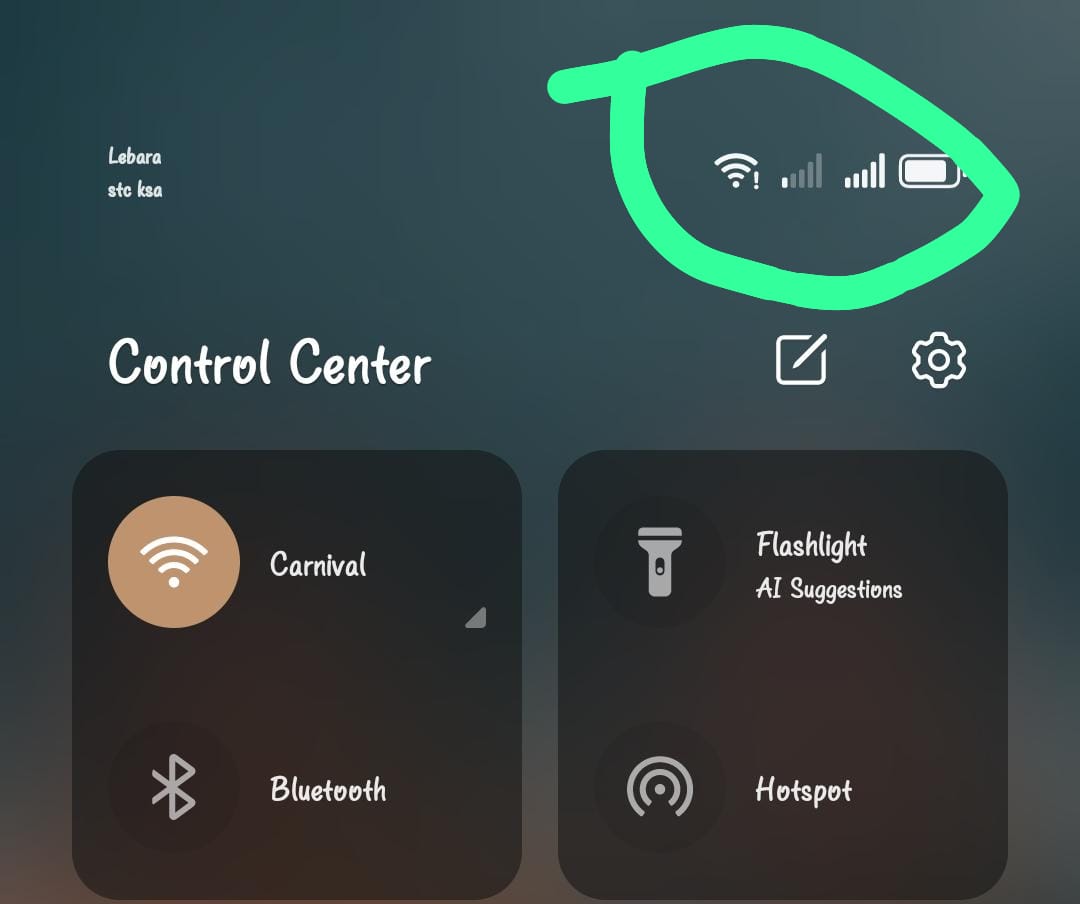
2️⃣ Intermittent “No Internet” Issue (Still Ongoing)
Currently, once or twice per day:
- Clients remain connected to Wi-Fi
- Devices suddenly show “No Internet”
- Internet access is lost for approximately 1–2 minutes
- After that, the connection restores automatically without manual intervention
This behavior:
- Affects multiple client devices
- Happens randomly
- Is disruptive for daily users
Comparison with ER605 v2
Before using ER7206, I was running ER605 v2 in:
- The same physical network
- Same ISP router
- Same switches, APs, and client devices
With ER605 v2:
- No DHCP instability
- No IP conflict
- No “No Internet” issues
- Network was stable for long periods
The problems only started after switching to ER7206 and updating to firmware 2.2.3.
Suspected Cause
Based on troubleshooting and behavior patterns, the issue appears to be related to:
- DHCP server instability
- Possible gateway or DNS assignment issues
- DHCP lease renewal behavior
- Interaction between ER7206 DHCP and upstream router dynamic WAN IP
- Reduced tolerance with older mobile devices
When DHCP service is moved back to the main ISP router, network stability improves noticeably.
Firmware Update Concern
Another important concern is that:
- ER7206 has not received a firmware update for a long time
- Despite multiple user reports in the community
- This makes it difficult to rely on ER7206 for stable long-term deployments
Request to Omada Development Team
I respectfully request the Omada team to:
- Investigate DHCP server behavior in ER7206 firmware 2.2.3
- Compare DHCP stability with ER605 v2
- Improve DHCP lease handling, DNS/gateway consistency, and compatibility with older devices
- Release a new firmware update as soon as possible to address these issues
ER7206 is a capable router, but the current DHCP and intermittent connectivity issues significantly affect real-world usage.
Thank you for your time and continued development of the Omada platform.
Looking forward to improvements in upcoming firmware releases.
Best regards,
A concerned Omada user