TP-Link - Deco XE75 Pro AXE5400 Yellow Light

This thread has been locked for further replies. You can start a new thread to share your ideas or ask questions.

TP-Link - Deco XE75 Pro AXE5400 Yellow Light

This thread has been locked for further replies. You can start a new thread to share your ideas or ask questions.
TP-Link - Deco XE75 Pro AXE5400 Yellow Light
2024-07-04 16:07:27
Model: Deco XE75 Pro  
Hardware Version:
Firmware Version:

Hello,

Woke up today to having a solid yellow light. I've had this happen once before, but resetting the router with the pin worked and fixed it. Now I've been messing with this thing for the past 6 hours and haven't had any progress. I've even gotten to the recovery mode and tried to firmware update it, and that was a success, but now it's still stuck on a solid yellow light.

I went to do a warranty check, as I've only had the device for a year and two months now, but the serial number showed up as not found in their system? Is this normal?

I'm now waiting for I guess a confirmation for this to be verified by their team, but...

How often does this happen? Why does this happen? Is there anything else I could do at this point? 400 bucks on a router and only lasted a year basically feels terrible when even the Verizon rentals held up for years before I got this...

Thanks

  0      
  0      
#1
Options
4 Reply
Re:TP-Link - Deco XE75 Pro AXE5400 Yellow Light
2024-07-05 04:34:39

  @HHarvey 

Hi


If fimware recovery cannot be restored, Deco may have a hardware problem.
Does only one Deco have this problem?


And I have reminded the relevant specialists to prioritize your warranty application.

Warm regards.

Nice to Meet You in Our TP-Link Community. Check Out the Latest Posts: △Pre-release Firmware for Archer AX50 Introduces New Parental Control Features and Enhancements △Introducing AI QoS: Elevate Your Gaming Experience on the Archer GE800 Gaming Router △Connect TP-Link Archer BE550 to Germany's DS-Lite (Dual Stack Lite) Internet via WAN △Tether KidShield Test Recruitment - Safeguarding Children's Online Experience If you found the post or response helpful, please click Helpful. If an answer solves your problem, click "Recommended Solution" so that others can benefit from it.
  0  
  0  
#2
Options
Re:TP-Link - Deco XE75 Pro AXE5400 Yellow Light
2024-07-05 11:20:12

Joseph-TP wrote

  @HHarvey 

Hi


If fimware recovery cannot be restored, Deco may have a hardware problem.
Does only one Deco have this problem?


And I have reminded the relevant specialists to prioritize your warranty application.

Warm regards.

  Hello,


Yes. It appears to be only one device. I've reset all 3 and setup a new Network and now two are connected to it while the 3rd is still stuck on yellow.


When I did reset the Network, it did end up booting successfully (after 6-8 hours of messing with it), but when I moved it to where I needed it to be, it went back to being stuck on yellow/red. 


Also, thank you so much! 

  0  
  0  
#3
Options
Re:TP-Link - Deco XE75 Pro AXE5400 Yellow Light
2025-01-01 16:04:17

  @HHarvey I'm hitting the same issue on 2 deco X75 (one I belive v1.0 and the other v2.0).


Tried method 2 of https://www.tp-link.com/support/faq/2958/ with no luck, I can't even get any of the three ethernet ports to connect.


did you ever solve this? thanks

  0  
  0  
#4
Options
Re:TP-Link - Deco XE75 Pro AXE5400 Yellow Light
2025-01-02 16:26:11

  @AnthonyB80 


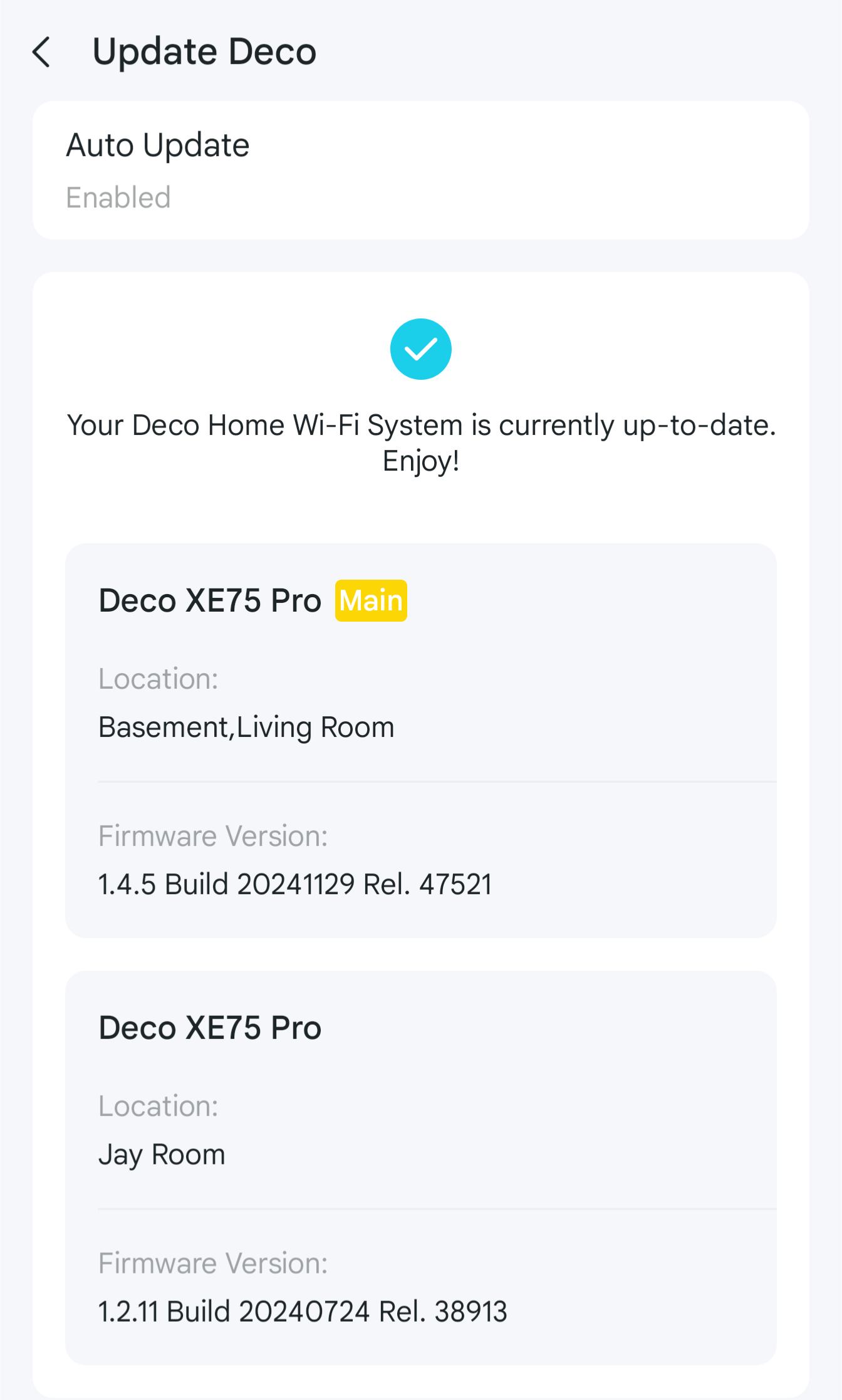
TP-Lonk sent me a replacement.


It's the same model but different revision, so underneath updates, it's not grouped up with the original ones and uses different firmware.

  0  
  0  
#5
Options