
Kein Internet trotz Internet
 This thread has been locked for further replies. You can start a new thread to share your ideas or ask questions.
Folgendes, siehe Bild:
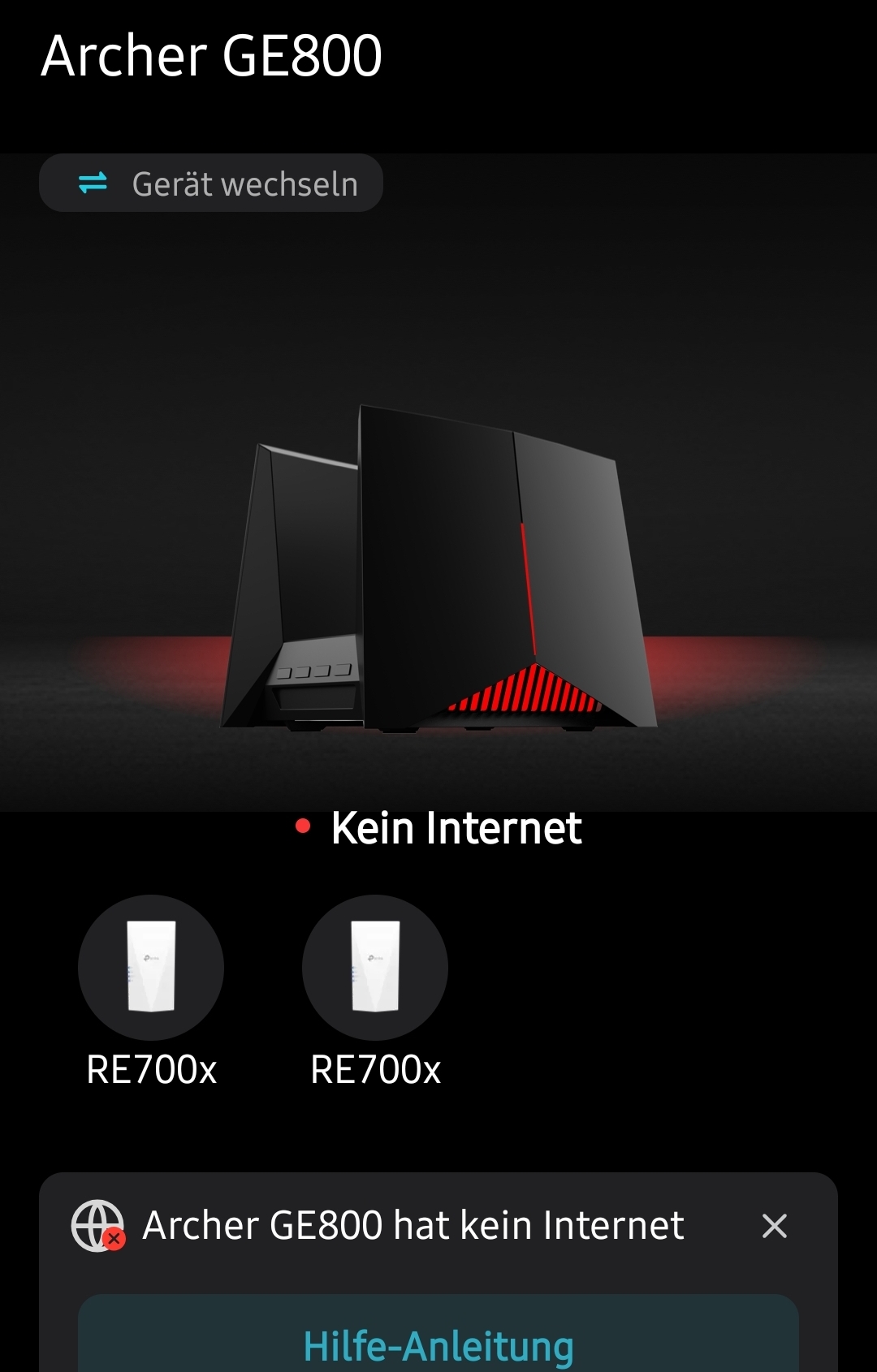
habe Internetverbindung, aber es wird mir in der App und auch wenn ich über den Browser zugreife, die Meldung, dass der GE800 kein Internet hat.
Kann aber trotzdem über dem Router auf das Internet zugreifen:
Der WAN Anschluss wird über eine Magenta 5G Box, angebunden. Die Einstellungen ist auf Dynamischer IP.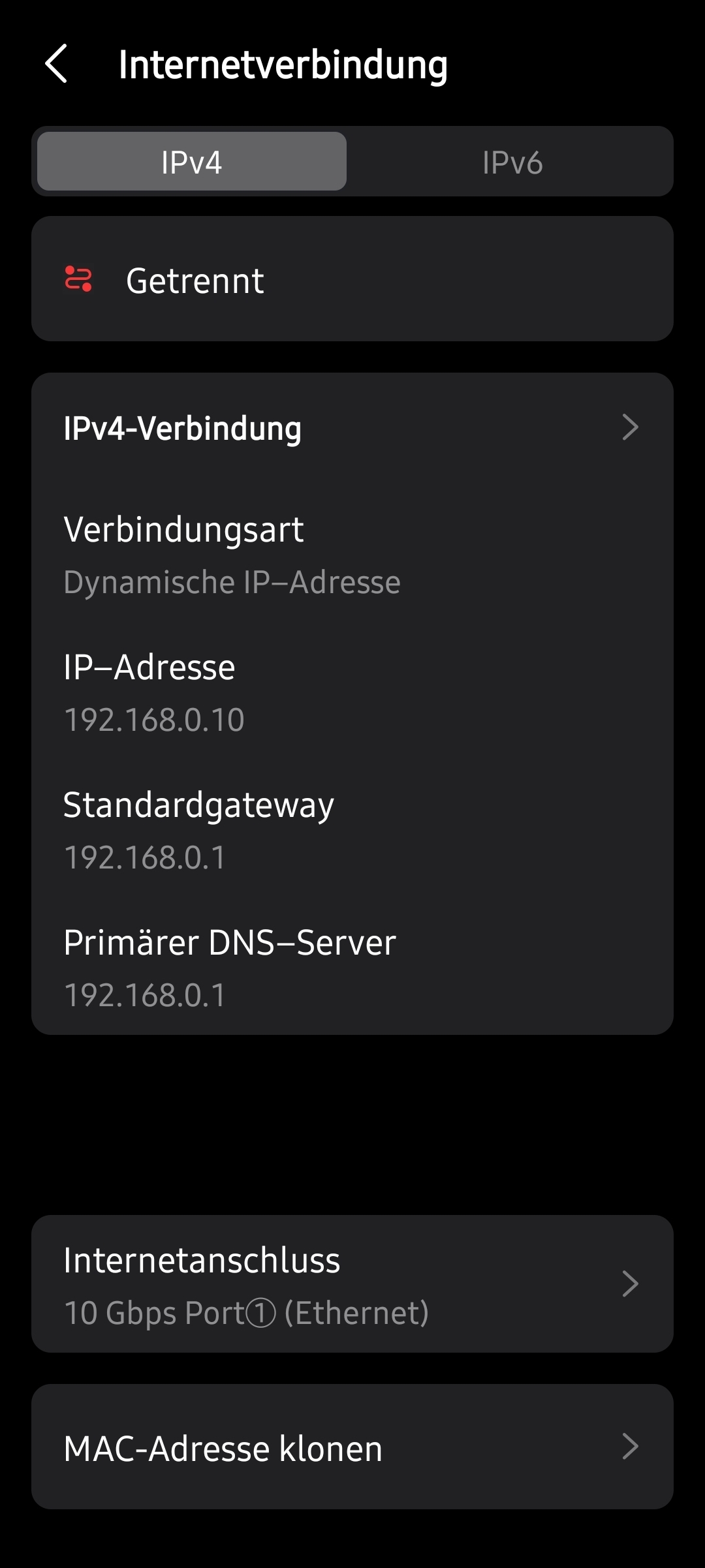
- Copy Link
- Subscribe
- Bookmark
- Report Inappropriate Content


Hi@Radio71,
Thank you for reporting your issue to our community.
According to the translation of Google Translate, I think that your question is the GE800 has internet, but it shows no internet on the management page. If there is any discrepancy, please describe it in English.
May I know what is the LED status of your router now? Please reboot the whole network system for a try.
What is the IP when you tried to log in the management page? Please refer to How to find IP address on your devices
If the internet is working fine, please try different clients to log in the management page of router Archer GE800.
Adjust the Router's DNS Server settings. Go to Advanced > Network > Internet > Advanced Settings. Modify the DNS server to 8.8.8.8 and 1.1.1.1.
- Copy Link
- Report Inappropriate Content
Hi@Radio71,
Thank you for reporting your issue to our community.
According to the translation of Google Translate, I think that your question is the GE800 has internet, but it shows no internet on the management page. If there is any discrepancy, please describe it in English.
May I know what is the LED status of your router now? Please reboot the whole network system for a try.
What is the IP when you tried to log in the management page? Please refer to How to find IP address on your devices
If the internet is working fine, please try different clients to log in the management page of router Archer GE800.
Adjust the Router's DNS Server settings. Go to Advanced > Network > Internet > Advanced Settings. Modify the DNS server to 8.8.8.8 and 1.1.1.1.
- Copy Link
- Report Inappropriate Content
Hi@Radio71,
We are delighted to announce the release of the GE800 pre-release firmware!
This update introduces the AI QoS feature. We encourage you to try this firmware and take advantage of the new features.
Introducing AI QoS: Elevate Your Gaming Experience on the Archer GE800 Gaming Router!
Thank you for your feedback and suggestions.
- Copy Link
- Report Inappropriate Content
Information
Helpful: 0
Views: 198
Replies: 2
Voters 0
No one has voted for it yet.