
New Arrival M8550: 5G Mobile Wi-Fi with Touch Screen


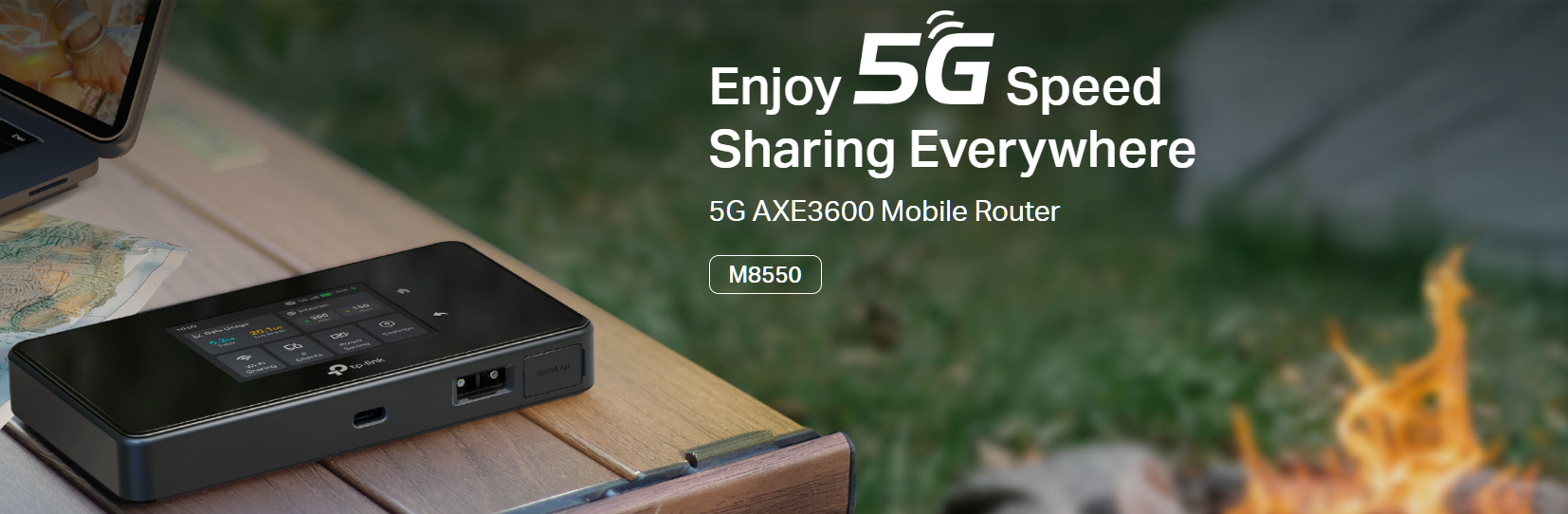
With the revolutionary power of cutting-edge 5G technology, our Mobile WiFi has transcended into a new era of connectivity. The M8550, equipped with advanced WiFi 6E technology, is meticulously crafted to provide an unparalleled enhancement in coverage, lightning-fast speed, and unmatched total capacity, ensuring a superior wireless experience for you.
With M8550, you will have:
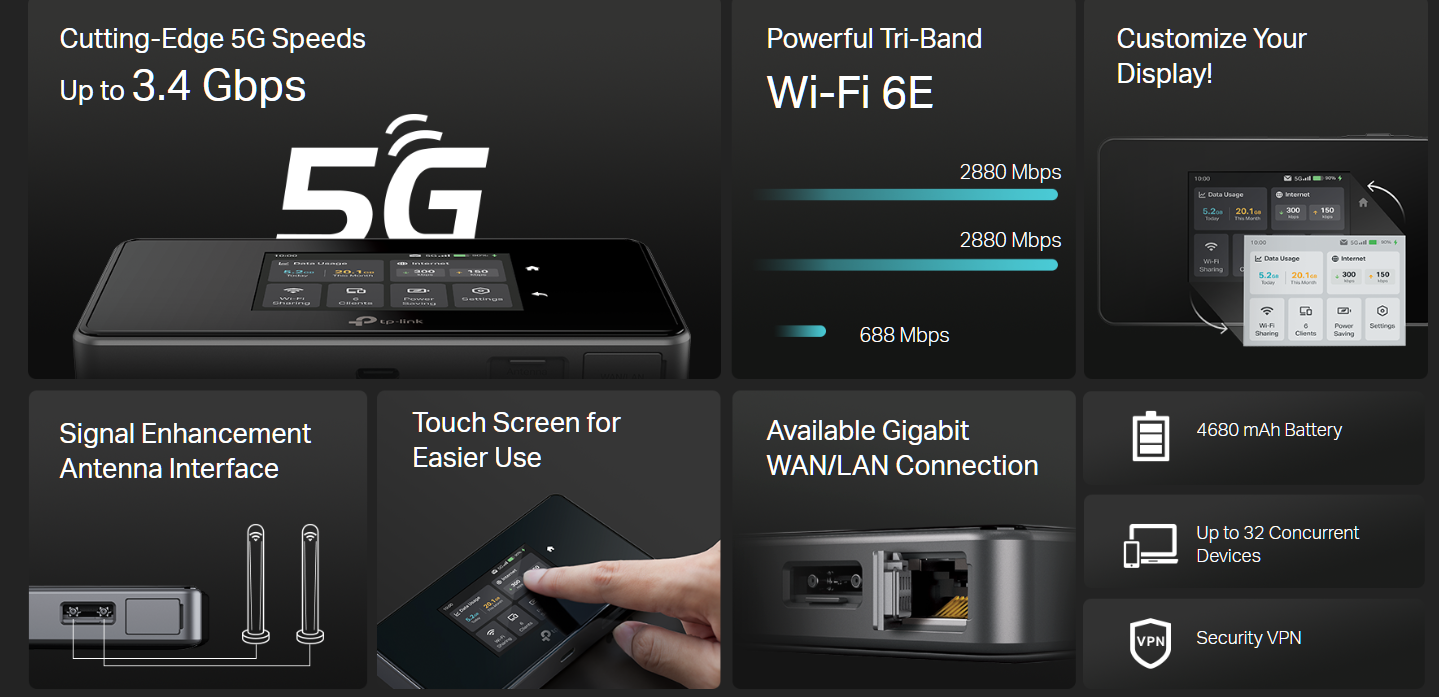
 Superior 5G - Up to 3.4 Gbps Download Speed Powerful Wi-Fi 6E - Tri-Band AXE3600 Network
Gigabit WAN/LAN Port - Provide Stable and Versatile Wired Connection Touch Screen - Easy Management at your fingertips
VPN Encryption - Secure Access to Remote Servers Easy Network Sharing - Supports up to 32 devices
More Technical Specifications:
 |
|
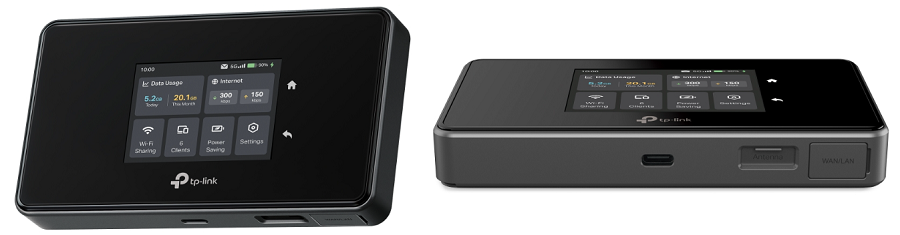
| Hardware Interface | 1× USB-C Port for Power Supply 1× Gigabit WAN/LAN Port 1× Nano SIM Card Slot 1× Micro SD Card Slot, Up to 2 TB (*SD card sold separately) 2× TS-9 Antenna Ports |
| WiFi Specification |
• 688 Mbps at 2.4 GHz
• 2.4 GHz Only |
| Network Bands | US Version • 5G: N2/N5/N12/N14/N25/N29/N30/N41/N48/N66/N71/N77 EU Version • 5G: N1/N3/N5/N7/N8/N20/N28/N38/N40/N41/N71/N75/N76/N77/N78 |
| Advanced Features | WireGuard VPN, Wireless MAC Filtering, Power Saving, and more |
| Power Supply | 4680 mAh Rechargeable Battery Charge Voltage: 5V-3A, 9V-2A, 12V-1.5A |
Feel free to comment below if you want to know more about this product.
Related Articles:
- Copy Link
- Subscribe
- Bookmark
- Report Inappropriate Content

@JouJek thanks! while working as USB-tehtering do you see any difference in performance compared to its RJ45 port?
- Copy Link
- Report Inappropriate Content

- Copy Link
- Report Inappropriate Content
@JouJek Ok - thanks - most important for me is to use the USB-C as network for a camera unit. Many thanks for sharing, br. Tom
- Copy Link
- Report Inappropriate Content

@David-TP
Man, I have that device and was working fine for months.. but last night that device literally shut the RJ45 port and not works anymore. That "feature" to disable automatically the RJ45 is sucks and non-sense, because we can't disabled it. I tried to enable the logs to see if there's any error, but no logging at all, even in debug mode :D
I don't know what I can do, the firmware is from TP-Link, not from any broadband company. With WIFI is working, but I need the RJ45, not the WIFI.
- Copy Link
- Report Inappropriate Content
Can anyone confirm that the overheating issue is resolved now with the latest FW 1.6 that can be downloaded ? I plan to travel this summer and need a portable access point running at 5G that can accomodate up to a dozen devices if needed..
TiA for the feedback.
GP Geek.
PS: has also someone tried to connect an external antenna with the TS9 connector and if yes, how much gain dB was added ?
- Copy Link
- Report Inappropriate Content

- Copy Link
- Report Inappropriate Content
- Copy Link
- Report Inappropriate Content
Information
Helpful: 1
Views: 34430
Replies: 97
Voters 1
