TL-MR6400 4G doesn't connect to mobile 4G band
Hi,
I bought a TL-MR6400 and doesn't connect to mobile 4G band.
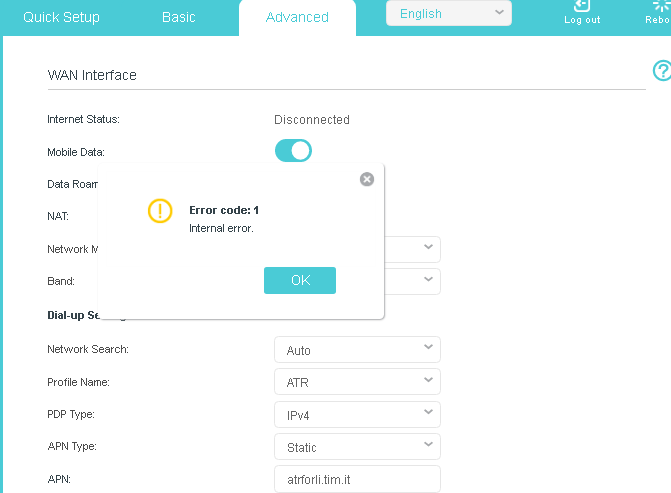
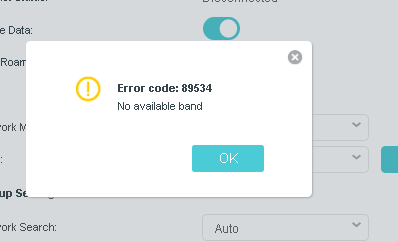
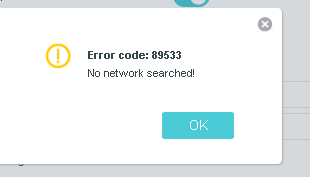
No possibility to set manual band (error 89534), nor set 4G only (error code 1 - internal error).
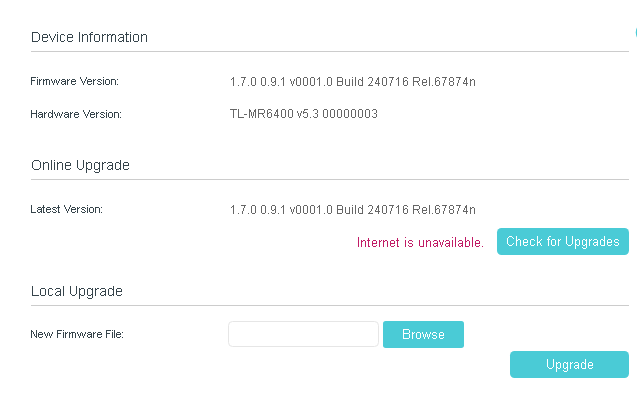
I tried all firmware versions available on official website.
I read several threads on forum without solving.
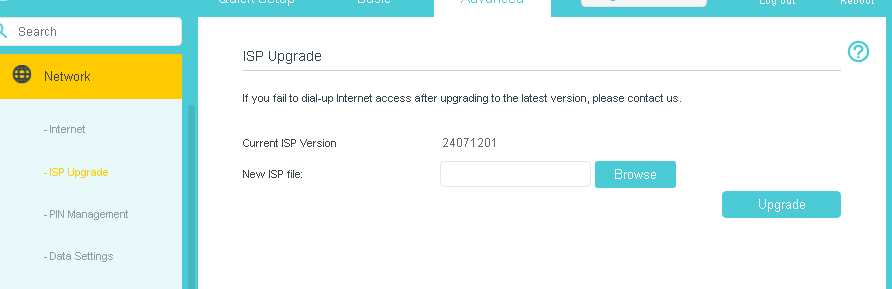
Last ISP file is outdated compared to firmware versione.
Sim is OK and tested on other devices.
Router hw version 5.30 - EU
I have 5 TL-MR6400 , two with hardware V.1 and three with 5.0 : with these no problems, but with the last one (v. 5.3) I can't get connection.
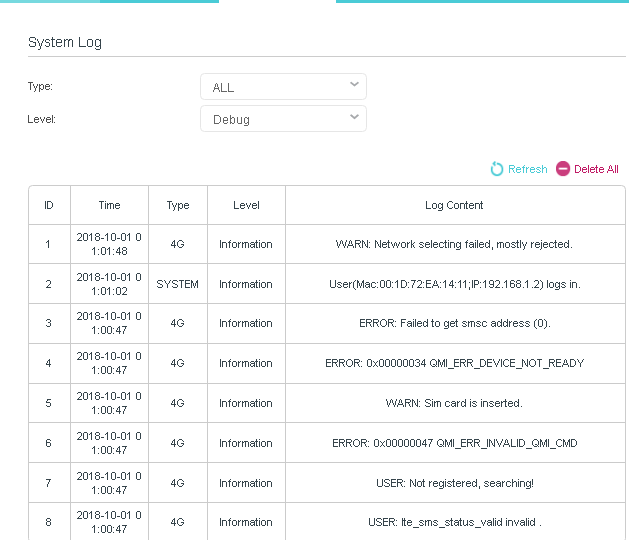
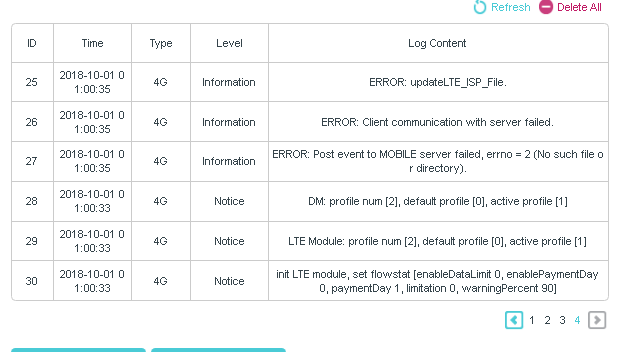
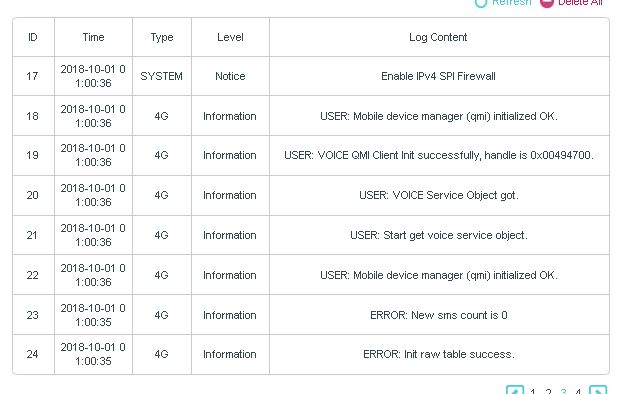
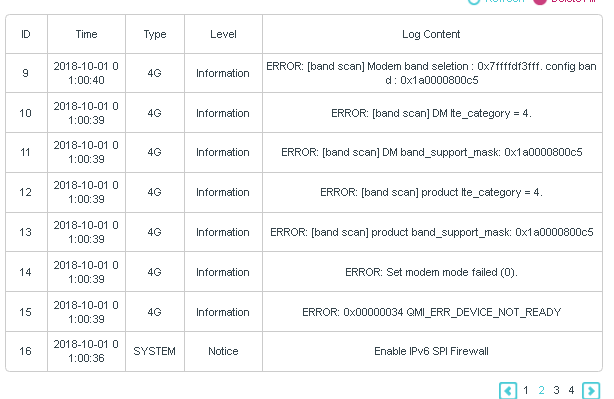
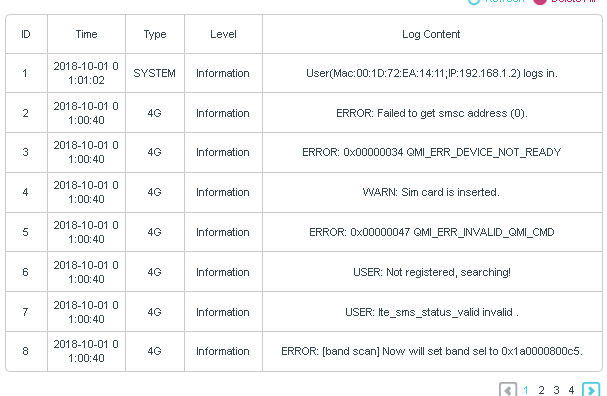
System log:
| 1 | 2025-06-26 13:58:20 | 4G | Information | ERROR: QMI NAS Set preferred network failed, ret = 0. |
| 2 | 2025-06-26 13:57:31 | 4G | Information | ERROR: [band scan] Set pref net failed for pci scan!!! |
| 3 | 2025-06-26 13:57:31 | 4G | Information | ERROR: QMI NAS Set preferred network failed, ret = 0. |
| 4 | 2025-06-26 13:57:17 | SYSTEM | Information | User(Mac:00:1D:72:EA:14:11;IP:192.168.1.2) logs in.
|
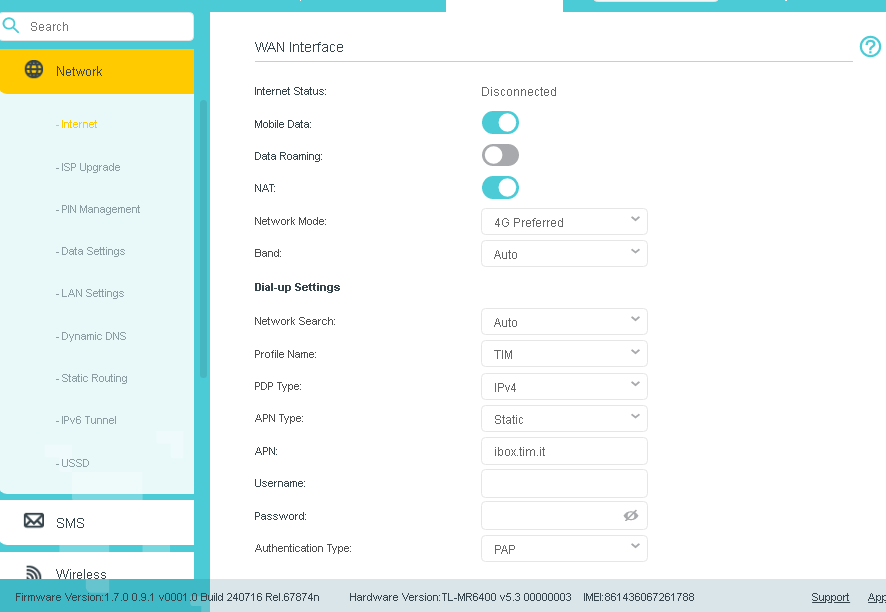
In menu advanced\network\internet after checking sim, the status is disconnected
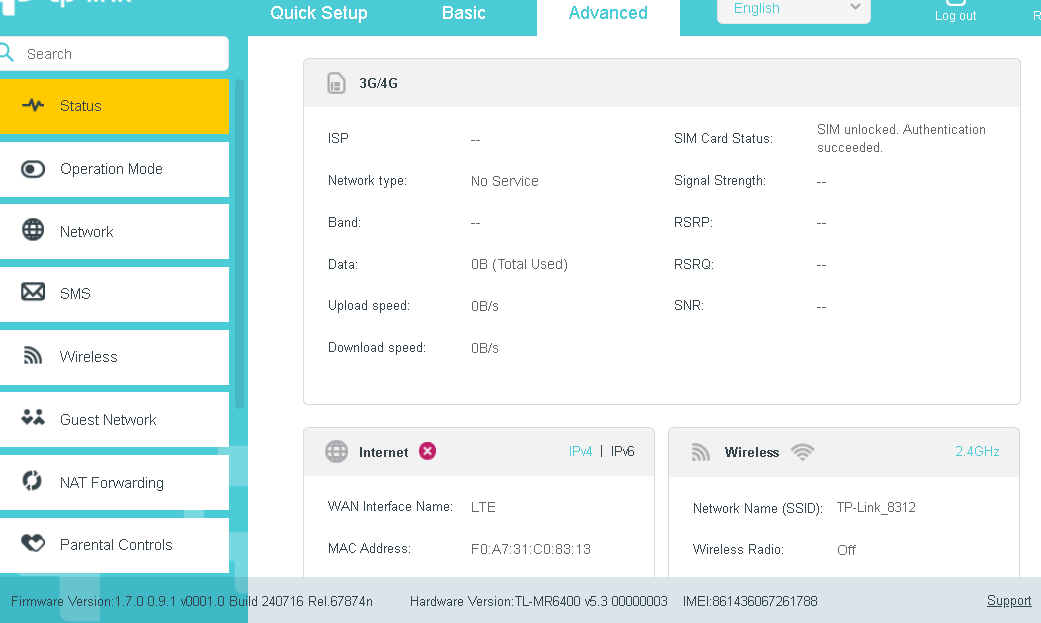
In advanced\status the network type is "no service"
How can I solve ?
thank you

- Copy Link
- Subscribe
- Bookmark
- Report Inappropriate Content
Hi@CLA-ATR,
Welcome to our community.
For your issue, would you mind trying different SIM cards for this new router?
Also, you can try the following FAQ troubleshooting suggestions:
No internet connection when using TP-Link Wireless 4G LTE Router working as 3G/4G Router Mode
If you don't mind, please take some screenshots of the Advanced page, we can check the status of router to locate the issue.
- Copy Link
- Report Inappropriate Content
Hi Joseph, thank you.ù
I already tried different Sims and I already seen and checjed the FAQ link you posted.
I'm out of office for some days, when I'll come back I'send you screenshots.
As said, I have other five MR6400 with the some SIms and network carrier and in that case no problems.
Claudio
- Copy Link
- Report Inappropriate Content
Thanks@CLA-ATR, Please take your time.
- Copy Link
- Report Inappropriate Content
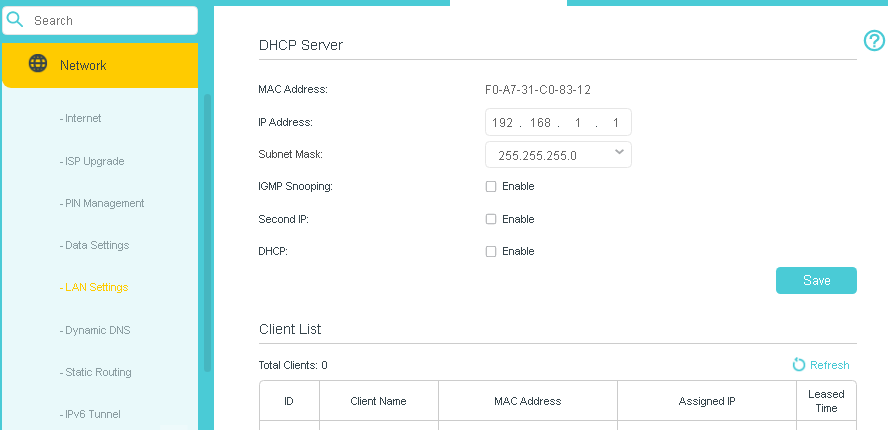
@Joseph-TP Hi, here are the screenshots :


if SET “4g only”

IF SET “MANUAL BAND”

IF NETWORK SEARCH MANUAL

- Copy Link
- Report Inappropriate Content
COMPLETE DEBUG LOG AFTER CLEANING LOGS AND REBOOT


- Copy Link
- Report Inappropriate Content

.
- Copy Link
- Report Inappropriate Content
Hi@CLA-ATR,
Thank you for getting back to me.
Please hard reset the TL-MR6400:
Press and hold WPS/RESET button until the Power LED starts flashing to reset the router to its factory default settings
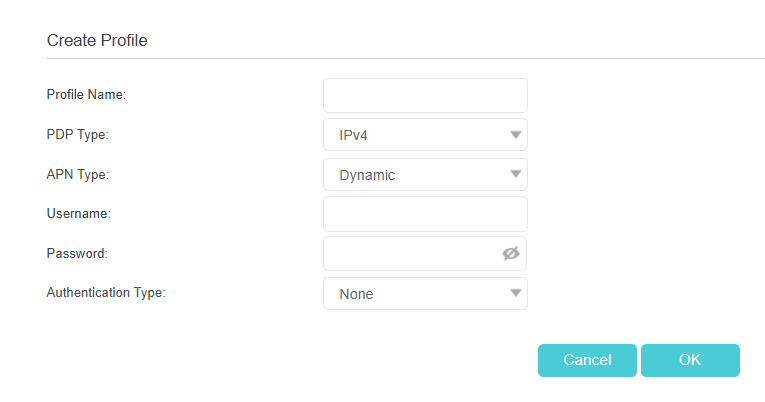
Have you created a new profile for a try? Please set the APN Type to Dynamic.

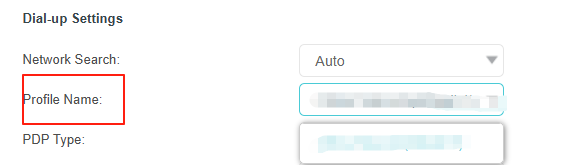
Then go to change to the new profile at the Profile Name option.

If it still doesn't work, contact your retailer for a replacement.
- Copy Link
- Report Inappropriate Content
No luck.
I tried with "dynamic APN" but It doesn't work
I'll ask for replacement
thank You
Claudio
- Copy Link
- Report Inappropriate Content
Thanks@CLA-ATR ,
Please feel free to contact us if you have any update.
- Copy Link
- Report Inappropriate Content
Information
Helpful: 0
Views: 549
Replies: 9
Voters 0
No one has voted for it yet.