
Archer BE230 NO SE ASIGNA IPV6

Archer BE230 NO SE ASIGNA IPV6

Archer BE230 NO SE ASIGNA IPV6
2025-08-15 12:35:46 - last edited 2025-09-14 09:22:17
Tags: #IPv6
Model: Archer BE230  
Hardware Version: V1
Firmware Version: 1.1.4 Build 20250318 rel.31873(5553)

Soy de Argentina, mi proovedor de internet es Personal (Fibertel) actualmente tengo un cm docsis 3.1 Sagemcom F@st 3890 v3 en modo Bridge, el cual cuando esta conectado al router no se me asigna ipv6 a pesar de haber probado todas las configuraciones posibles, cuando el modem es conectado directamente a la PC la misma conecta ipv6 sin problemas. Comparto capturas a continuación:
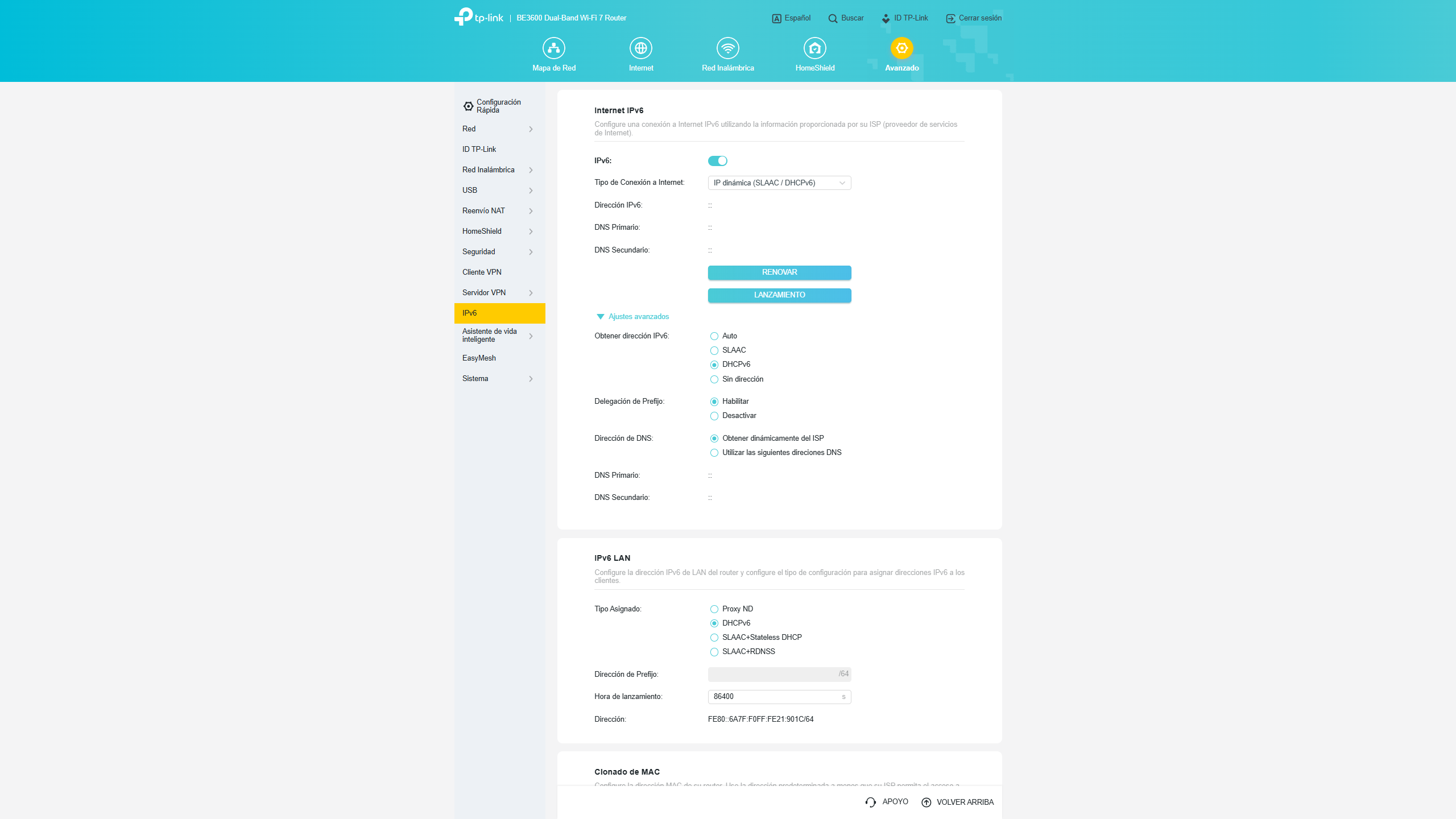
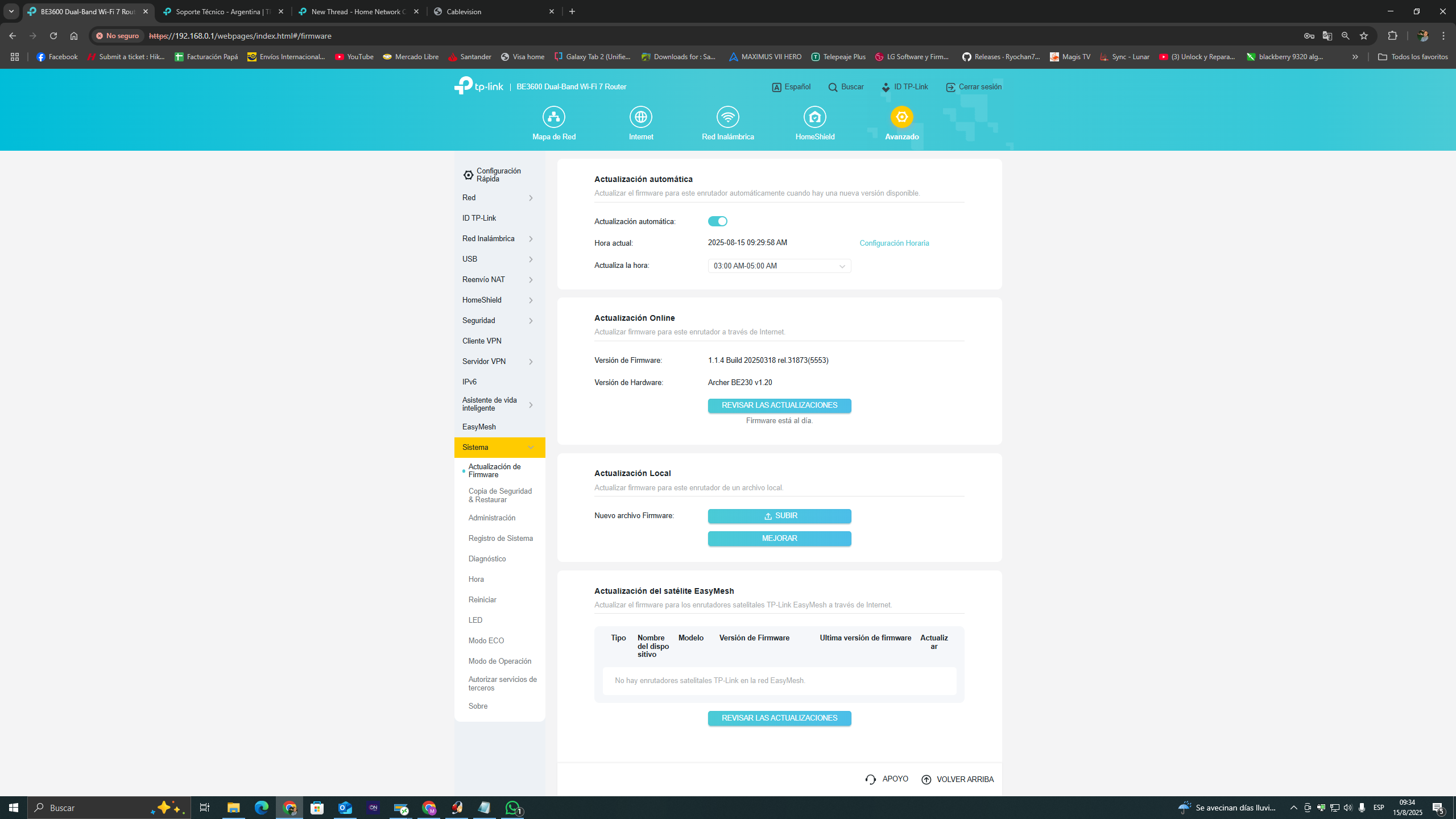


  0      
  0      
#1
Options
1 Accepted Solution
Re:Archer BE230 NO SE ASIGNA IPV6-Solution
2025-08-18 05:57:07 - last edited 2025-09-14 09:22:17

Hello  @mrblasterdj ,

Welcome to our community.


According to Google Translate, your question is that the router failed to access IPv6 IP address. If there is any discrepancy, please describe it in English.


May I know the network topology? For example: ISP modem—router—main deco )))((( client devices

(Note: — stands for wired connection,)))((( stands for wireless connection )

This FAQ will help you with correctly configuring IPv6 Internet connection: How to set up an IPv6 Internet connection on the TP-Link Wi-Fi Routers


Best Regards.

Nice to Meet You in Our TP-Link Community. Check Out the Latest Posts: △Pre-release Firmware for Archer AX50 Introduces New Parental Control Features and Enhancements △Introducing AI QoS: Elevate Your Gaming Experience on the Archer GE800 Gaming Router △Connect TP-Link Archer BE550 to Germany's DS-Lite (Dual Stack Lite) Internet via WAN △Tether KidShield Test Recruitment - Safeguarding Children's Online Experience If you found the post or response helpful, please click Helpful. If an answer solves your problem, click "Recommended Solution" so that others can benefit from it.
Recommended Solution
  0  
  0  
#2
Options
1 Reply
Re:Archer BE230 NO SE ASIGNA IPV6-Solution
2025-08-18 05:57:07 - last edited 2025-09-14 09:22:17

Hello  @mrblasterdj ,

Welcome to our community.


According to Google Translate, your question is that the router failed to access IPv6 IP address. If there is any discrepancy, please describe it in English.


May I know the network topology? For example: ISP modem—router—main deco )))((( client devices

(Note: — stands for wired connection,)))((( stands for wireless connection )

This FAQ will help you with correctly configuring IPv6 Internet connection: How to set up an IPv6 Internet connection on the TP-Link Wi-Fi Routers


Best Regards.

Nice to Meet You in Our TP-Link Community. Check Out the Latest Posts: △Pre-release Firmware for Archer AX50 Introduces New Parental Control Features and Enhancements △Introducing AI QoS: Elevate Your Gaming Experience on the Archer GE800 Gaming Router △Connect TP-Link Archer BE550 to Germany's DS-Lite (Dual Stack Lite) Internet via WAN △Tether KidShield Test Recruitment - Safeguarding Children's Online Experience If you found the post or response helpful, please click Helpful. If an answer solves your problem, click "Recommended Solution" so that others can benefit from it.
Recommended Solution
  0  
  0  
#2
Options

