
Issues after software upgrade to 1.9.1

Has anyone else experienced connectivity issues since upgrading their M9 Plus to 1.9.1? The Deco app tells me that half of my nodes are offline but they are all showing green lights and appear to be connected to the internet so not sure what's happening.
- Copy Link
- Subscribe
- Bookmark
- Report Inappropriate Content
@Jules_F Somehow I managed to downgrade 2 out of 6 M5 decos with 1.9.1 installed. The other 4 are not downgrading. I used Tftpd as explained in https://www.tp-link.com/us/support/faq/2958/ I don't know why that is... Running only the 2 downgraded devices, made my network 100% again. Still trying the other 4. Later if I not succeed, will try to connect the rest to my network and see what happens. Shame on tplink for ruining the devices. 3 years running perfect 'till I decided to upgrade the firmware. I'll never do that again that's for sure.
- Copy Link
- Report Inappropriate Content

@David-TP I fully agree, i have about x14 Decos M5 Spread around a big place and all was fine on 1.7.8.
Since I upgraded to 1.9.1, both my systems have gone haywire.
My Decos are making noises, heating up, losing network...
Their should be an easier way to revert back.
When i visit the page i can only revert back to 1.8.5, is this as stable a the 1.7.8?
Thanks!
- Copy Link
- Report Inappropriate Content

- Copy Link
- Report Inappropriate Content
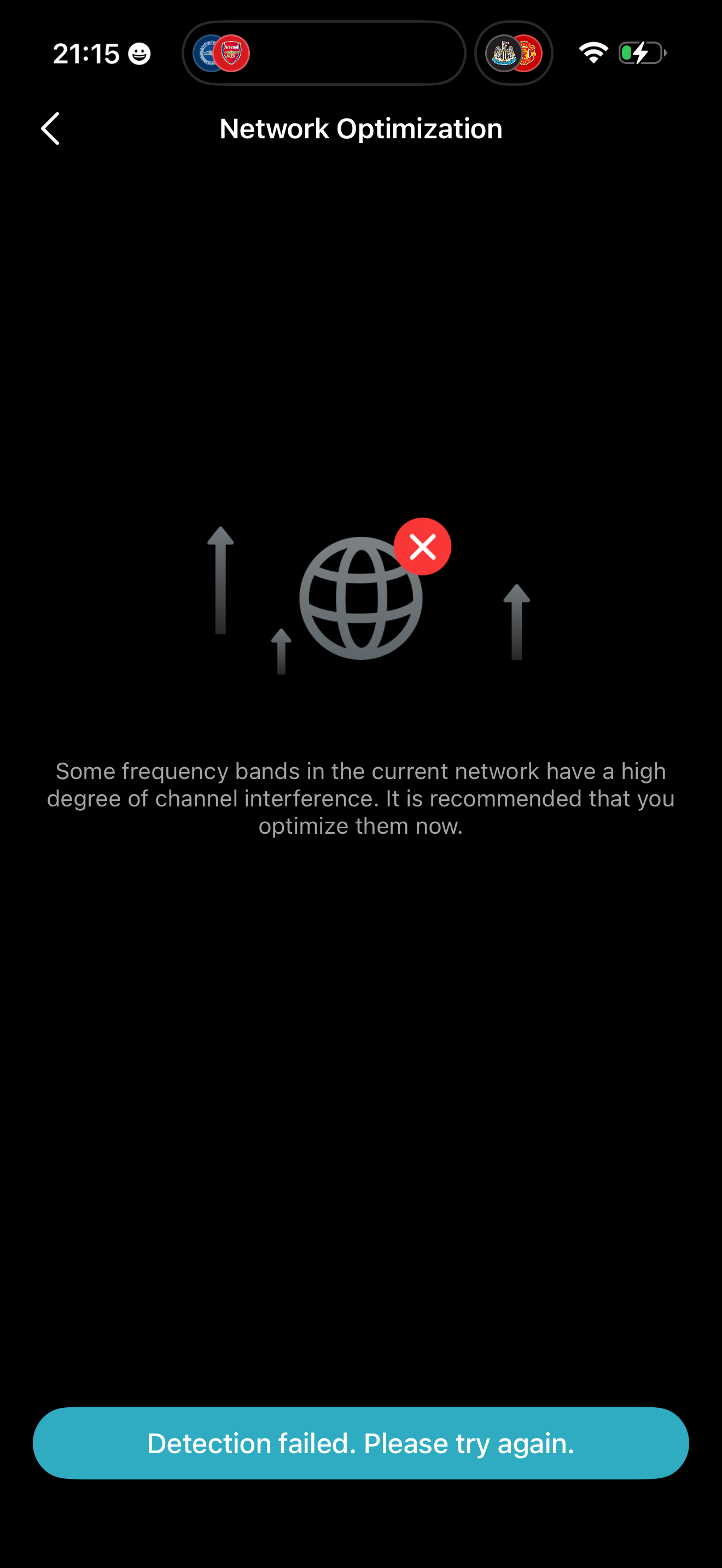 we have 4 deco M5s in our house and we're having issues with connectivity. The network optimisation will usually fail, connecting to TVs on YouTube via WiFi will fail, apps will not update via the App Store on iPhone -- yet webpages on the browser may still load. The behaviour is really inconsistent and has only started over the last 2 weeks. When can we expect an update to the M5s?
- Copy Link
- Report Inappropriate Content
Hello all,
Just wanted to say thanks to all on this thread who have given their input to resolve the 1.9.1 issue.
I have been able to revert them all back to 1.7.8, and the system is now working wonderfully without any glitches whatsoever.
Thanks to all who shared ideas and suggestions on how to resolve the issue; it has saved me a lot of money from buying unnecessary new modems/routers..
One thing is for sure: I will not be buying any TP-Link products in the future, knowing that they deliberately send buggy updates to old devices to get you to buy new ones when the old ones work perfectly well.
Thanks again to all & good luck!
Dailos
- Copy Link
- Report Inappropriate Content
Information
Helpful: 7
Views: 4366
Replies: 25
Voters 2

