
Device not login to tether apps cloud
 This thread has been locked for further replies. You can start a new thread to share your ideas or ask questions.
I am configer my device with cloud also login after this i am trying to connect my to tether app showing some error end not login

- Copy Link
- Subscribe
- Bookmark
- Report Inappropriate Content


Hello@Mohd_Irfan ,
Welcome to our community.
Please note that the XC220-G3v is a Wireless VoIP XPON Router, you can use the Aginet App to manage the XC220-G3v.
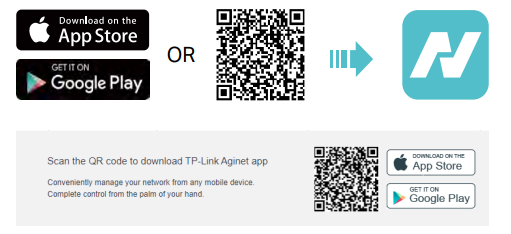
The Aginet app runs on iOS and Android devices, such as smartphones and tablets. Launch the Apple App Store or Google Play store and search “TP-Link Aginet” or simply scan the QR code to download and install the app.
For more details, please refer to BBA GPON_User Guide.
- Copy Link
- Report Inappropriate Content
Hello@Mohd_Irfan ,
Welcome to our community.
Please note that the XC220-G3v is a Wireless VoIP XPON Router, you can use the Aginet App to manage the XC220-G3v.
The Aginet app runs on iOS and Android devices, such as smartphones and tablets. Launch the Apple App Store or Google Play store and search “TP-Link Aginet” or simply scan the QR code to download and install the app.
For more details, please refer to BBA GPON_User Guide.
- Copy Link
- Report Inappropriate Content
Information
Helpful: 0
Views: 1817
Replies: 1
Voters 0
No one has voted for it yet.