
TL-PA8010P and TL-PA7027P

Hi
I'm wonderring if the powerlines TL-PA8010P and TL-PA7027P are compatible with each other if they are, would there be any issues with pairing them together.
As I'm looking for a mixture of powerlines with the ethernet port at the top and on the bottom
- Copy Link
- Subscribe
- Bookmark
- Report Inappropriate Content


Hello @DarkSmoggie ,
Welcome to our community.
Generally, most TP-Link powerline adapters are compatible with each other. It is recommended to use adapters from the same series or with similar specifications.
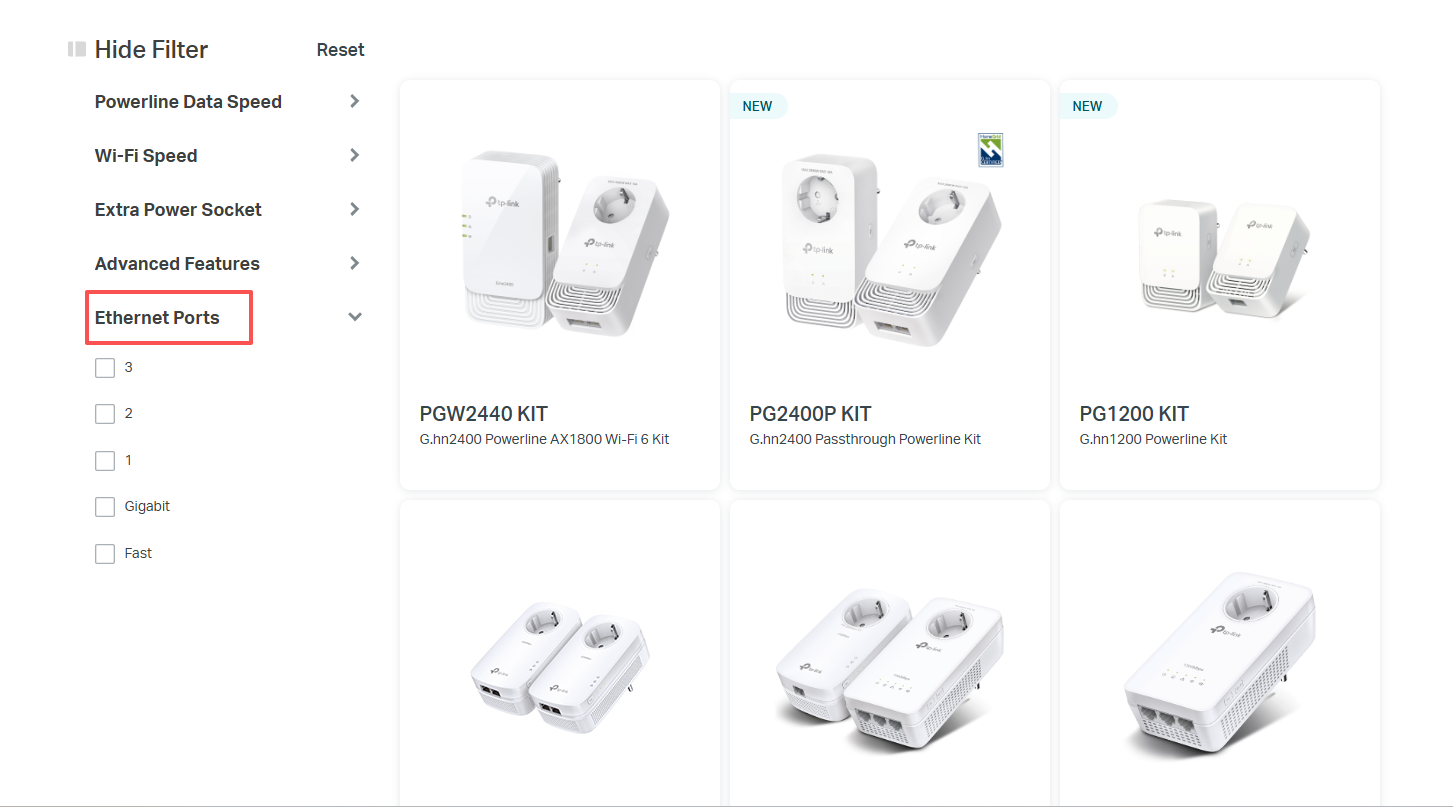
Currently, most of the Ethernet ports on our powerline adapter are located on one side of the device. However, if you need more ports, you can filter by Ethernet Ports in the left-hand menu on the Powerline List.
- Copy Link
- Report Inappropriate Content
Hello @DarkSmoggie ,
Welcome to our community.
Generally, most TP-Link powerline adapters are compatible with each other. It is recommended to use adapters from the same series or with similar specifications.
Currently, most of the Ethernet ports on our powerline adapter are located on one side of the device. However, if you need more ports, you can filter by Ethernet Ports in the left-hand menu on the Powerline List.
- Copy Link
- Report Inappropriate Content
Information
Helpful: 0
Views: 281
Replies: 1
Voters 0
No one has voted for it yet.