
<
Deco
Deco Could'nt Switch WiFi Channels
Deco Could'nt Switch WiFi Channels
Deco Could'nt Switch WiFi Channels

Posts: 1254
Helpful: 513
Solutions: 70
Stories: 0
Registered: 2023-12-03
Deco Could'nt Switch WiFi Channels
2025-11-13 20:11:53
Hey TP-LINK !!
After i updated to 1.8.1 my Deco M4 could'nt change 2.4 GHz channels. Always use (5) or (2) on 40 MHz. Before that Deco choose any channel in 2.4 GHz between 1 to 11 and i tried Network Optimization from Deco App but still same and after reboot still same and also 5 GHz is stick to channel 149 and even i do factory reset but still not changed. Both 2.4 GHz and 5 GHz channels are not changing. Kindly fix it ASAP.
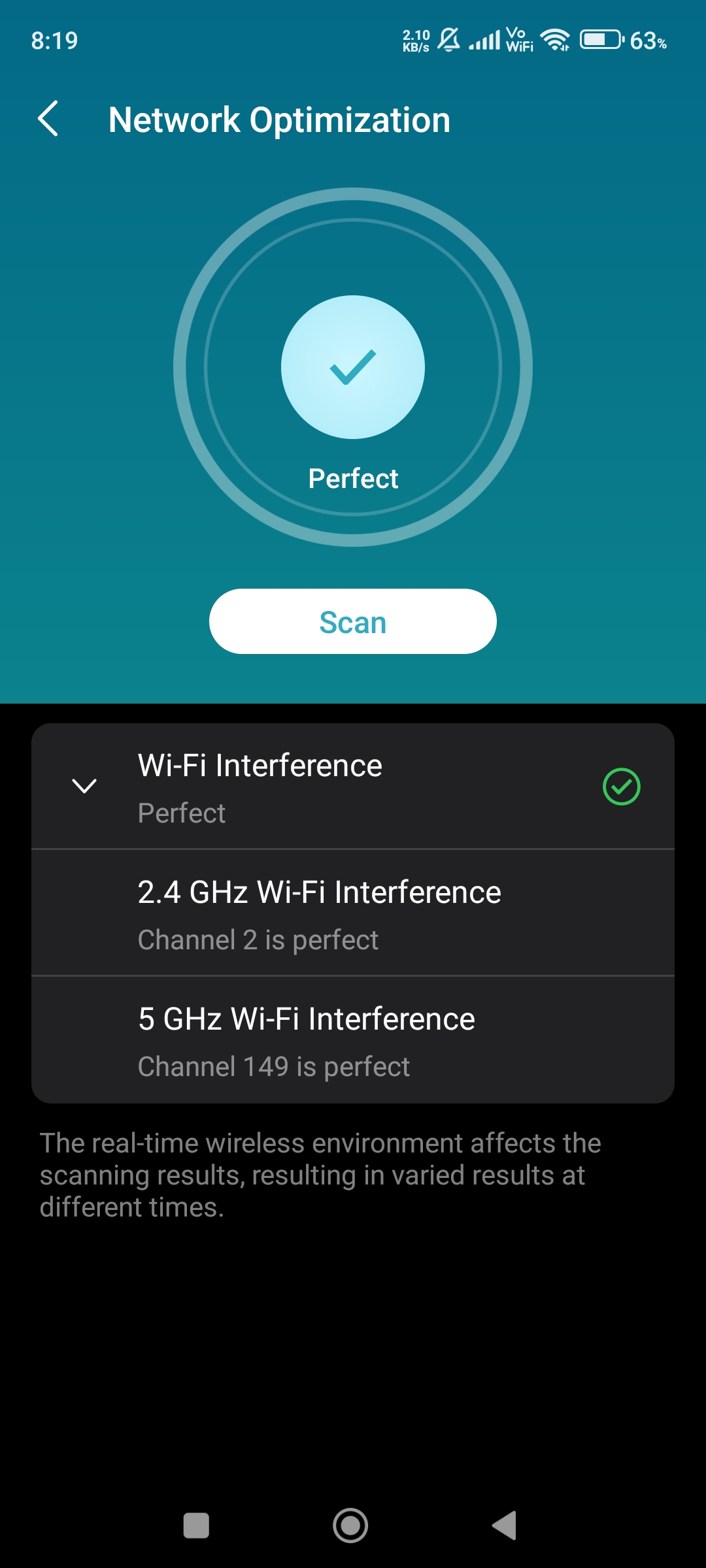
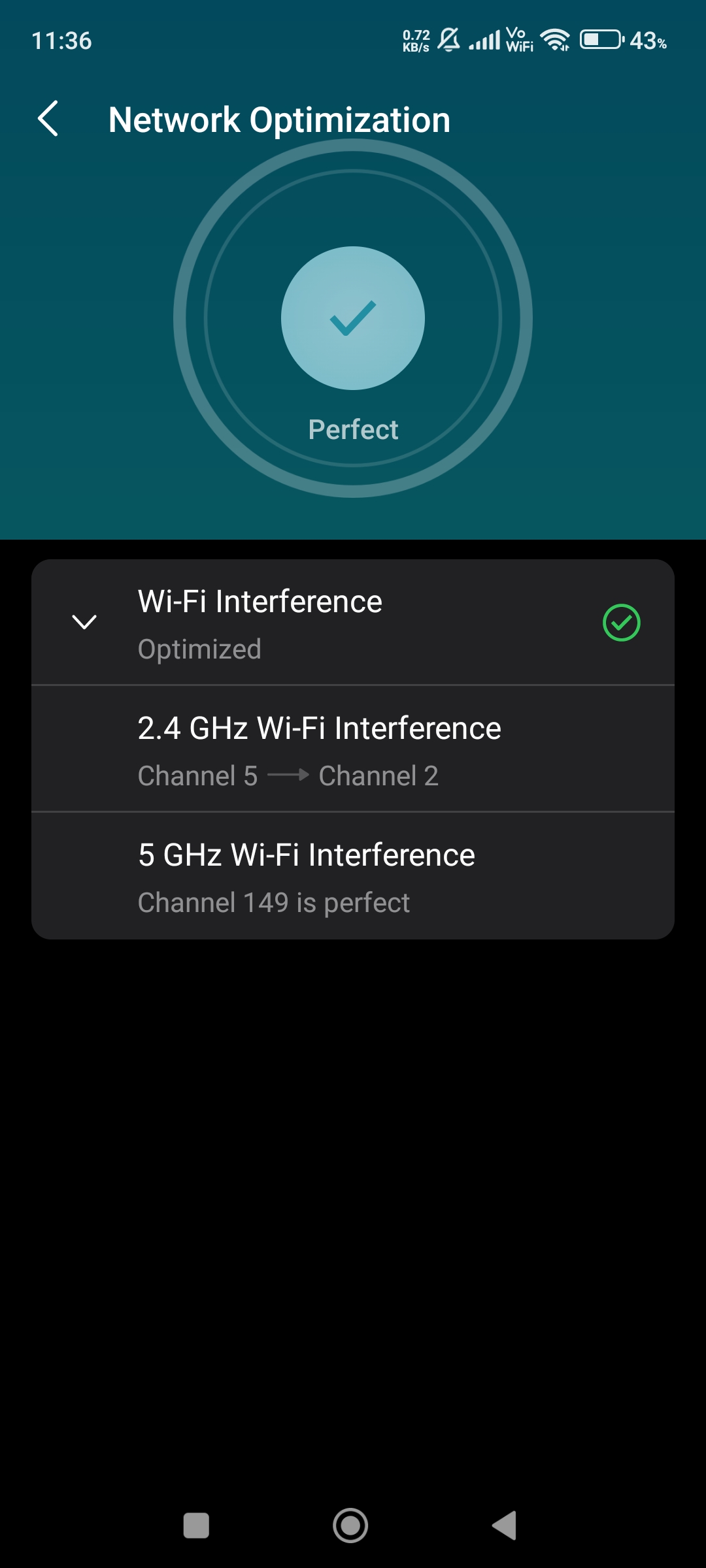
Please & Thank You !! ❤️
#1
Options
- Copy Link
- Subscribe
- Bookmark
- Report Inappropriate Content
Thread Manage
Module Manage
Announcement Manage
12 Reply

Posts: 767
Helpful: 372
Solutions: 40
Stories: 0
Registered: 2021-03-21
Re:Deco Could'nt Switch WiFi Channels
2025-12-06 02:57:15
@ARGamingPK1 Bangladesh
Just a M4 (2-pack) user who regrets buying it
2
We appreciate your feedback. Feel free to let us know more. Log in to submit feedback.
2
We appreciate your feedback. Feel free to let us know more. Log in to submit feedback.
#12
Options
- Copy Link
- Report Inappropriate Content
Thread Manage
Module Manage
Announcement Manage
Posts: 1254
Helpful: 513
Solutions: 70
Stories: 0
Registered: 2023-12-03
Re:Deco Could'nt Switch WiFi Channels
2025-12-06 16:54:03
@ImtiazAli I have changed the channels manually and disabled 2.4 GHz backhaul on all nodes for better performance 🥰😎
Please & Thank You !! ❤️
0
We appreciate your feedback. Feel free to let us know more. Log in to submit feedback.
0
We appreciate your feedback. Feel free to let us know more. Log in to submit feedback.
#13
Options
- Copy Link
- Report Inappropriate Content
Thread Manage
Module Manage
Announcement Manage
Posts: 1254
Helpful: 513
Solutions: 70
Stories: 0
Registered: 2023-12-03
Information
Helpful: 0
Views: 540
Replies: 12
Voters 0
No one has voted for it yet.
Report Inappropriate Content
Transfer Module
New message