
Slow Speed on TP Link XX530v main router over Airtel 1 Gbps Plan
 This thread has been locked for further replies. You can start a new thread to share your ideas or ask questions.
Hello Community members,
I am facing severe slowness on TP Link XX530v as main router connected directly to the Airtel Line. I am getting speeds nearly 300 Mbps at a distance of 5-6 Meters from the router. I am using Static IP as mode of connection. On LAN I am getting speed of 900 Mbps. What can be the issue
- Copy Link
- Subscribe
- Bookmark
- Report Inappropriate Content

@AlokJain I suggest you use either channel 100 or use auto channel but 160MHz forced.
Something isn't right and you are getting 1.2Gbps link speed.
I suggest you update the drivers and update the XX530v firmware aswell
- Copy Link
- Report Inappropriate Content
Thanks @IfranAli
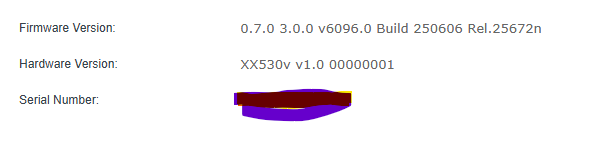
The router firmware is what I updated last week. I completely reinstalled the OS on my laptop a day ago. The Wi-Fi driver is also updated.
- Copy Link
- Report Inappropriate Content
@AlokJain Download and install this one and check again
https://static.tp-link.com/upload/firmware/2025/202511/20251124/XX530vv1_0.8.0_3.0.0_UP_BOOT_agc3000(250902)_2025-09-02_11.41.46.rar
Use these values and try again:
Channel Width: 160MHz; Channel: 100 (100-128) [Lesser Congestion] [RADAR PRONE: 60s DELAY]
Channel Width: 160MHz; Channel: 64 (36-48+52-64) [Less Congestion] [RADAR PRONE: 60s DELAY]
Channel Width: 80MHz; Channel: 64 (52-64) [Less Congestion] [RADAR PRONE: 60s DELAY]
Channel Width: 80MHz; Channel: 144 (132-144) [Least Congestion] [RADAR PRONE: 60s DELAY]
Channel Width: 80MHz; Channel: 149 (149-161) [Moderate Congestion]
Channel Width: 80MHz; Channel: 36 (36-48) [Most Congestion]
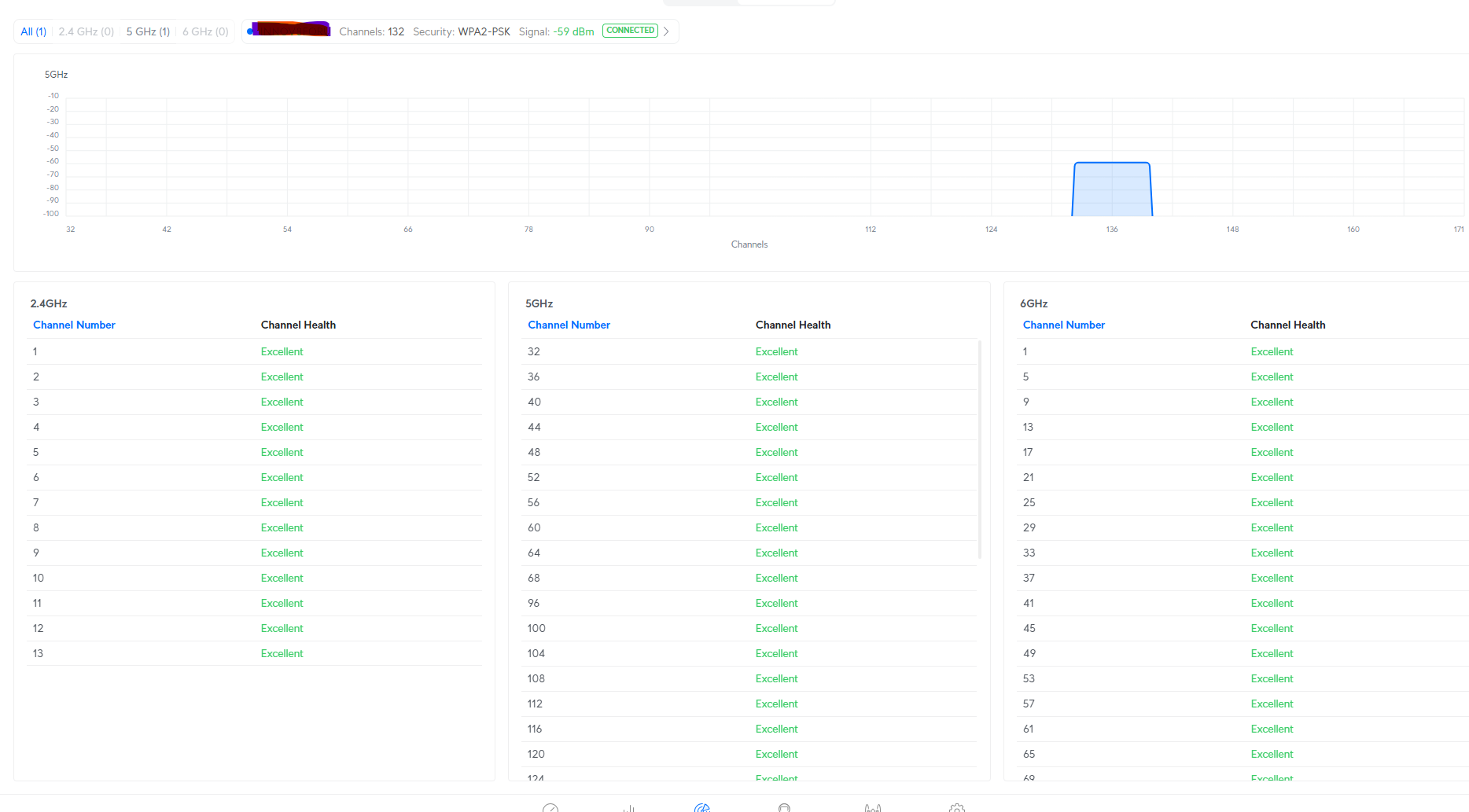
Additionally, download wifiman and check for nearby 5GHz beacons and their channels
- Copy Link
- Report Inappropriate Content
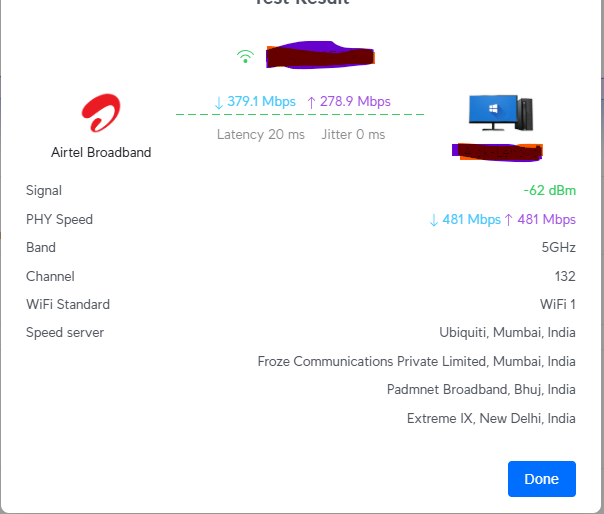
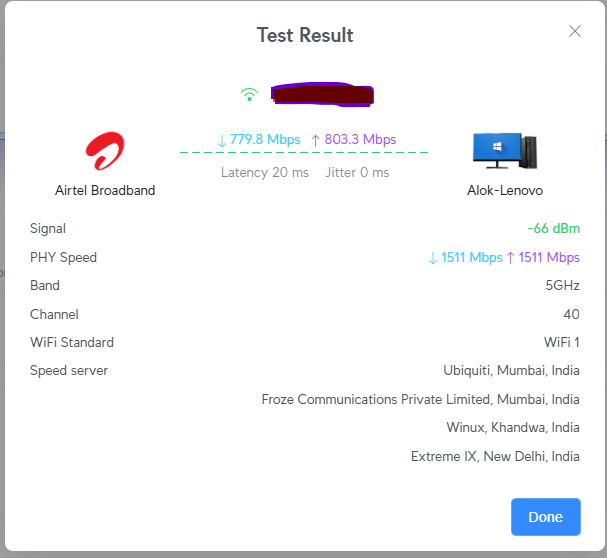
At 80 MHz and 132 DFS, I am getting slow speeds. Kindly let me know whether, for 5G, I should keep the channel width at 160 MHz, set it to auto, or use an optimised setting. What is best, based on your experience, since I am doing all this for the first time?
Could you let me know whether, for 5G, I should keep the channel width at 160 MHz, set it to auto, or use an optimised setting?
- Copy Link
- Report Inappropriate Content
@AlokJain Stick with 160MHz and Possibly either Channel 100 OR Auto, 160MHz will choose that automatically.
- Copy Link
- Report Inappropriate Content
Thanks, I switched to 160 MHz and auto, and there is an improvement in the speed. While measuring from Fast.com, it's around 900 Mbps, while checking from speedtest.net, it's 500 Mbps, which is more reliable?
- Copy Link
- Report Inappropriate Content
@AlokJain Both are fine. fast.com is purely automatic and it points to the nearest Netflix cached servers (afaik). speedtest.net is pure synthetic speedtest and depends on server/location + peering. For Airtel, peering is better than Jio in some cases, so I would suggest you change from auto speedtest to manual and choose different servers.
This should give you the maximum speed over wifi, if its near 900Mbps, consider the settings worked.
- Copy Link
- Report Inappropriate Content
Hi @IfranAli, the uploads are consistently high, but downloads are comparatively w. I have done all the settings recommended
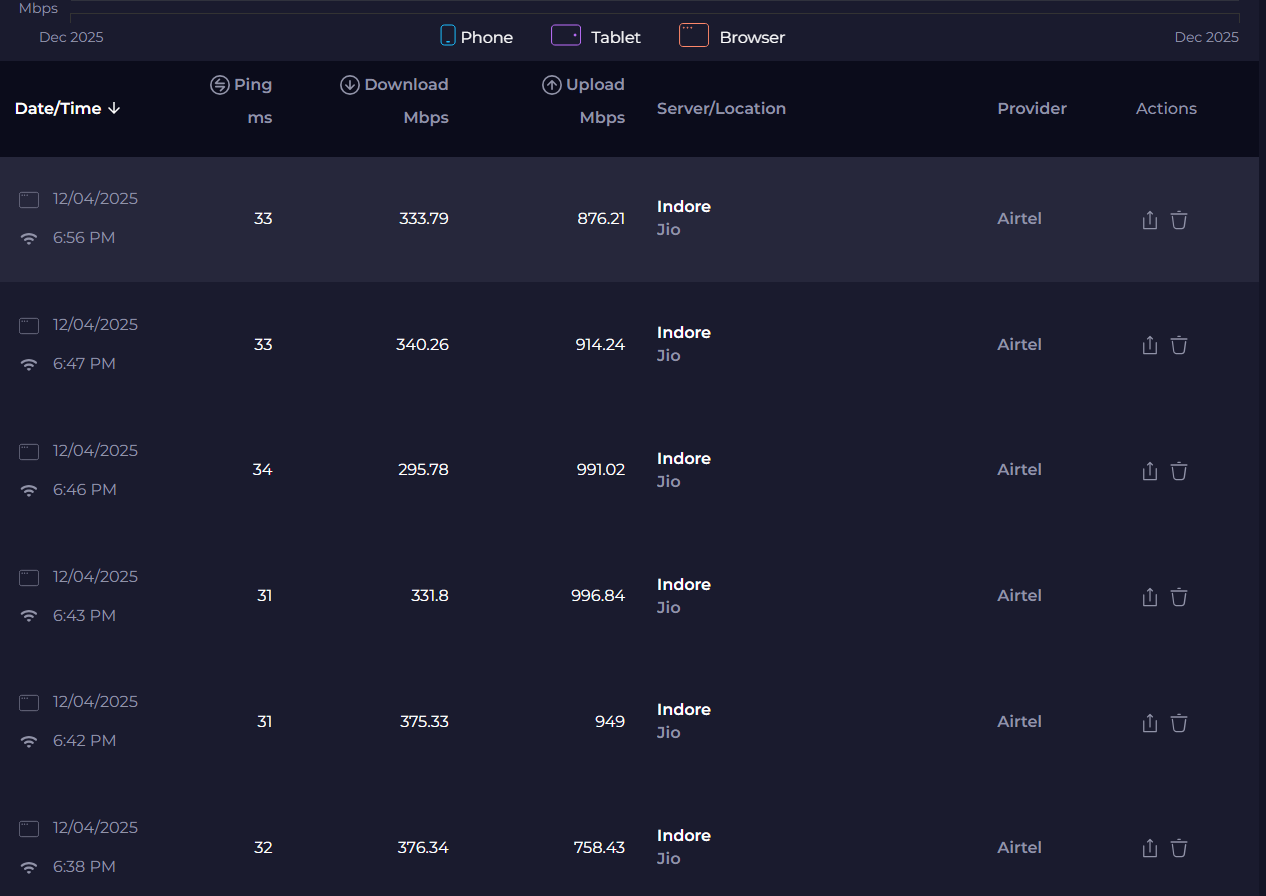
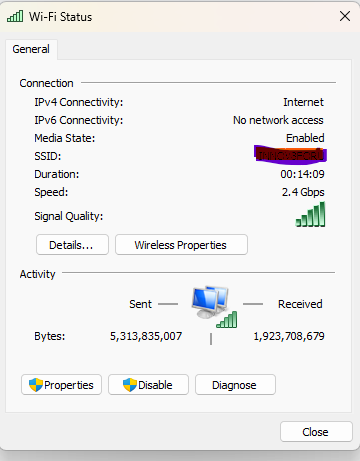
The above screenshot is just below the screenshot
- Copy Link
- Report Inappropriate Content
@AlokJain I see....
You are using Jio's server for speedtest, and they and Airtel don't mix well.
Select some other server while speedtesting.


choose anything other than Jio, and speedtest again. This should rule out server speed inconsistency.
- Copy Link
- Report Inappropriate Content
@IfranAli Same Upload is high, Download is less
And moreover, just stepping 12 steps away from the router, the link speed drops to 1.1 - 1.2 Gbps, so I can understand that inside a room (on the other side of the wall) the link speed will surely decrease. But why is it decreasing just 10-12 steps?
- Copy Link
- Report Inappropriate Content
Information
Helpful: 1
Views: 5148
Replies: 45
Voters 1
