
cannot add new BE5000 deco to existing X68 mesh

Im trying to add a new BE5000 unit to my existing X68 mesh, but when i try to add it as a satelite in the app it can never find it. (i can see the new deco unit in my wifi list)
i've reset the new BE5000 and waited for it to flash blue before re pairing but the app never proceeds to find.
Any tips on what to do here?
I've done the usual troubleshooting or reseting the unit, moving it closer to existing units and even tried pluggin in cat cable.
- Copy Link
- Subscribe
- Bookmark
- Report Inappropriate Content
@Tomee7 Have u tried on a different phone or tablet? Have u tried to use Replace Main Deco option in Deco App? Because Deco BE5000 is the upgraded Deco of X68 so i think you can use as Main Deco for better connectivity.
- Copy Link
- Report Inappropriate Content

Hi, if you check the model number on the bottom device label, is it Deco BE5000, Deco BE25 or Deco BE25-outdoor?
Wait for your reply.
Best regards.
- Copy Link
- Report Inappropriate Content
So I figured out how to add it. I had to turn off one of my other satellites for some reason then it worked.
I now have an issue where if I make the be5000 outdoor the main unit I cannot get to google sites and my wifi shows connected but limited connection.
I had changed the DNS settings but still have issues
- Copy Link
- Report Inappropriate Content
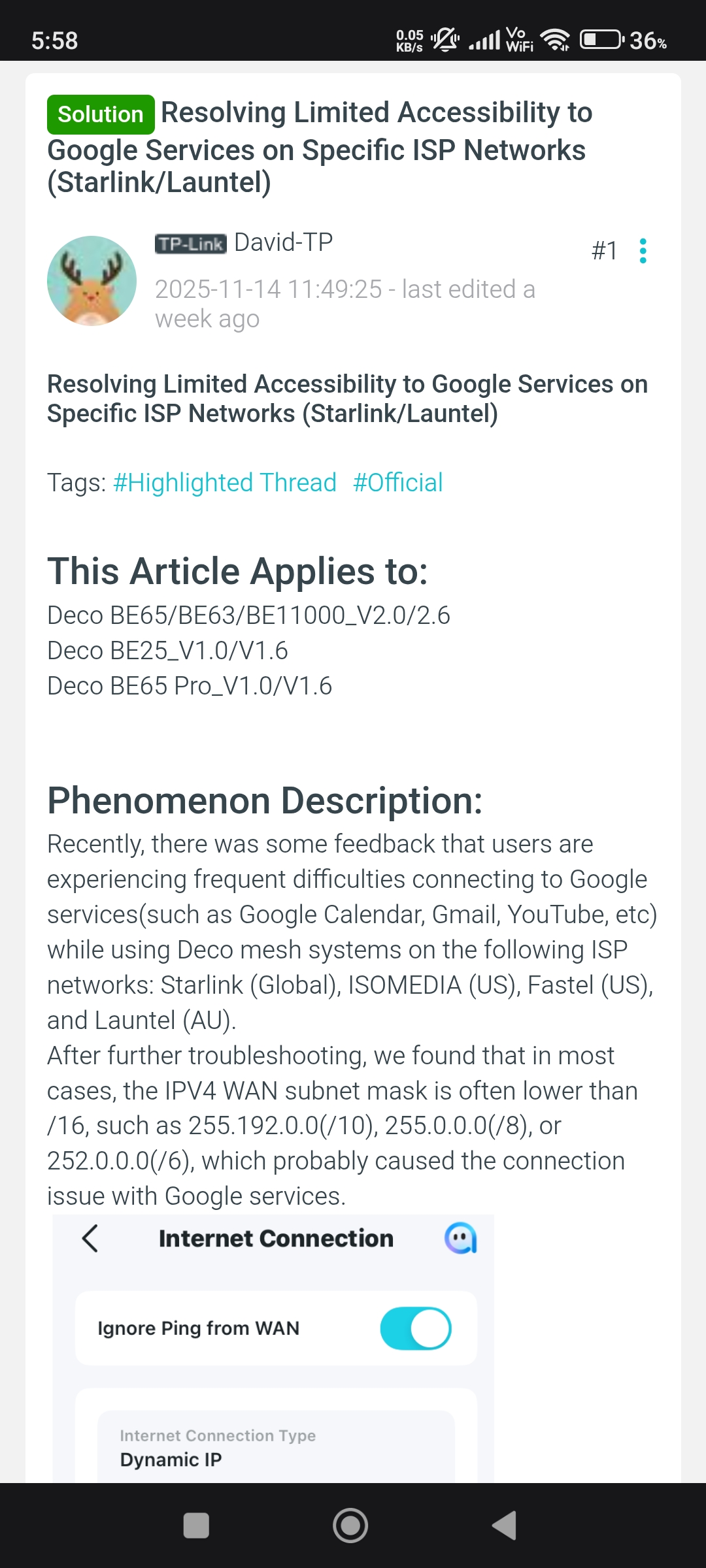
@Tomee7 What's your ISP and what's your subnet mask in Internet Connection option in Deco App?
- Copy Link
- Report Inappropriate Content
- Copy Link
- Report Inappropriate Content
@Tomee7 Hmmm so there is a solution for you. You can follow the link below.
https://community.tp-link.com/en/home/forum/topic/848116
- Copy Link
- Report Inappropriate Content
- Copy Link
- Report Inappropriate Content
@Tomee7 Yeah you can. 🥰
- Copy Link
- Report Inappropriate Content
Information
Helpful: 2
Views: 716
Replies: 8
Voters 2

