Sky Q Starlink Deco S7 Mesh

Sky Q Starlink Deco S7 Mesh

Sky Q Starlink Deco S7 Mesh
Yesterday
Model: Deco S7  
Hardware Version:
Firmware Version: 1.5.2

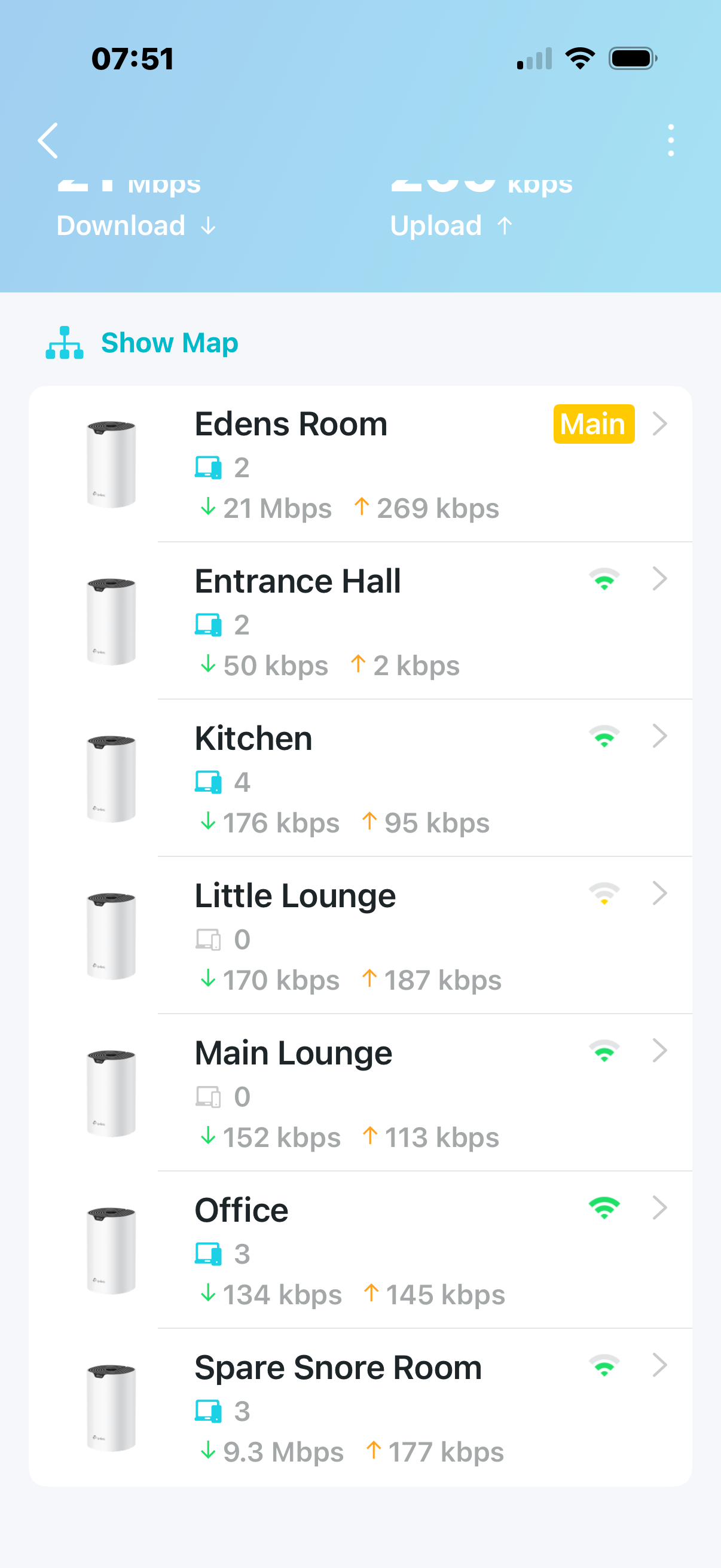
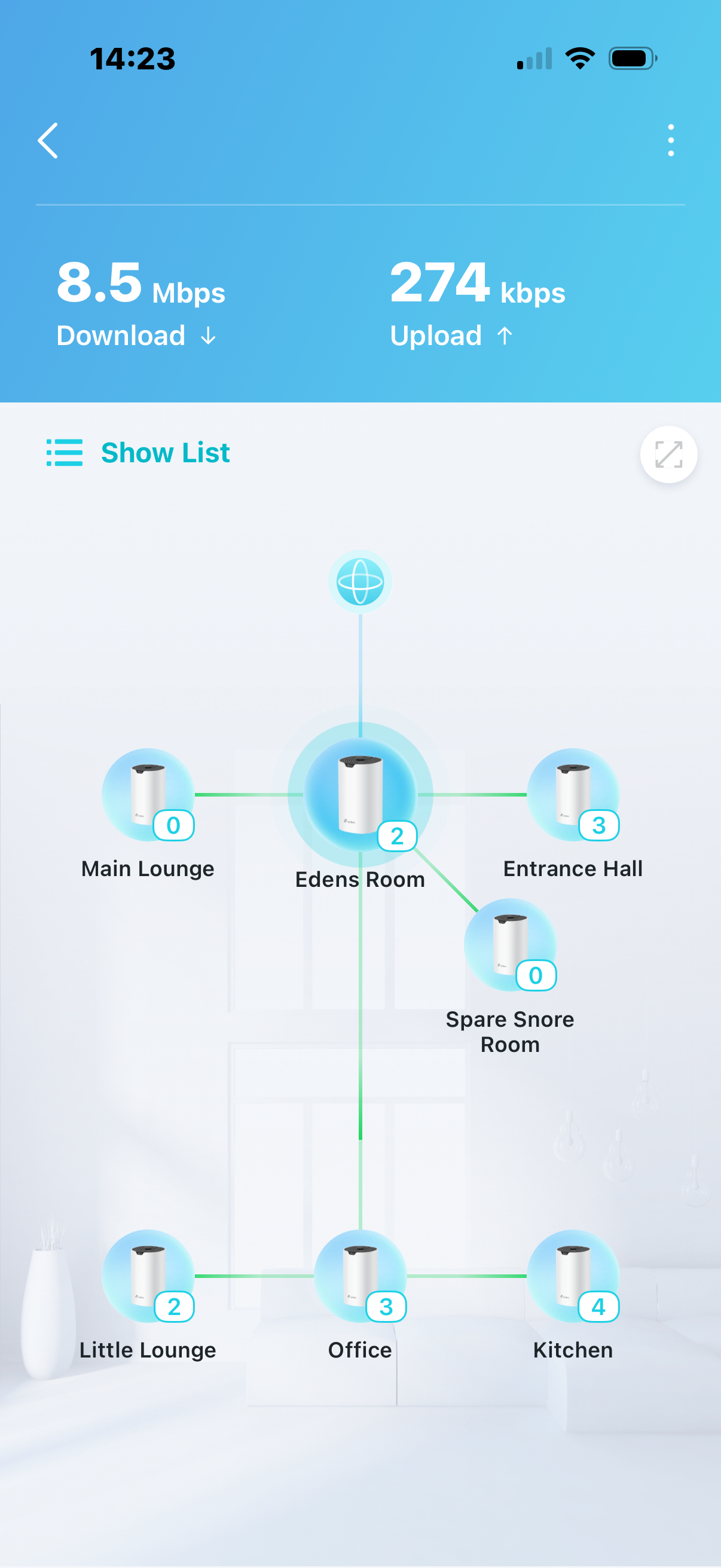
Deco S7 ethernet into Starlink router,,(Edens room) Bypass mode. 7 units in total. 

1 hardwired into Sky Q main box (Little Lounge), 2 hardwired into 2 x Sky mini box, (1 main lounge and 1 Kitchen)

Wifi turned off on all sky products. 


Wifi around the house fine. Main box stable but the 2 mini boxes often freeze. 


I've tried optimisation on the Deco app. No difference. All Sky products are showing as connected to the Kitchen Deco which shows as a weak signal. The signal in office is Strong. Does anyone have any advice please on how I can get a stable connection to my mini boxes? 


Thanks. 

  0      
  0      
#1
Options
2 Reply
Re:Sky Q Starlink Deco S7 Mesh
12 hours ago

  @EllaVonTella 

Hi, welcome to the community.

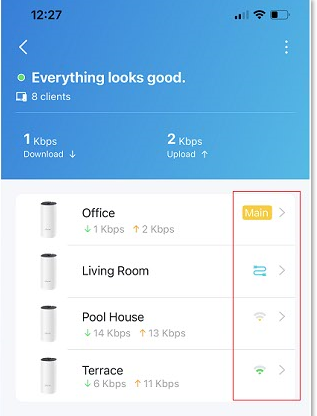
Can I also have a screenshot of the Mesh Backhaul types on each satellite Deco S7, such as:

1 hardwired into Sky Q main box (Little Lounge), 2 hardwired into 2 x Sky mini box, (1 main lounge and 1 Kitchen)

Wifi turned off on all sky products. 

"All Sky products are showing as connected to the Kitchen Deco which shows as a weak signal. The signal in the office is Strong. "

Deco S7_1.5.2 supports "Connection Preference"(How to select a preferred signal source on the Deco App). Have you tried to manually set the "signal source" of the satellite Deco S7 to make sure it is linked to a proper uplink Deco?


Thank you very much.

Best regards.


  0  
  0  
#2
Options
Re:Sky Q Starlink Deco S7 Mesh
11 hours ago

  @David-TP 

Thanks very much for your reply. 


Ill look at connection preferences now. 

in the meantime, as requested 

  0  
  0  
#3
Options