
VLAN DHCP not wokring on SX3008F switch

I use Omada for my homelab, I've recently done a hard reset on the OC200 and other devices due to me bricking my network and not having a back up of my config. (lesson learnt) When recreating my VLANs I've come across an issue where anything connected to my SX3008F v1.20 switch can't get a DHCP IP or obtain a static one when the ports are configured for any VLAN other than management.
Other switches work fine and I've recreated the VLAN a few times but its always this switch being unable to deliver IPs. I'm not sure if its something in my configuration or something down to the re-adpotion that has caused this as this was working prior to me bricking it.
I've been following this guide on creating VLANS with no luck.
| Device | Model | Version | VLANs |
|---|---|---|---|
| ER8411 | v1.0 | 1.36 | N/A |
| SG3428 | V2.30 | 2.30.13 | Management (100) Homelab(101) Home(102) |
| SX3008F | V1.20 | 1.20.12 | Management (100) Homelab(101) |
| TL-SG2210P | V3.20 | 3.20.14 | Management (100) Homelab(101) |
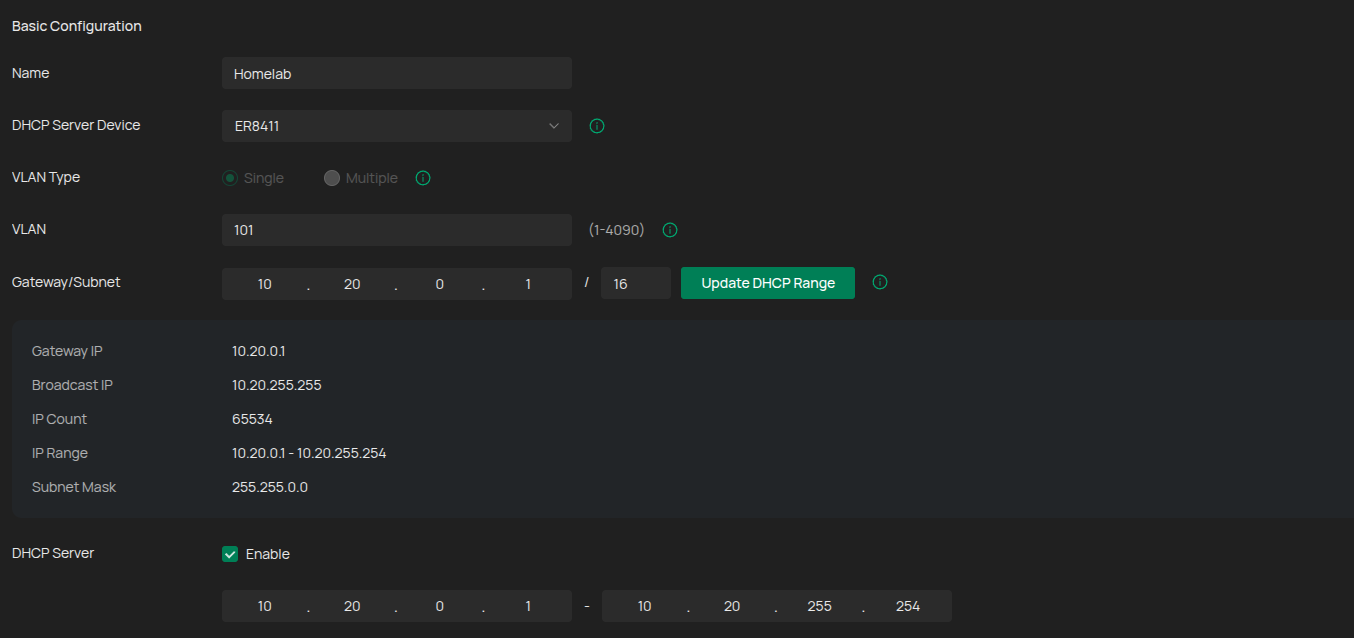
Homelab VLAN
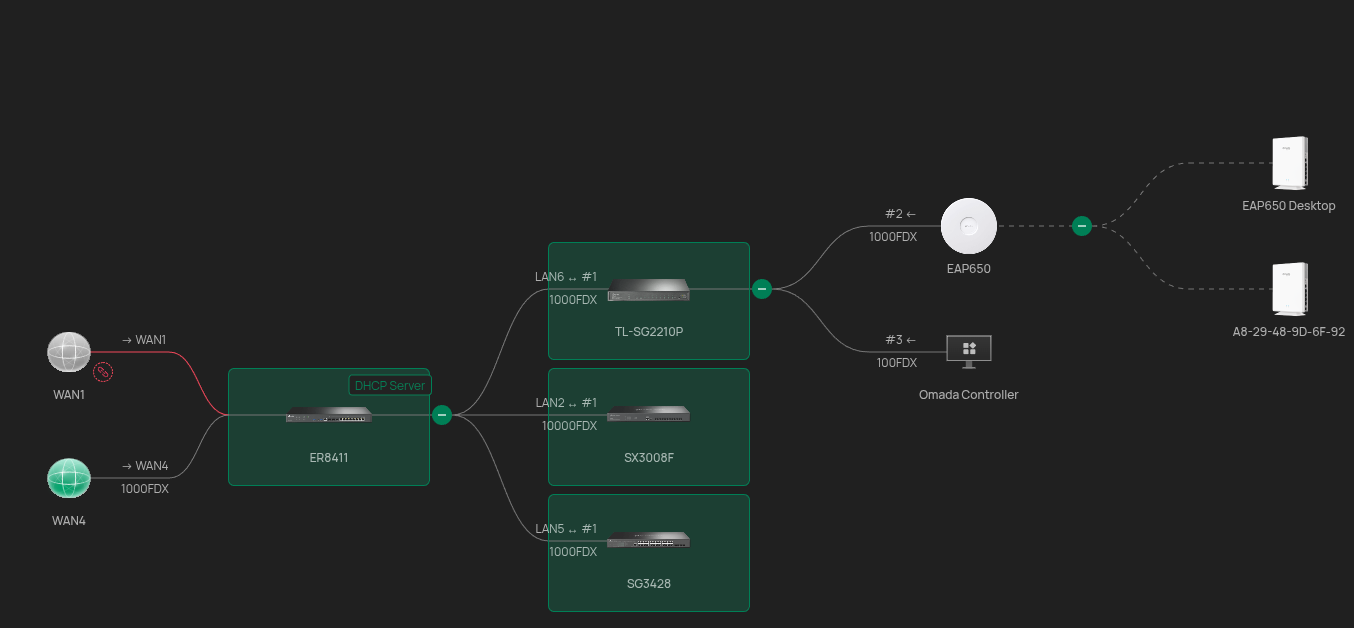
Topology
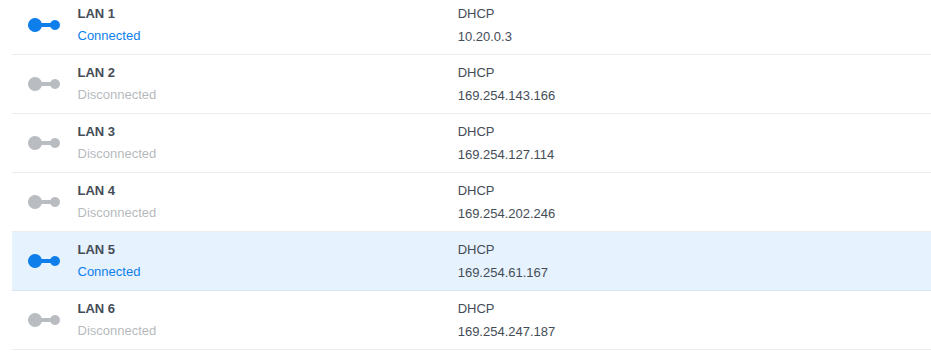
My NAS uses the Homelab VLAN and is able to get an IP from the SG3428 switch.
Working port setup

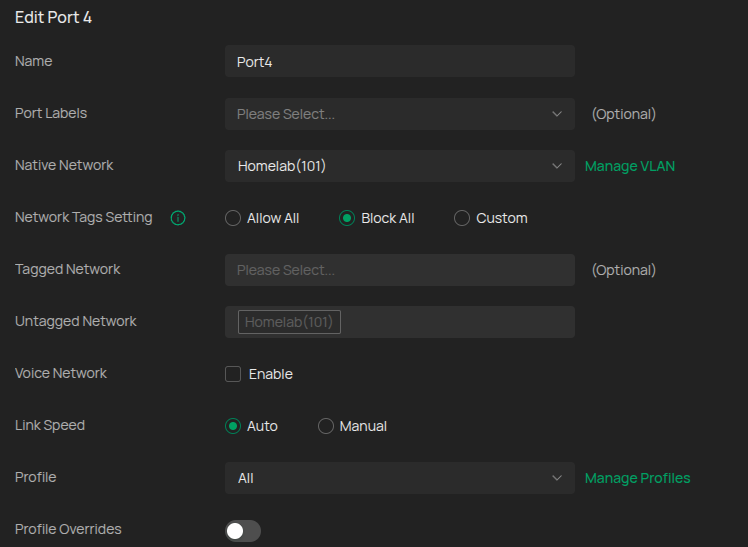
Non working port setup

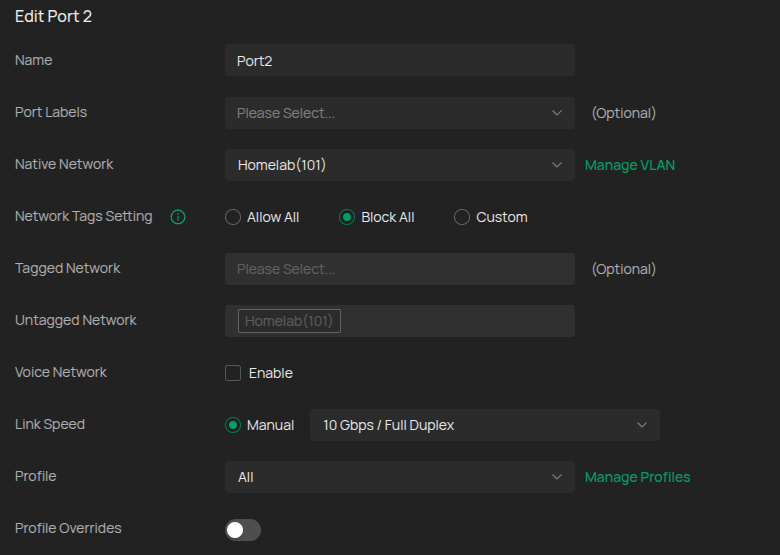
The moment I change the VLAN to management the NAS is able to get an IP.
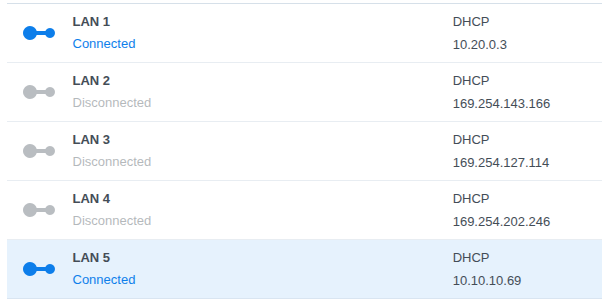
The VLAN is enabled on the switch and I don't have the swtich configured for acting as DHCP server/relay it should all be handled by the ER8411 gateway. I don't have any ACLs setup as I'm still in the VLAN setup stage. I've tried setting DHCP reservations for the mac address and setting the IP statically on the NAS but no luck. Would make my Christmas if I can figure this out.
