
Deco E4R 5GHz Not Showing on Most Android Devices
Deco E4R 5GHz Not Showing on Most Android Devices

I am using a TP-Link Deco E4R (dual-band) mesh system and facing an issue with the 5GHz network. At my home, only my iPhone connects to the 5GHz band, while most Android phones including flagship models like Samsung S24 and S25 connect only to 2.4GHz. Surprisingly, only one Android device (Realme 13 5G) connects to 5GHz properly.
Since Deco does not allow manual 5GHz channel selection, I suspect this could be related to channel or firmware behavior. The same Deco E4R model used by others does not show this issue.
Could you please guide me on what might be causing this problem and if there is any official solution or firmware-related fix?
Thank you for your support.
- Copy Link
- Subscribe
- Bookmark
- Report Inappropriate Content

Please try the following suggestions and let us know if it fixes your issue thank you.
Thanks for reaching out. I understand that you are experiencing an issue where most of your devices only connect to the 2.4GHz Wi-Fi band on your Deco Mesh system, while only a few devices are able to connect to the 5GHz band. You suspect this could be related to the inability to manually select Wi-Fi channels on your Deco system.
Currently, only certain Deco models support manual Wi-Fi channel selection. For models that do support this feature, you can find the option in the Deco App under MORE > Wi-Fi Settings > Advanced to select 2.4GHz/5GHz channels. However, for models that do not support manual channel selection, Deco uses a feature called Network Optimization, which automatically detects and selects the optimal channel for your environment. You can access this feature in the Deco App by going to MORE > Network Optimization. This function only needs to be run once after all Deco units are powered on for the first time, and repeated use is not necessary.
If you continue to experience issues with devices not connecting to the 5GHz band, it may be due to channel compatibility between your devices and the Deco Mesh system. Unfortunately, if your model does not support manual channel selection, there is no way to force a specific channel. We recommend ensuring your Deco firmware is up to date and running the Network Optimization feature. If the issue persists, please contact TP-Link Support for further assistance.
- Copy Link
- Report Inappropriate Content


Hi, did you purchase Deco E4 from the local market?
Most Samsung mobile phones prefer using band 4(channel 149-165) over 5GHz WiFi.
It is very likely that Deco 5Ghz is working on band 1(channel 36-48). iPhone and Realme 13 5G also prefer band 1.
It is also recommended to contact the local technical support for further assistance:
https://www.tp-link.com/en/support/contact-technical-support/
Thank you very much.
Best regards.
- Copy Link
- Report Inappropriate Content

@Zeeshanbhatti If you are from Pakistan or Bangladesh both countries can allowed only band 4 channels 149, 153, 157 and 161
- Copy Link
- Report Inappropriate Content
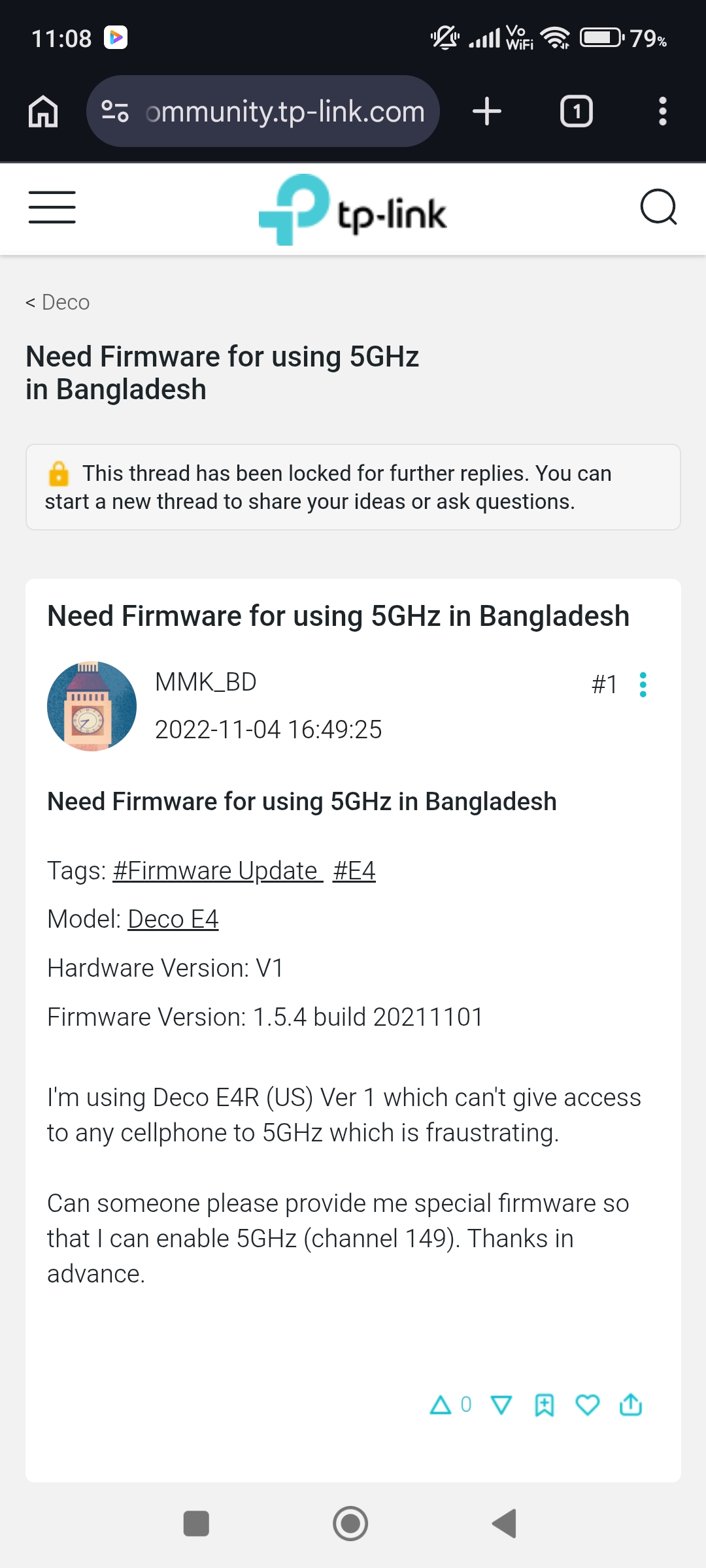
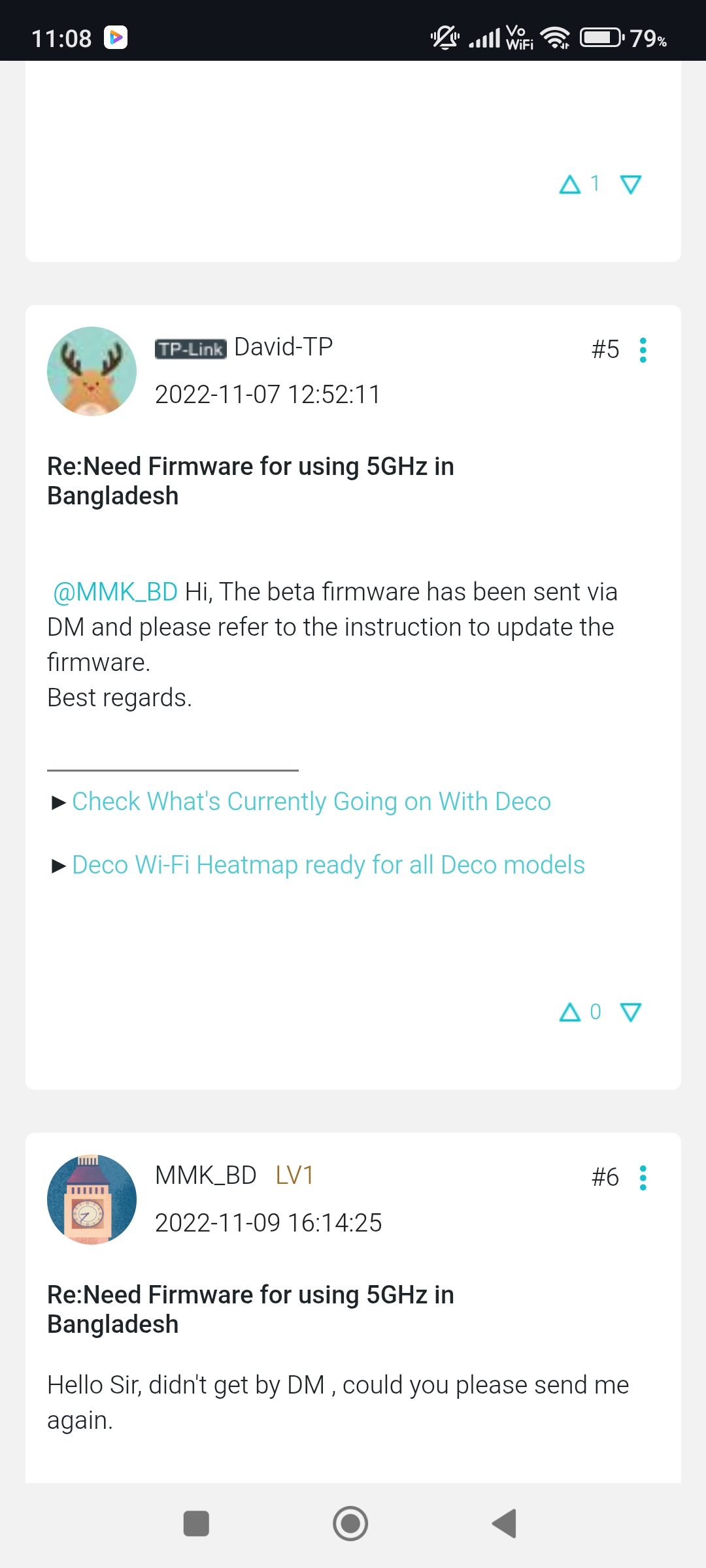
- Copy Link
- Report Inappropriate Content
FYI David-TP is no longer handling the en forums you can now direct your questions or feedback to @Solla-topee
Thanks.
- Copy Link
- Report Inappropriate Content

Hi,
If your Wi-Fi clients can't find the 5 GHz Wi-Fi network, please provide the following information for further analysis.
1. Where did you buy the Deco E4R? From the local store or another region.
2. What are the Wi-Fi clients that can't find the Deco's 5 GHz Wi-Fi?
3. Please provide the detailed hardware and firmware versions of your Deco E4R, and confirm it's EU, US, or other versions.
Best Regards
- Copy Link
- Report Inappropriate Content
- Copy Link
- Report Inappropriate Content
- Copy Link
- Report Inappropriate Content
- Copy Link
- Report Inappropriate Content

@Solla-topee The person with the issue is @Zeeshanbhatti
- Copy Link
- Report Inappropriate Content
Information
Helpful: 0
Views: 807
Replies: 11
Voters 0
No one has voted for it yet.