
Blocked app option not showing

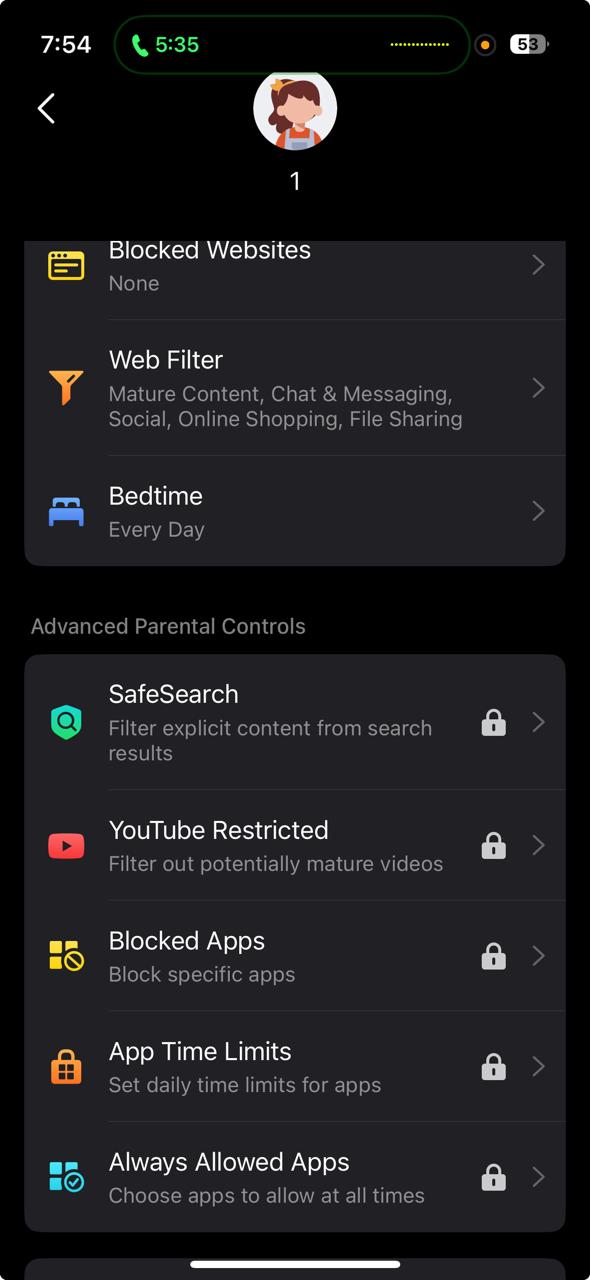
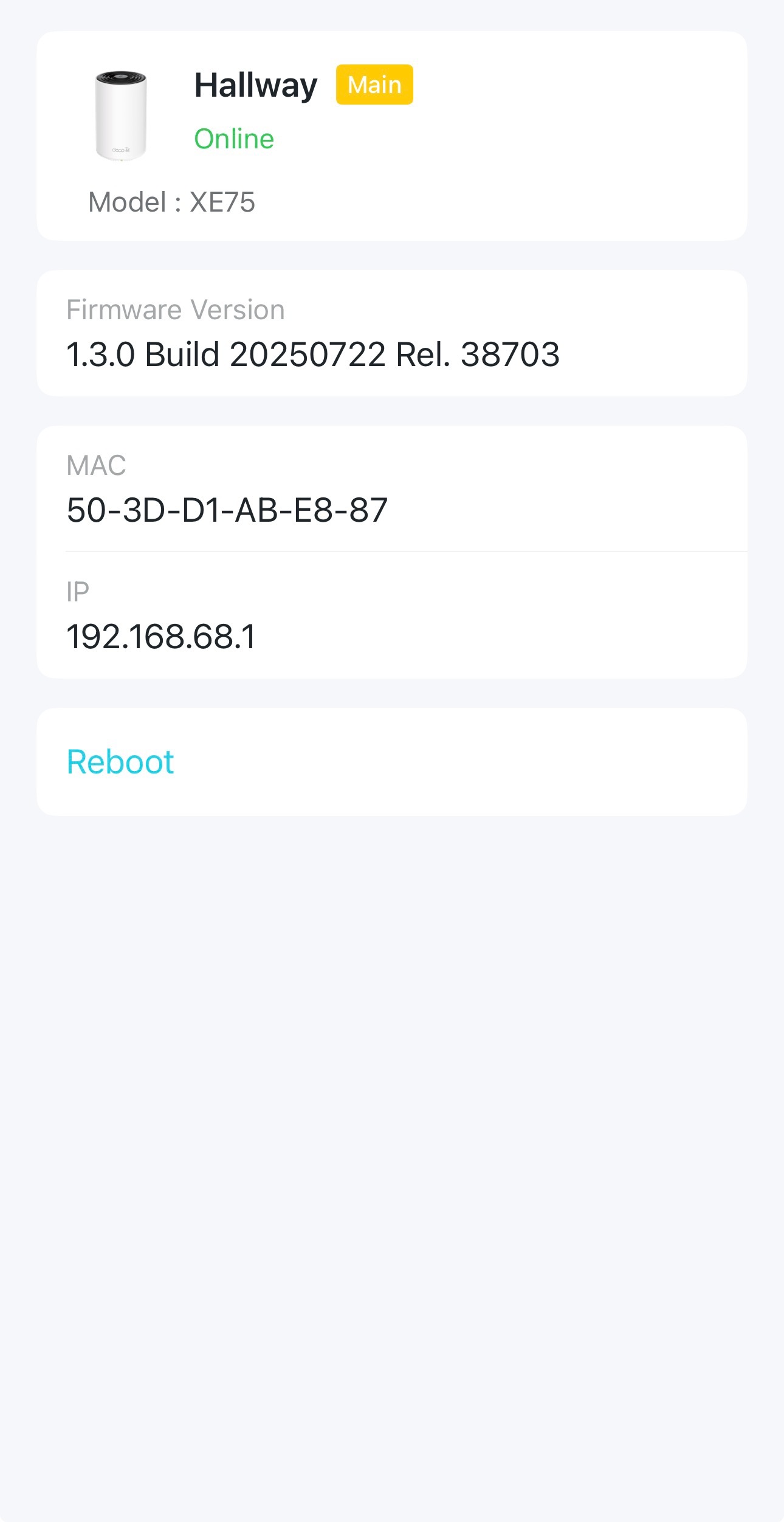
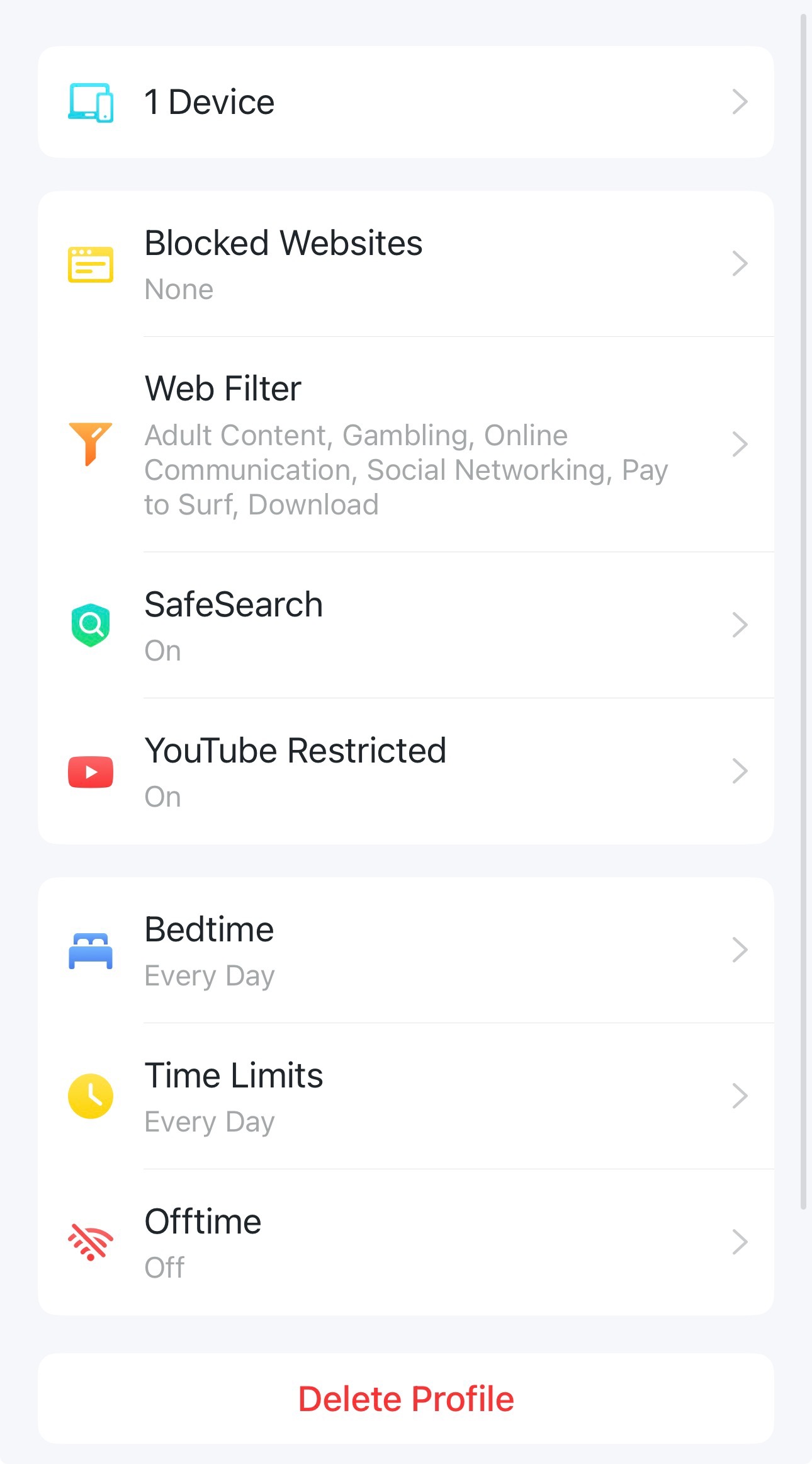
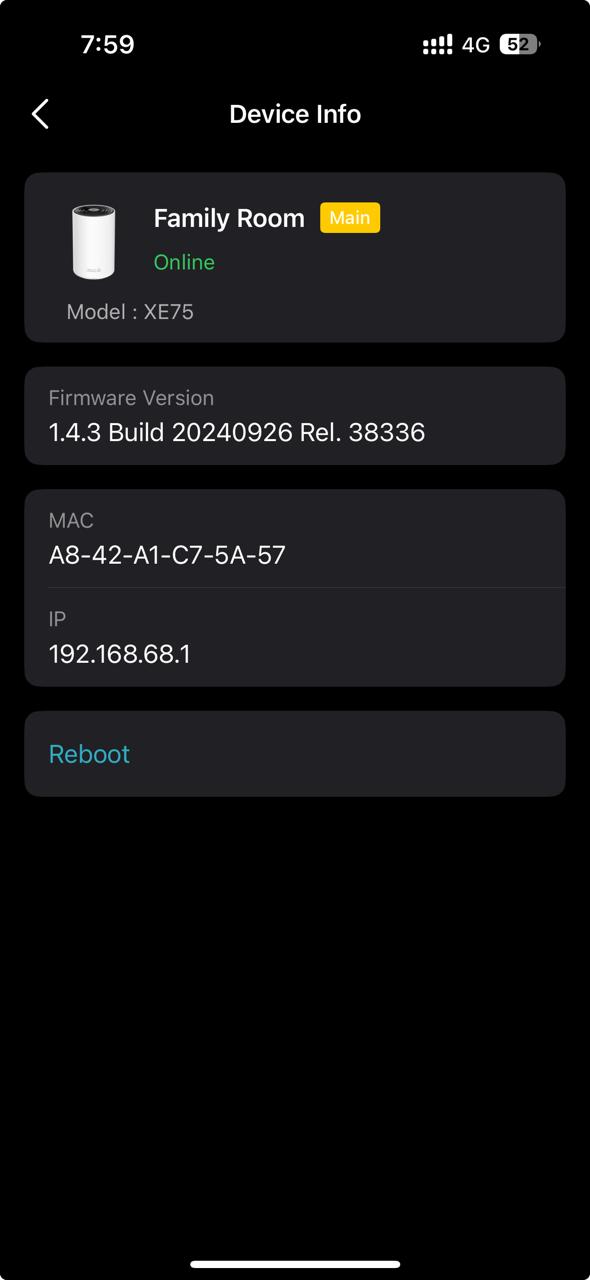
My friend having deco XE75 1.3.0 Build 20250722 Rel 38703 and he is not able to see blocked app option on perant control and I have deco XE75 1.4.3 Build 20240926 rel 38336 I able to see blocked app option.
note that he bought deco for this option
screenshot attached
- Copy Link
- Subscribe
- Bookmark
- Report Inappropriate Content


Hi, thank you very much for the feedback.
It is due to the current firmware. Deco XE75-V2-1.3.0 Build 20250722 Rel 38703 hasn't added "Blocked Apps/App Time Limits/Always Allowed Apps."
Best regards.
- Copy Link
- Report Inappropriate Content
Hi, thank you very much for the feedback.
It is due to the current firmware. Deco XE75-V2-1.3.0 Build 20250722 Rel 38703 hasn't added "Blocked Apps/App Time Limits/Always Allowed Apps."
Best regards.
- Copy Link
- Report Inappropriate Content
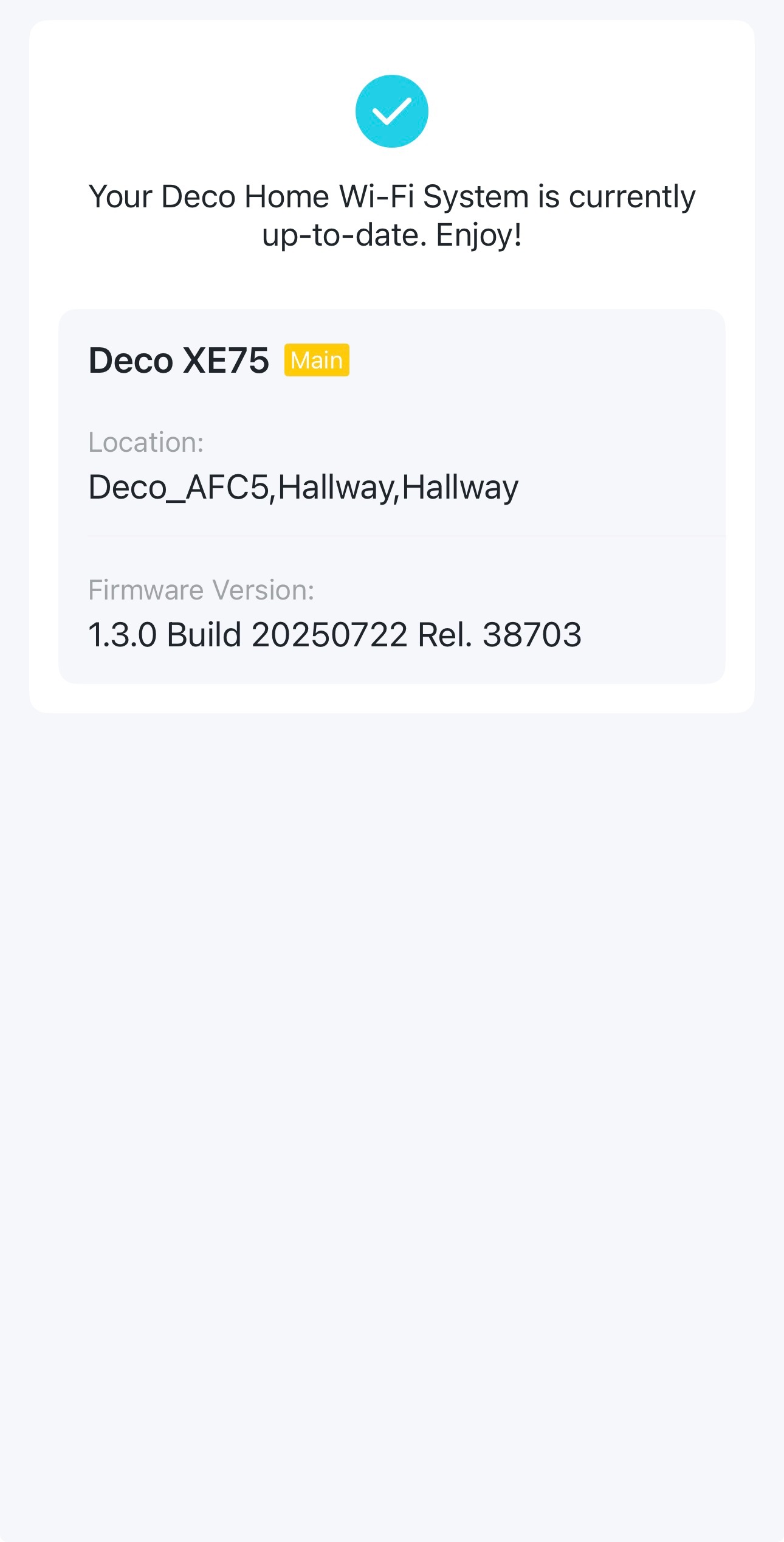
when he is going to system update. It says your system is up to date. How to upgrade to version 1.4
- Copy Link
- Report Inappropriate Content
Hi, thanks for the update.
Deco XE75_V1 and V2 firmware versions are not compatible. Deco XE75_V2 can't install the 1.4.3 of V1.
Your friend might need to wait for further updates individually for V2.0.
Or if your friend just purchased Deco XE75_V2, it is suggested to contact the local technical support team for further assistance:
https://www.tp-link.com/ae/support/contact-technical-support/#Hotline-Support
Best regards.
- Copy Link
- Report Inappropriate Content
Thanks for answering
how to know my hardware version
version 1.4 compatible with the which version ?
- Copy Link
- Report Inappropriate Content

@Musllam The hardware version is written on the packaging & at the bottom of the Deco router.
You can also see it by logging in to the web UI
- Copy Link
- Report Inappropriate Content

@Musllam I hope they release the support for 1.31 firmware soon. I purchased these units because it says it supports the Advanced Parental Controls.
- Copy Link
- Report Inappropriate Content
@David-TP Is there an ETA on this?
- Copy Link
- Report Inappropriate Content
Information
Helpful: 0
Views: 515
Replies: 7
Voters 0
No one has voted for it yet.