
TX55E not working and not detected.

TX55E not working and not detected.
So, I have this Archer TX55E, had to change slots in my motherboard to fit a new graphic driver and the Archer stopped working. It connects, the pci-e port is working well but it is not found in the pc, zero info in the device manager. Also WiFi drivers do not install, as on the screenshot
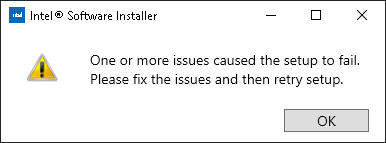
the bluetooth drivers do install properly. Also the bluetooth works fine even if the adapter is not found in the system. Could someone help me please?
