
BE85 6ghz speed issue

I seem to be having a weird speed issue no matter which node I connect to. I am currently connected to the 6ghz band and the signal is -47dbm. I have a open speedtest server setup and it has a 10gb network card. When i run the test on 6ghz it wont go above 865mbps. If i disable 6ghz and connect to 5ghz the signal is -58dbm. When i then run the same internal speed test I get speeds between 1700 and 2100 mbps standing in the same spot. I have tested this with a iPhone 17 pro, Google Pixel 10 pro and a laptop that has wifi 7 and can connect at 320mhz. I find it extremly weird that the 6ghz has a better signal but gives half the speed.
- Copy Link
- Subscribe
- Bookmark
- Report Inappropriate Content


Hi, thank you very much for the feedback.
Is this locally-hosted speed server connected to one of the Deco BE85s(main Deco or satellite Deco?) via an Ethernet cable?
It is recommended to send an email to forumsupport.usa@tp-link.com with the following details:
(Please add the forum ID#855406 in the subject.)
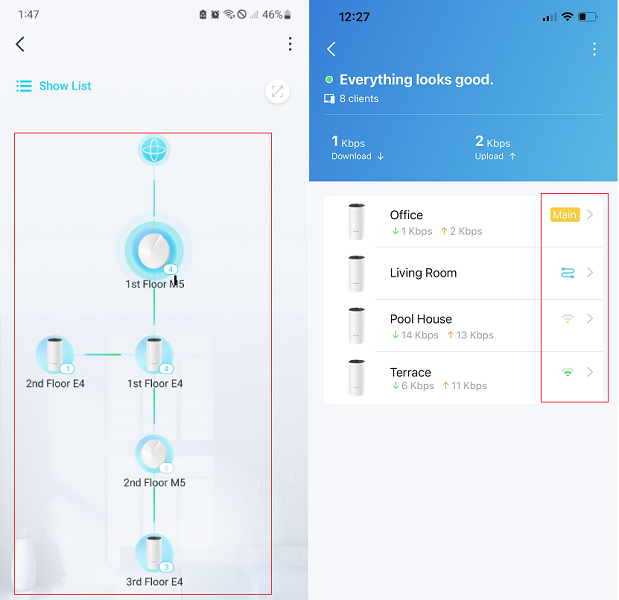
- Some screenshots of the network map on the Deco, such as the attached picture
- Some screenshots of the speedtest results on the mobile devices
Best regards.
- Copy Link
- Report Inappropriate Content
Hi, thank you very much for the feedback.
Is this locally-hosted speed server connected to one of the Deco BE85s(main Deco or satellite Deco?) via an Ethernet cable?
It is recommended to send an email to forumsupport.usa@tp-link.com with the following details:
(Please add the forum ID#855406 in the subject.)
- Some screenshots of the network map on the Deco, such as the attached picture
- Some screenshots of the speedtest results on the mobile devices
Best regards.
- Copy Link
- Report Inappropriate Content
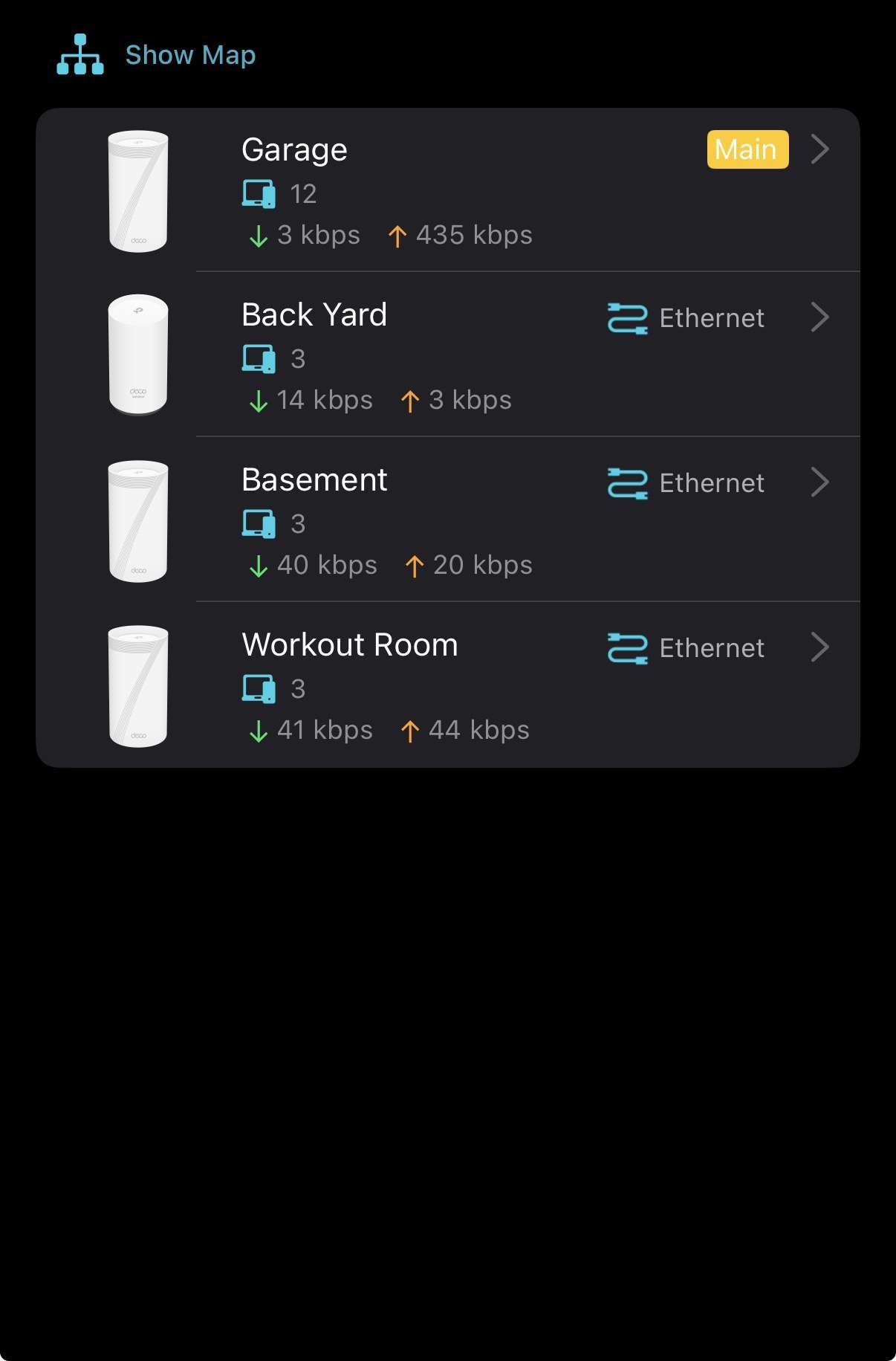
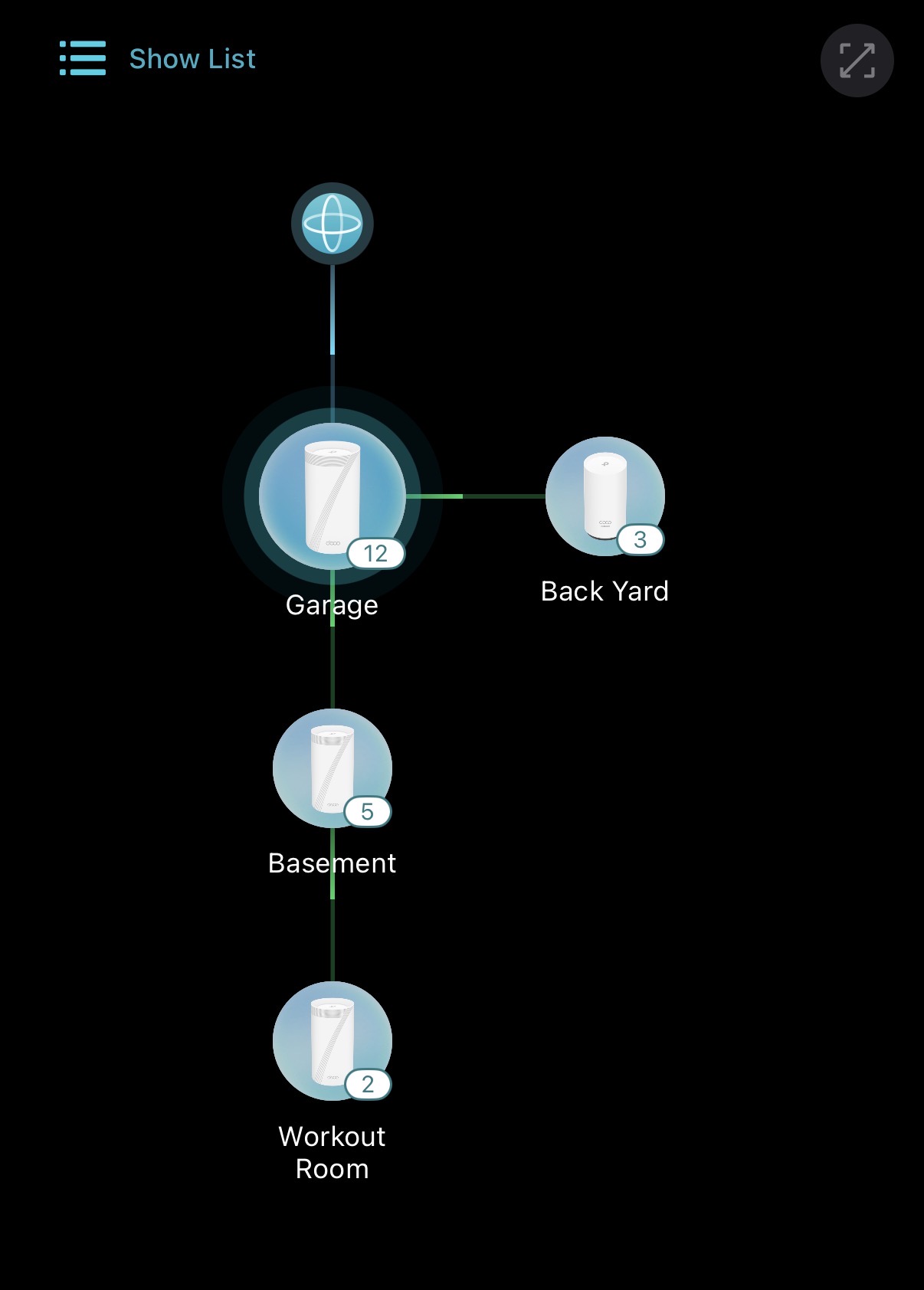
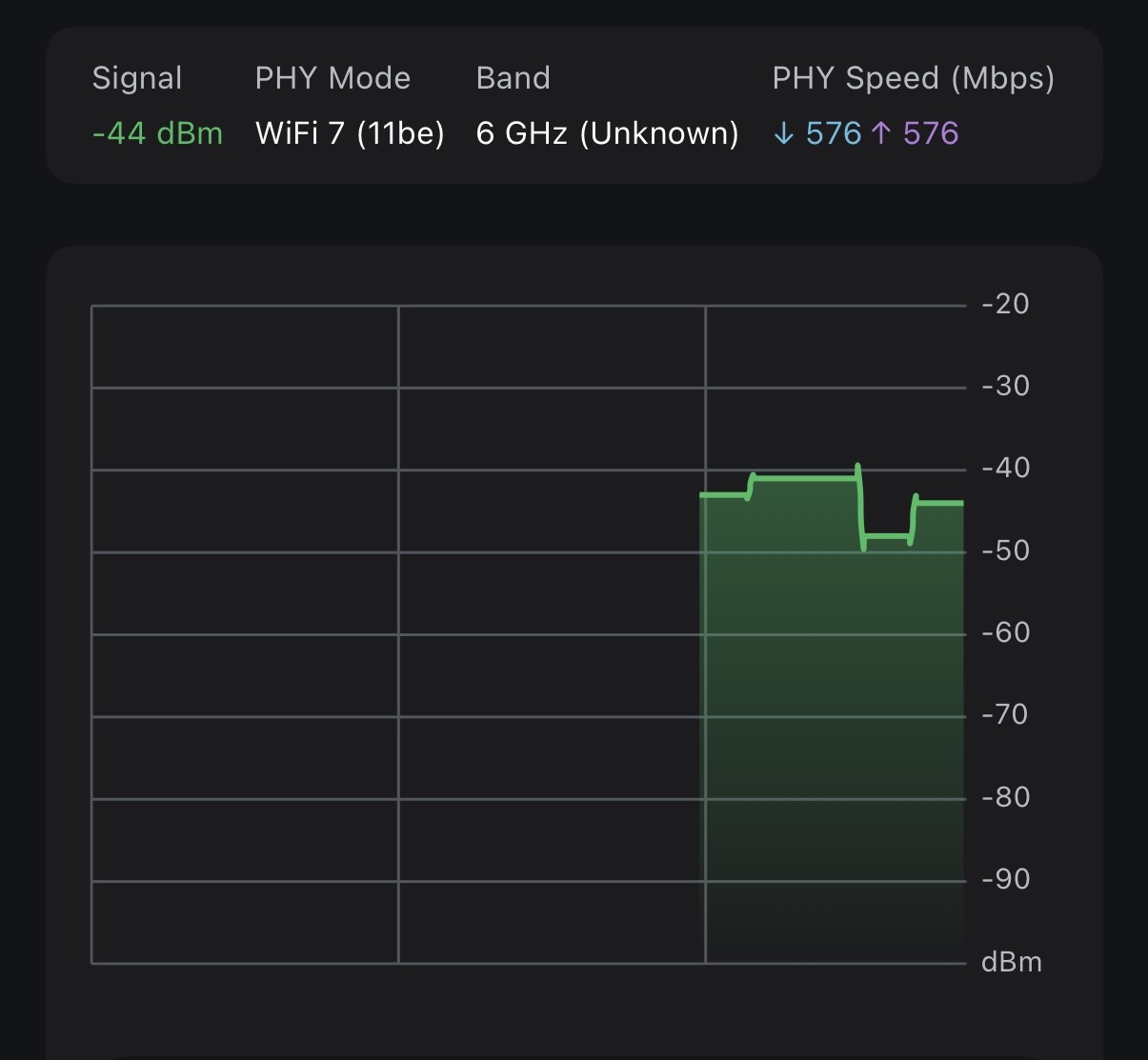
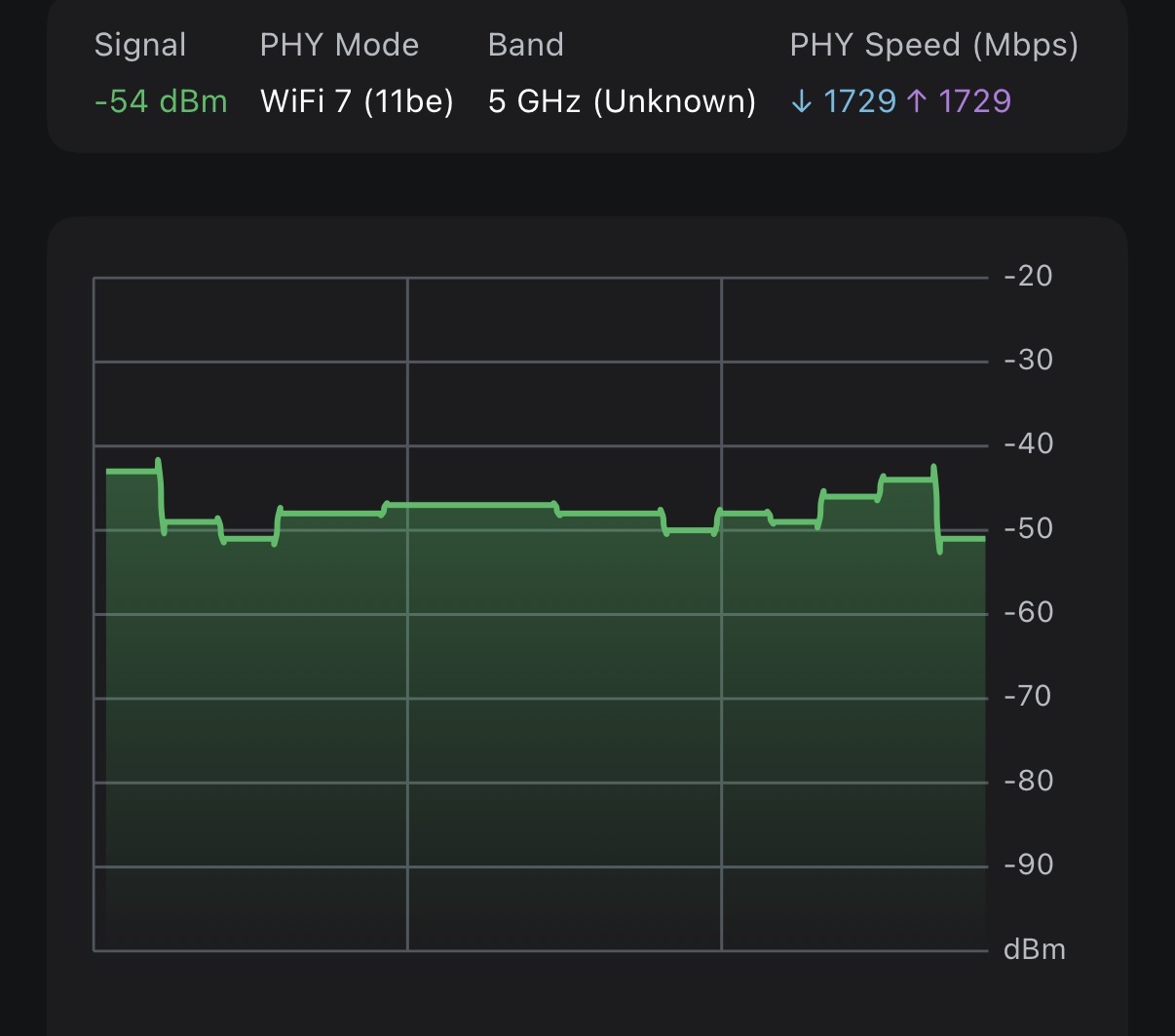
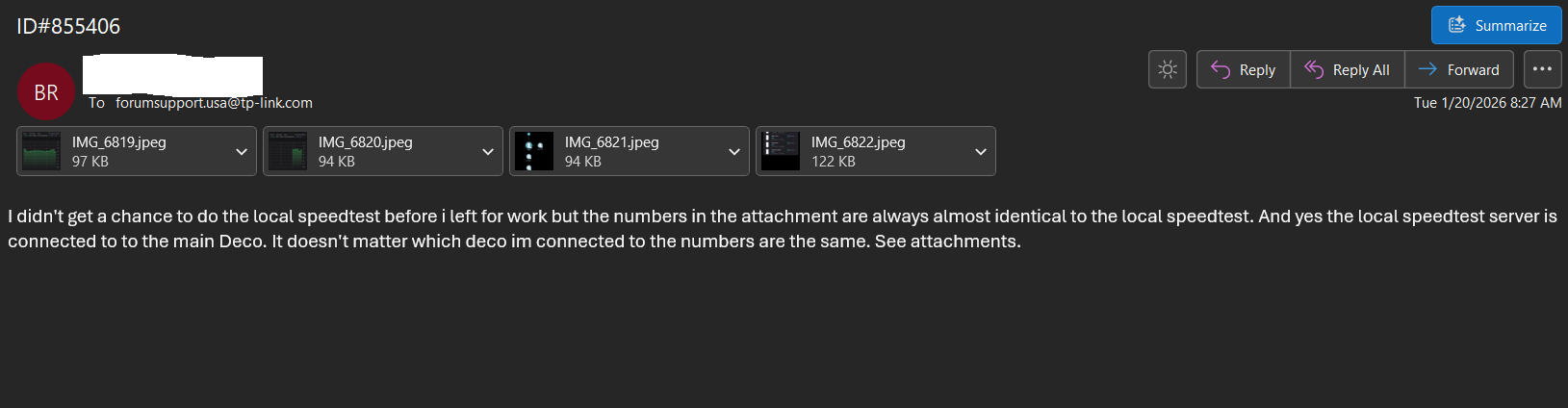
I am going to add everything here also just incase someone else has the issue. I didn't get a chance to do the local speedtest before i left for work but the numbers in the attachment are always almost identical to the local speedtest. And yes the local speedtest server is connected to to the main Deco. It doesn't matter which deco im connected to the numbers are the same. See attachments.
- Copy Link
- Report Inappropriate Content
Hi, thank you very much for the update.
Have you also submitted the support ticket?
-If yes, can I have the ticket number so that I can forward the case to the senior engineers for further assistance?
By the way, did you set different SSIDs for the 5GHz and 6GHz bands? Or do you use one SSID for all three bands?
Wait for your reply.
Best regards.
- Copy Link
- Report Inappropriate Content
i did submit the ticket but never received a response with a ticket number yet.
I have tried both ways. SSID per and the same SSID for each one.
- Copy Link
- Report Inappropriate Content
Hi, thank you very much for your time and patience.
Have you received any support ticket numbers now? Or has the case already been forwarded to the local support engineer?
Wait for your reply.
Best regards.
- Copy Link
- Report Inappropriate Content
- Copy Link
- Report Inappropriate Content
I tried responding to your DM twice now but it says you only accept message for users that you follow.
- Copy Link
- Report Inappropriate Content

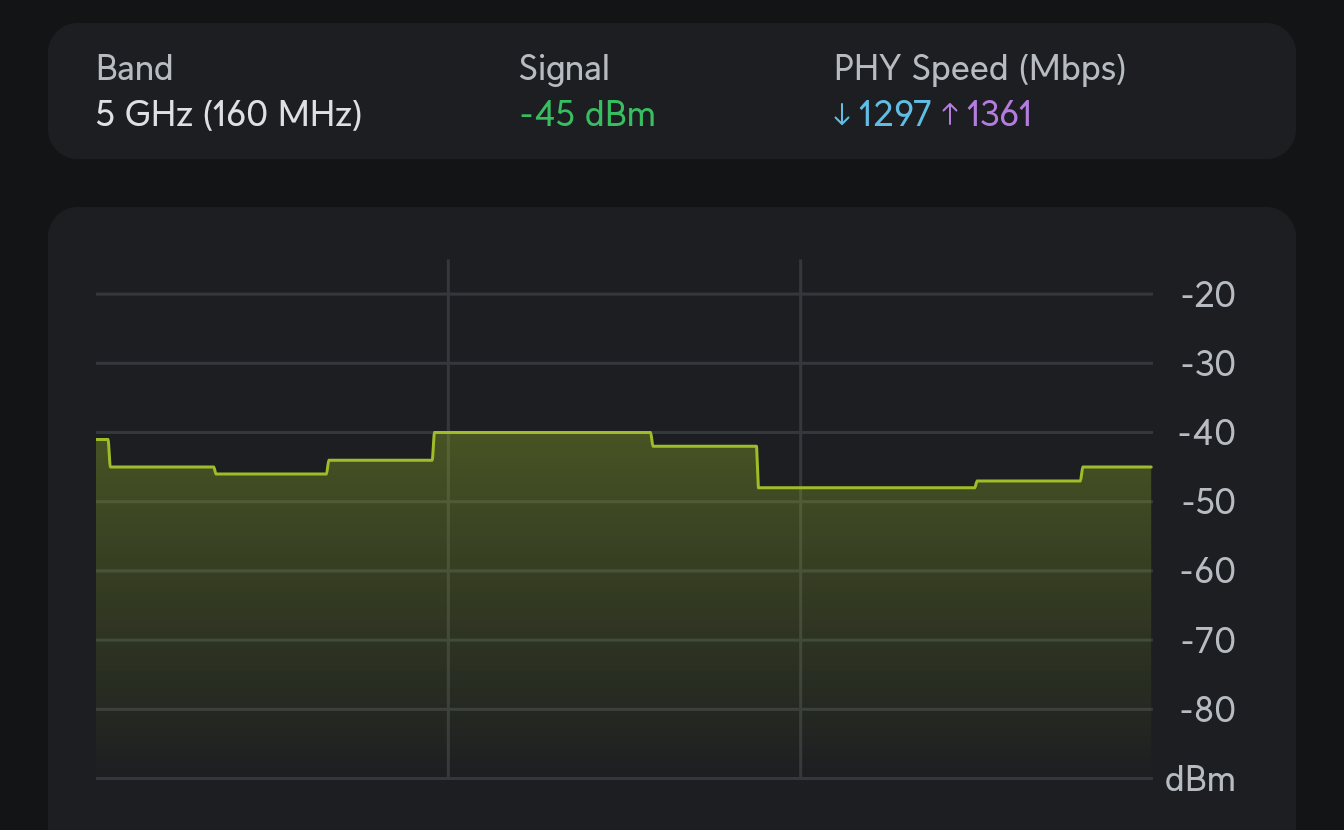
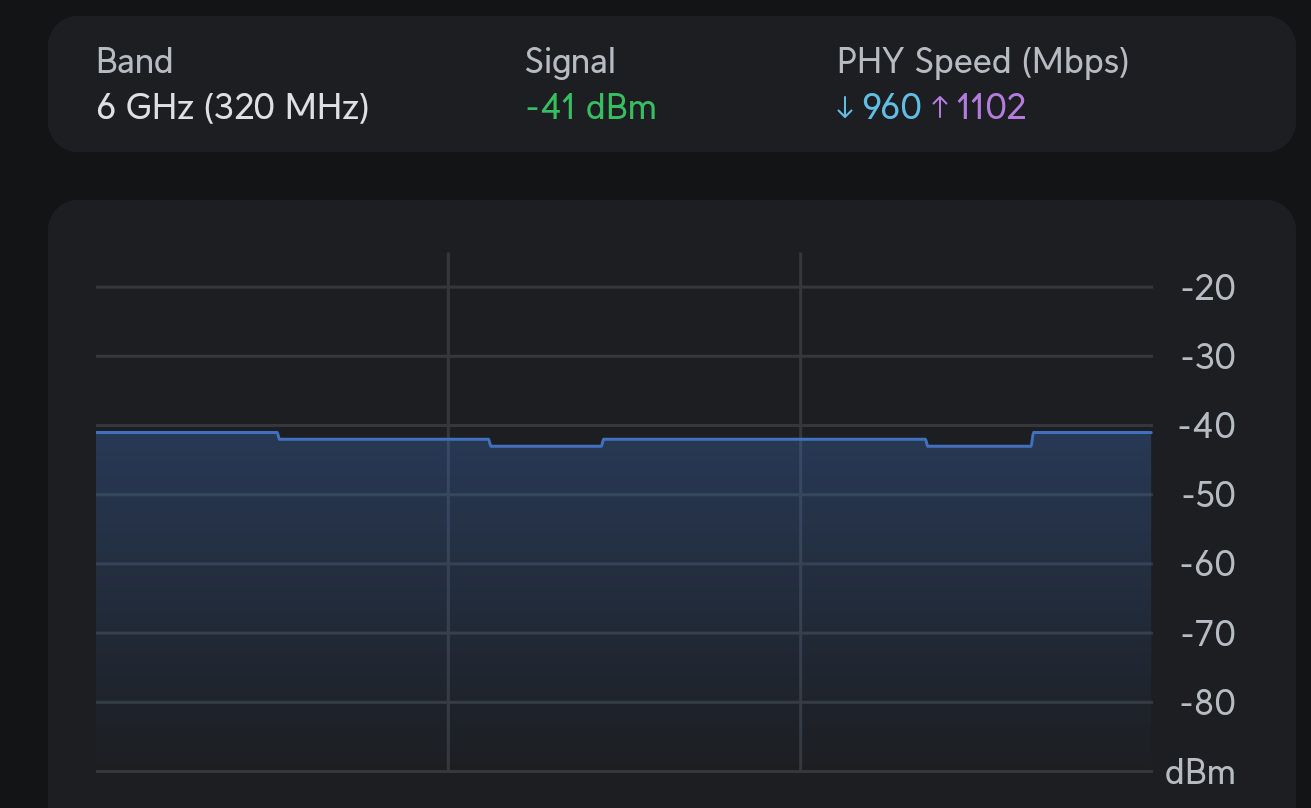
I have exactly the same issue with my Pixel 8 Pro. I'm directly connected to my BE85 main unit.
- Copy Link
- Report Inappropriate Content
Hi, nice to see you again.
Did the Google Pixel 8 Pro connect to the main 5GHz/6GHz WiFi band, or the MLO Network?
I'll follow up on your case via email for further assistance. Please check whether you've received my email.
Best regards.
- Copy Link
- Report Inappropriate Content
@David-TP Yes I'm directly connected to the 5GHz/6GHz Wifi band.
I have deactivated MLO network completely as it is broken for me. Using MLO network decreases my real bandwidth by 30-50% and increases latency by a lot. But I have only a Pixel 8 and Pixel 8 Pro which can use MLO Wifi 7 network so it could be also related to the Wifi module of the Pixel phones. But that is probably a different issue ....
- Copy Link
- Report Inappropriate Content
Information
Helpful: 1
Views: 696
Replies: 10
Voters 1