Archer A10 Router not visible and access through IP Address- Connected through Satellite Router Mode

Archer A10 Router not visible and access through IP Address- Connected through Satellite Router Mode
Tags:
#EasyMesh
#Tether App Related
#Web GUI Management
#Satellite Router Mode
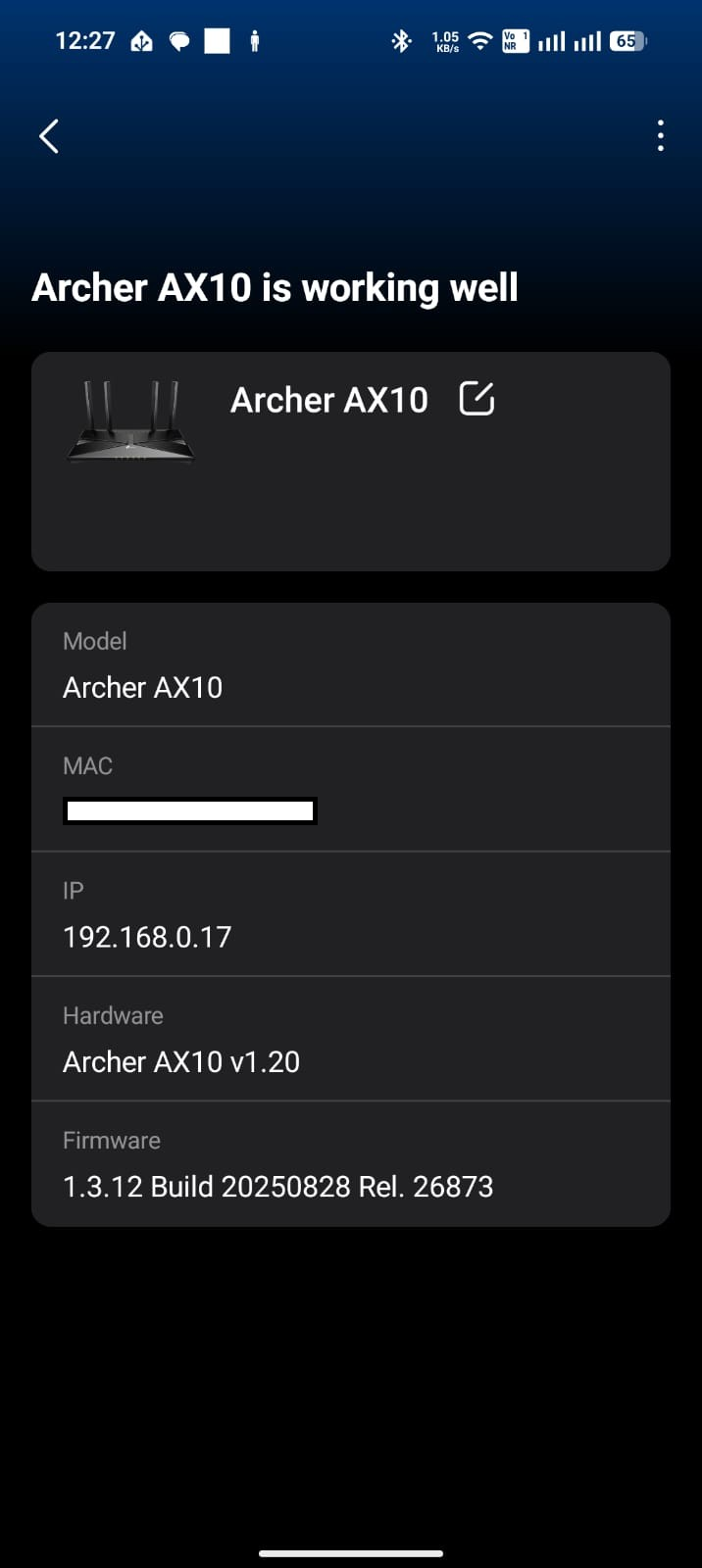
I am using a TP-Link Archer AX72 as my main router and an Archer AX10 as a Satellite unit via EasyMesh. After updating the AX10 firmware and enabling "Satellite Router" mode, I successfully added it to the AX72 network. While the WiFi extension is functioning correctly, I am facing the following management issues:
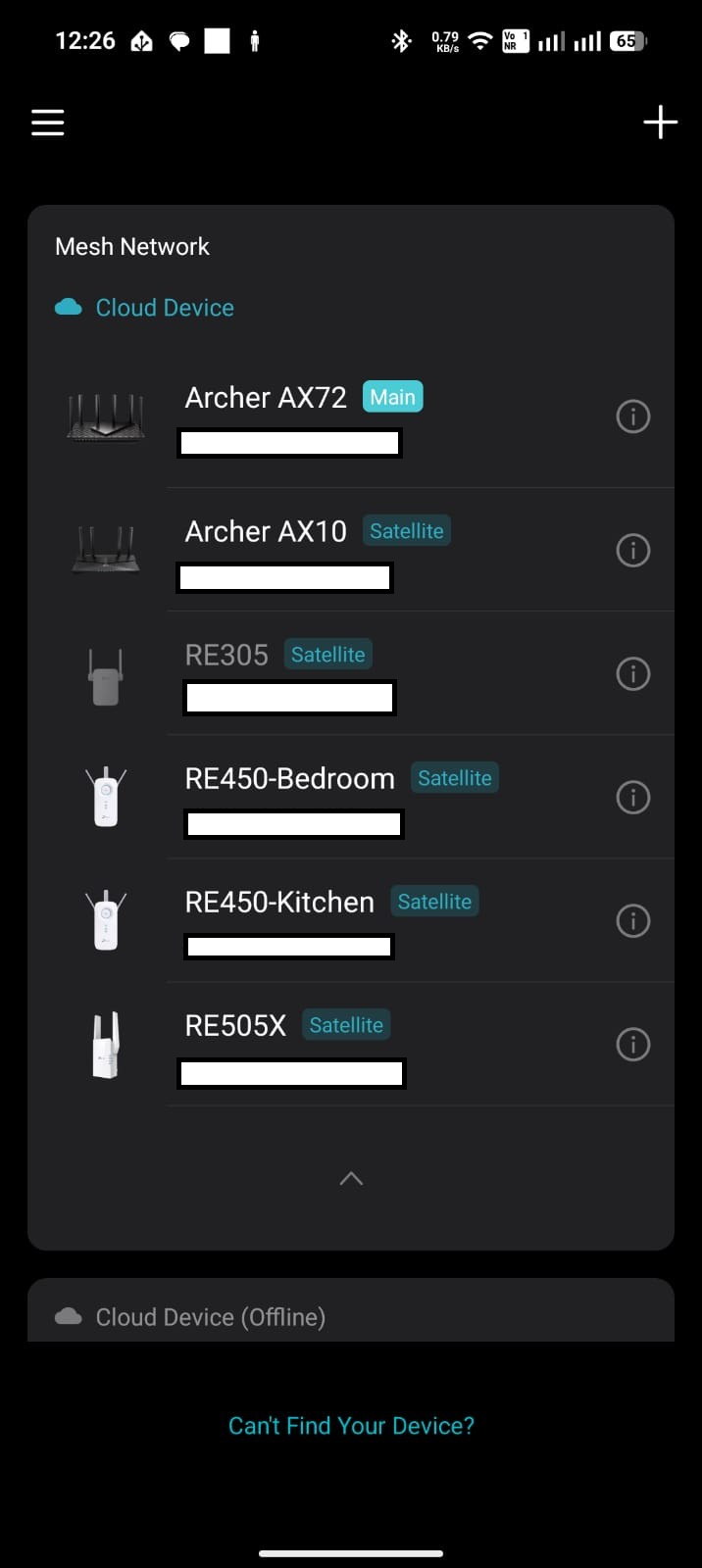
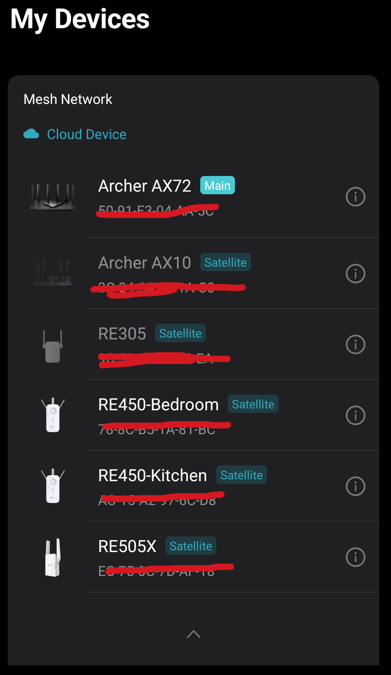
- Tether App: The AX10 appears in the app but is grayed out/disabled, preventing me from managing it.
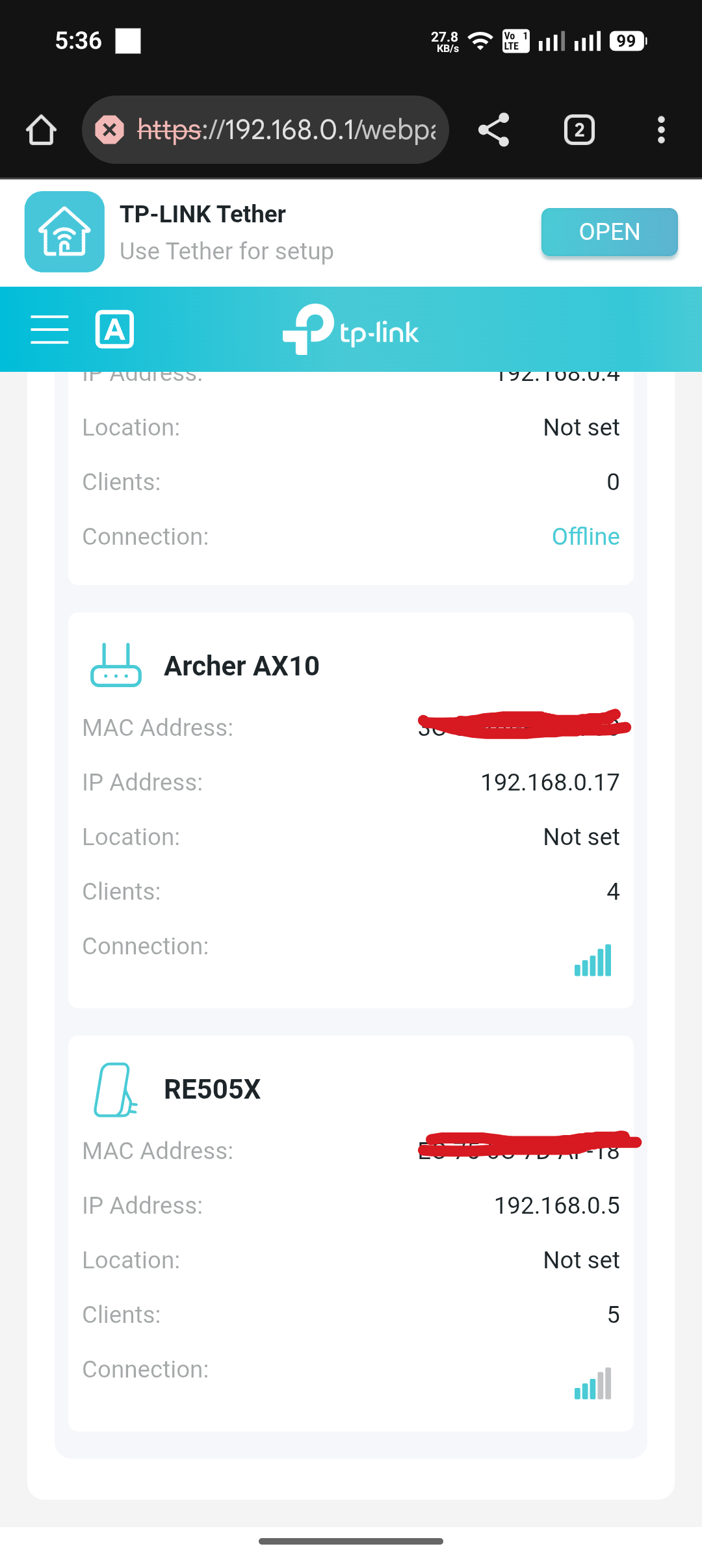
- Web Interface: The AX10 is visible on the main router's page (192.168.0.1) but frequently toggles between "Connected" and "Offline," even though the devices are placed close together for testing.
- Direct Access: Attempting to access the AX10 directly via its IP (192.168.0.17) results in the error: "Rejected request under RE mode."
How can I properly access and manage the Archer AX10 settings?
Given below screenshots for your referance,
1. Tether Application: (Archer AX10 is in disabled status and not able to click it)
2. Web Page of the Main Router
3. Access the Archer AX10 Router thorugh its IP address - 192.168.0.17

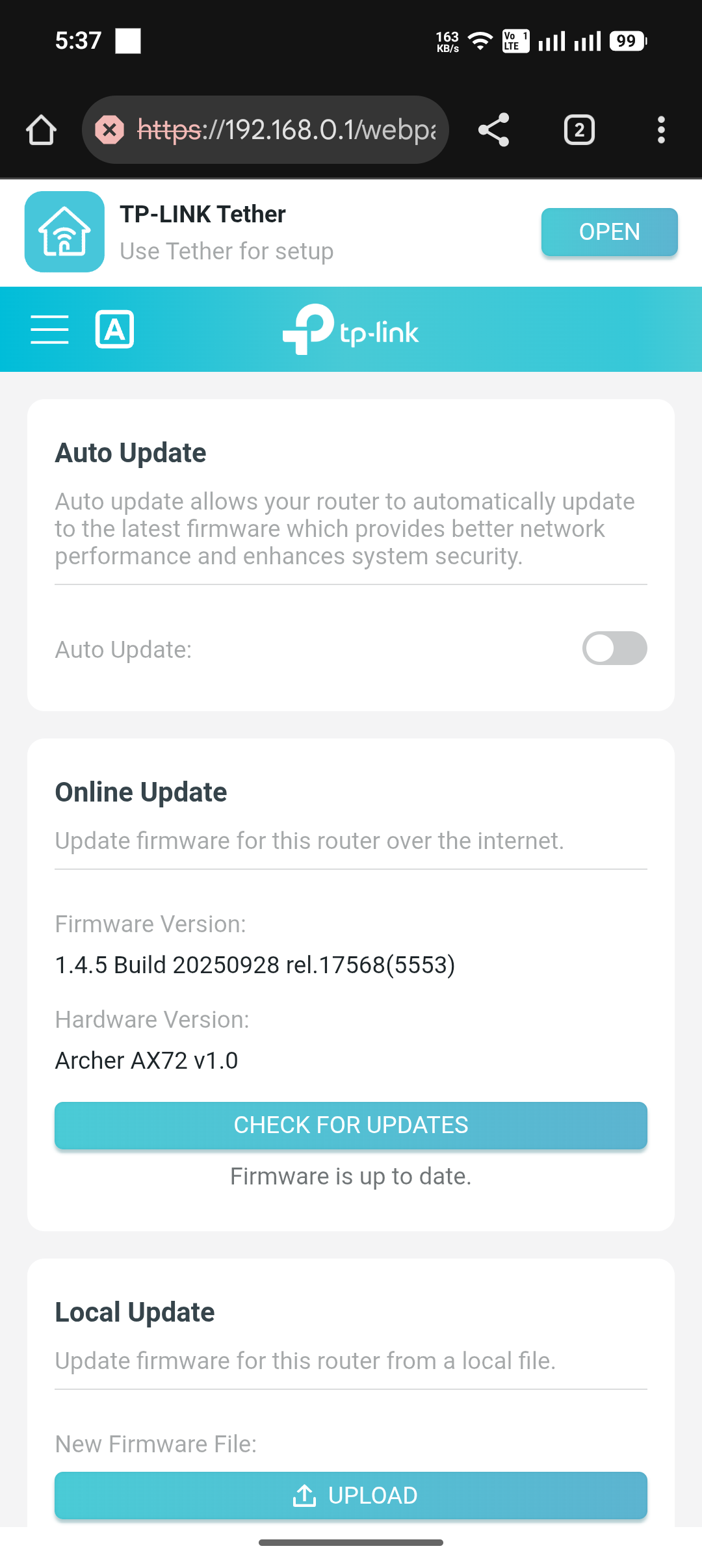
4. Firmware version details for the main rounter Archer AX72