Archer A10 Router not visible and access through IP Address- Connected through Satellite Router Mode

Archer A10 Router not visible and access through IP Address- Connected through Satellite Router Mode

Archer A10 Router not visible and access through IP Address- Connected through Satellite Router Mode
Friday
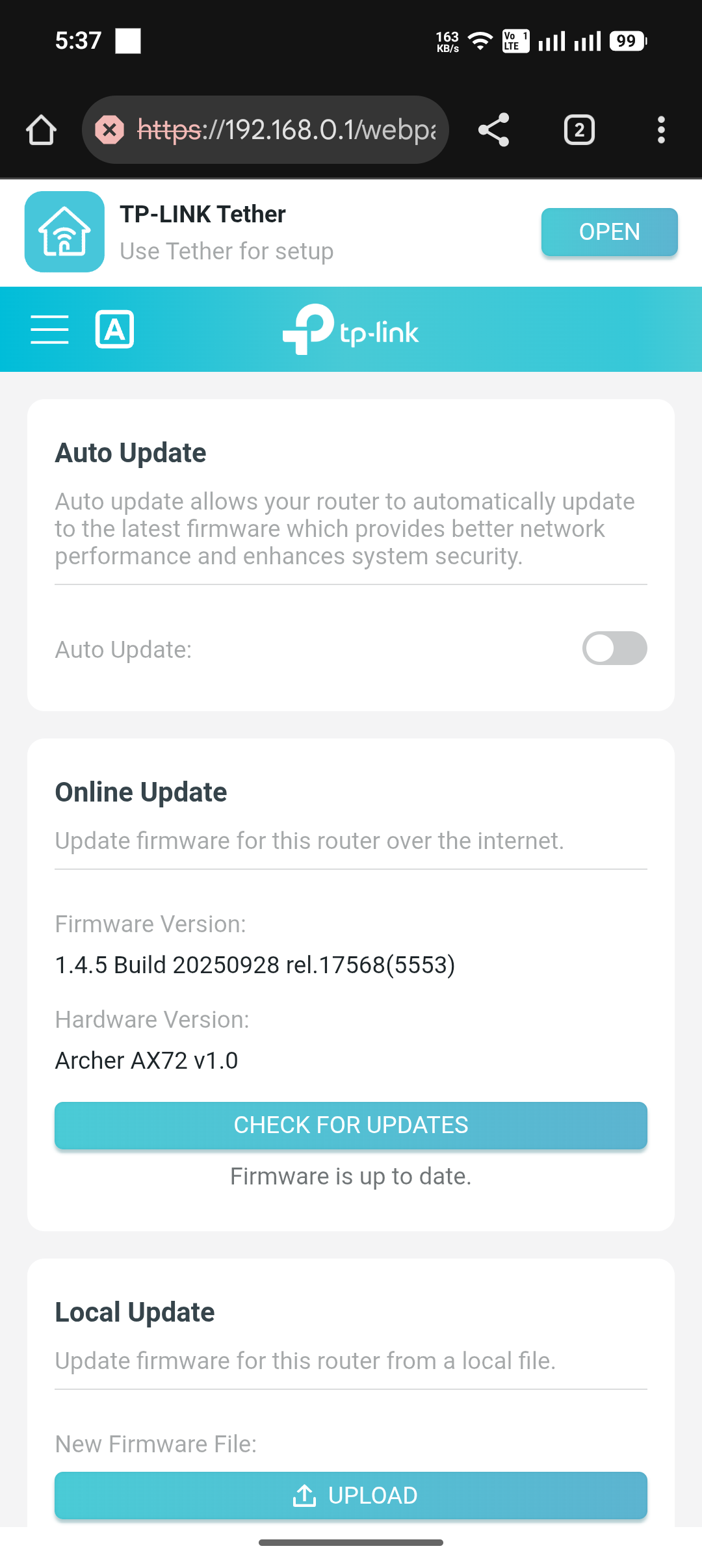
Model: Archer AX72  
Hardware Version: V1
Firmware Version: 1.4.5 Build 20250928 rel.17568(5553)

​I am using a TP-Link Archer AX72 as my main router and an Archer AX10 as a Satellite unit via EasyMesh. After updating the AX10 firmware and enabling "Satellite Router" mode, I successfully added it to the AX72 network. While the WiFi extension is functioning correctly, I am facing the following management issues:


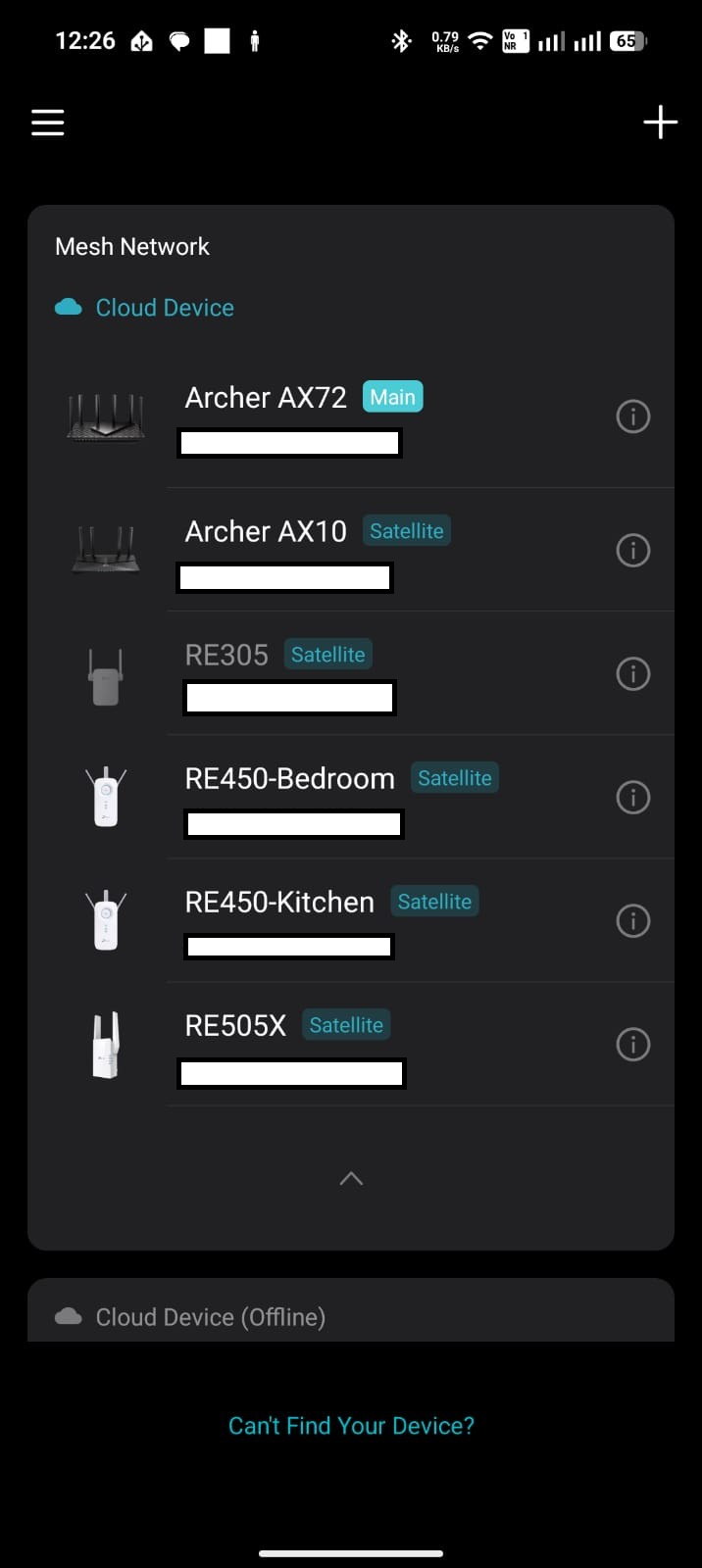
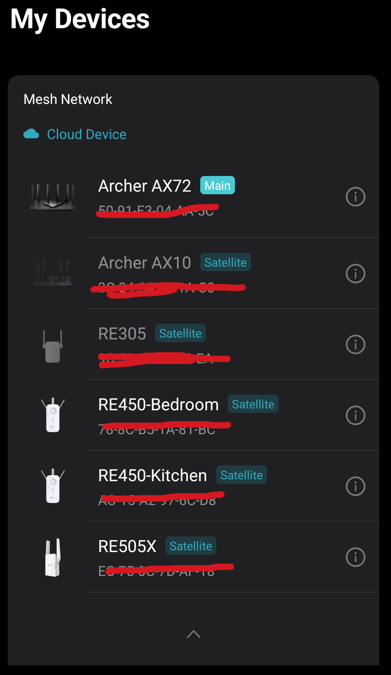
  • ​Tether App: The AX10 appears in the app but is grayed out/disabled, preventing me from managing it.
  • ​Web Interface: The AX10 is visible on the main router's page (192.168.0.1) but frequently toggles between "Connected" and "Offline," even though the devices are placed close together for testing.
  • ​Direct Access: Attempting to access the AX10 directly via its IP (192.168.0.17) results in the error: "Rejected request under RE mode."


​How can I properly access and manage the Archer AX10 settings?


Given below screenshots for your referance,


1. Tether Application: (Archer AX10 is in disabled status and not able to click it)


2. Web Page of the Main Router
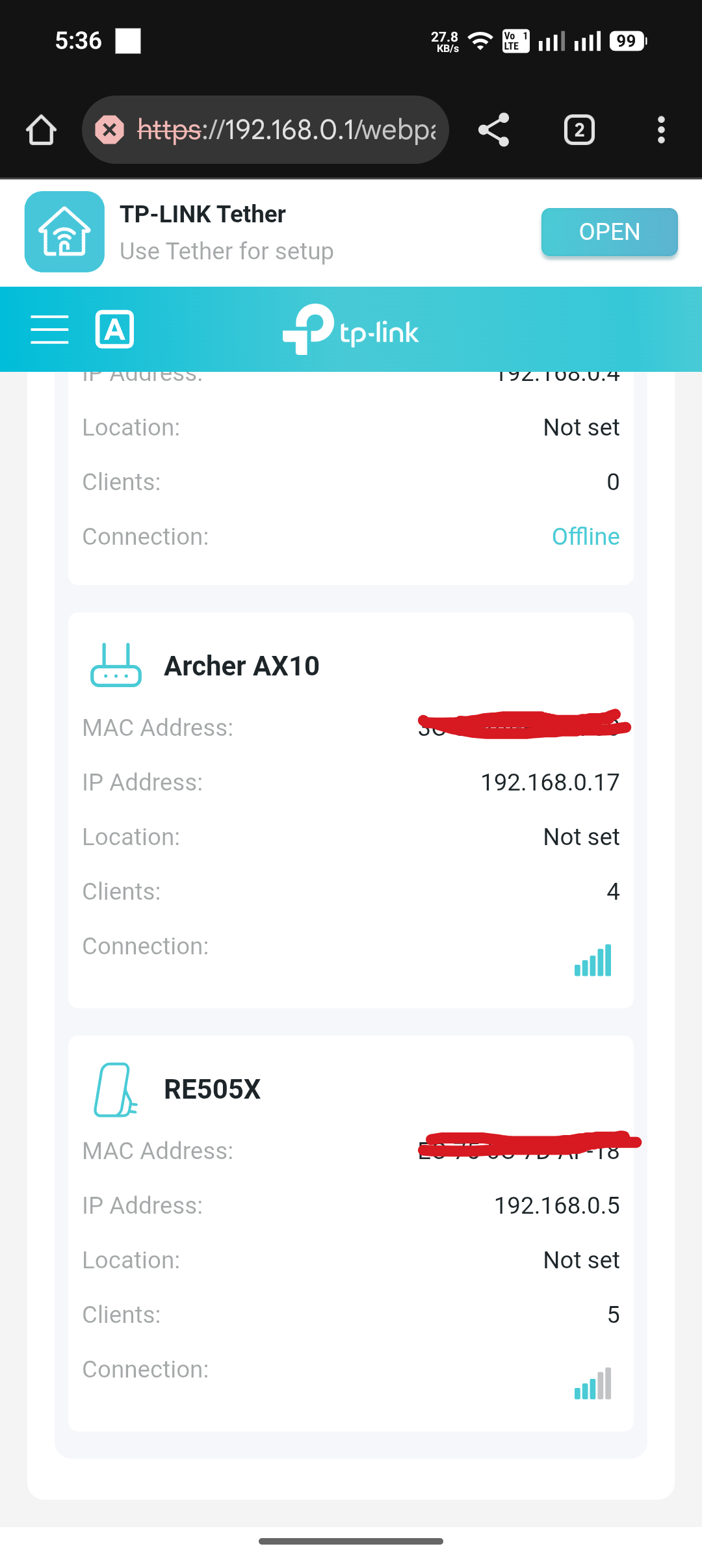


3. Access the Archer AX10 Router thorugh its IP address - 192.168.0.17

 

4. Firmware version details for the main rounter Archer AX72
 

  0      
  0      
#1
Options
5 Reply
Re:Archer A10 Router not visible and access through IP Address- Connected through Satellite Router Mode
Friday

  @Dijin 


Hi,


Unlike TP-Link's "RE" devices, many of TP-Link's EasyMesh router's do not yet support being managed individually when used as Satellites. TP-Link has been adding this feature to additional router models recently, but apparently the Archer AX10 doesn't have it yet.


Regarding the toggling between "Connected" and "Offline".

While no specific limit has been officially announced by TP-Link, users have previously reported here in this forum that they ran into problems when trying to add more than three or four Satellite units. 

While we can only hope that TP-Link is diligently working on solving these issues, I fear there might be no quick fix available for you.
 

  1  
  1  
#2
Options
Re:Archer A10 Router not visible and access through IP Address- Connected through Satellite Router Mode
Friday - last edited Friday

  @woozle thank you for your quick response. The Tether mobile app worked for the initial configuration of the AX10 router as Satellite Router mode, but it is now in a disabled state and I am unable to click on the AX10 router menu item. Shown in the 1st screenshot. 

  0  
  0  
#3
Options
Re:Archer A10 Router not visible and access through IP Address- Connected through Satellite Router Mode
Friday

  @Dijin 


For a test, can you please unplug at least two of the RE devices (i.e. power them off) and then check again if the AX10 starts working?

  0  
  0  
#4
Options
Re:Archer A10 Router not visible and access through IP Address- Connected through Satellite Router Mode
23 hours ago - last edited 23 hours ago

  @woozle 

I have tried, but there is no hope.


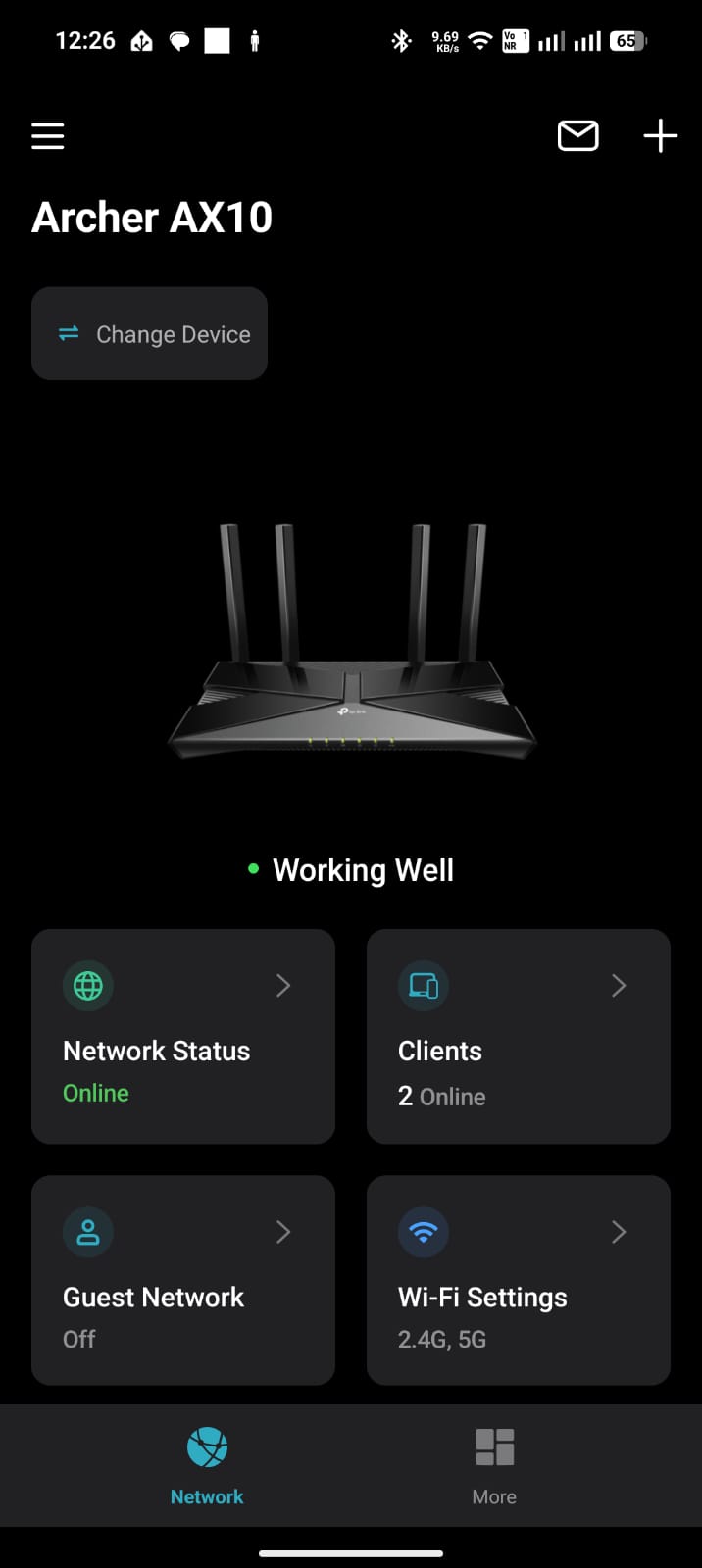
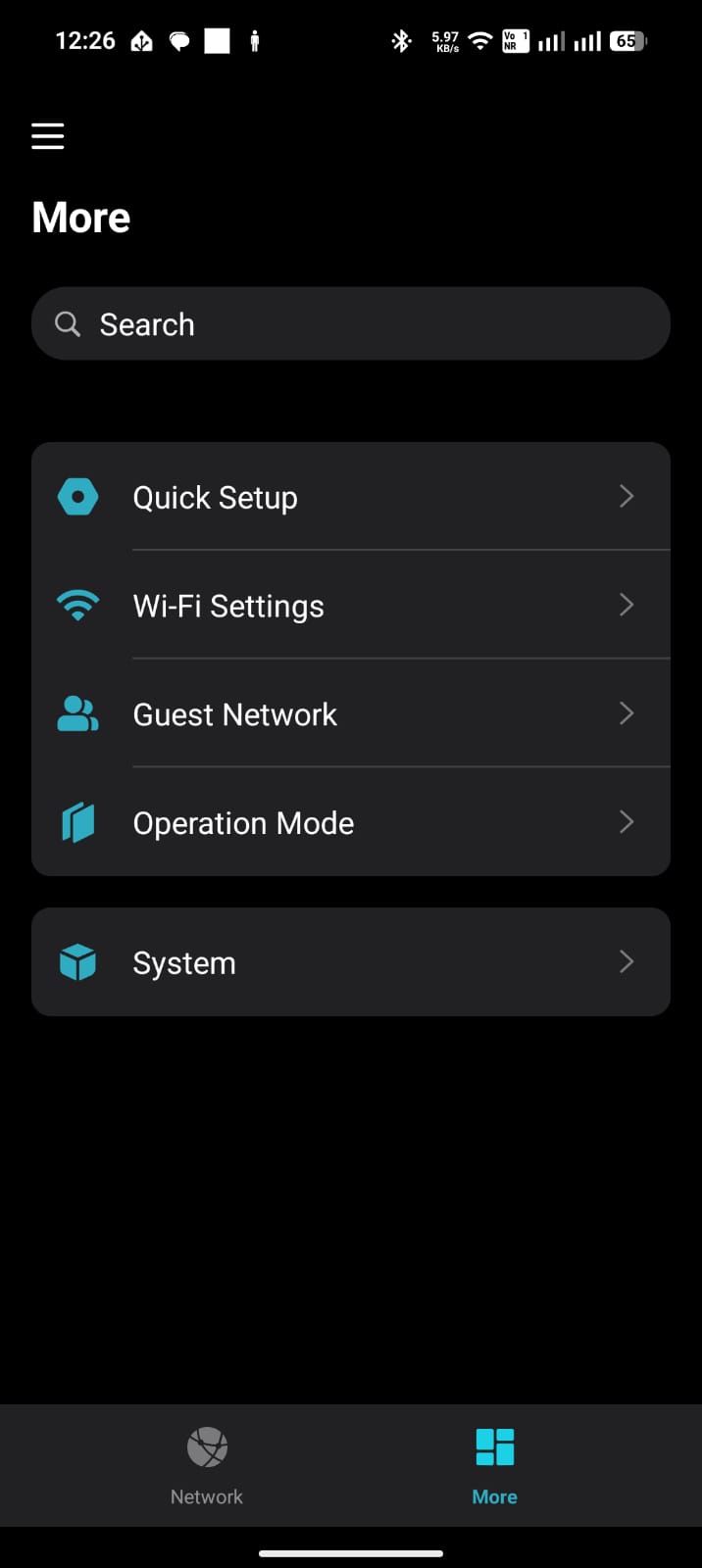
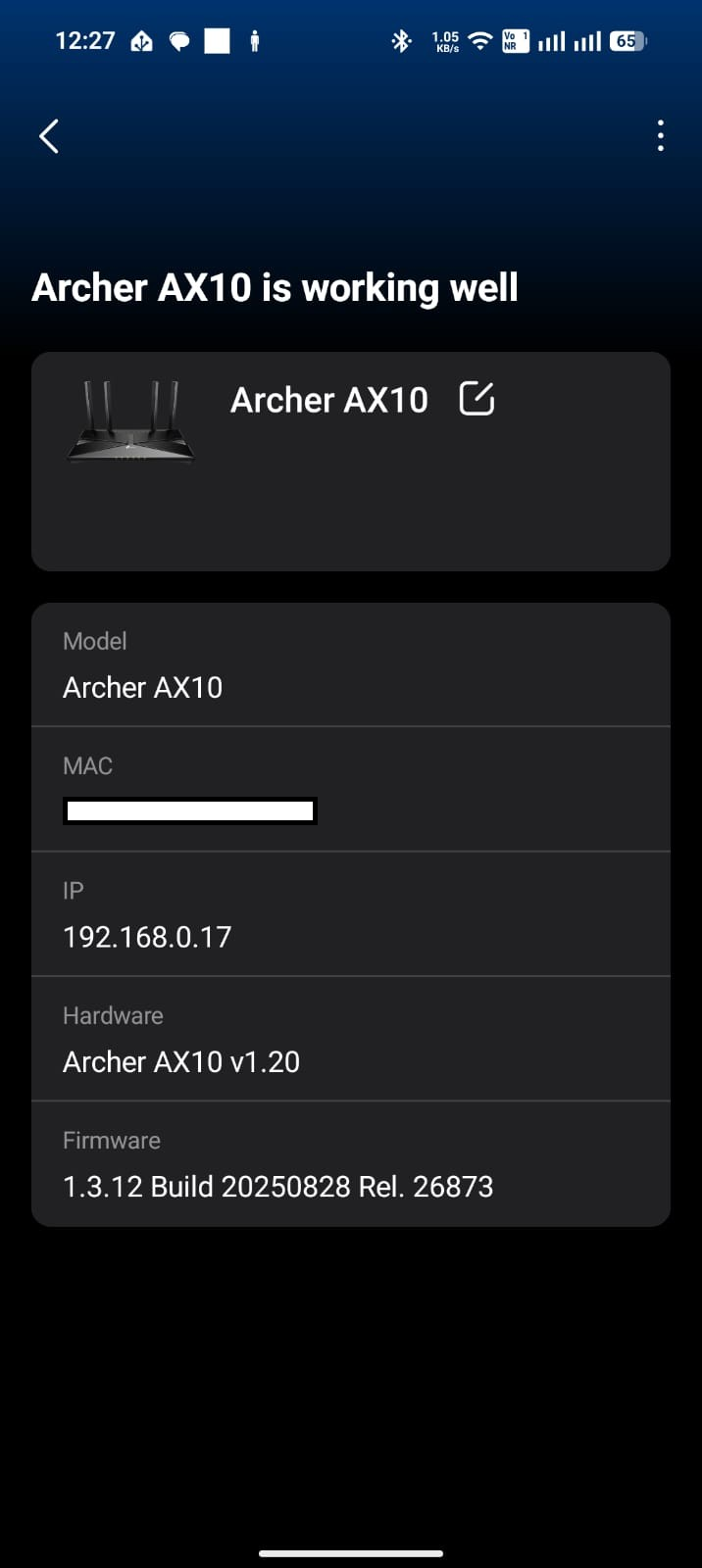
When we restart the AX10 after a few hours, it is active in the Tether Mobile Application, and we are able to manage the AX10 Router settings. Given below are sample screenshots.


  0  
  0  
#5
Options
Re:Archer A10 Router not visible and access through IP Address- Connected through Satellite Router Mode
20 hours ago

  @Dijin 


I should have been more clear in my previous post. Sorry.


What I meant with my suggestion was that you should permanently power off at least two of the "RE" devices (i.e. put them away in a drawer) and then see if that might allow the Archer AX10 to work normal.

Your first screenshot still shows all 6 of your EasyMesh devices as Online.

  0  
  0  
#6
Options