M4 Routing Query

M4 Routing Query

M4 Routing Query
M4 Routing Query
2 weeks ago
Model: Deco M4  
Hardware Version:
Firmware Version:

I'm sure the Office Deco used to know it had a wired connection.


I used to have this route:


Internet > Deco > Switch > (wired) > Deco > Switch > Office PC.


Then I realised if the Decos went down, I had to restart the Office Deco before it would restore internet to the office PC. So I changed the routing to:


Internet > Deco > Switch > (wired) > Switch > Deco


It means the Office PC is connected directly to the switch.


But now the Deco in the Office seems to not recognise a wired connection and is relying on WiFi.


Is the way I have it now a valid route for the Deco's to work with wired back haul?


If so, is there a way I can force that Deco to be wired?


Cheers

  1      
  1      
#1
Options
5 Reply
Re:M4 Routing Query
2 weeks ago

  @DukeCaboom 

Hi, can I have the current firmware version on the Deco M4?

How about the model number of the two network switches?

Is there another ISP router installed in front of the Deco M4?

-If yes, you can set Deco M4 into "Access Point" mode to see whether it helps.


Wait for your reply.

Best regards.


  0  
  0  
#2
Options
Re:M4 Routing Query
2 weeks ago - last edited 2 weeks ago

  @David-TP 

Hello


Current firmware is 1.8.2 (whatever the latest for the M4 is).


The switch next to the first (main) deco is a Netgear GS305.

The switch next to the second deco is a TP-Link TL-SG108S.


No ISP router.
The main Deco is in router mode.

  0  
  0  
#3
Options
Re:M4 Routing Query
2 weeks ago

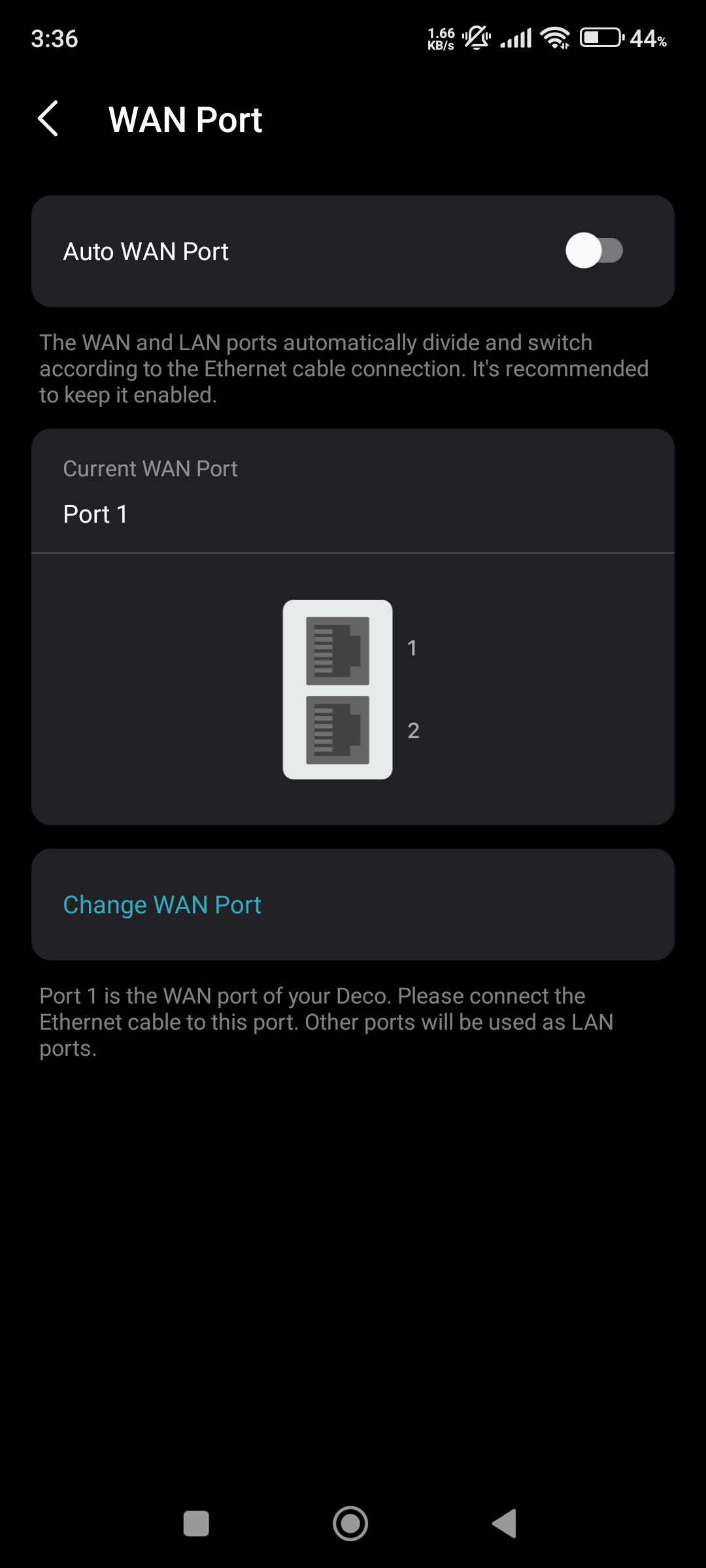
  @DukeCaboom If think your issue is same as mine. I have fixed it by using the option Fixed WAN Port because on auto Deco got confused between LAN and WAN port and because of that my whole mesh system messed up.


Please & Thank You !! ❤️
  1  
  1  
#4
Options
Re:M4 Routing Query
2 weeks ago

  @DukeCaboom 

Hi, thanks for the update.

Have you tested the following topology:

Internet > Deco > Netgear Switch ------ (wired) -----Deco

                                                      \ TP Switch ------ Office PC


Wait for your reply.

Best regards.


  0  
  0  
#5
Options
Re:M4 Routing Query
2 weeks ago

  @David-TP 


Hi


Yes, it was originally set up this way and detected it was ethernet connexted but because if the frequent drop outs of internet - https://community.tp-link.com/en/home/forum/topic/831096?replyId=1665806 - then I switched it to the current route.


This was because the TP-Link Deco units needed a hard reset before working again. It meant I had to reset two deco before internet would be restored upstairs.


Routing it this way means as soon as the Deco downstairs is reset, internet upstairs is restored instantly. 

  0  
  0  
#6
Options