
Kidshield Always allow App not workingg

Hi,
I am using Kidshield for my kids. I am facing as issue as the following.
Enable Bedime or Time limit for a profile. Then I added 2 applications for always allow. When I am trying to access the application, I got screen time ended or Bedime is applied. How I can use the always allowed apps.
Please advice.
- Copy Link
- Subscribe
- Bookmark
- Report Inappropriate Content


Hello @Reda_Otrosh ,
Do you mean the Allowed Apps feature isn't working while bedtime and time limits are in effect? I think this is normal. Please refer to the function of these two features:
Time limits: limit the client's daily online time.
Bedtime: Clients on the profile cannot access the Internet during Bedtime.
Since you mentioned that the time limit and Bedtime apply to the entire profile. In other words, while these two features are enabled, network access will be unavailable, and Allowed Apps will not function.
- Copy Link
- Report Inappropriate Content
- Copy Link
- Report Inappropriate Content
Hello @Reda_Otrosh ,
Thanks for contacting our community.
Have you tested the same Parental control settings on the 1.2.3 version? Does it work normally?
Please confirm that you have set the profiles properly: How do I block or manage APP traffic with HomeShield Advanced Parental Control on a TP-Link Router
If possible, please take screenshots of your settings and send them here.
Best Regards.
- Copy Link
- Report Inappropriate Content
After testing, I see the following results.
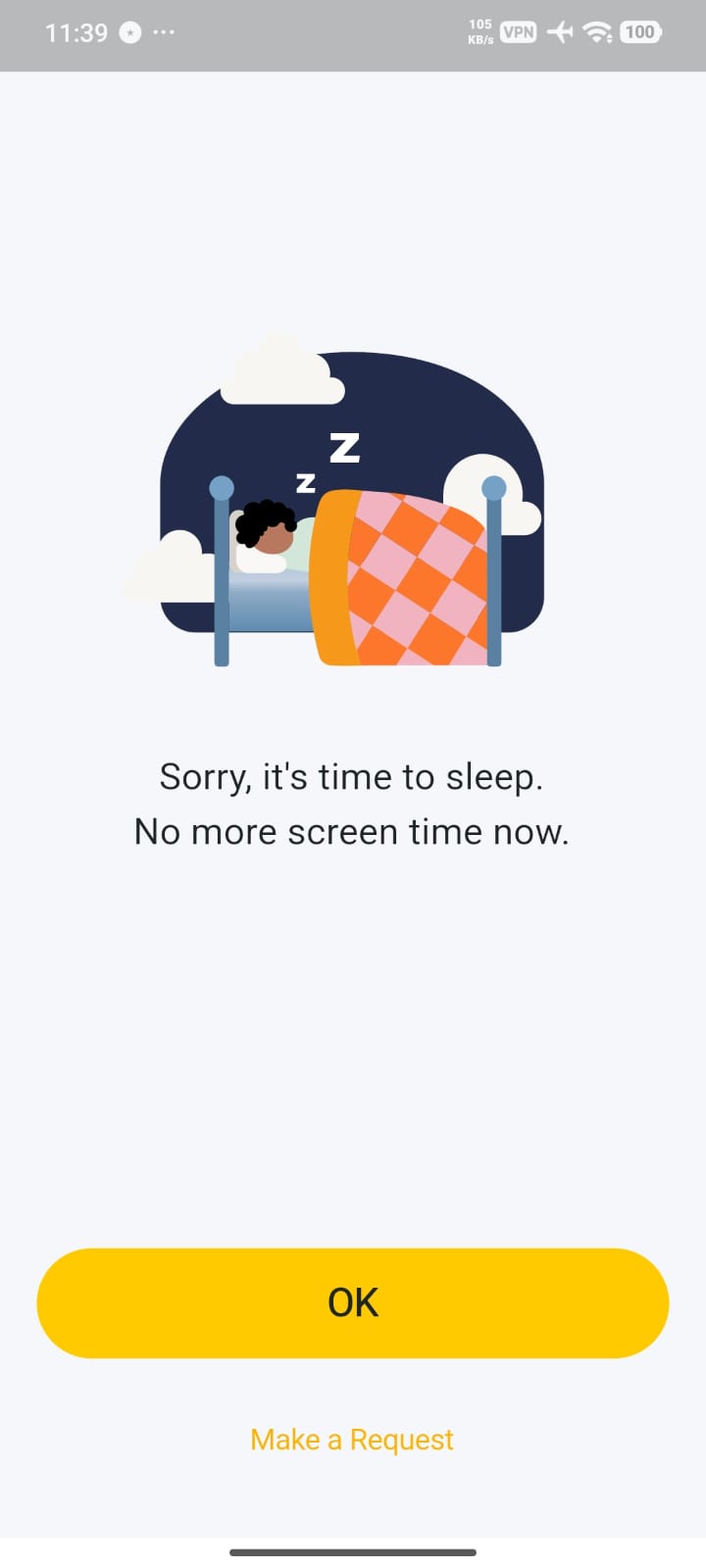
If I am configuring Bed time or Time limit for the whole profile. Allowed apps can't be accessed after the limits and I am getting the following.
You can see the following settings.
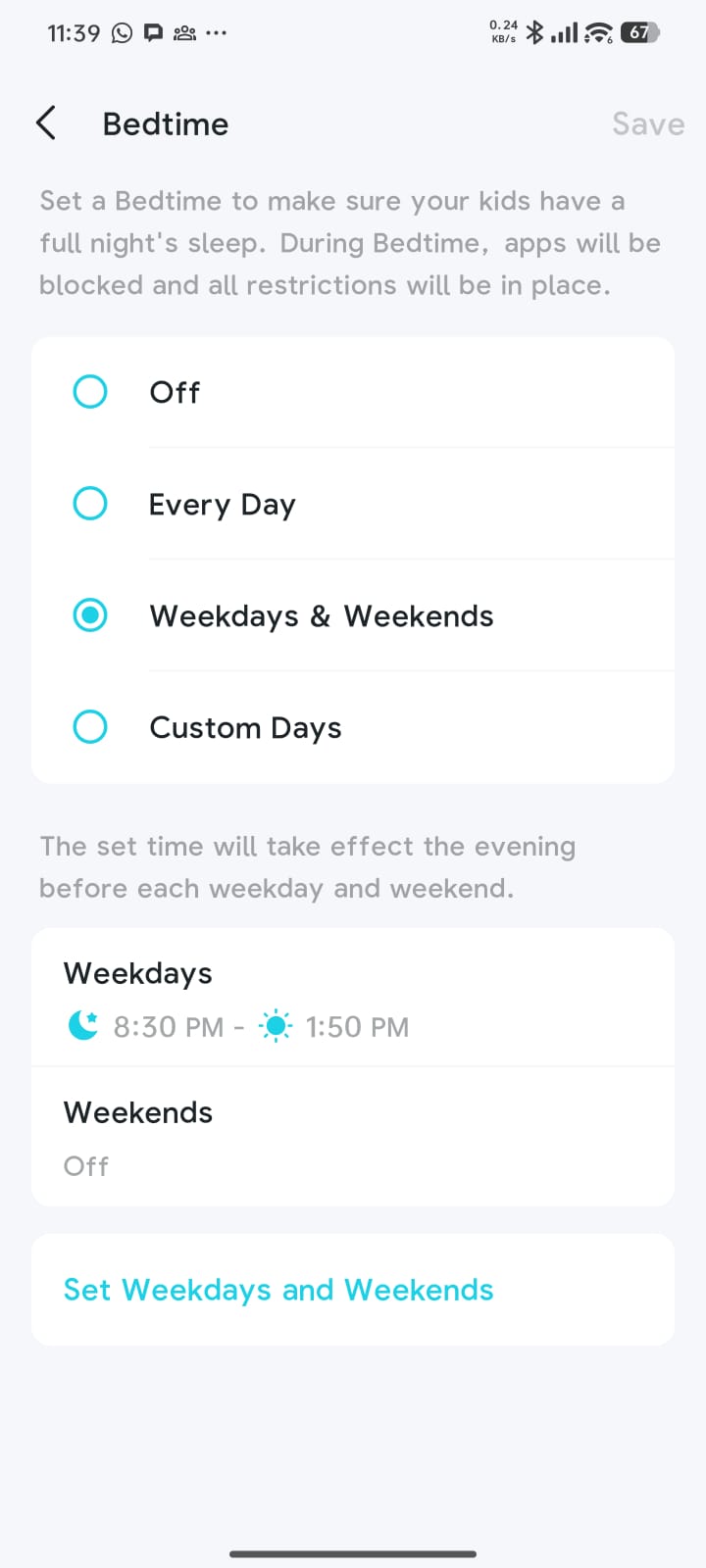
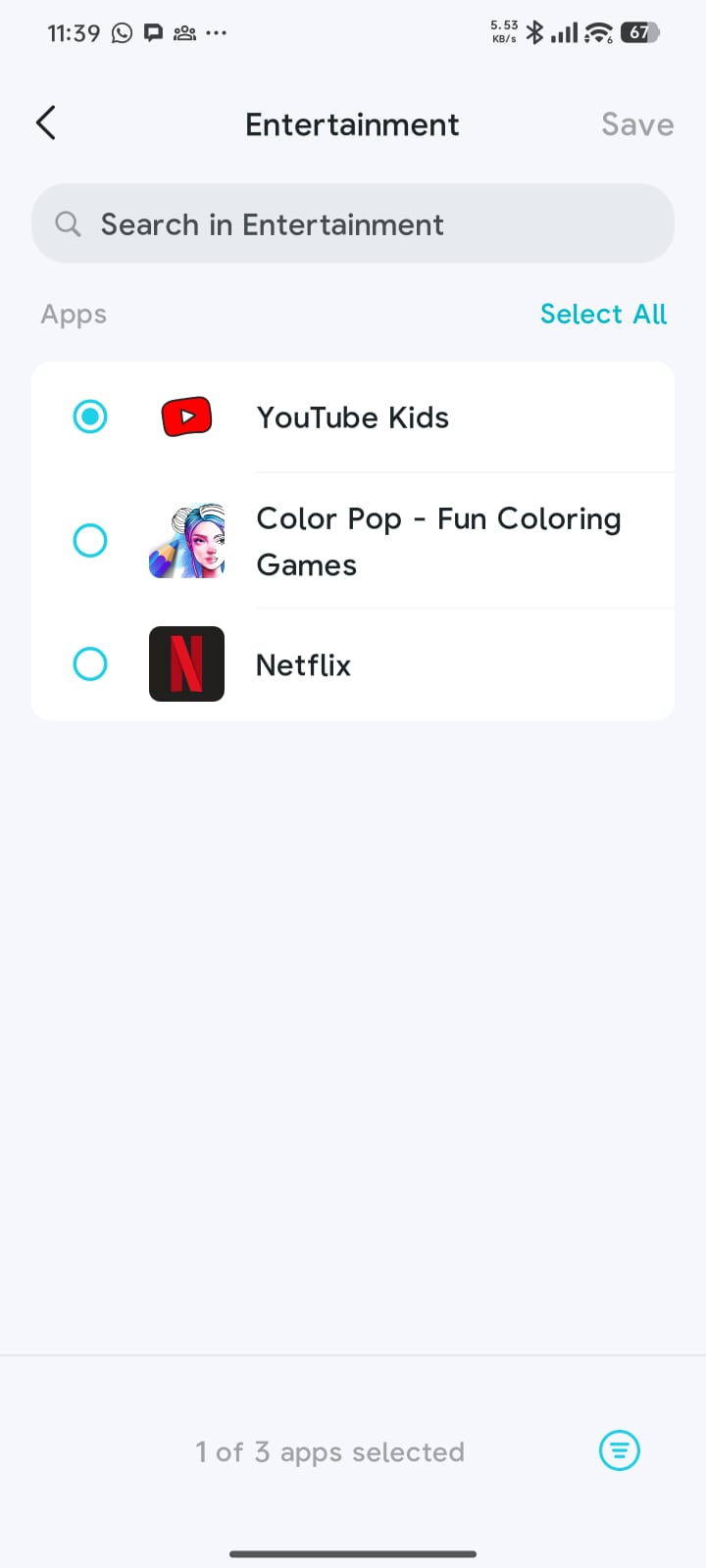
If I set application time limits or Application blocked, Allowed apps still working fine.
The issue is when I set Bedtime or Profile time limit. Is that the normal behavior or we can add exceptions for Bed time and Profile time limit.
Tested in Beta and GA versions(1.2.3 and 1.2.4)
Thanks in advance.
- Copy Link
- Report Inappropriate Content
Hello @Reda_Otrosh ,
Do you mean the Allowed Apps feature isn't working while bedtime and time limits are in effect? I think this is normal. Please refer to the function of these two features:
Time limits: limit the client's daily online time.
Bedtime: Clients on the profile cannot access the Internet during Bedtime.
Since you mentioned that the time limit and Bedtime apply to the entire profile. In other words, while these two features are enabled, network access will be unavailable, and Allowed Apps will not function.
- Copy Link
- Report Inappropriate Content
Can we ask developers to add new feature for exception if we are using bedtime to add always allowed app or create exception catagories to use specific app during bedtime.
- Copy Link
- Report Inappropriate Content
- Copy Link
- Report Inappropriate Content
I just tried Kidshield and ran into the same issue.
I would like to ensure my kids have access to certain important app at all times, like Maps, Calendar, Whatsapp, Wallet, etc.
This should be available even when time limites are in effect as they are necessary for safety , travel and family communications.
- Copy Link
- Report Inappropriate Content
Information
Helpful: 1
Views: 631
Replies: 7
Voters 1
